Material
polished veined stone — turquoise-and-lapis mineral grain, soft satin specular sheen — resting on soft matte paper
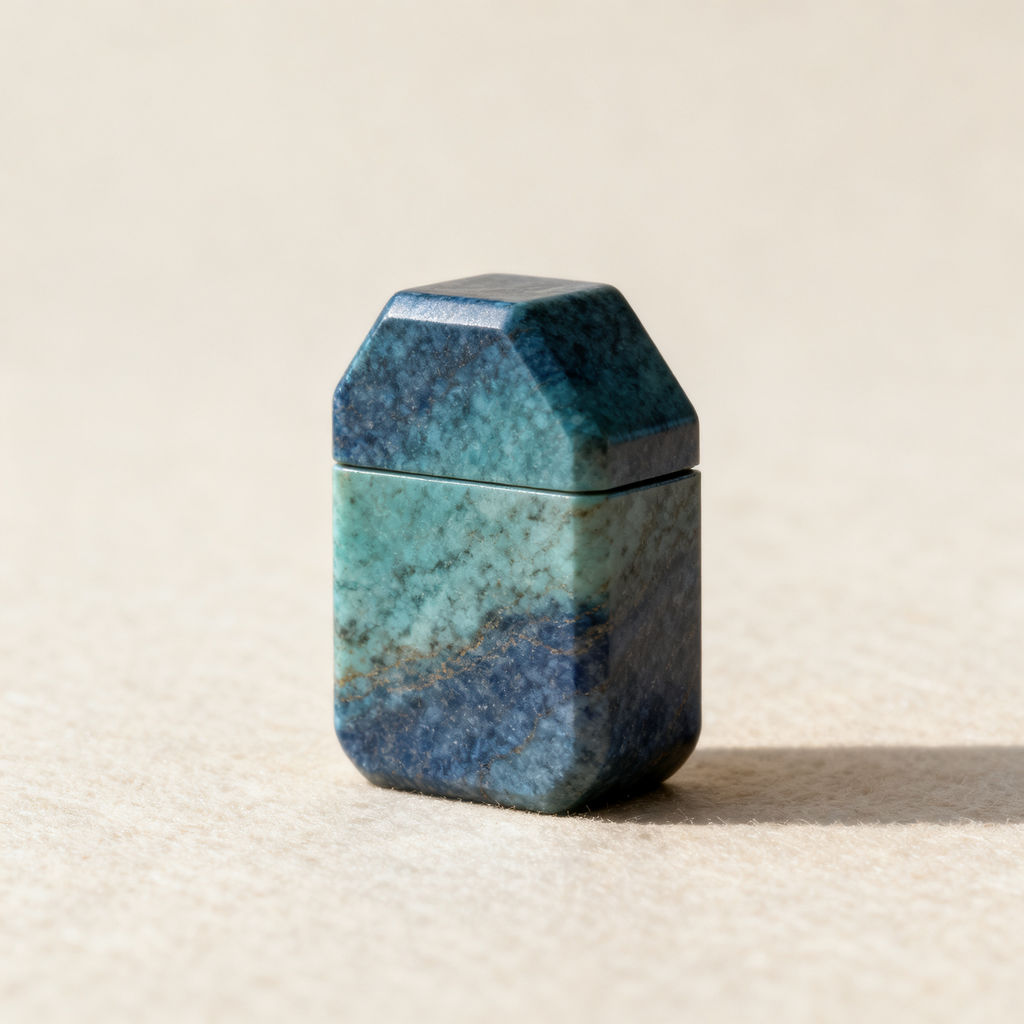
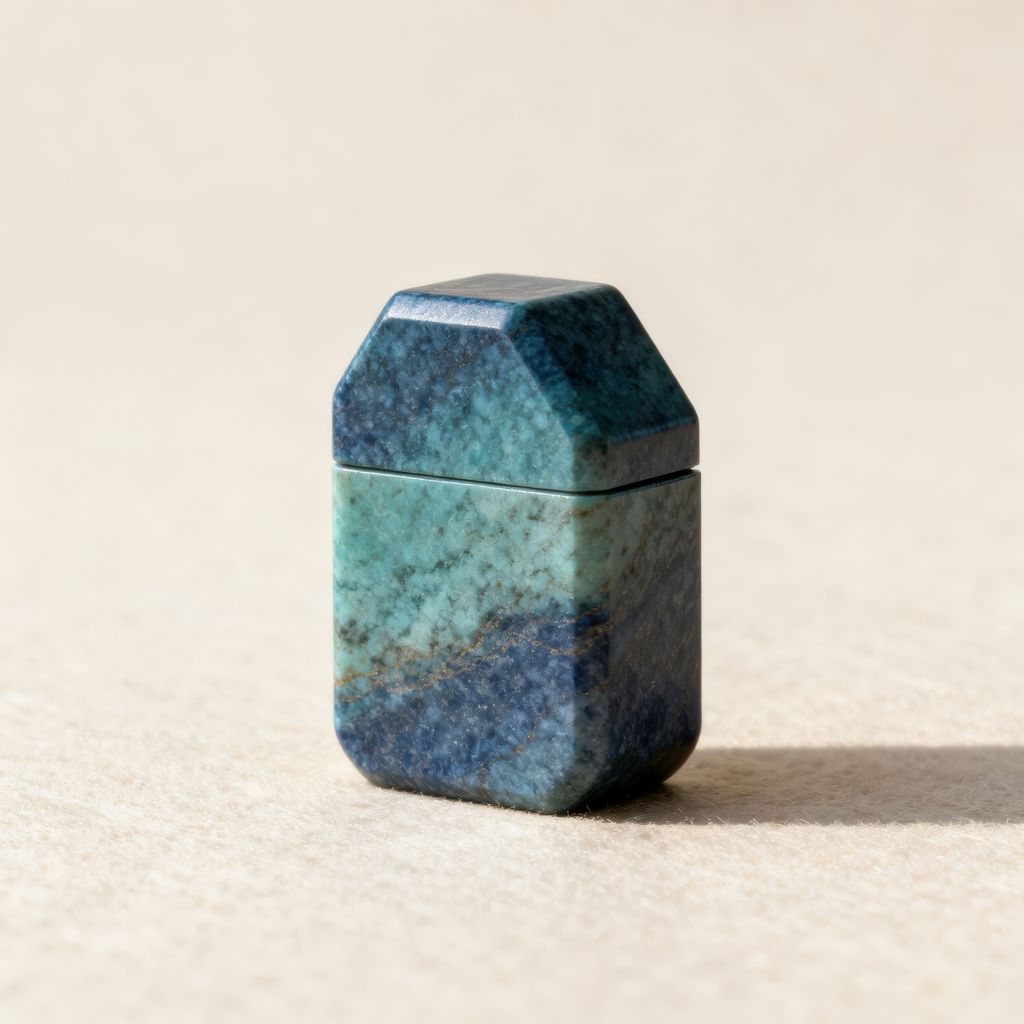
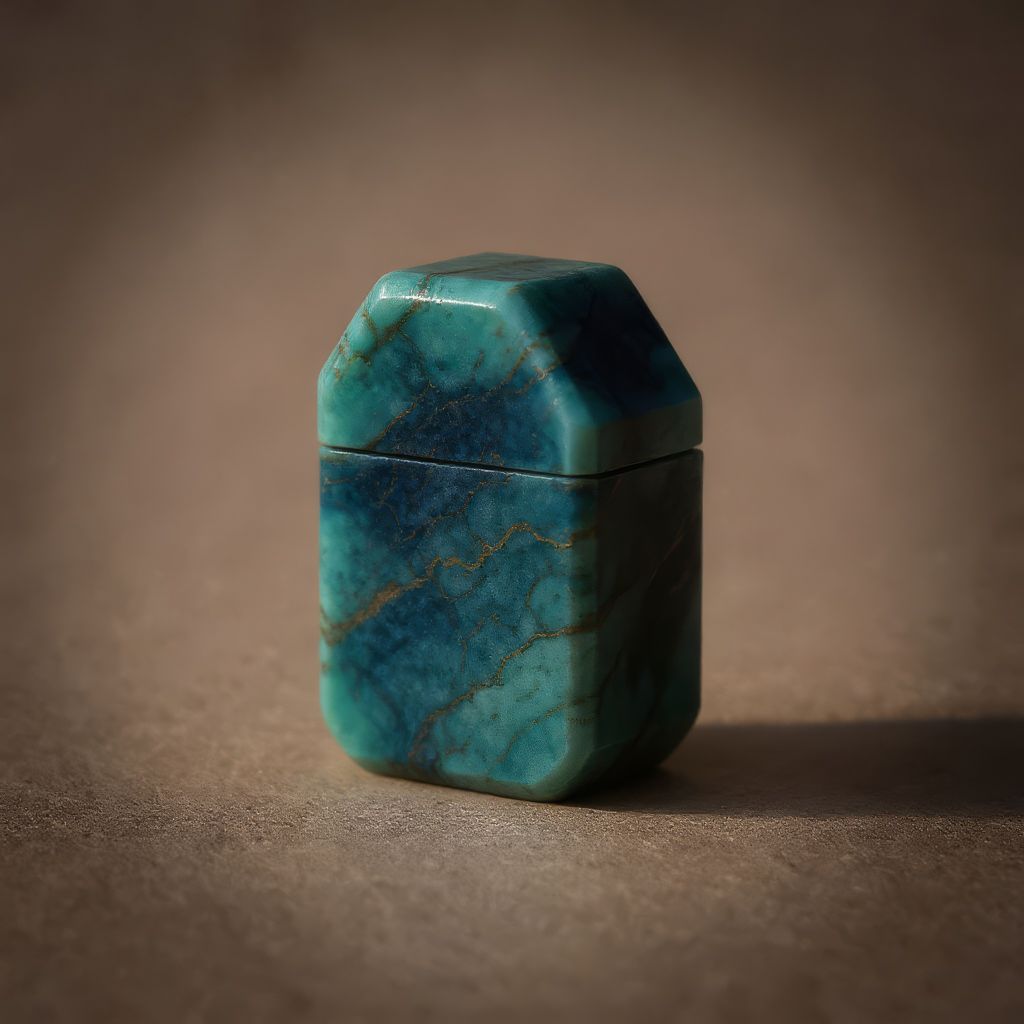
Feed the Technique a soft, low-res image or a short video clip and get back a sharp master, ready for print, billboard, or 4K delivery.

Print and Large Format
Designers send a legacy logo or an old low-res photo through image upscale media before it goes to a poster, a packaging proof, or a billboard blowup.

E-Commerce Product Shots
E-commerce teams upscale media image files from older catalog shoots so product photos still hold up at full zoom on modern retina displays.

Social and Video Content
Content creators apply a media upscale to phone snapshots and short clips, turning compressed exports into sharp assets for social, ads, and 4K delivery.
How to use Techniques?
Discover how to utilize Upscale Media for different scenarios.

Add inputs
Upload images, videos, or type in the prompts to get started.

Generate outputs
Next, hit the "Generate" button to start generating your outputs.

Edit and export
Refine your outputs on canvas, or download them directly.
Frequently asked questions
All you need to know about Upscale Media
What it means to upscale media, and how AI does it
To upscale media is to raise a file's resolution and put real detail back into it. That's the part a plain resize can't do. Resizing interpolates: it averages neighboring pixels to fill a bigger grid, so an enlarged photo goes soft and the type in a blown-up screenshot smears. An AI model has seen enough sharp imagery to predict what the missing detail probably looked like, so it rebuilds edges and lettering as it scales.
That's what makes a 400-pixel logo usable on packaging, or a decade-old catalog shot usable at full zoom. You can try FLORA free and upscale media online in the browser, then carry the result onto the canvas without exporting anything.
What the model is actually doing
Bicubic and Lanczos resampling are clever averages, but they've got no new information to work with, so there's nothing to add back. Push past roughly double the original size and the picture falls apart.
An AI upscale media pass is a generation step. The model trained on paired examples: a high-resolution image sitting next to a degraded copy of itself, thousands of times over. It learned what degradation does to real detail, how a compressed edge frays, how JPEG blocking settles into a flat sky, how fine text collapses at low resolution. Give it a soft file and it applies all of that in reverse.
A few consequences are worth knowing about, because they show up in what you get back:
- The detail is reconstructed. The model proposes what was probably there. When the source is well exposed and in focus, that proposal holds up under scrutiny. When it's badly blurred, the proposal is doing much more of the work, and that's usually where results disappoint.
- Framing, color, and composition stay put. The pass is about resolution. It won't restage a photo or change what's in it.
- Source quality matters more than source size. A clean thumbnail often gives the model more to work with than a large file that's been compressed to death, so don't assume the bigger original is the better input.
Video is the harder half of "media"
Most tools in this category stop at photographs. An image upscale media pass has one frame to solve. A clip has hundreds, and each one has to agree with the frame before it. Upscale frames in isolation and you get temporal flicker: shirt texture that crawls, edges that shimmer along a moving line.
Handling both means treating a clip as a sequence, so reconstructed detail lands in the same place from frame to frame. That's why a media upscale on video takes noticeably longer than the same job on a single still. It's also why frame-by-frame tools tend to produce clips that look sharp when paused and noisy when played.
The many ways people ask for the same thing
This job goes by a dozen names. They all describe one task, which is taking a file that isn't big enough and getting back one that is.
- "Upscale media AI free"
- "Upscale media app"
- "Upscale media photo enhancer"
- "Upscale media image"
- "Enhance a low-res photo"
- "Make a picture higher resolution"
The phrasing usually says something about what the person expects to find at the other end, whether that's a download, a subscription, or a phone app. On FLORA it's one Technique in the browser, and upscale media free runs are covered by the free plan's usage allowance.
Where it sits in the rest of the work
Upscaling is usually a setup step, and it sits close to other cleanup work:
- Reach for the image upscaler when your source is a still and you want the still-specific path.
- Clean the frame first with the object remover or the background remover, so the pass spends its detail on the subject and not on clutter you're about to delete.
- Recrop afterwards with quick reframe, once you've got enough resolution headroom to lose some pixels.
- Coming off a dedicated upscaler elsewhere? The Magnific AI alternative page covers how the approaches differ.
Once a file is sharp enough, it behaves like any other asset on the canvas. Plenty of people use an upscaled shot as a reference image in the FLORA AI image generator or the AI video generator, where the extra resolution gives the model cleaner detail to work from. Others park it in a moodboard, hand it to a layout, or send it straight to print.
Related techniques
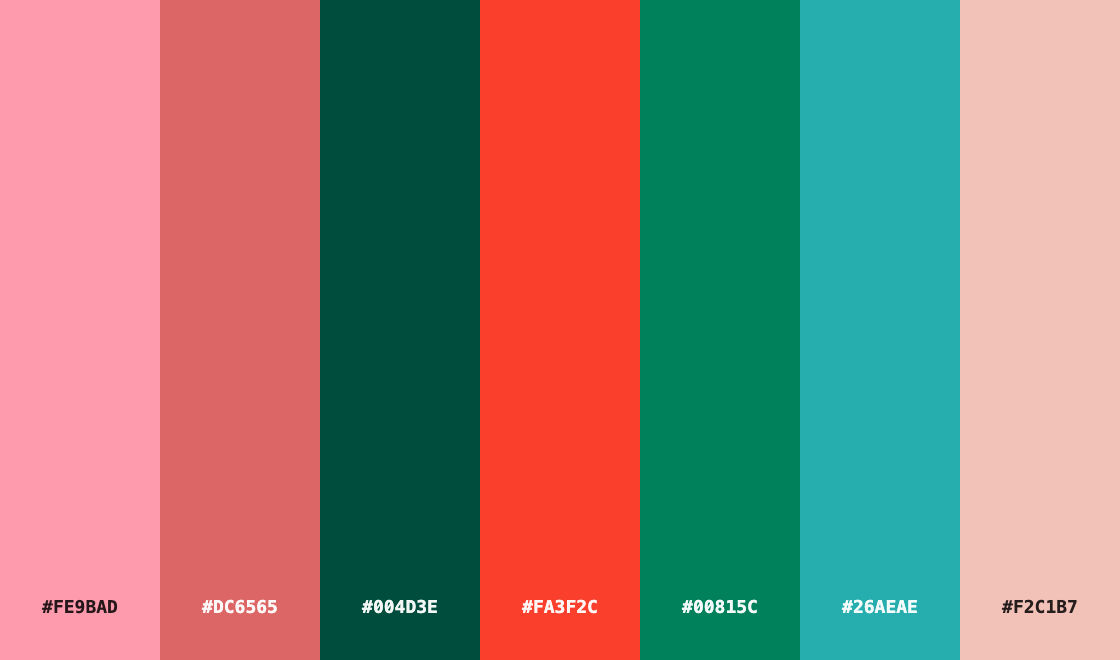 Color Palette ExtractionExtract color palettes from any image
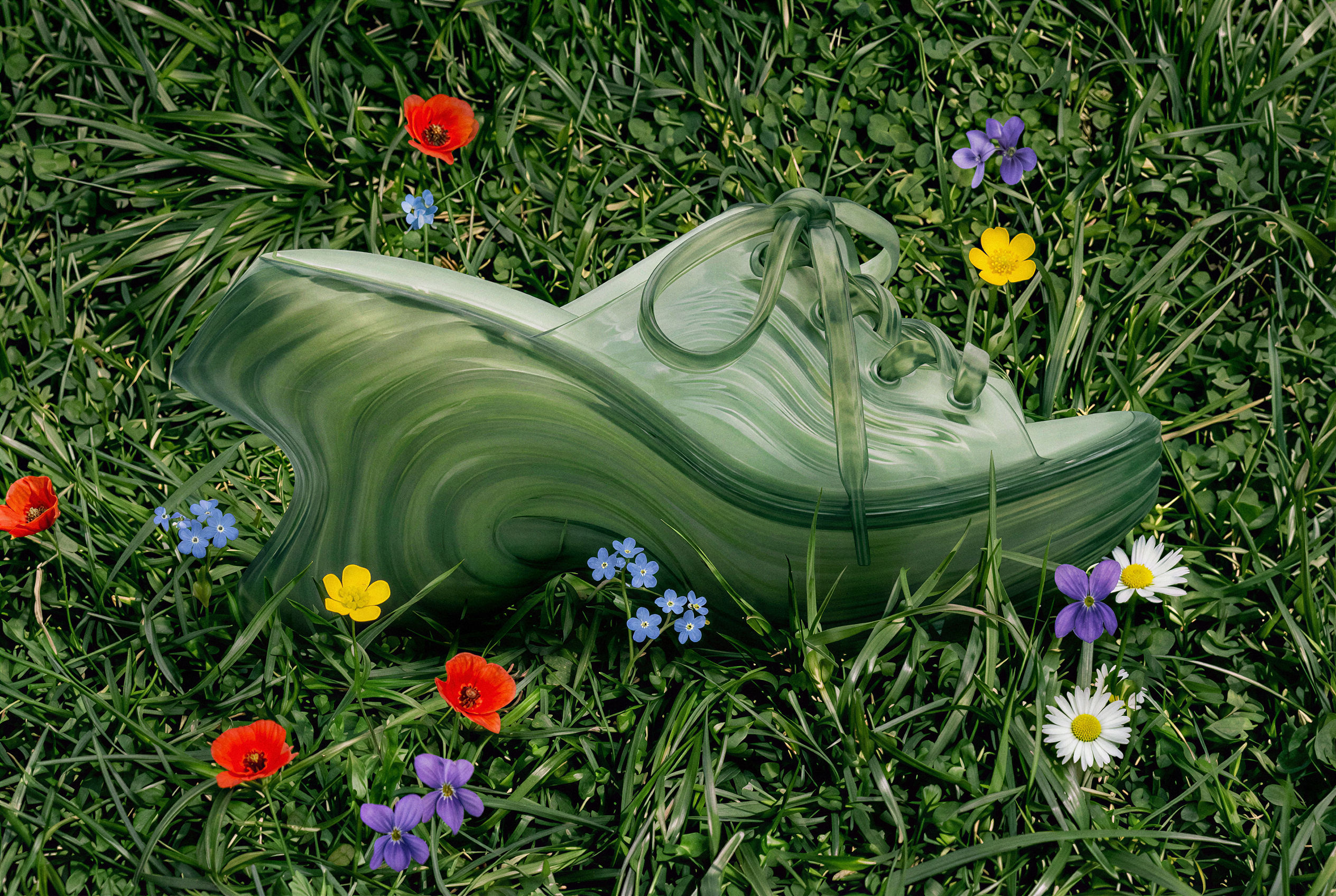 Image UpscalerUpscale any image to a higher resolution in one click.
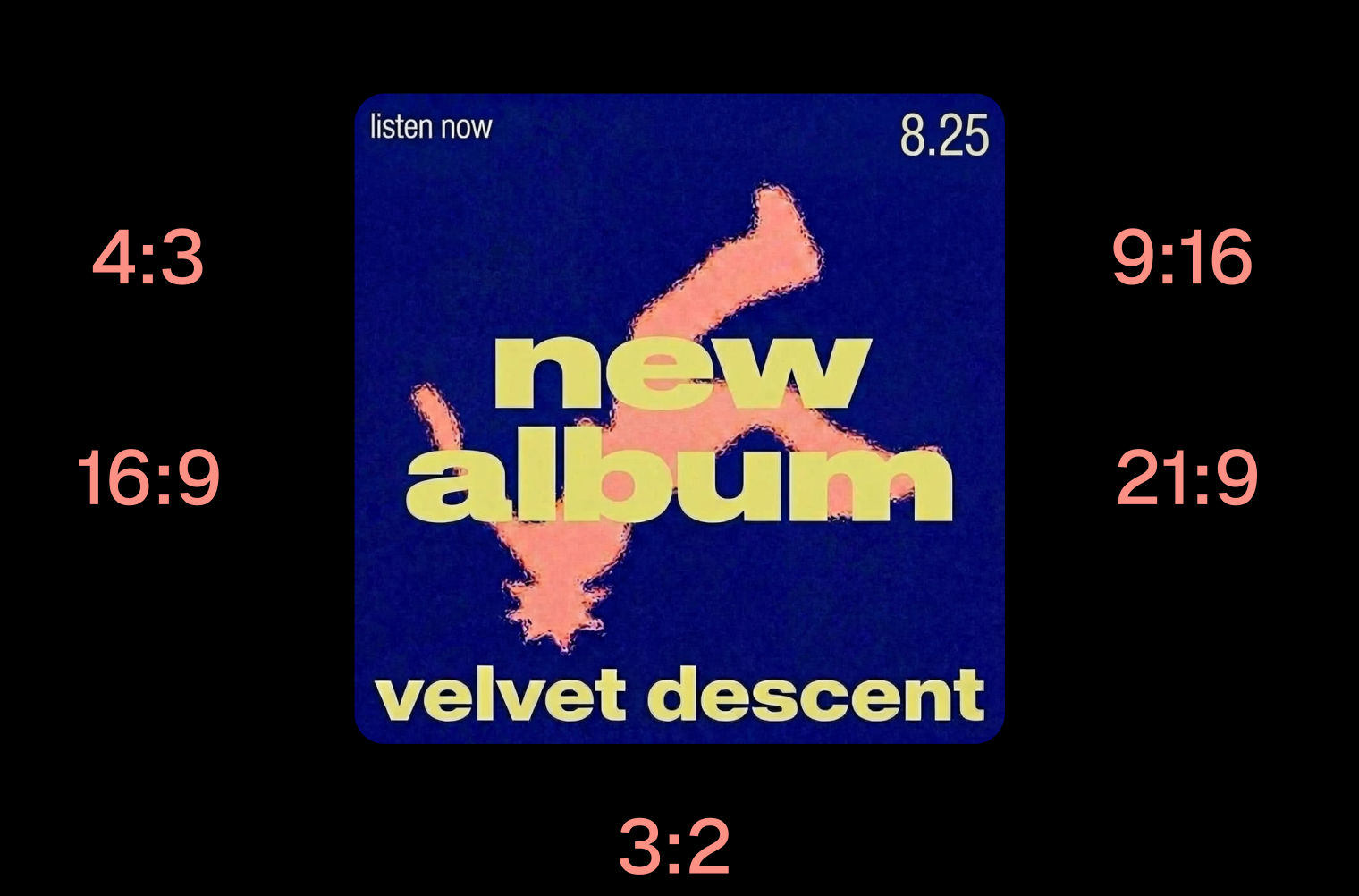 Layout ResizerResize layouts for any aspect ratio
 Prompt ExtractorReverse-engineers any image into a prompt
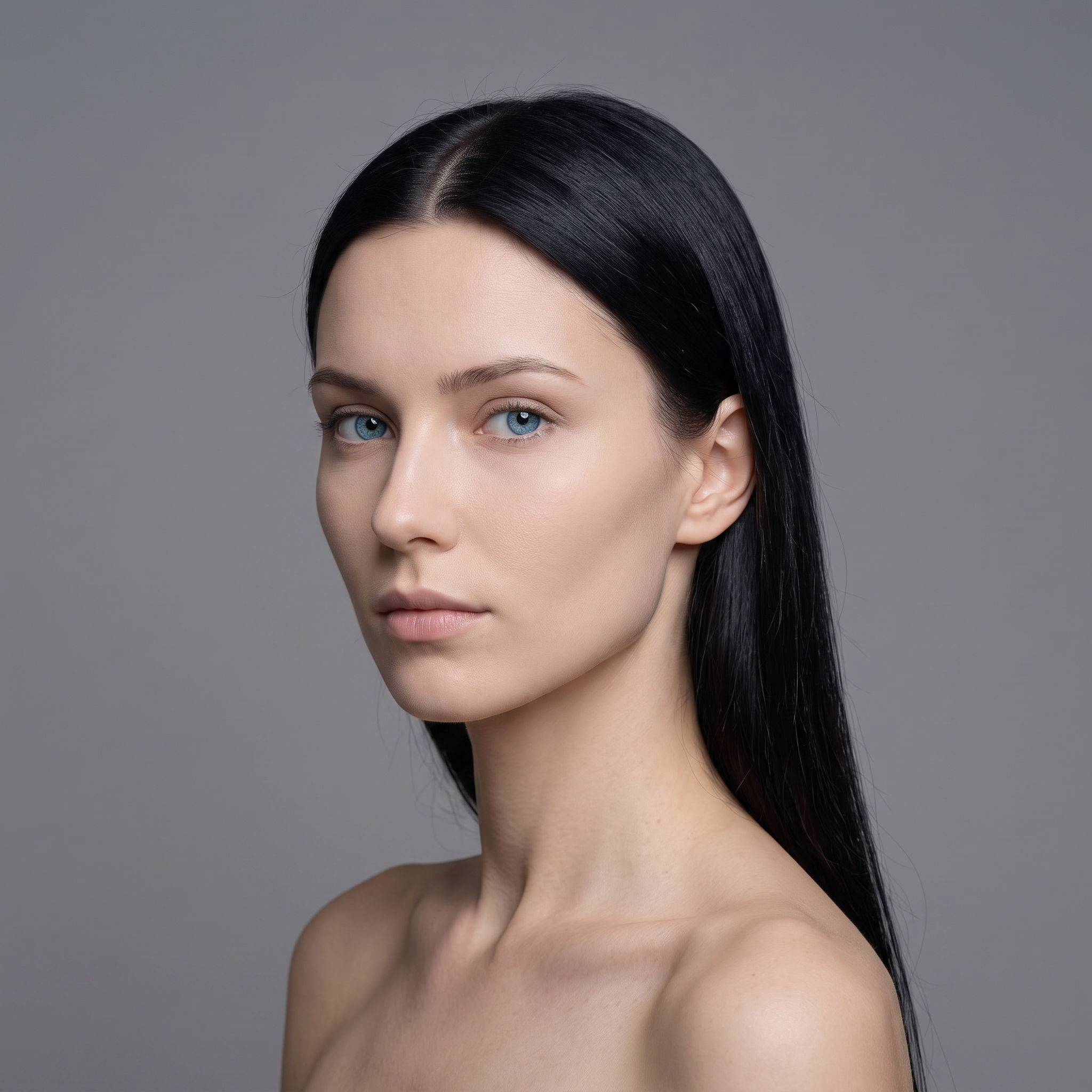 3 Angle ShootFront shot in, 45, 90, and 180 angle back
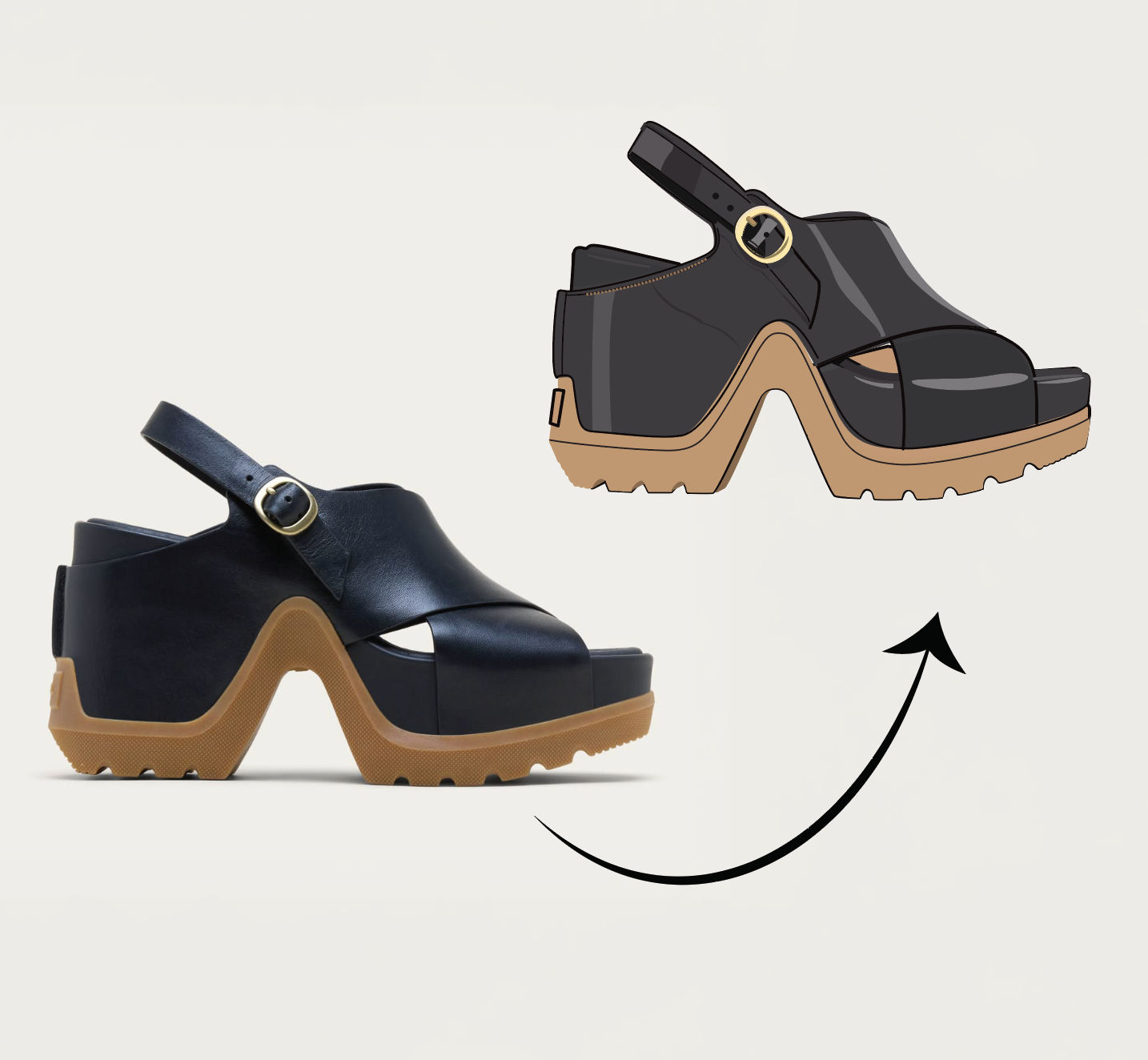 Anything to VectorTurn any image into a SVG vector illustration.
Upscale Media to Crisp High Resolution in One Click
turn a small, soft or compressed asset into a crisp high-resolution master. Useful for: anyone with a low-res logo, a phone snapshot, a legacy product photo, a screenshot or a downscaled export that now has to be printed, blown up on a billboard, or delivered at 4K — stills AND short video, since "media" here means both.

Louis Anderson