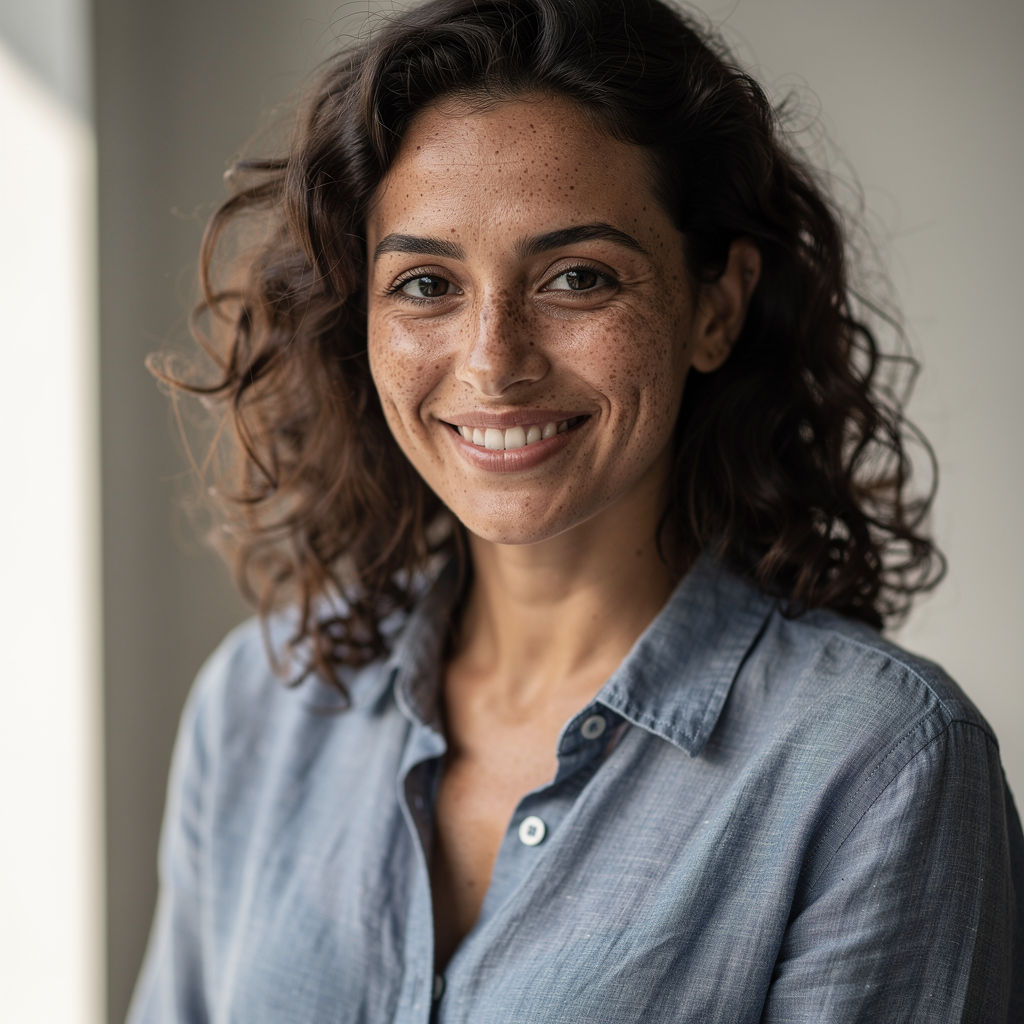
Subject
a 34-year-old woman with freckled olive skin and loose curly dark hair, a genuine slightly asymmetric smile, wearing a linen chambray shirt
New Scene
a rainy evening city sidewalk under a cafe awning, warm tungsten spill from the window mixing with cool blue dusk, wet pavement reflections
Scene
a sunlit farmers-market flower stall in Copenhagen, ranunculus and eucalyptus filling the background
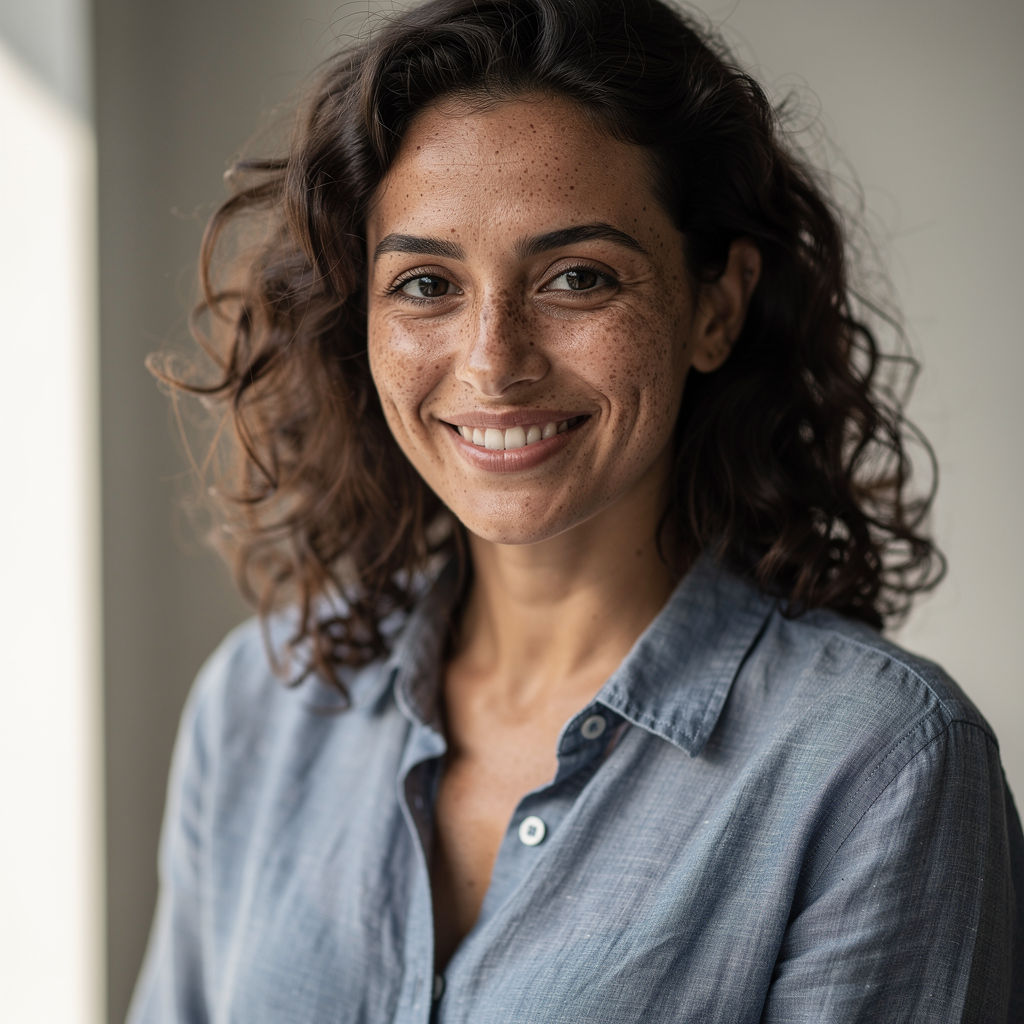
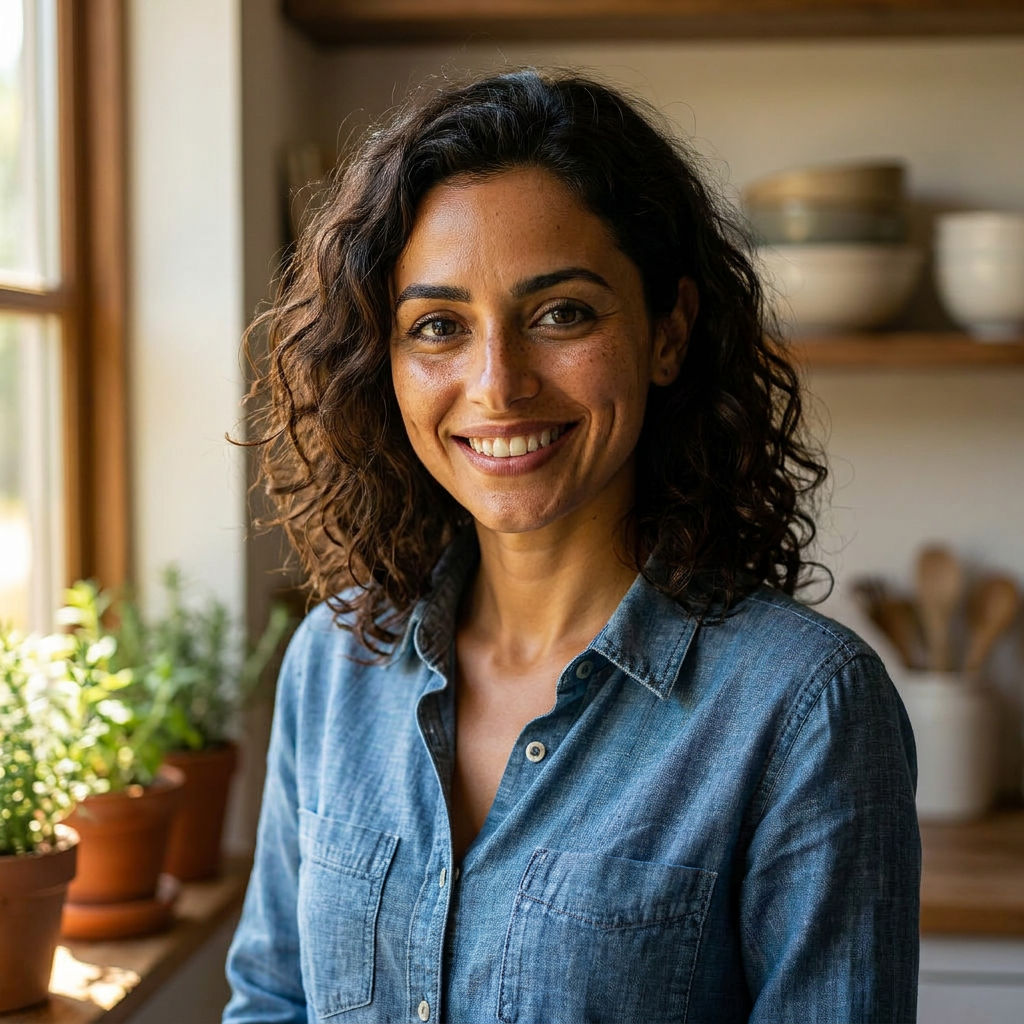
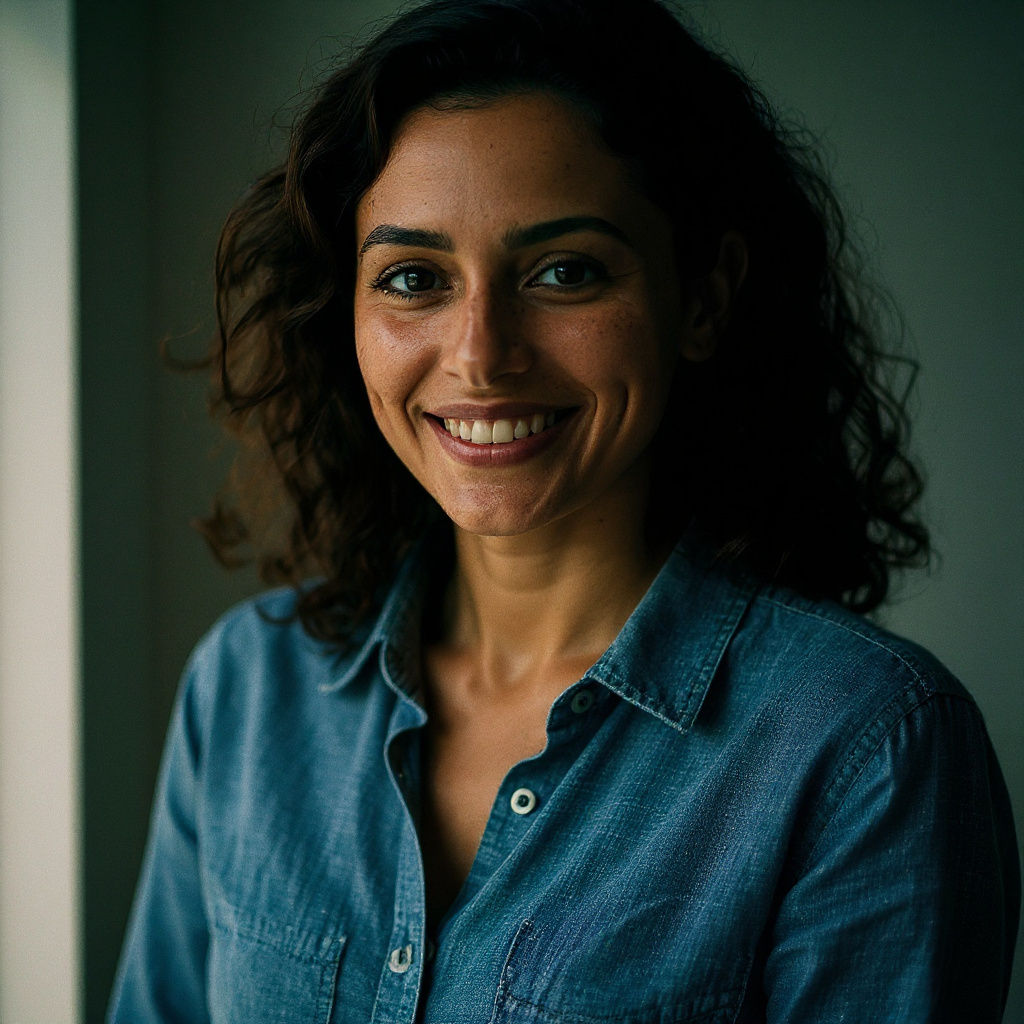
A grade ladder and true-to-life recontextualization prove the realism holds, useful for anyone weighing a realistic AI image maker against the usual plastic, over-smoothed AI look.

Portrait and Headshot Work
Photographers and creative teams use the Technique as a realistic AI photo generator for portraits, describing skin, hair, and wardrobe in the Subject field to get believable faces rather than over-smoothed ones.

Campaign Recontextualization
Marketing teams reuse one subject across settings by filling the New Scene field, producing realistic AI photos of the same person or product in a second environment without a reshoot.

Product and Lifestyle Shots
E-commerce teams describe a product as the Subject and a lifestyle setting as the Scene, producing realistic AI generated images of the same item across two environments.
How to use Techniques?
Discover how to utilize Realistic AI Image Generator for different scenarios.

Add inputs
Upload images, videos, or type in the prompts to get started.

Generate outputs
Next, hit the "Generate" button to start generating your outputs.

Edit and export
Refine your outputs on canvas, or download them directly.
Frequently asked questions
All you need to know about Realistic AI Image Generator
What makes a realistic AI image generator actually realistic
A realistic AI image generator turns a written description into a photograph that survives a second look: skin with visible texture, light that falls off the way light actually falls off, and the minor irregularities every real face and real object carries. Producing one convincing frame is not especially hard anymore. Keeping the same person recognizable when you move them from a sunlit market stall to a rainy street at dusk is where most tools come apart.
That second test is the one worth running before you commit a concept to a campaign, and you can try it on FLORA with three lines of description. Complaints about AI imagery tend to trace back to a handful of specific failures, and they get easier to prompt against once you know what you are looking for.
Why AI images usually read as fake
Start with skin. Real skin has pores, fine lines, patchy redness across the cheeks and nose, a few stray hairs at the temple. Training data leans heavily on retouched commercial photography, so the default output drifts toward an averaged, poreless surface that reads as a rendering of a person.
Symmetry is the second giveaway. Human faces are asymmetric in ways nobody consciously tracks: one eye sits a millimeter higher, a smile pulls harder on one side, a hair part falls off center. Faces built on a perfect axis trigger suspicion well before a viewer can articulate why.
Then there is light with no origin. A photograph tells you where the light came from, whether that is a north-facing window, a streetlamp behind the subject, or a bounce card just out of frame. Even, sourceless illumination flattens everything, and it is usually the first thing a working photographer notices.
The last group is optical. Real lenses vignette at the corners, throw backgrounds out of focus at wide apertures, produce faint color fringing on high-contrast edges, and lay down sensor grain that shifts with ISO. Output generated without those artifacts can be technically clean and still look illustrated. Studio Blur exists partly to put the depth cue back, and Image Upscaler recovers fine texture that gets smoothed away at lower resolutions.
Naming the texture, the asymmetry, and the light source in your own words is how you end up with realistic AI generated images instead of merely plausible ones.
Why one good frame proves very little
A flattering hero shot can be luck. The way to find out is to change the conditions: put the same subject on wet pavement under tungsten spill and see what holds. When a likeness is unstable, that is where it shows. Bone structure drifts. A linen shirt starts behaving like polyester. Skin tone slides toward a cast no sensor would produce.
This technique is built around that check. It renders the hero from your Subject and Scene description, moves the same subject into whatever you put in the New Scene field, and applies a different color treatment to the original. Three results from one run, two of which exist to stress-test the first.
If you are working through best AI image generators to settle on the most realistic AI image generator for a particular job, this is a more honest test than scrolling a sample gallery, since every gallery is a selection of the good ones.
Color grade does more work than people expect
Photographers tend to read color before they read content. Film stocks and digital sensors respond to light in specific, non-neutral ways: highlights roll off gradually instead of clipping to white, shadows pick up a cast instead of going neutral black, saturation drains out of the deepest tones. Grades that imitate that behavior push an image toward looking captured. Grades that crank contrast and vibrance push it the other way, toward looking processed.
Worth judging the graded frame on its own for that reason. On portrait work it is often the version that convinces, which is also why Glam Shots makes sense as a next step once a likeness is holding up across conditions.
The same job under a dozen different names
Search behavior here is scattered across phrasings. Someone after portraits looks for a realistic AI photo generator. Someone who needs images that can sit in a social feed without drawing comment searches for realistic AI photos. Someone evaluating the software itself types realistic AI image generator. The requirement underneath is identical every time: pictures that do not read as synthetic.
Environment-led work has a vocabulary of its own again, which is usually where Location Scouter comes in, and the full range of models behind all of it sits on the AI image generator pillar.
Working past the first run
Three outputs are a starting point, not a verdict. Pull them onto the FLORA canvas, keep whichever frame held its likeness, then run the description again with a single variable changed so you can see what the environment was actually contributing. Realism tends to arrive by narrowing, a few attempts at a time, and the canvas is where that narrowing is cheap.
Related techniques
 Color Palette ExtractionExtract color palettes from any image
 Image UpscalerUpscale any image to a higher resolution in one click.
 Layout ResizerResize layouts for any aspect ratio
 Prompt ExtractorReverse-engineers any image into a prompt
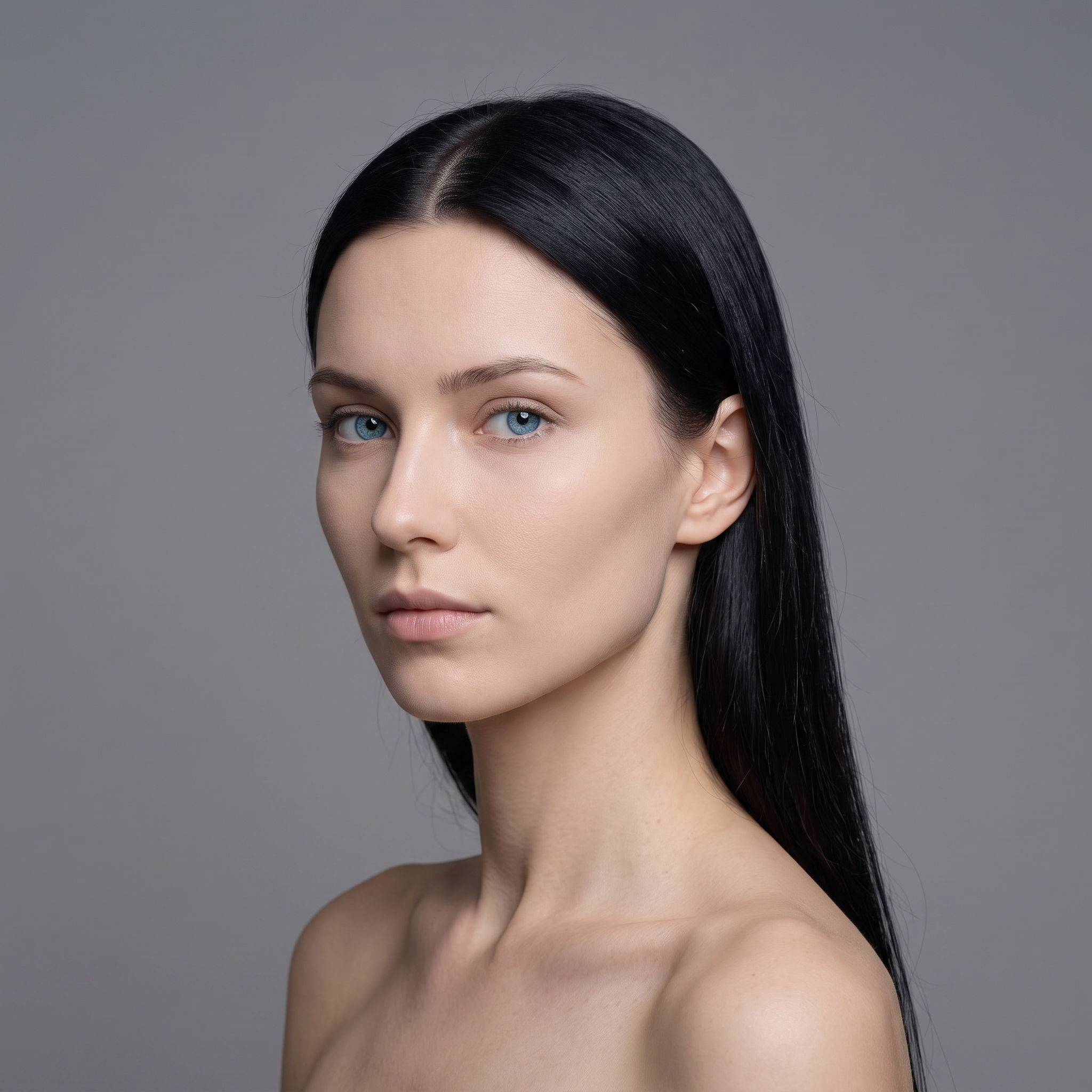 3 Angle ShootFront shot in, 45, 90, and 180 angle back
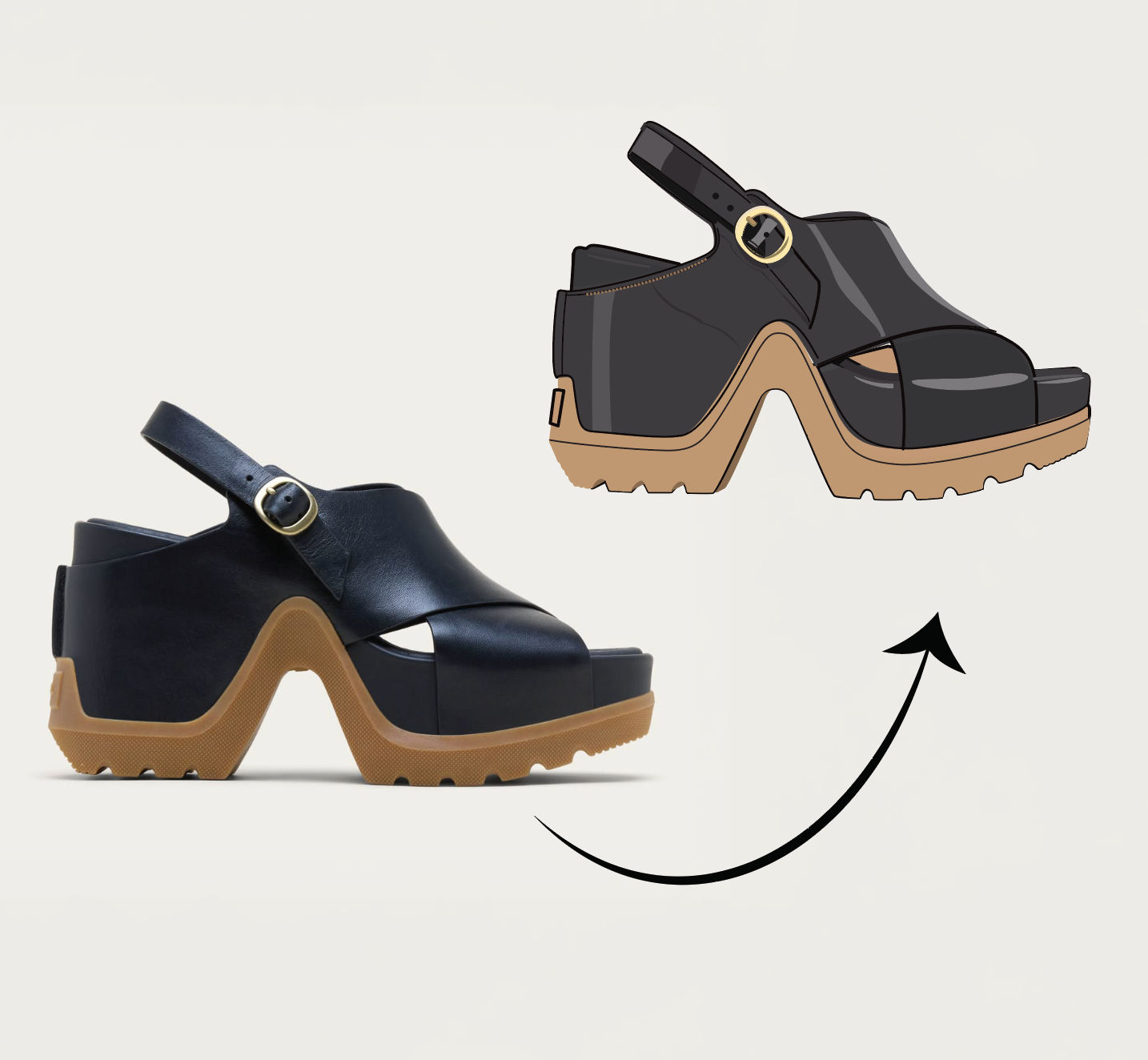 Anything to VectorTurn any image into a SVG vector illustration.
Use the Realistic AI Image Generator to Create Photoreal Images in One Run
one photoreal hero, then a grade ladder + true-to-life recontextualization that proves the realism holds. Useful for: anyone searching "realistic ai image generator" who wants studio-grade, believable images — not the plastic, over-smoothed AI look.

Louis Anderson