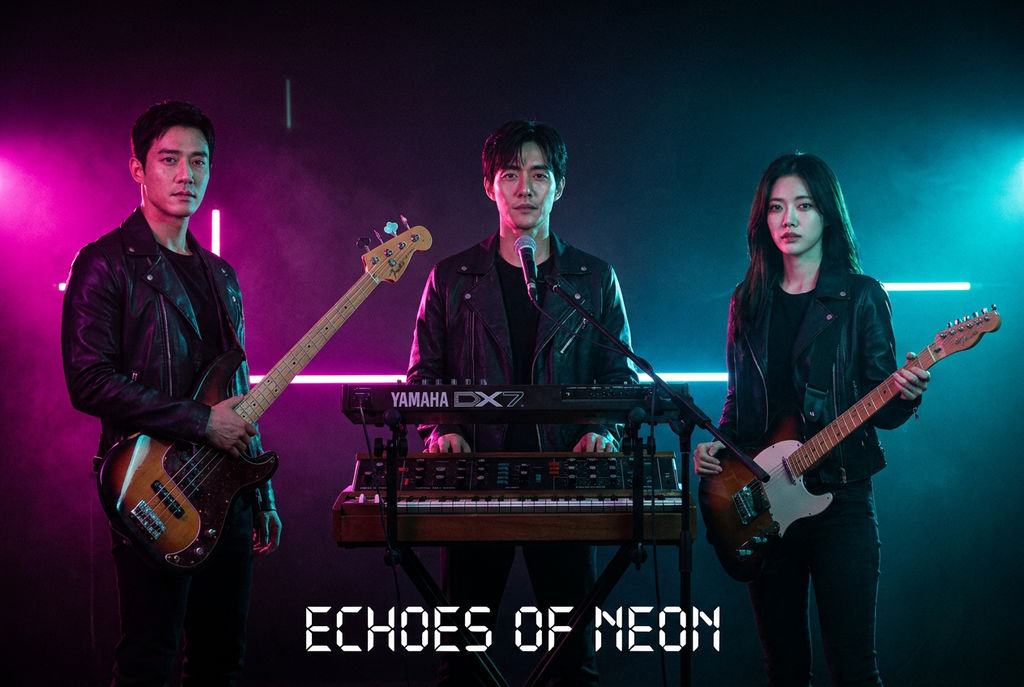
Scene
three-piece synthpop band posed for an album cover on a dark stage, three members standing shoulder to shoulder and clearly separated — one on the LEFT holding a bass, one in the CENTER at a vintage synth, one on the RIGHT with a guitar, matching black leather jackets, cool magenta and cyan neon rim light from behind, faint haze
Scene Two
three colleagues in tailored charcoal suits posed for an editorial team portrait, standing in a row — LEFT, CENTER, RIGHT — against a seamless slate-blue studio backdrop, crisp beauty-dish key light with soft fill
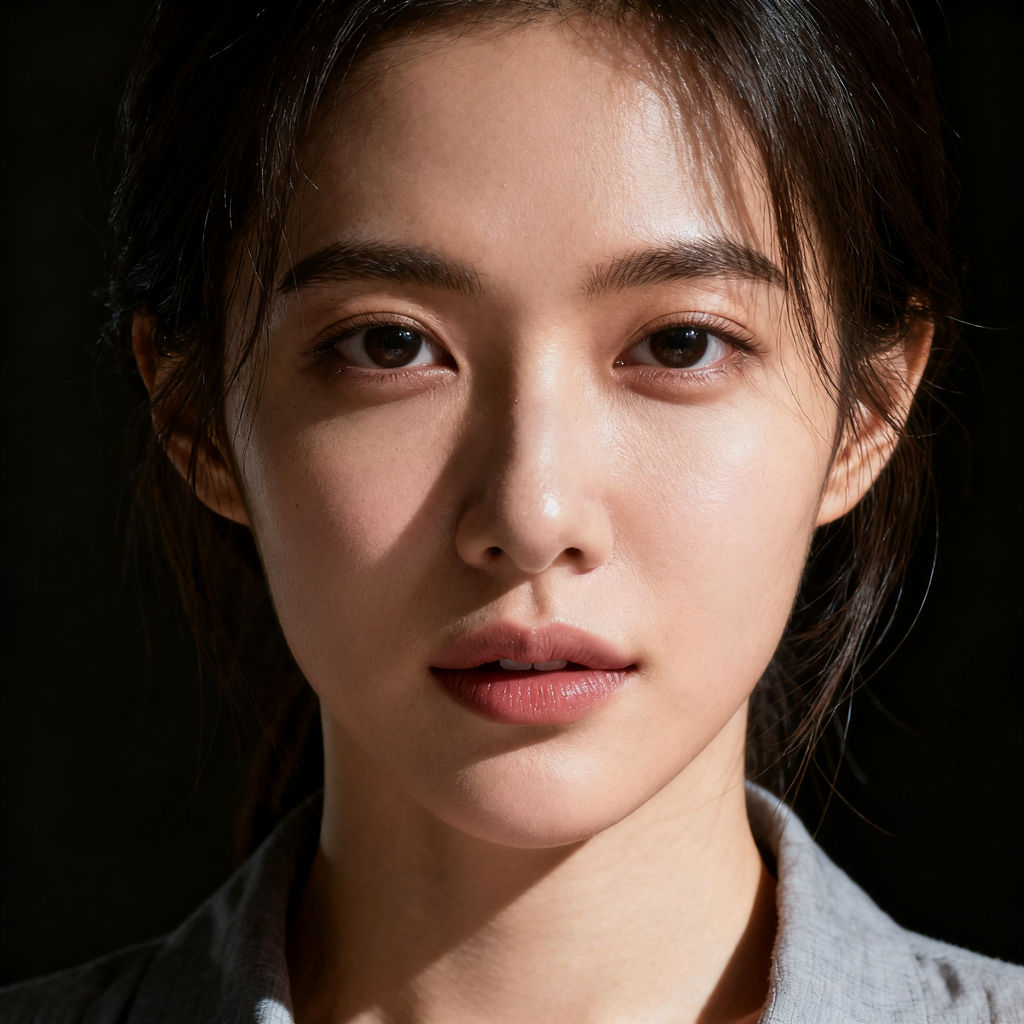
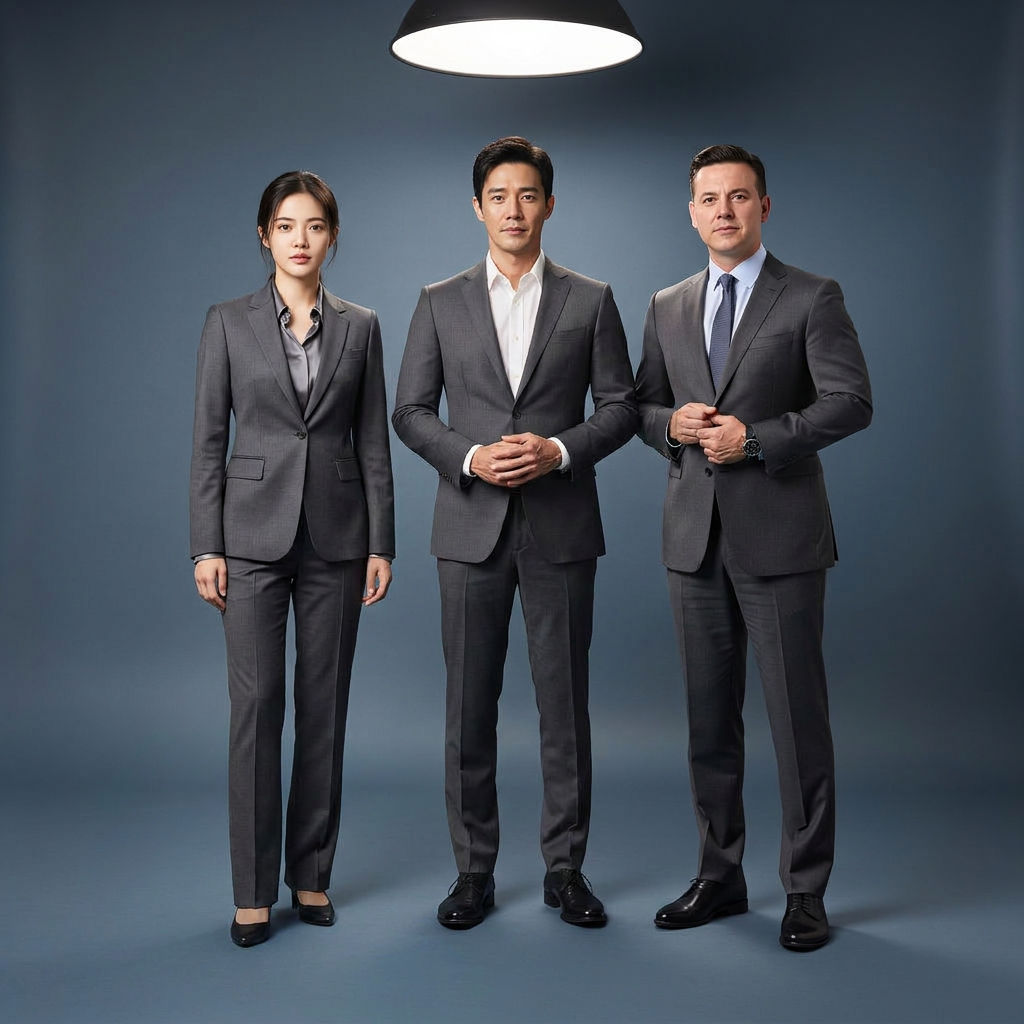
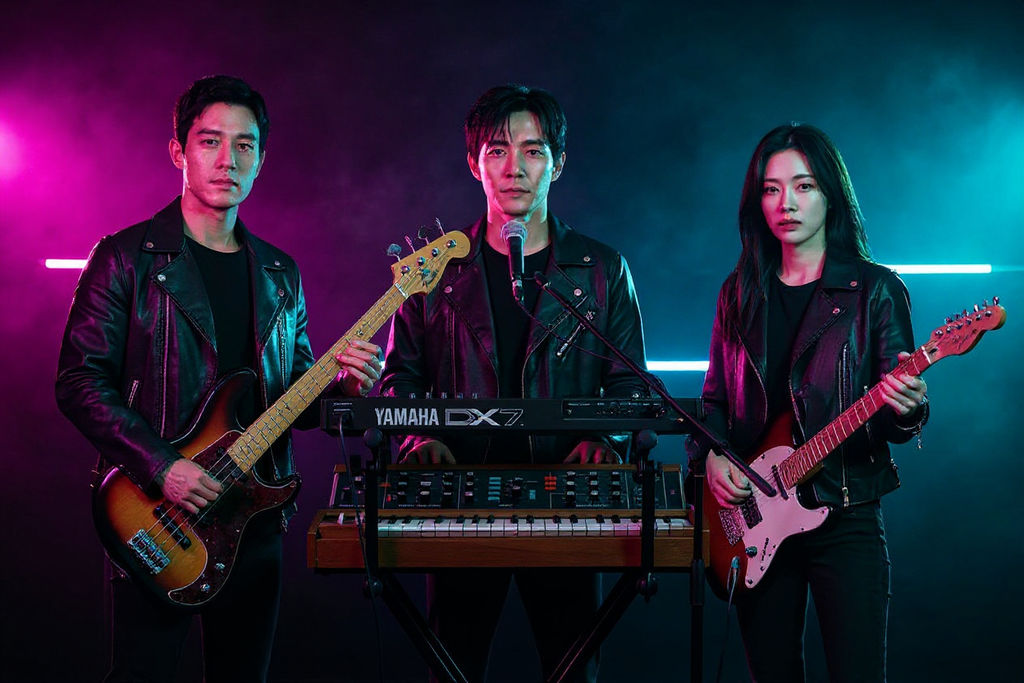
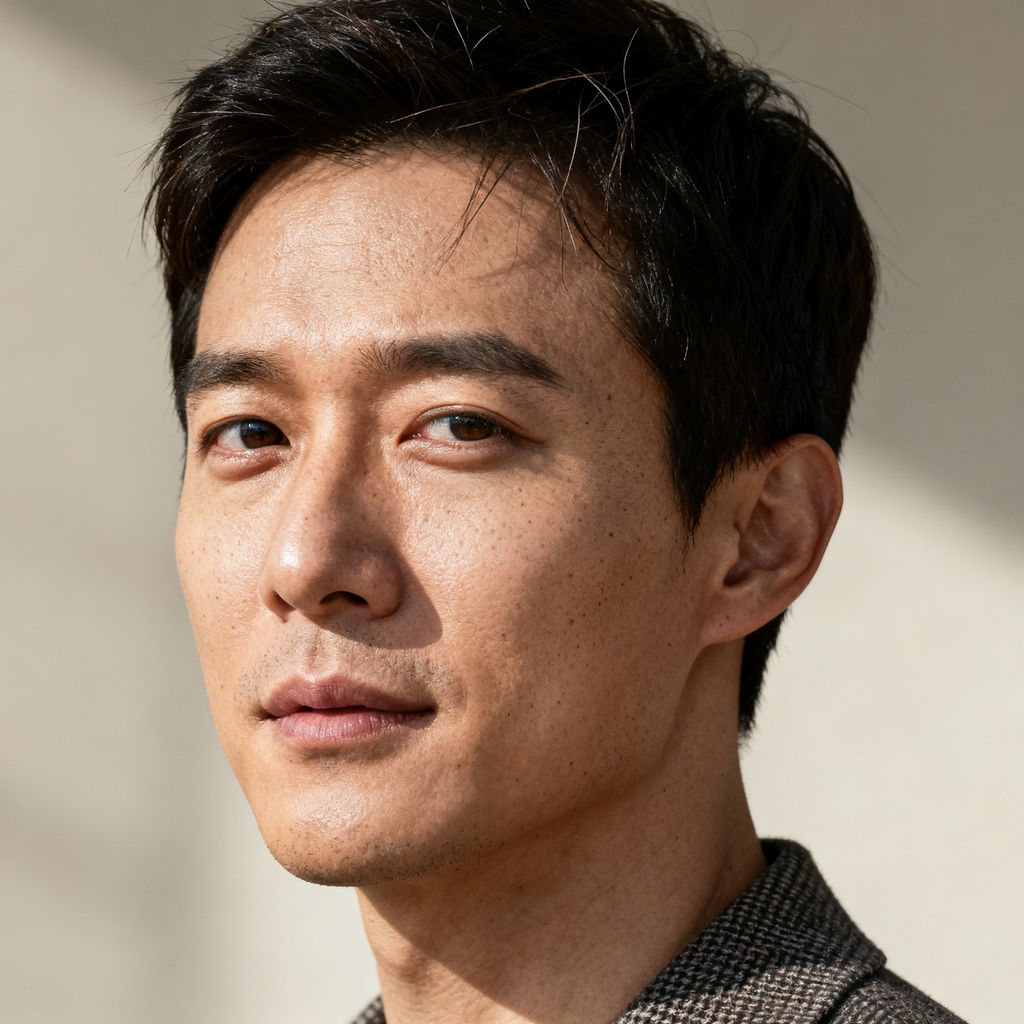
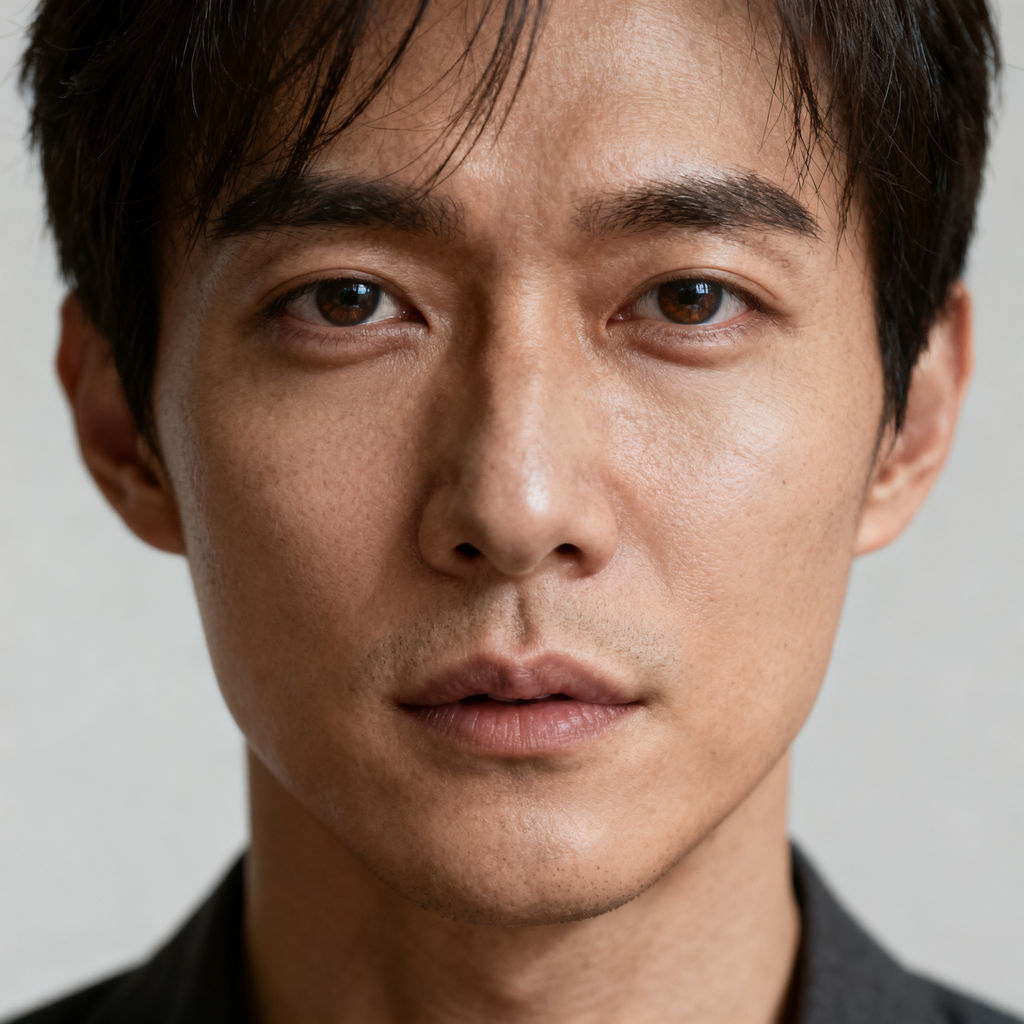
Upload a face for the left, center, and right position, and the Technique returns finished group shots with every likeness held.

Band and Album Art
Musicians drop a whole lineup into one cover scene, with each member's face landing in the left, center, or right position it was assigned.

Team Portraits
Marketing and people teams build a single editorial group portrait from three separate headshots, so a full cast appears together without booking a shared shoot.

Poster and Meme Concepts
Creators run a multiple face swap on a friend group to put three real likenesses into a movie-poster or meme scene in one pass.
How to use Techniques?
Discover how to utilize Multiple Face Swap for different scenarios.

Add inputs
Upload images, videos, or type in the prompts to get started.

Generate outputs
Next, hit the "Generate" button to start generating your outputs.

Edit and export
Refine your outputs on canvas, or download them directly.
Frequently asked questions
All you need to know about Multiple Face Swap
What a multiple face swap is, and why it's harder than swapping one
A multiple face swap puts several different people's faces into a single group image in one pass, with each face landing in a specific spot in the frame. You assign a photo to each position in the shot, left, center, right, so the whole cast lands instead of one hero face.
Running those swaps one at a time is where group shots usually come apart. Every pass gives the model another chance to nudge the lighting, the grain, or the skin tone, so the person you swapped first stops matching the person you swapped last. A single render only makes those decisions once. You can try FLORA free and run a multiple face swap in your browser.
Why each face needs an assigned position
The model has to know which face goes where. With a single subject there's nothing to get wrong. Run a multiple face swap with nothing binding each photo to a slot, though, and it'll cheerfully put your bassist's face on the drummer.
So the scene description spells the positions out, and the upload slots are named for them. The prompt sets up three people standing shoulder to shoulder, clearly separated, one on the left, one in the center, one on the right. Each upload maps to one of those positions. Because the description and the slot names agree, the model has a stable reference to bind each likeness to.
Clear separation in the scene matters for the same reason. Subjects who overlap heavily, or a row of six with no stated order, leave less to anchor on and raise the odds of two identities crossing over.
What "every likeness held" actually asks for
Every face in the frame has to stay recognizably that person while also looking like it was lit by the same light as whoever's standing next to it. Those two goals fight. A face that holds its likeness too stubbornly reads as pasted in, still carrying the lighting from the photo it came out of. Let the scene dominate instead and everyone slides toward a generic average of themselves.
Source photos move this more than anything you can write in the prompt. Sharp, evenly lit, front-facing portraits give the model clean information about bone structure. Cropped group selfies, heavy filters, and steep angles give it less, and whoever supplied the worst photo will look least like themselves in the result.
One practical constraint: everyone in the frame should have agreed to be there. That covers almost everything this gets used for, since bands, teams and friend groups are mostly swapping in their own faces. Putting someone into a group scene without their say-so isn't what the technique is built for.
Generate a few, then grade the keeper
Group composites rarely land perfectly on the first generation. One face sits slightly soft, or one person's skin tone runs warmer than the rest of the row. Generating a small batch and picking the strongest frame costs less time than trying to prompt your way to a flawless single result.
Once you've picked the keeper, a color pass across the whole frame does the last bit of work. Grade the finished image rather than the individual faces. Everyone catches the same curve at the same time, and the row stops reading as a collage.
Where the group hero goes next
You rarely stop at the composite. On FLORA's canvas the output stays live, so the next move is one node away:
- Prep better source portraits before you swap with glam shots.
- Bring the finished group shot up to print size with the image upscaler.
- Cut the same hero into poster, banner, and story ratios using quick reframe.
- Put the group in motion with the cinematic movie generator.
- Take one person into footage instead with a free AI video face swap.
With 50 plus models running in one place, you can swap the faces and grade the result without moving files between apps. For the wider set, explore the FLORA AI image generator or the roundup of the best AI image generators.
Related techniques
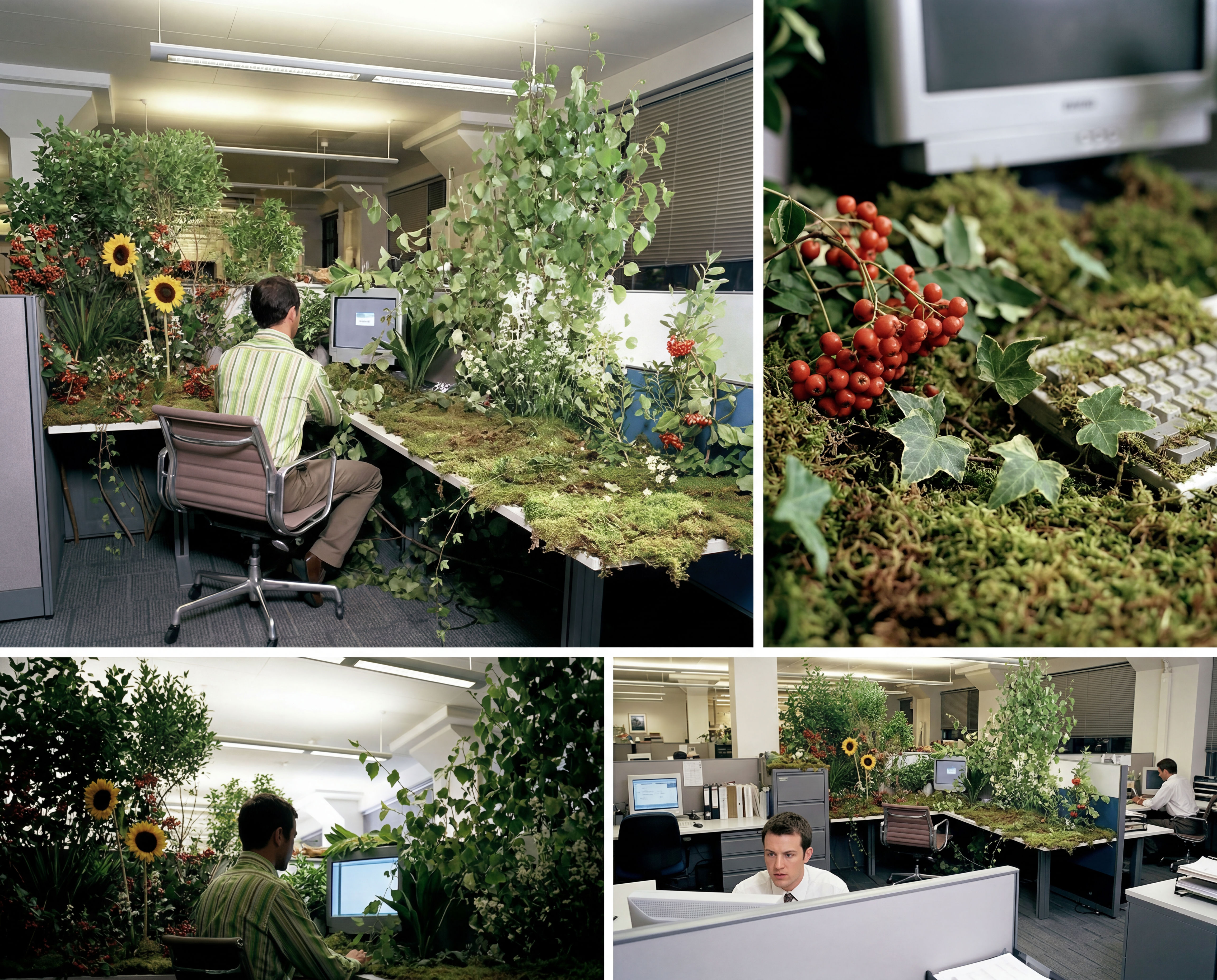 Storyboard MakerInput one image and creates cohesive 9 storyboard shots
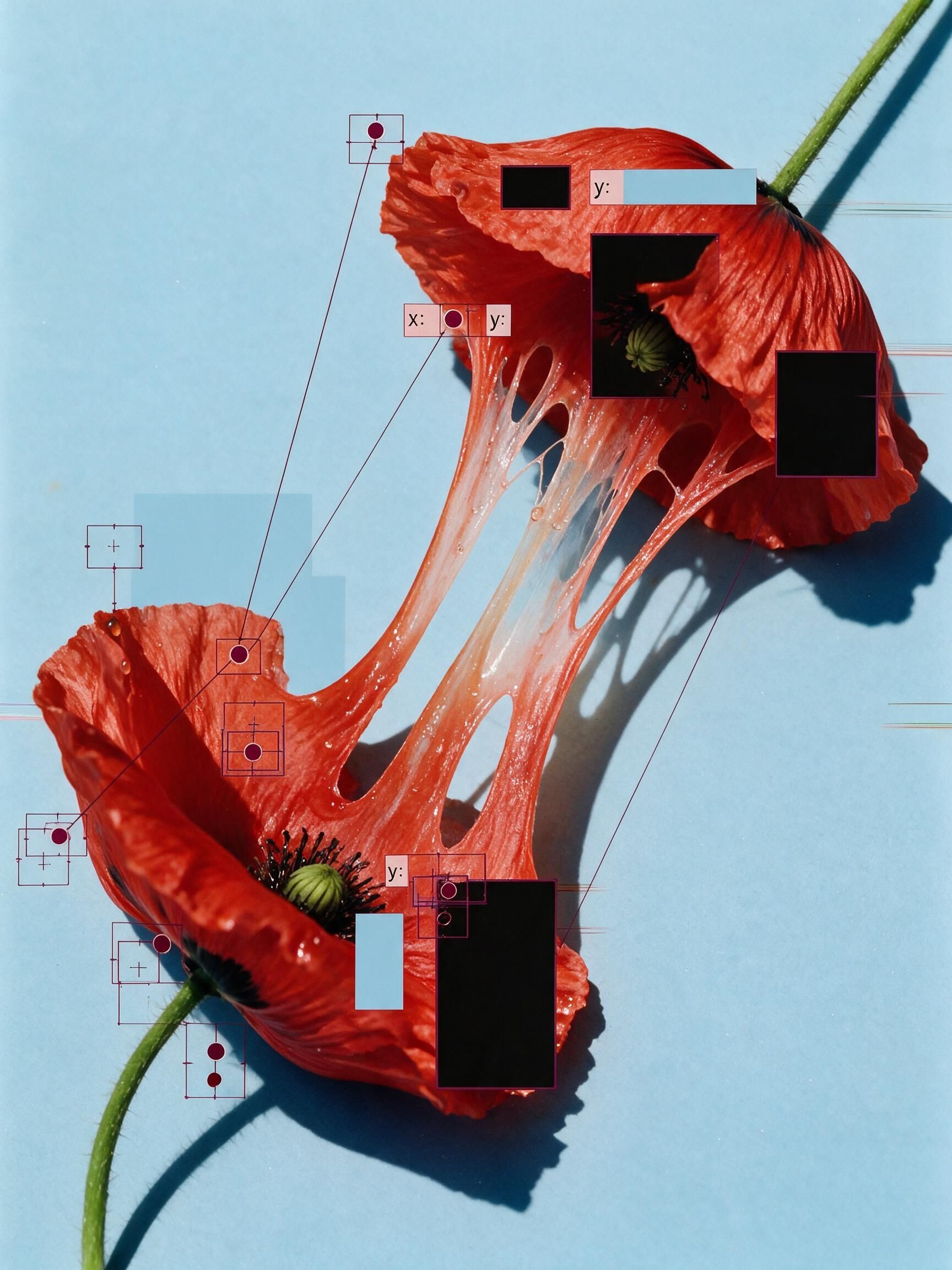 'Pollen CheeseAn editorial still-life of your flower pulled apart, like cheese.
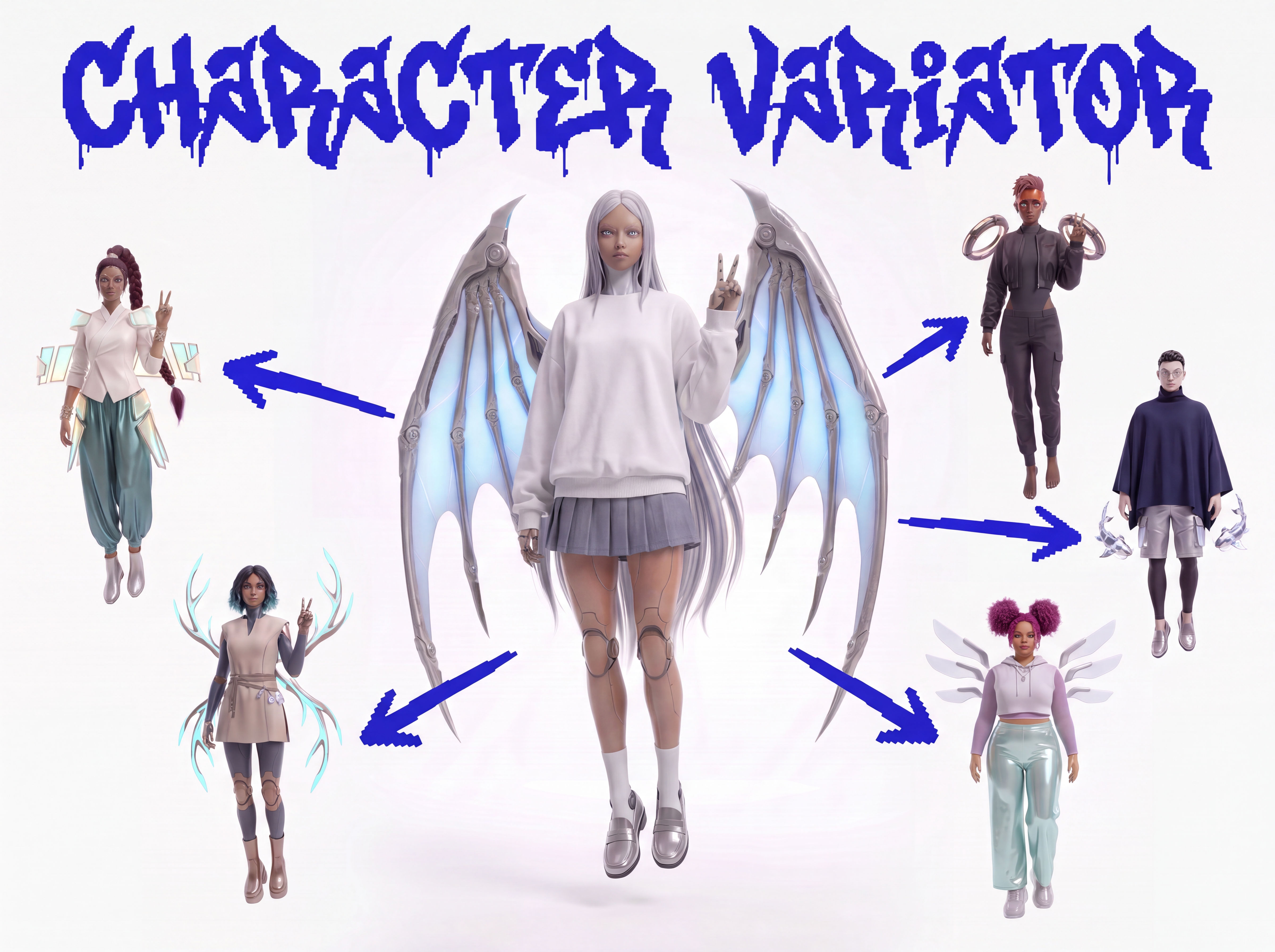 Character VariatorTurn one character into a roster of five.
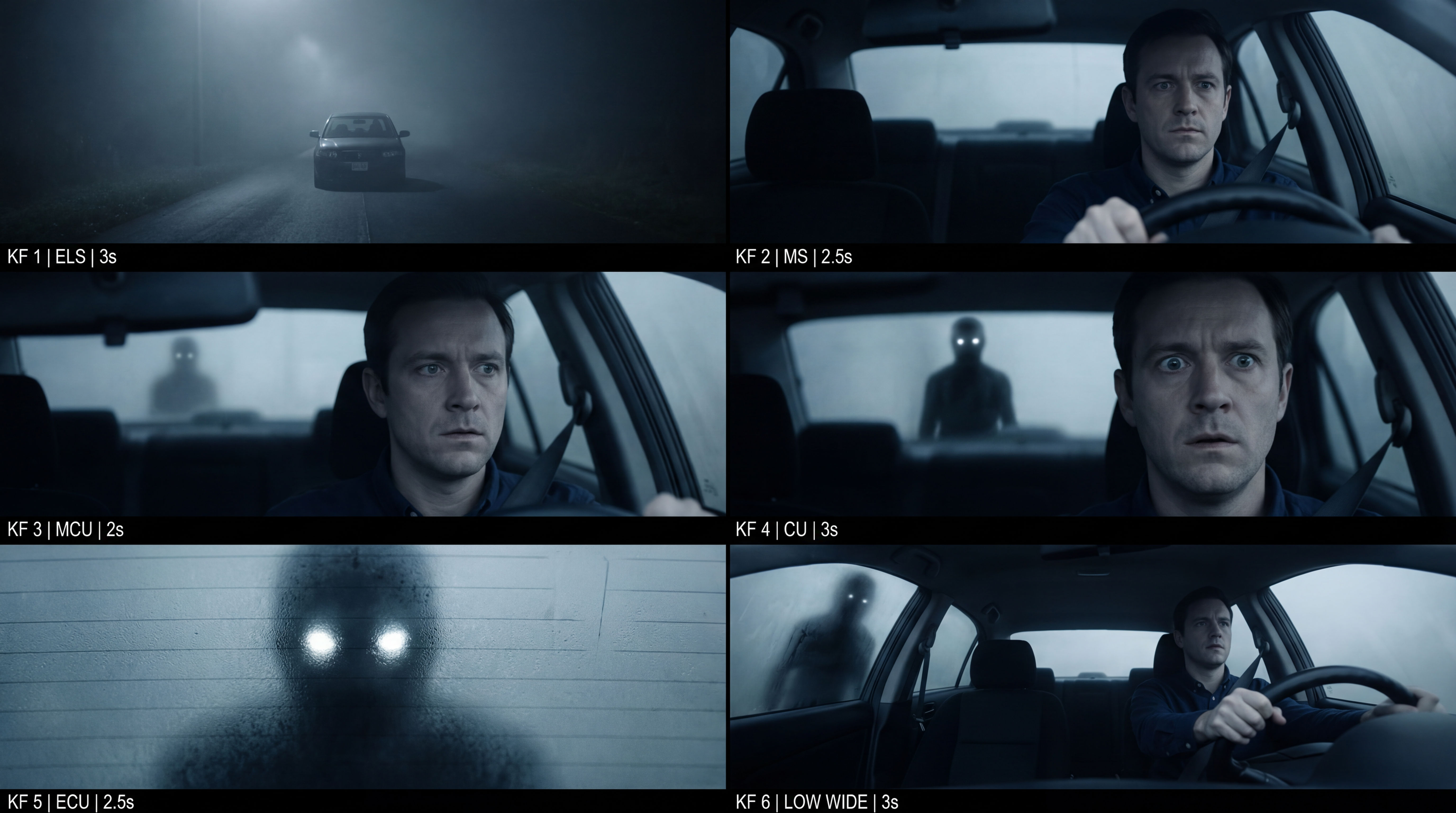 Frame the Mood for CreativesTurn a single reference image and a mood description into a complete set of production-ready visual assets, in one run. You get 7 assets total: 1 full storyboard + 6 individually exported keyframes.
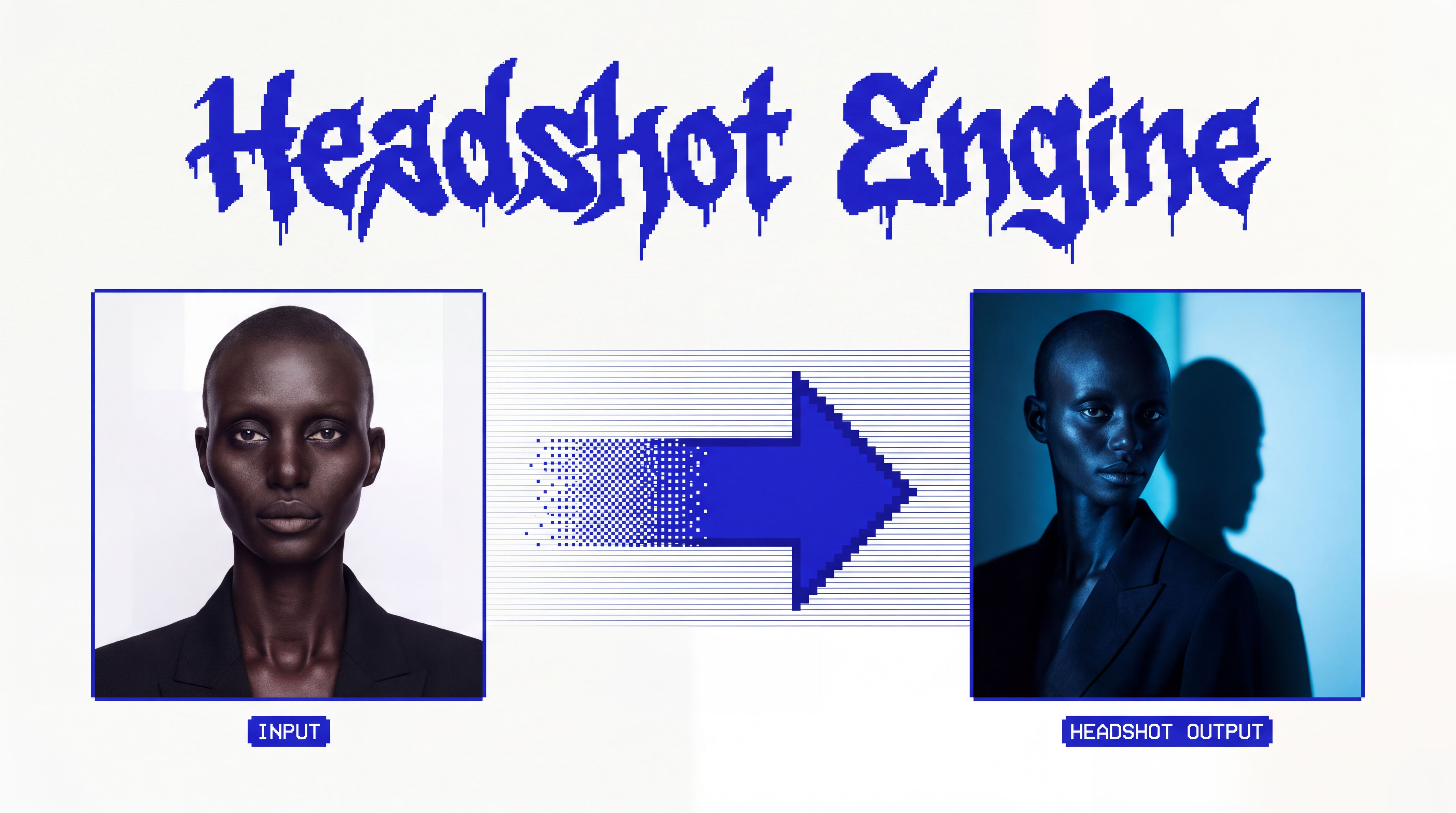 Headshot EngineAny photo of a person, reshot in the style of any headshot you feed it.
 InkCreate ink sketches for storytelling and animation.
Run a Multiple Face Swap and Place Three Faces in One Group Scene
swap several different people's faces into ONE group scene in a single pass. Useful for: teams, bands, friend groups, and studios who want to drop a whole cast — three or four distinct real people — into a shared hero image (album cover, movie poster, team portrait, meme) with each person landing in a specific spot and every likeness held, not just one hero face.

Louis Anderson