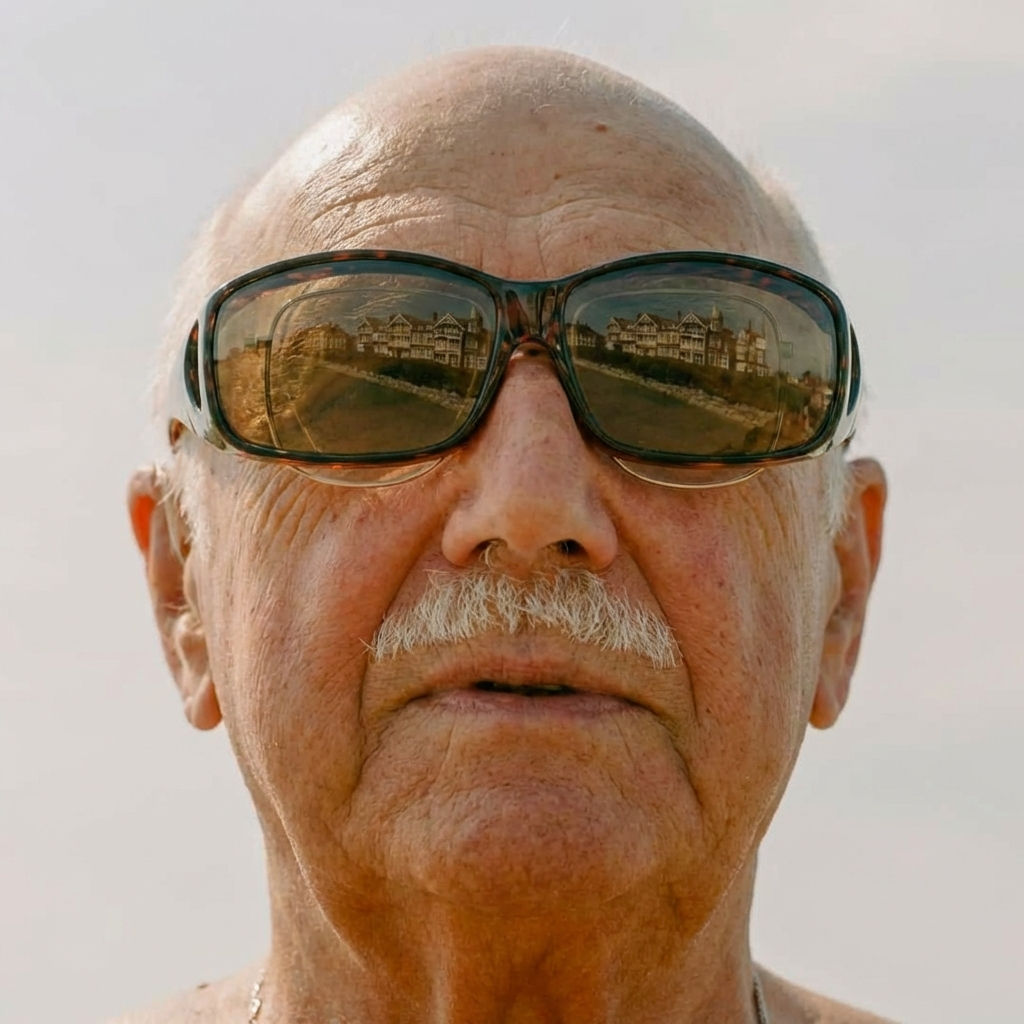
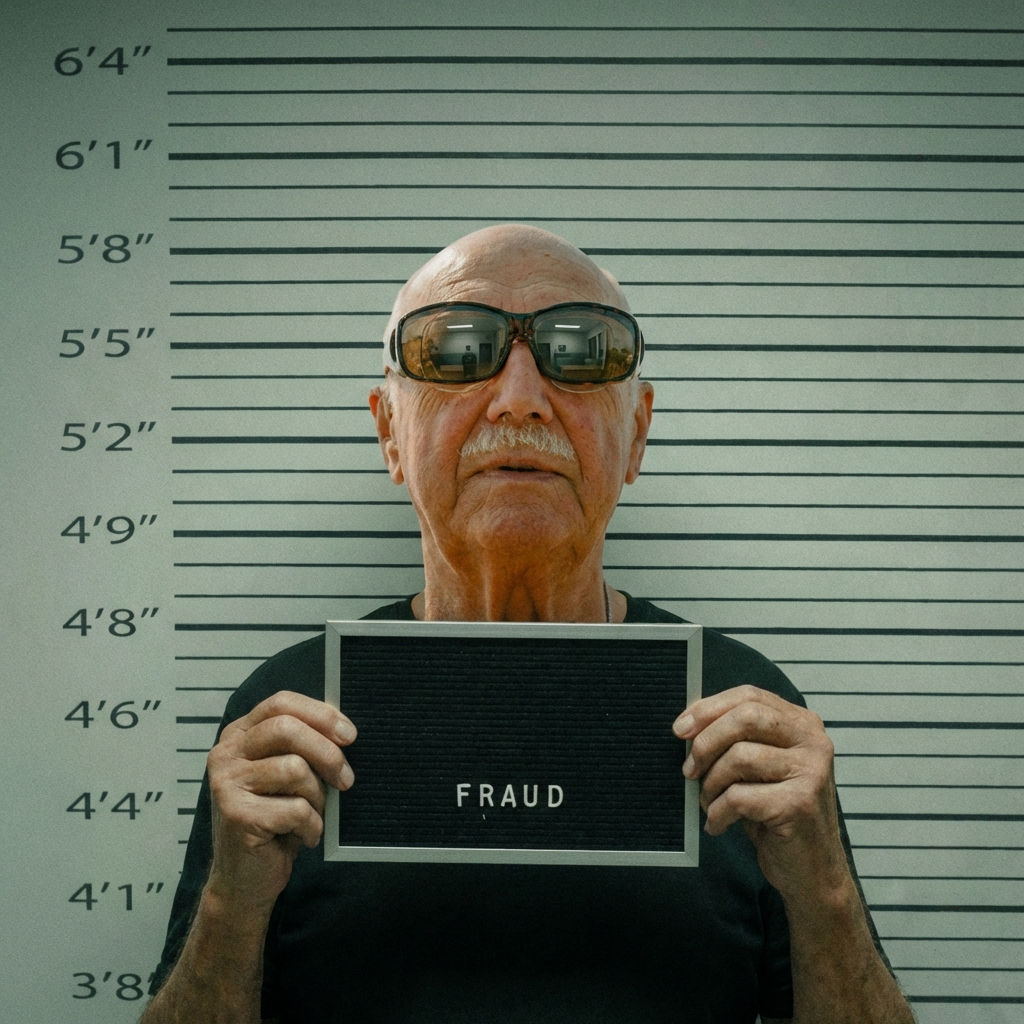
Upload a portrait and the Technique returns one fun, novelty mugshot-style image, generated in a single click from your photo.

Social Media Fun
Users treat the Technique as a quick mugshot app, creating entertaining mugshot-style images of themselves or friends for social media posts and stories.

Party & Event Content
Event organizers use the Technique to make a themed fake mugshot picture for parties, team events, and celebrations, a fun interactive activity.

Creative Projects
Content creators use the technique to generate mugshot-style imagery for video thumbnails, comedy sketches, and creative storytelling.
How to use Techniques?
Discover how to utilize Mugshot for different scenarios.

Add inputs
Upload images, videos, or type in the prompts to get started.

Generate outputs
Next, hit the "Generate" button to start generating your outputs.

Edit and export
Refine your outputs on canvas, or download them directly.
Frequently asked questions
All you need to know about Mugshot
What a mugshot maker is, and how it works
A mugshot maker takes an ordinary portrait and restages it as a booking photo: front-facing, flatly lit, plain backdrop, height chart behind the shoulders. The result is a novelty image with no legal weight and no connection to any record. You upload one photo, the AI rebuilds the scene around your face, and a mugshot-style image comes back in about a minute.
That look is instantly readable to anyone who has seen a crime show, which makes it travel well as a joke: a bachelor party, a fantasy league punishment, a comedy thumbnail, a birthday post captioned with an invented charge. Upload a portrait, start free on FLORA, and the mugshot maker handles the restaging while your face stays recognizable.
Why a fake mugshot picture looks the way it does
Booking photos follow a strict visual grammar, and that grammar carries the joke. The camera sits straight on at eye level. The light is hard and frontal, with none of the flattering falloff you get in a portrait. Behind the subject there is a neutral wall, usually a height strip, sometimes a board with numbers and a date. Color runs muted and a little grainy, since the source is a cheap fixed camera bolted to the wall.
A convincing fake mugshot picture reproduces all of that, which means it will not flatter you. The humor comes from the collision: a face people know, dropped into a format people associate with a bad night. Soften the light or swap in a nicer backdrop and the image just reads as an unusually grim headshot.
How a mugshot generator app reads your portrait
The old way of doing this was manual. You found a template, cut yourself out, pasted your face onto someone else's shoulders, and the seams always showed. A mugshot generator app builds the whole frame from your image:
- It finds the face. The model locks onto identity: bone structure, eye spacing, hairline, the details that make the photo read as you and not a lookalike.
- It relights you. Your original lighting gets stripped out and replaced with the flat, frontal light of a booking room.
- It rebuilds the set. Backdrop, height markers, and board get generated around you at the right scale and perspective.
- It composites. Skin tone, grain, and color are matched so the face and the new scene read as one photograph.
A template forces your photo into a fixed scene. A generator builds the scene around whatever you give it, so the shadows fall where they should and the perspective holds up.
How to make a mugshot without a mugshot camera
There is no mugshot camera involved here, no booking room, no studio. One portrait is the whole input. If you want to know how to make a mugshot that holds up at full size, spend your effort on the photo you upload:
- Face the lens. Profiles and three-quarter angles give the model less to work with.
- Use even light. Heavy shadow across half the face fights the flat lighting the effect depends on.
- Keep the face unobstructed. No sunglasses, nothing covering the jaw or hairline.
- Go higher resolution. More pixels in the face means sharper, cleaner output.
Expression does a lot of work too. A deadpan stare sells the format, while a broad smile reads as a costume.
Mugshot app, mugshot generator, or mugshot maker online free
People search for this a dozen ways:
- "Mugshot generator"
- "Mugshot app"
- "Fake mugshot app"
- "How to make a fake mugshot"
Typed as a question or as a tool name, the ask is the same: one photo in, one novelty booking shot out, no download and no design skill required. The obvious caveat is that the output is a gag and not a public record. Keep it among people who are in on it. Making one of someone who has not agreed to it, or passing one off as real, is a different thing entirely.
Where it fits on the canvas
This runs inside FLORA, so the mugshot does not have to be the last step. The same portrait can go straight into a glam shot for the before-and-after gag, a memoji-style avatar for a matching profile picture, or a headwear and accessory swap when the bit needs a costume. Once the shot is right, upscale it so it stays sharp on a poster or a thumbnail.
Everything lands on the same infinite canvas, ready to iterate on or feed into the next generation. For the wider toolkit, explore the FLORA AI image generator or browse our roundup of the best AI image generators.
Related techniques
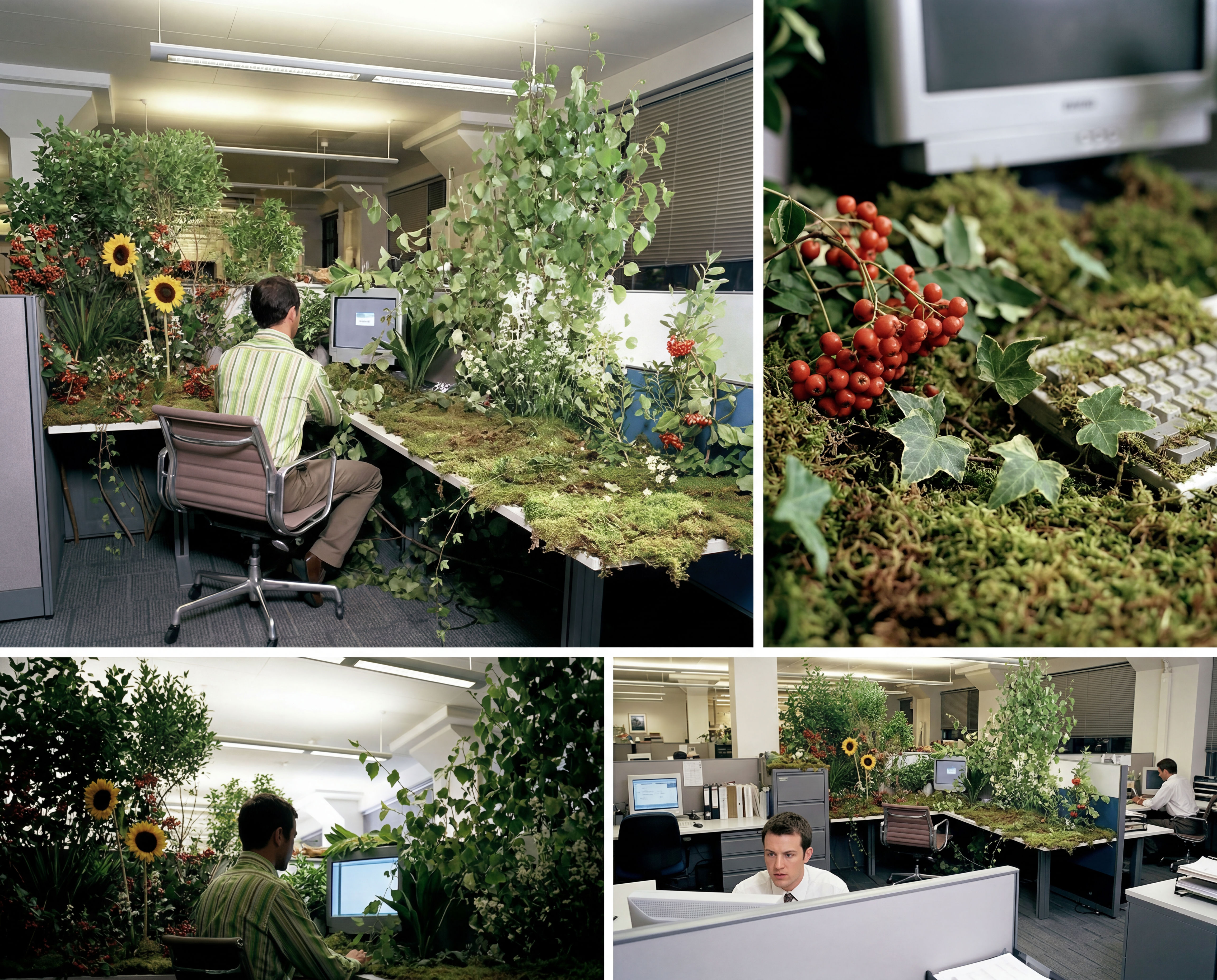 Storyboard MakerInput one image and creates cohesive 9 storyboard shots
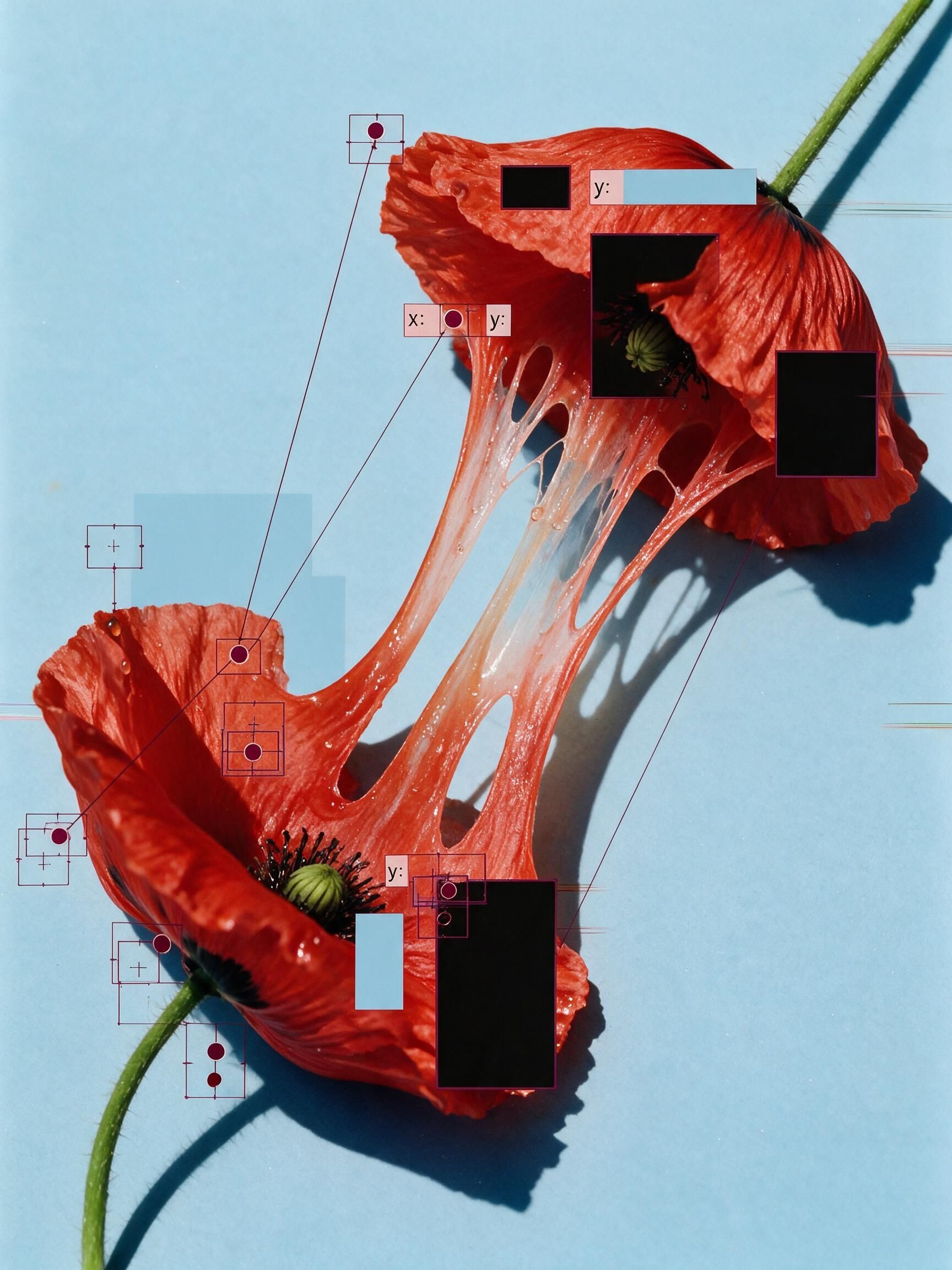 'Pollen CheeseAn editorial still-life of your flower pulled apart, like cheese.
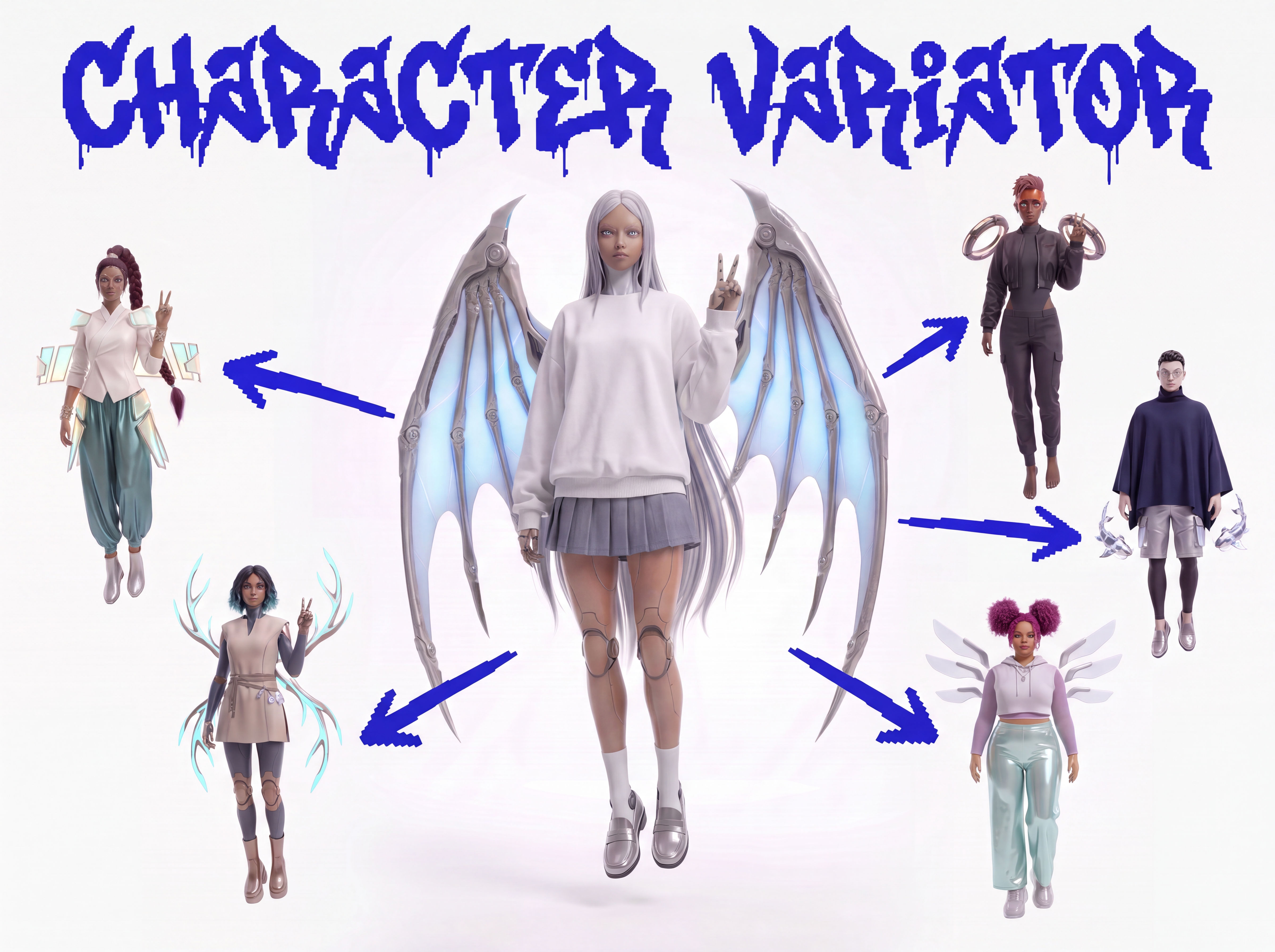 Character VariatorTurn one character into a roster of five.
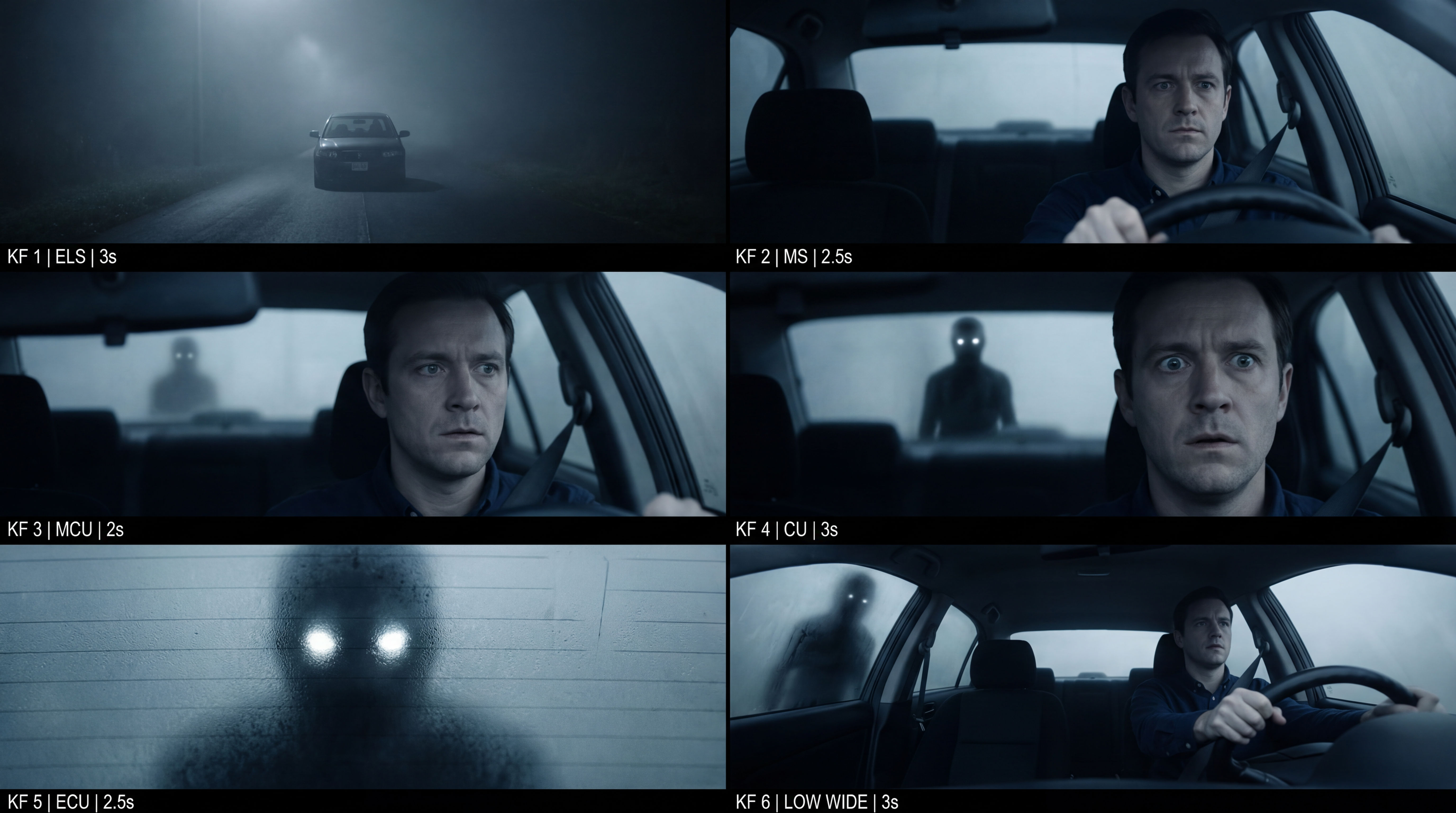 Frame the Mood for CreativesTurn a single reference image and a mood description into a complete set of production-ready visual assets, in one run. You get 7 assets total: 1 full storyboard + 6 individually exported keyframes.
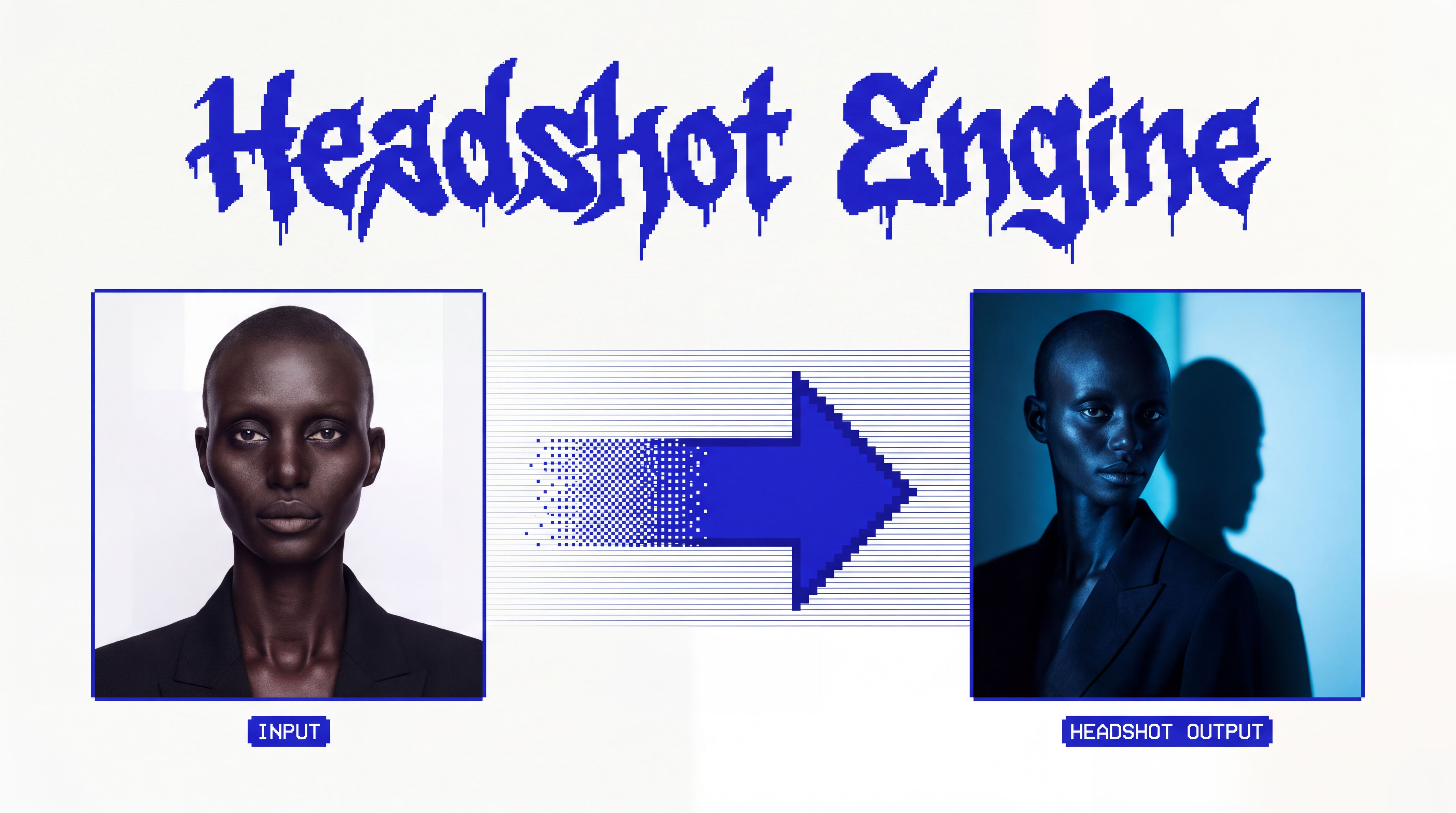 Headshot EngineAny photo of a person, reshot in the style of any headshot you feed it.
 InkCreate ink sketches for storytelling and animation.
Use the Mugshot Maker to Turn Any Portrait Into a Mugshot
Turn any portrait into a mugshot

Brandon Levy from FLORA