Custom Look
a 2003 flip-phone camera photo: 176x144 pixels blown up huge, heavy sensor noise, smeared motion blur, sickly green-yellow white balance
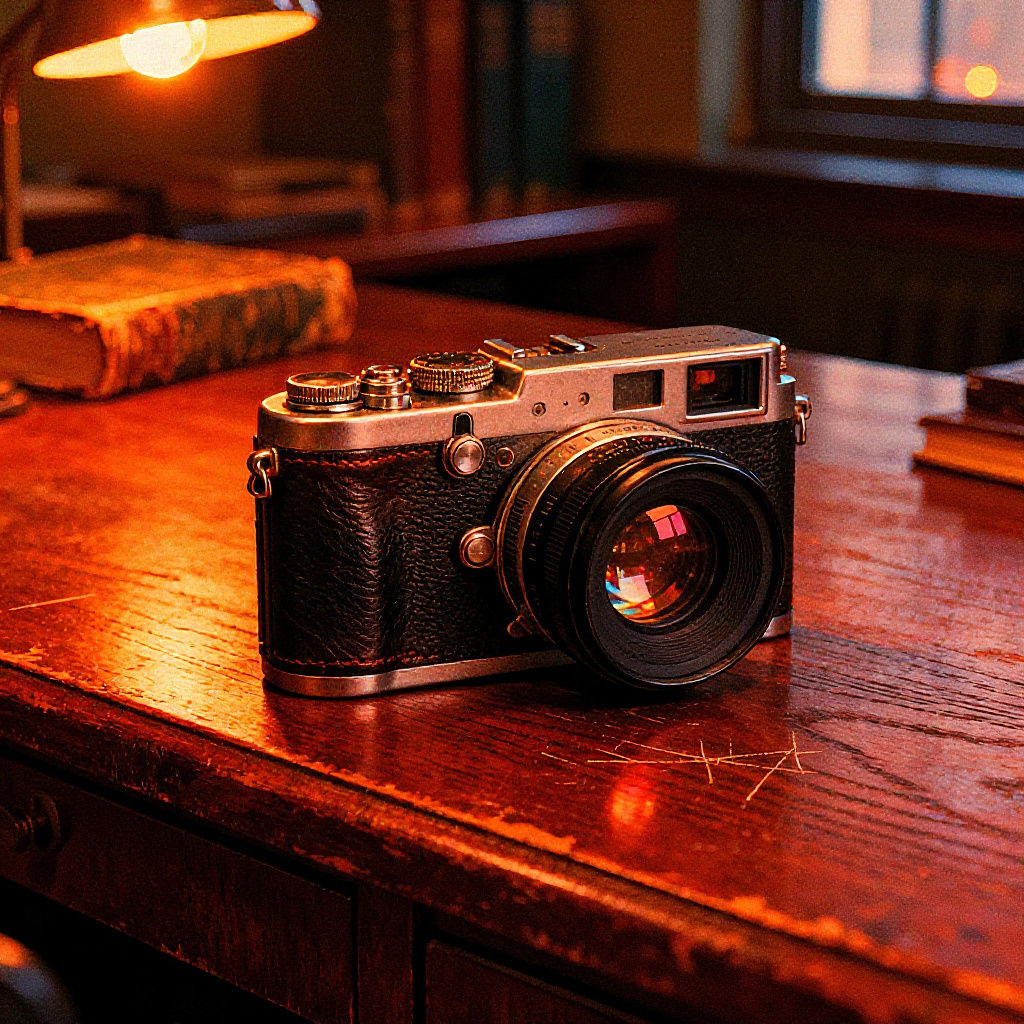
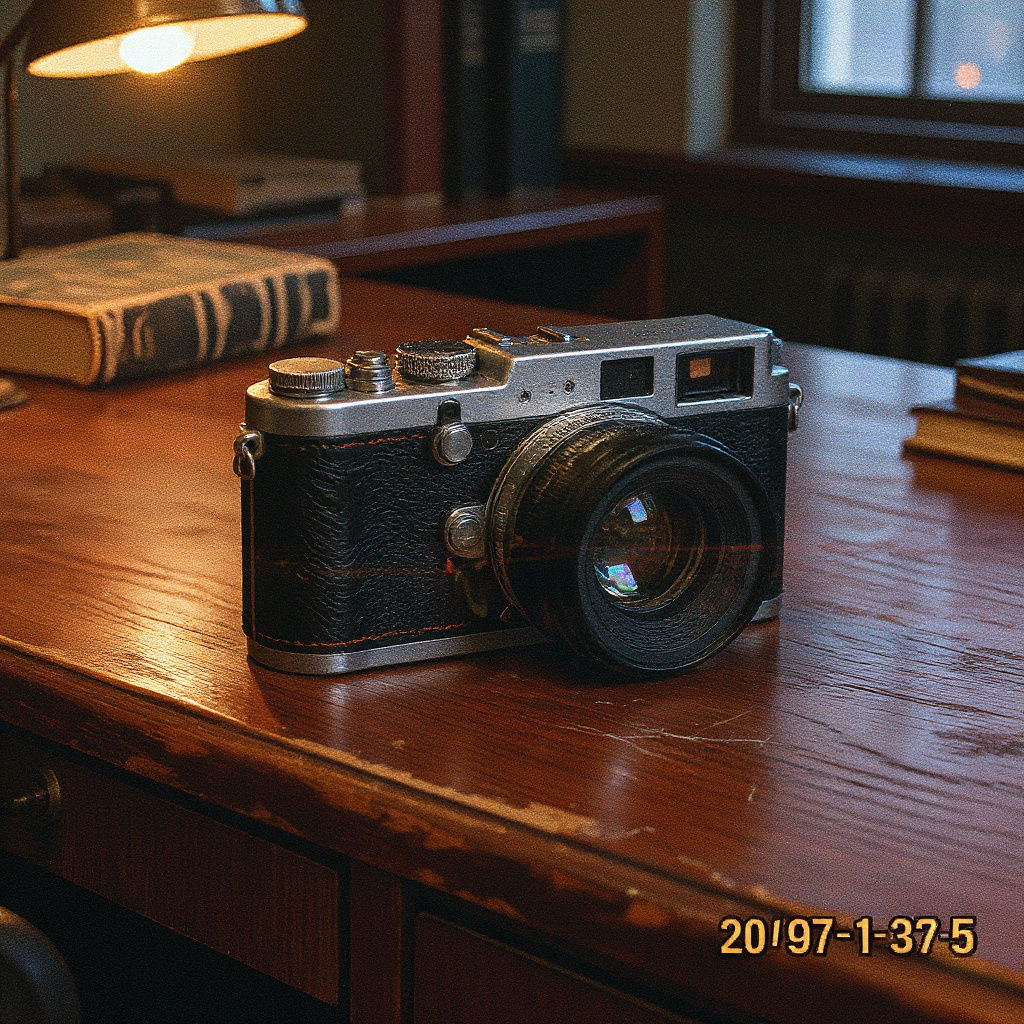
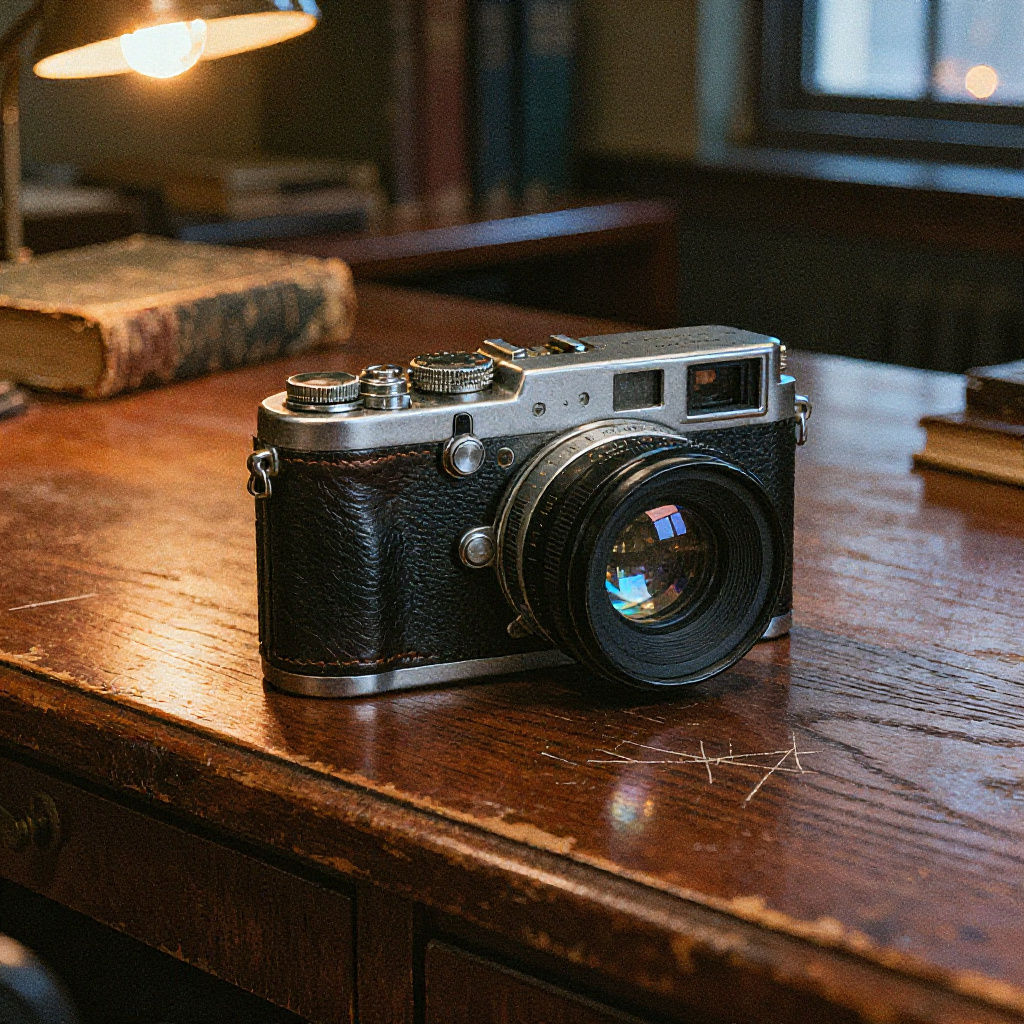
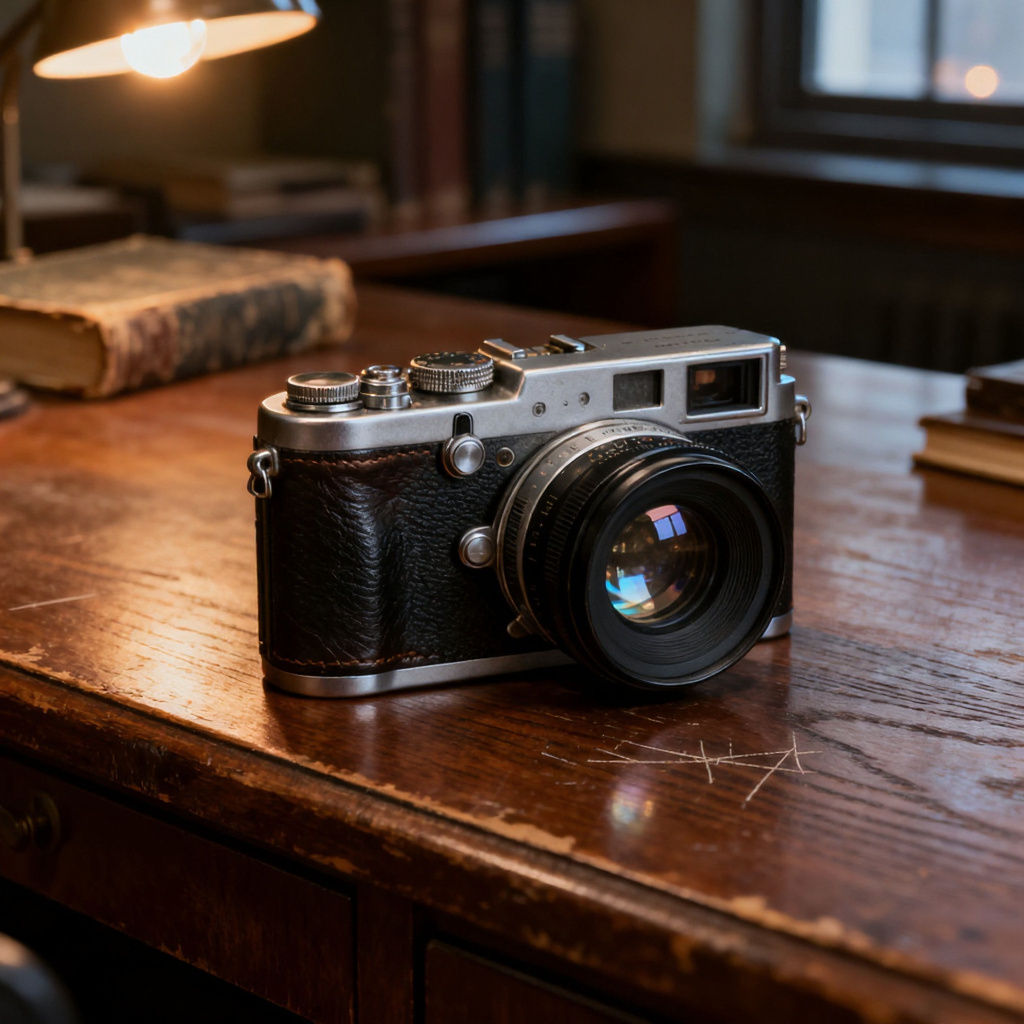
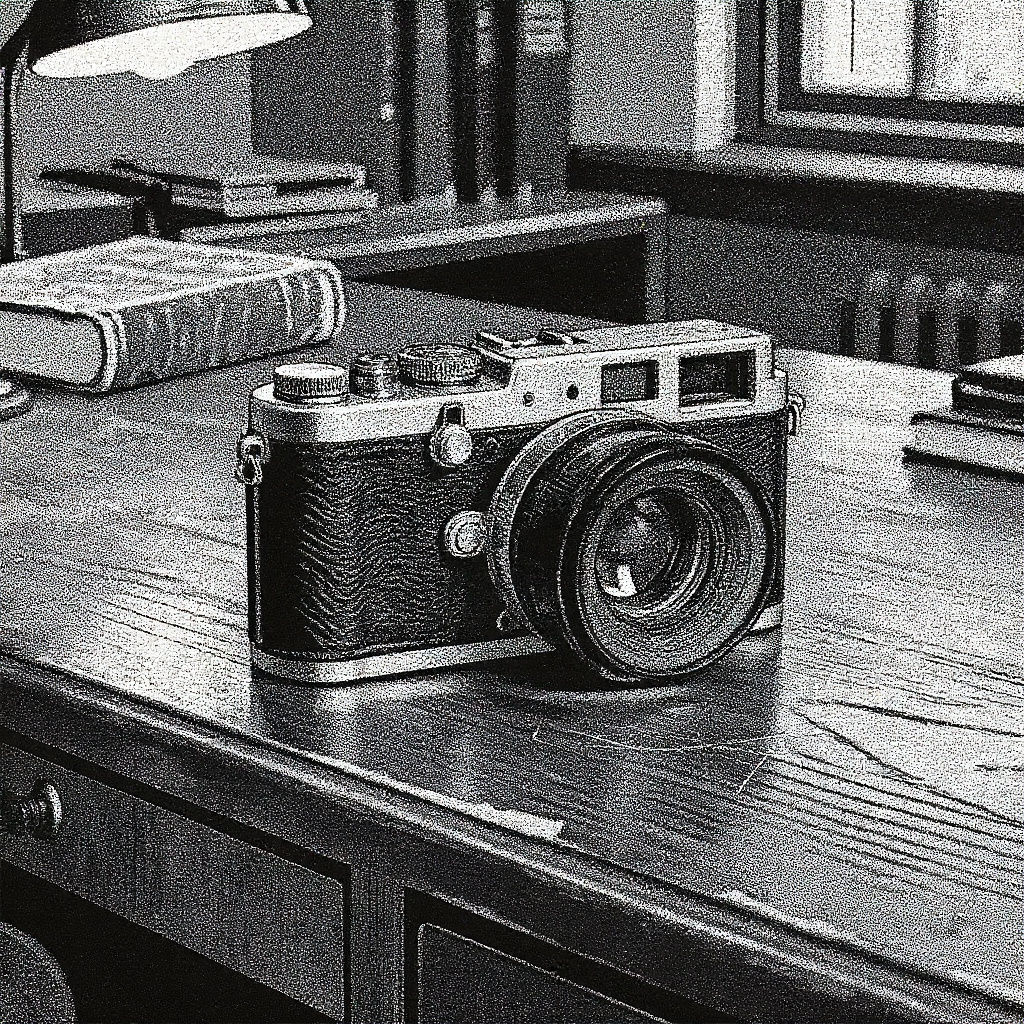
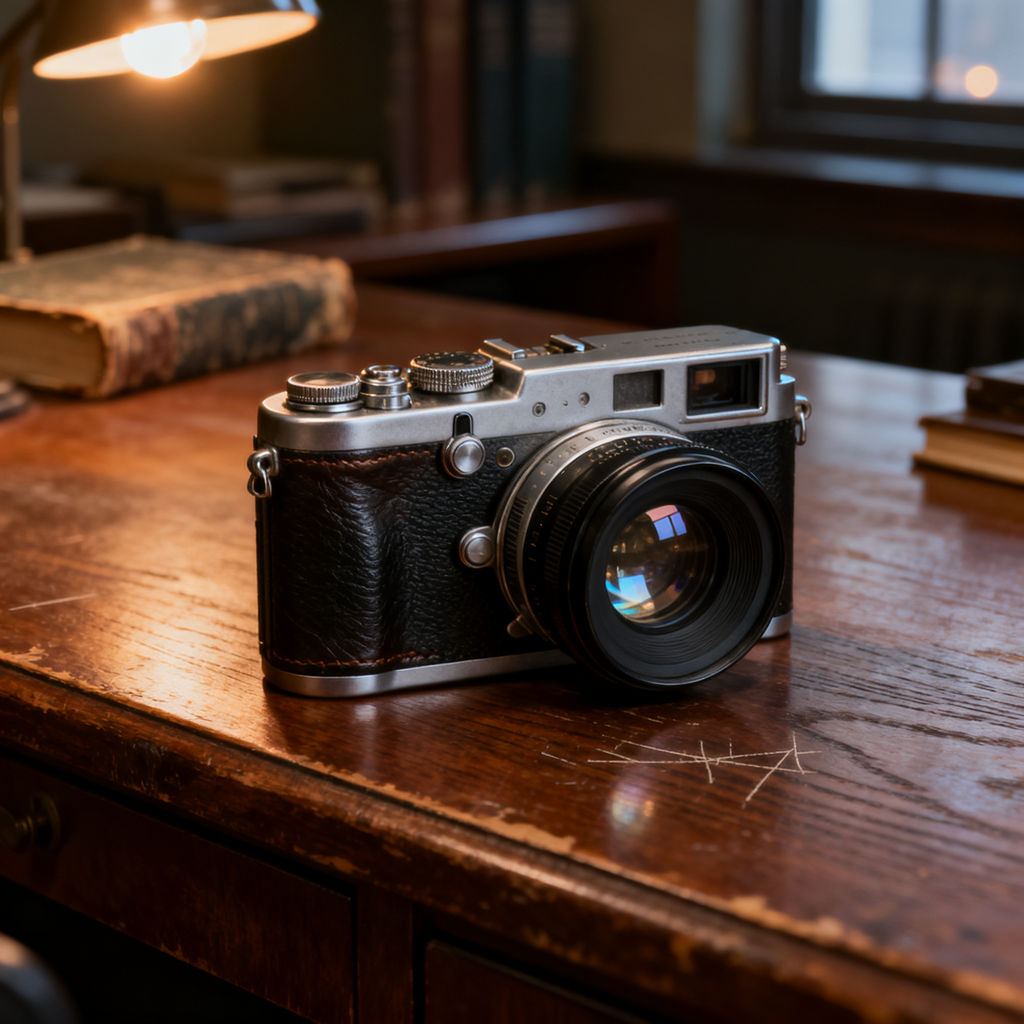
Upload one clean source image, describe a fifth look if you want one, and get back five degraded stills plus a moving version.

Meme and Reaction Images
Meme makers run a clean screenshot through to get a low quality meme with the crushed JPEG artifacts and blown-out color that read as internet-native rather than art-directed.

ARG and Horror Assets
Creepypasta and ARG creators use this low quality image generator to fake found footage, producing VHS captures and thermal-print receipts that look pulled from a real archive.

Retro Brand Campaigns
Designers building early-internet or Y2K campaign work degrade polished product shots into potato-cam frames, matching the nostalgic look without hunting down period photography.
How to use Techniques?
Discover how to utilize Low Quality Image Maker for different scenarios.

Add inputs
Upload images, videos, or type in the prompts to get started.

Generate outputs
Next, hit the "Generate" button to start generating your outputs.

Edit and export
Refine your outputs on canvas, or download them directly.
Frequently asked questions
All you need to know about Low Quality Image Maker
What a low quality image maker is for
A low quality image maker takes a clean source and puts it through the kind of damage that used to happen by accident: deep-fried JPEG, potato-cam, VHS, thermal-print receipt. Every other tool in the stack is trying to add resolution. This one strips it out on purpose.
Polish is the tell. A clean frame reads as advertising, and plenty of viewers scroll past on that signal alone. A degraded one reads as something a person actually captured and forwarded, which is why the look keeps surfacing in meme culture, ARG and creepypasta projects, found-footage horror, and ad creative built to pass as a screenshot. Try it on FLORA with any image you already have.
Why a blur filter doesn't get you there
Softening a clean file gives you a soft clean file. Actual degradation is a chain of separate failures, and each one shows up differently in the frame.
- JPEG compression works on 8x8 pixel blocks, so artifacts cluster into visible squares around high-contrast edges rather than spreading evenly across the frame.
- Chroma subsampling throws away color detail before brightness detail, which is why reds bleed and smear first while the luminance still looks sharp.
- Generation loss compounds. Every re-save, re-upload, and re-screenshot quantizes the already-quantized data, and that stacking is where an old meme gets its mush.
- Capture-side damage is separate again. A tiny sensor produces noise, then in-camera sharpening fights that noise and leaves halos, and a bad white balance tints the whole thing green or orange.
A low quality image maker has to reproduce that stack, not just lower the resolution. It lands when the artifacts sit where an actual codec or a cheap lens would have put them.
Picking a look that reads
Each preset in a low quality image maker points at a different era, so it is worth picking deliberately:
- Deep-fried JPEG is loud, saturated, and obviously secondhand. It signals irony and travels well as a low quality meme.
- Potato-cam suggests a phone from the early 2000s, low resolution blown up past what the sensor ever held.
- VHS brings scan lines, tracking errors, and color bleed, which places the image in the analog era before digital capture took over.
- Thermal-print receipt strips everything to high-contrast dithered dots and reads as institutional, like something printed off a machine rather than shot.
You can also write your own. A description like "a 2003 flip-phone camera photo, 176x144 pixels blown up huge, heavy sensor noise, smeared motion blur, sickly green-yellow white balance" gets closer than a generic prompt because it names the failure modes instead of asking for vague ugliness.
How people search for it
The wording people type is all over the place, partly because there is no settled name for the job:
- low quality image generator
- make image low quality
- image low quality maker
Scrambled grammar, same job. Someone has a clean file and wants it to look like it survived something.
Where the degraded frame goes next
Degradation usually sits in the middle of a workflow rather than at the end:
- Generate the clean source first on the AI image generator page, then wreck it deliberately.
- Lean into the lo-fi look for ad creative with UGC creation, where a handheld feel is the whole point.
- Set the color cast before you degrade using image recolor, since a sickly tint survives compression better than a subtle one.
- Cut the finished frame to platform sizes with quick reframe.
- Put the damaged frame into motion using the video scene builder.
There is also a use for the opposite tool. Running a rough source through the image upscaler first gives you a clean, high-resolution starting point, which means the artifacts you add afterward are the only ones in the frame, so you control all of them.
Related techniques
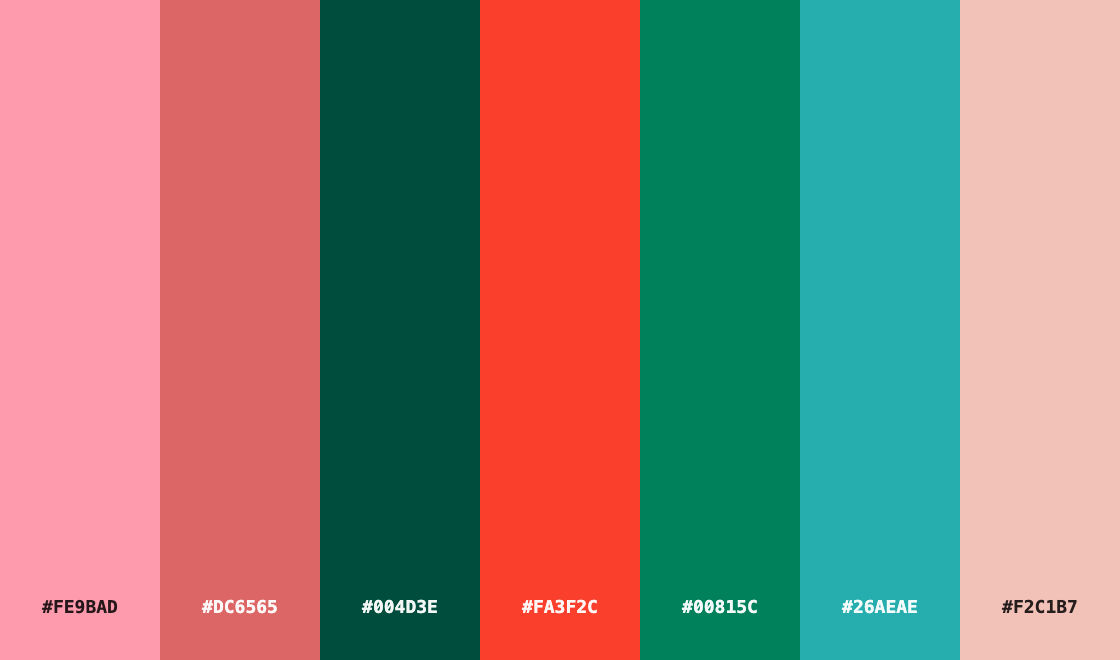 Color Palette ExtractionExtract color palettes from any image
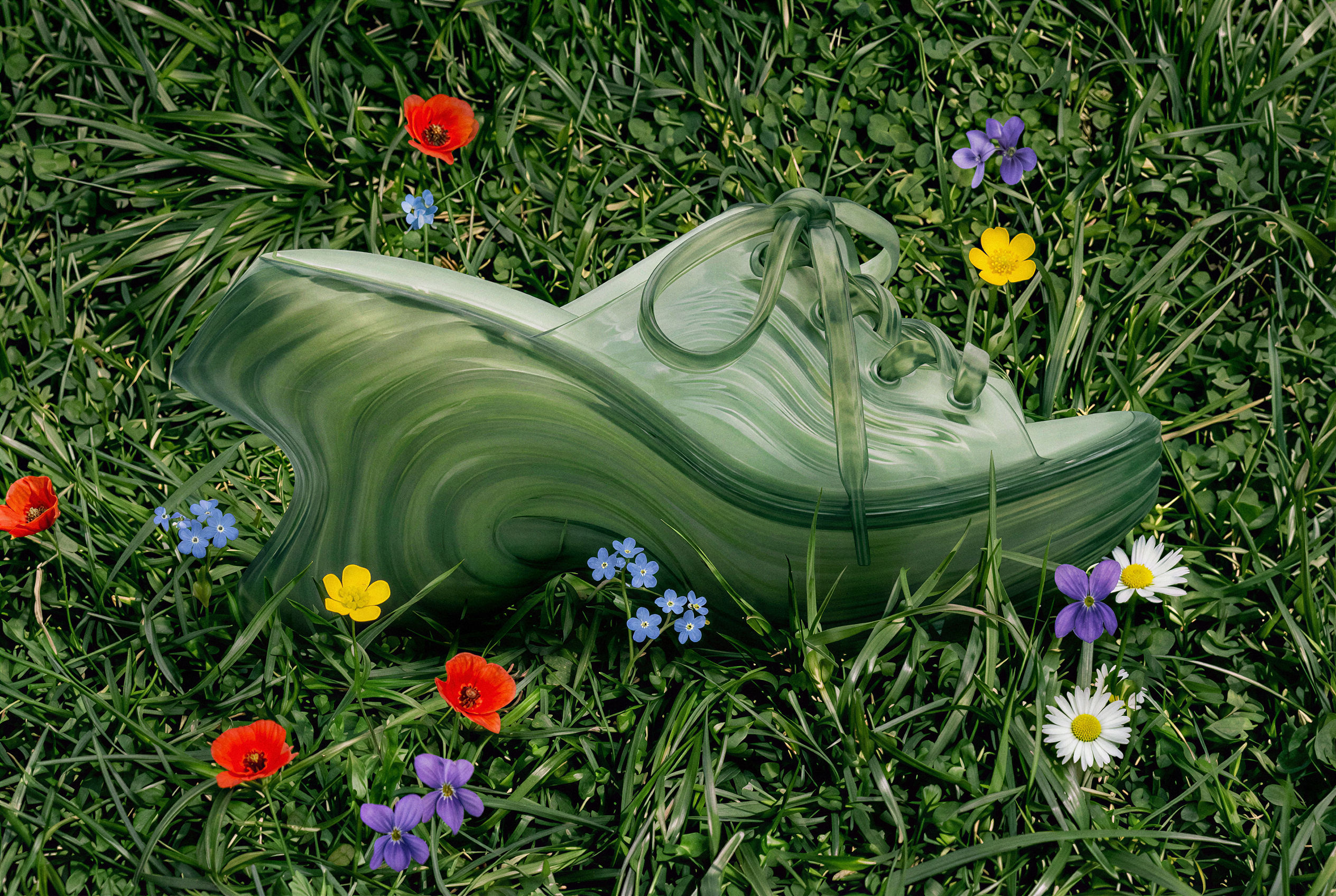 Image UpscalerUpscale any image to a higher resolution in one click.
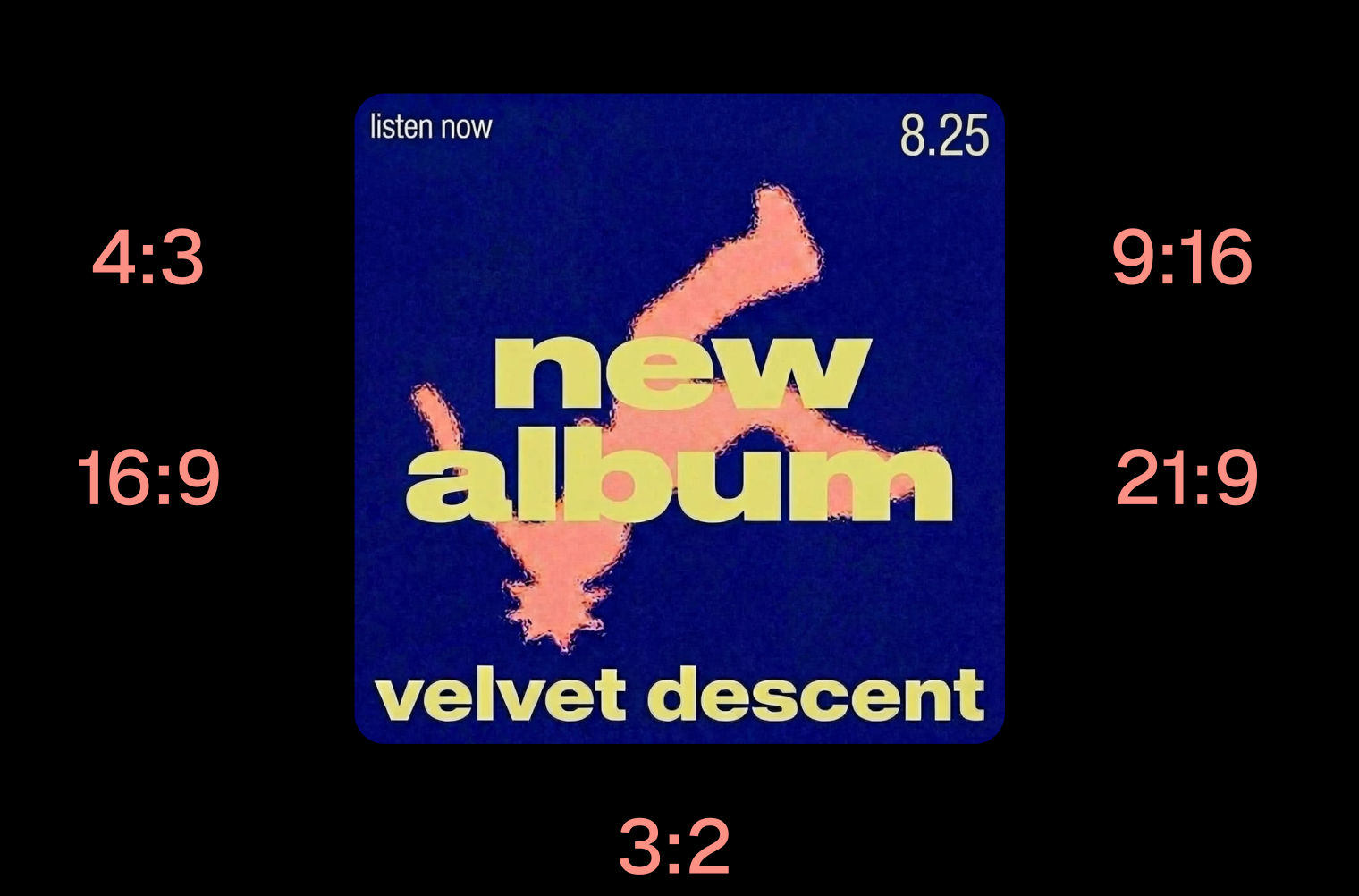 Layout ResizerResize layouts for any aspect ratio
 Prompt ExtractorReverse-engineers any image into a prompt
 3 Angle ShootFront shot in, 45, 90, and 180 angle back
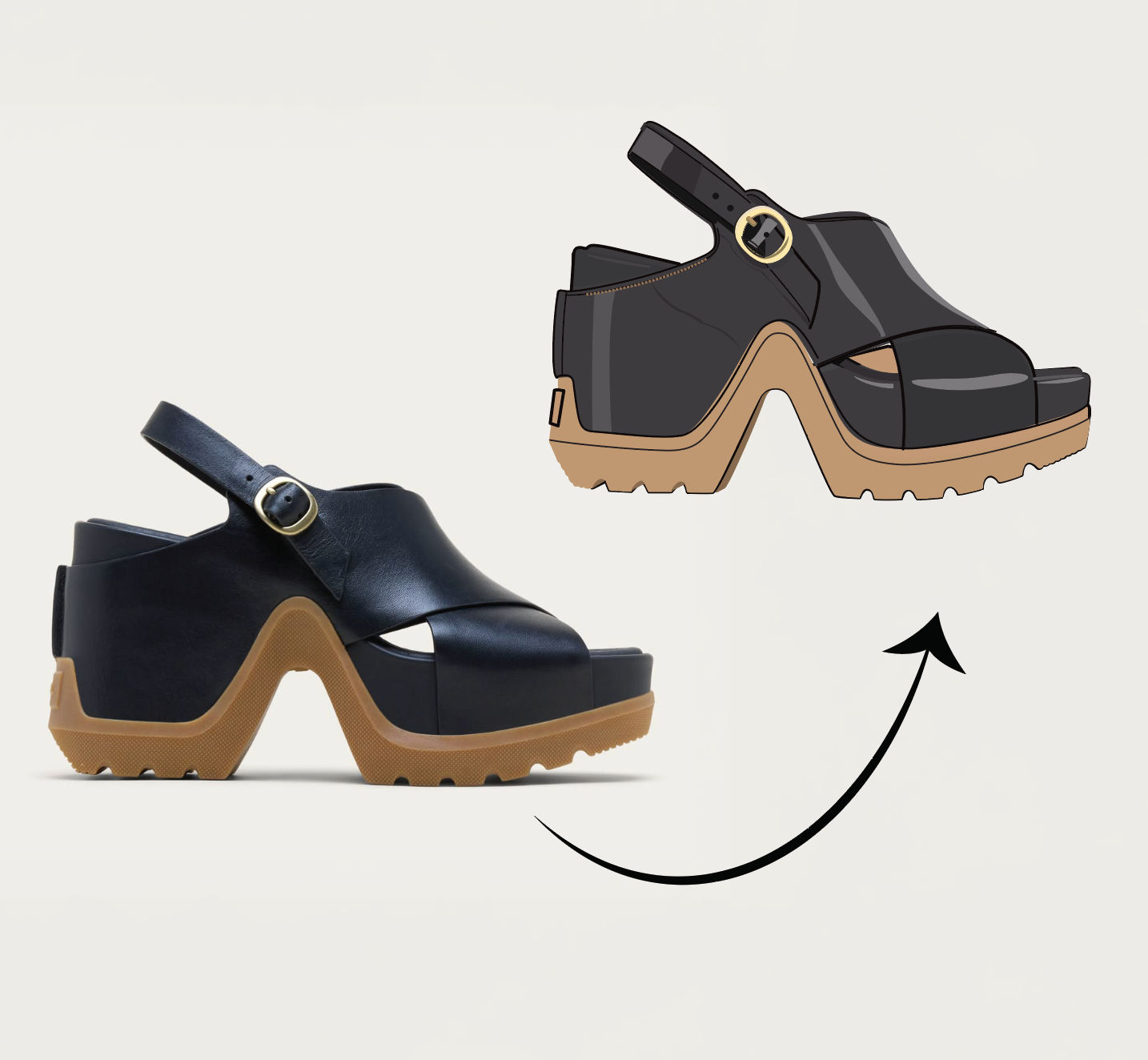 Anything to VectorTurn any image into a SVG vector illustration.
Deliberately Degrade Any Photo With This Low Quality Image Maker
deliberately degrade one clean image into a whole shelf of lo-fi looks. Useful for: meme makers, shitposters, ARG/creepypasta creators, and designers who need a "found footage" / early-internet aesthetic — deep-fried JPEG, potato-cam, VHS, thermal-print receipt, plus a fifth look you describe yourself.

Louis Anderson