Upload a short clip and the Technique cuts the subject out across every frame, returning a loop that sits on any color or page.

Stickers and Reactions
Creators remove background from GIF reactions and mascot loops so a sticker sits cleanly in a chat thread or on a dark-mode page instead of inside a boxy rectangle.

Product and Logo Loops
Marketers lift a rotating product or an animated logo off its shot backdrop so the loop drops onto a landing page, an email header, or a slide in any brand color.

Motion Design Overlays
Motion designers cut a subject out once and reuse the transparent loop as an overlay across edits, skipping the frame-by-frame rotoscoping a manual mask would need.
How to use Techniques?
Discover how to utilize GIF Background Remover for different scenarios.

Add inputs
Upload images, videos, or type in the prompts to get started.

Generate outputs
Next, hit the "Generate" button to start generating your outputs.

Edit and export
Refine your outputs on canvas, or download them directly.
Frequently asked questions
All you need to know about GIF Background Remover
What a GIF background remover actually gives you back
There is a wrinkle in the name. A GIF background remover lifts a subject off its backdrop, but handing the result back as a .gif file would throw away most of the work, because the format can't hold a clean cutout.
GIF transparency is one bit deep. Every pixel is either fully visible or fully gone, with nothing in between. That works for hard-edged pixel art. It breaks on anything soft: hair, motion blur, a glass rim, the anti-aliased curve of a logo. Those pixels are part subject and part backdrop, and GIF has no way to record "sixty percent of this one." What you get instead is a stair-stepped outline with a halo of leftover background color baked around it. Run it on FLORA and check the edges against a dark backdrop, which is where fringing usually shows first.
Why the deliverable is a WebM
That limit is why a GIF background remover hands back a WebM instead. The format carries a full alpha channel, so each pixel gets a proper transparency value rather than a yes or no. Soft edges stay soft, motion blur fades out the way it should, and the loop sits on a white site, a dark deck, or a colored card without a visible seam. It also escapes GIF's 256-color palette, which is the other thing that wrecks gradients and skin tones.
Most bad cutouts come from the same instinct: people remove background from GIF files and then insist on keeping them as GIFs. If a destination accepts nothing else, convert at the very end and matte the subject against the exact background color it will sit on, so the hard edge has something to blend into. Search shorthand like bg remover gif turns up a lot, and it usually means someone wants the cutout rather than the container.
One practical note on input: the uploader here takes MP4 and MOV. If your loop is currently a .gif, convert it before uploading rather than after.
Cutting one frame is easy, cutting three hundred is not
A still cutout only has to look right once. An animated one has to look right in sequence, and the failure mode is specific. Masks generated independently per frame can each look correct in isolation, and the edge still crawls and flickers once the loop plays.
- Fast motion smears the subject across pixels, so the true edge is ambiguous rather than merely hard to find.
- As the subject turns, edges appear that were never visible in earlier frames and have to be invented consistently.
- Thin structures like a ponytail, an antenna, or a whisker drop below a pixel wide and pop in and out.
- Viewers catch a jittering outline immediately even when no single frame looks wrong, which is why frame-by-frame checking misses it.
Holding the mask steady through all of that is the actual work a GIF background remover is doing. Scrub the finished loop slowly once before you ship it.
What to do with a transparent loop
- Compare against the still version with the background remover when you need a matching static asset.
- Drop a new backdrop behind the cutout using swap background.
- Fall back to a white background for any placement that can't handle alpha at all.
- Build the loop itself first with product motion if you are animating a product rather than cutting out existing footage.
- Tighten the loop point using seamless transition, since a transparent loop with a visible restart is more obvious than a boxed one.
- See the wider model lineup on the AI video generator page.
Decide where the loop is going before you export it. Alpha is worth keeping right up until a destination refuses it, and that call is far cheaper to make at the start than after the file has been flattened.
Related techniques
 Color Palette ExtractionExtract color palettes from any image
 Image UpscalerUpscale any image to a higher resolution in one click.
 Layout ResizerResize layouts for any aspect ratio
 Prompt ExtractorReverse-engineers any image into a prompt
 3 Angle ShootFront shot in, 45, 90, and 180 angle back
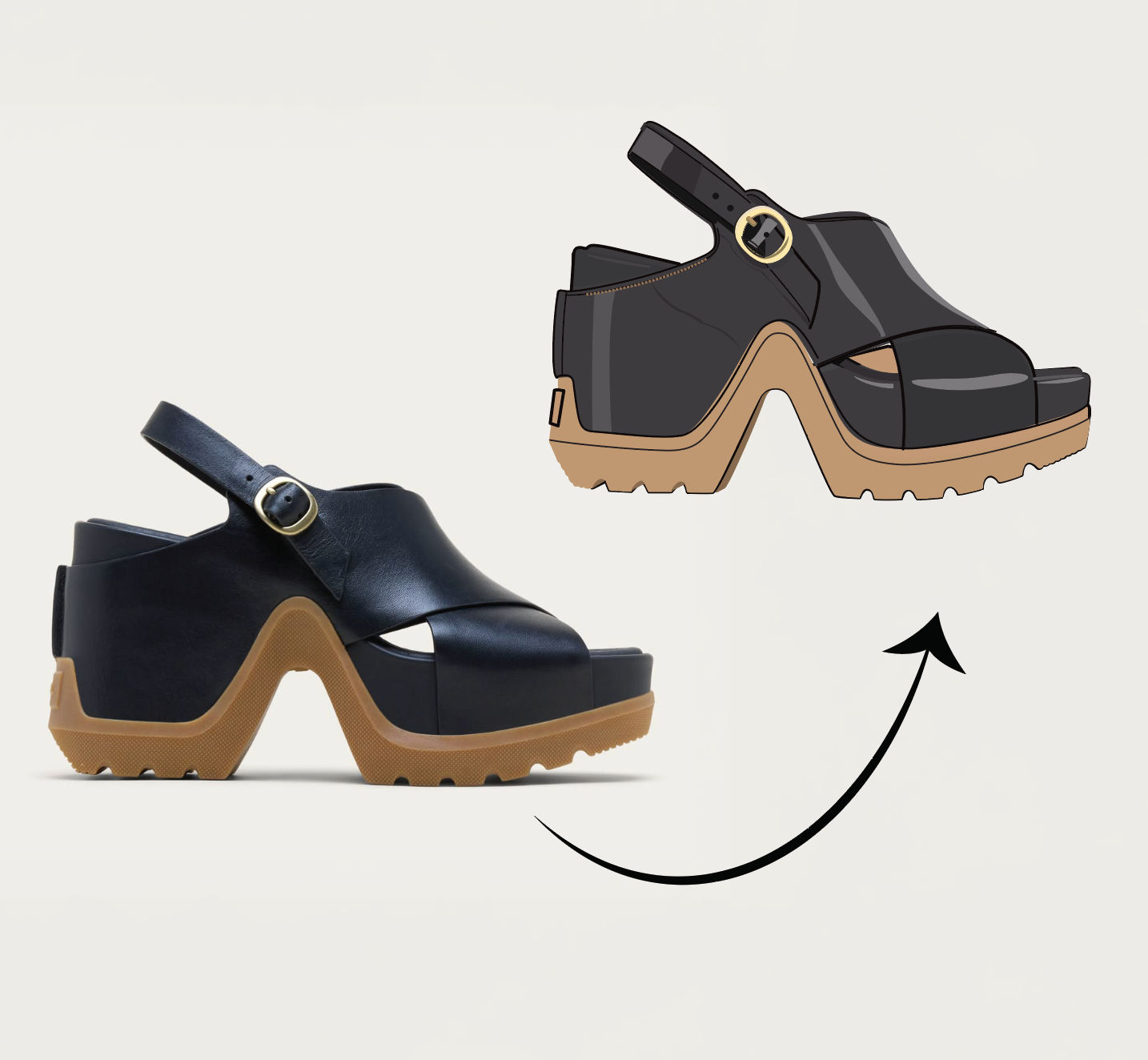 Anything to VectorTurn any image into a SVG vector illustration.
Use the GIF Background Remover to Get a Loop with Real Alpha Transparency
strip the background out of an animated GIF and get back a loop with a REAL transparent (alpha) channel, not a repainted backdrop. Useful for: creators & marketers who need a mascot, sticker, logo animation, or product loop lifted off its busy background so it drops onto any site, deck, or Discord/Slack sticker without a boxy backdrop.

Louis Anderson