Scene Astronaut
medium shot of an astronaut standing on a lunar surface at golden hour, helmet tucked under one arm revealing the face, weathered white EVA suit with mission patches, earthrise on the black horizon, warm rim light from the sun
Scene Renaissance
Renaissance oil portrait of a nobleman in a dark velvet doublet and lace collar, three-quarter angle, chiaroscuro window light from the left, aged varnish and fine brushwork, Rembrandt palette of umber and gold
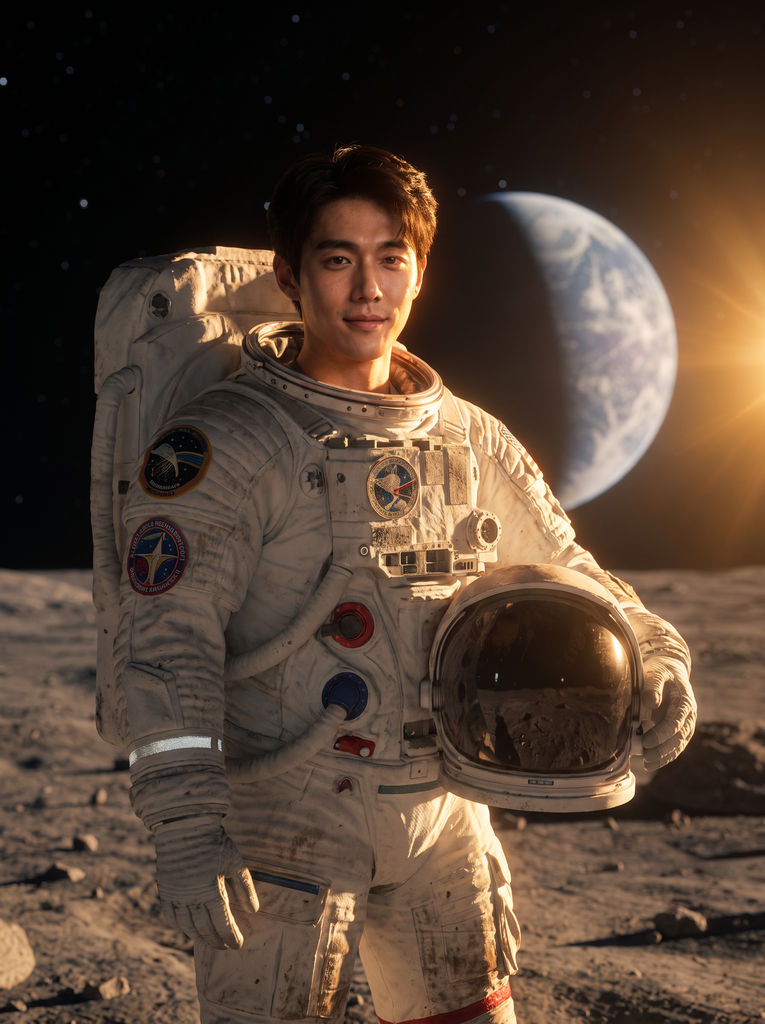
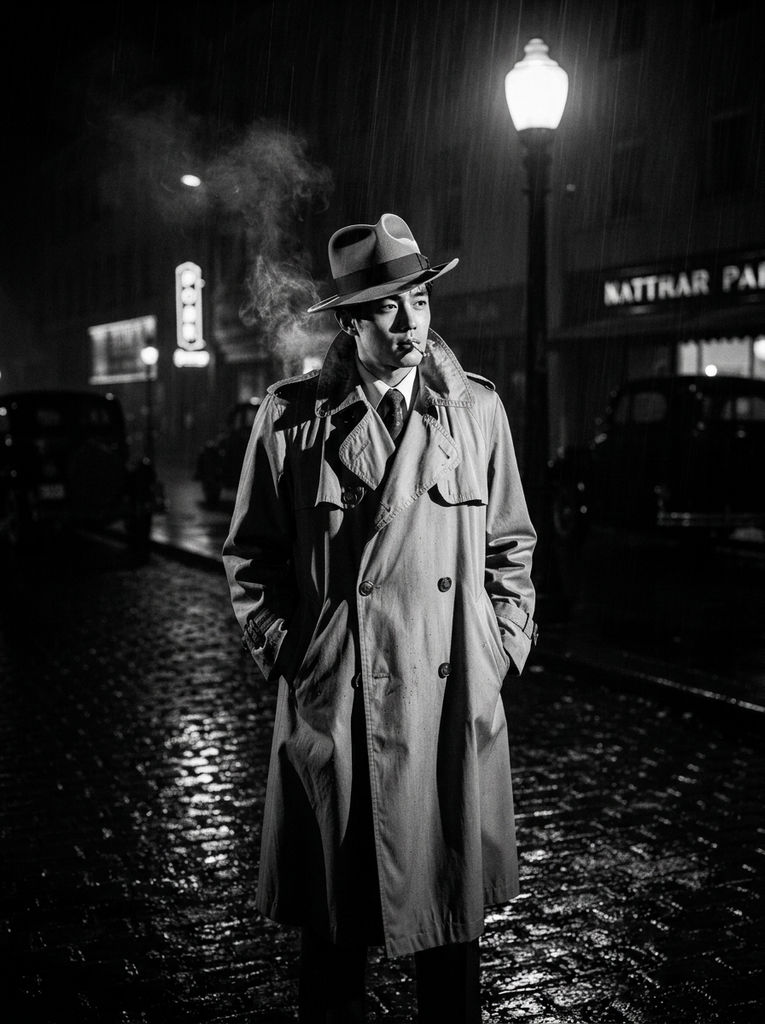
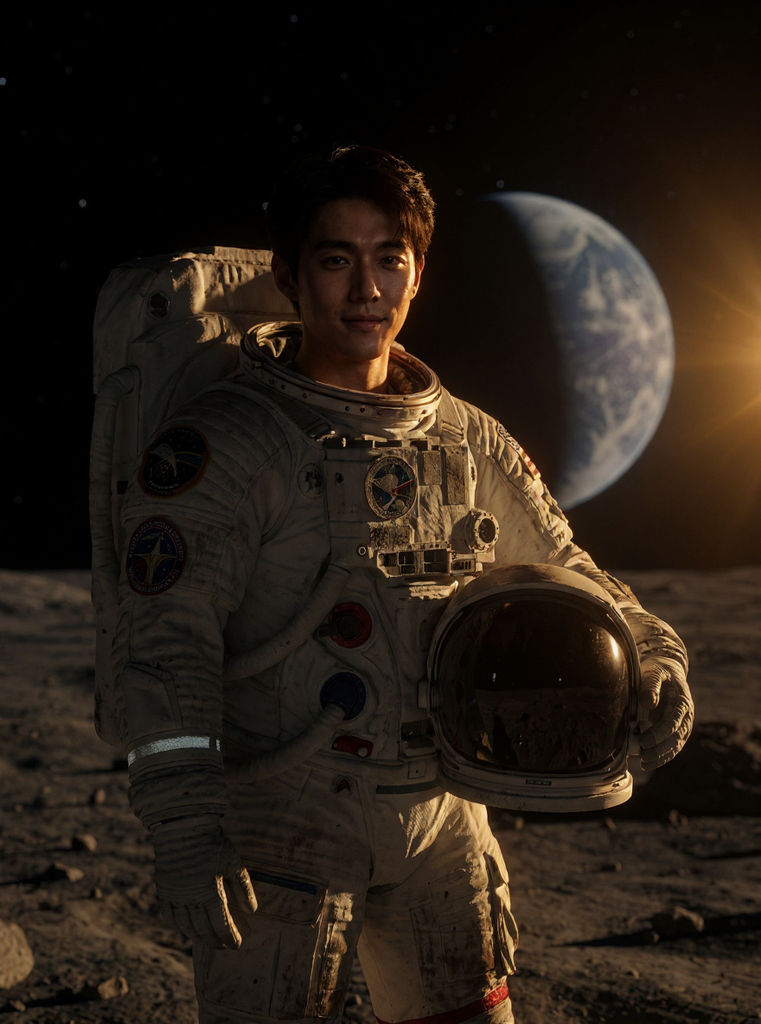
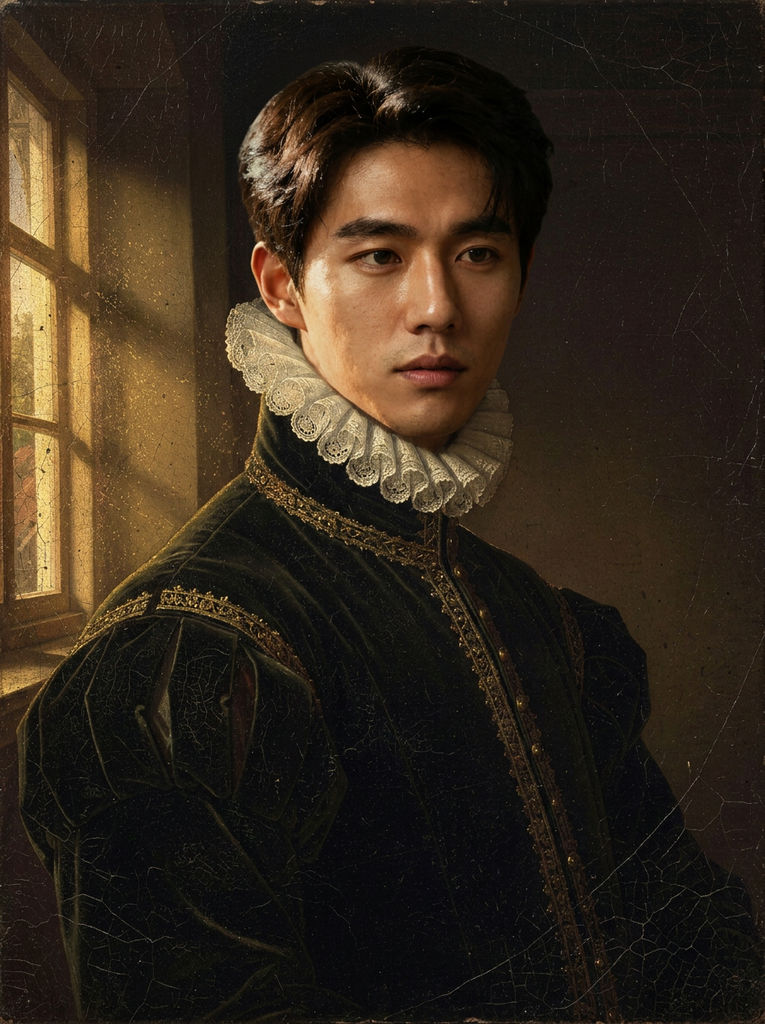

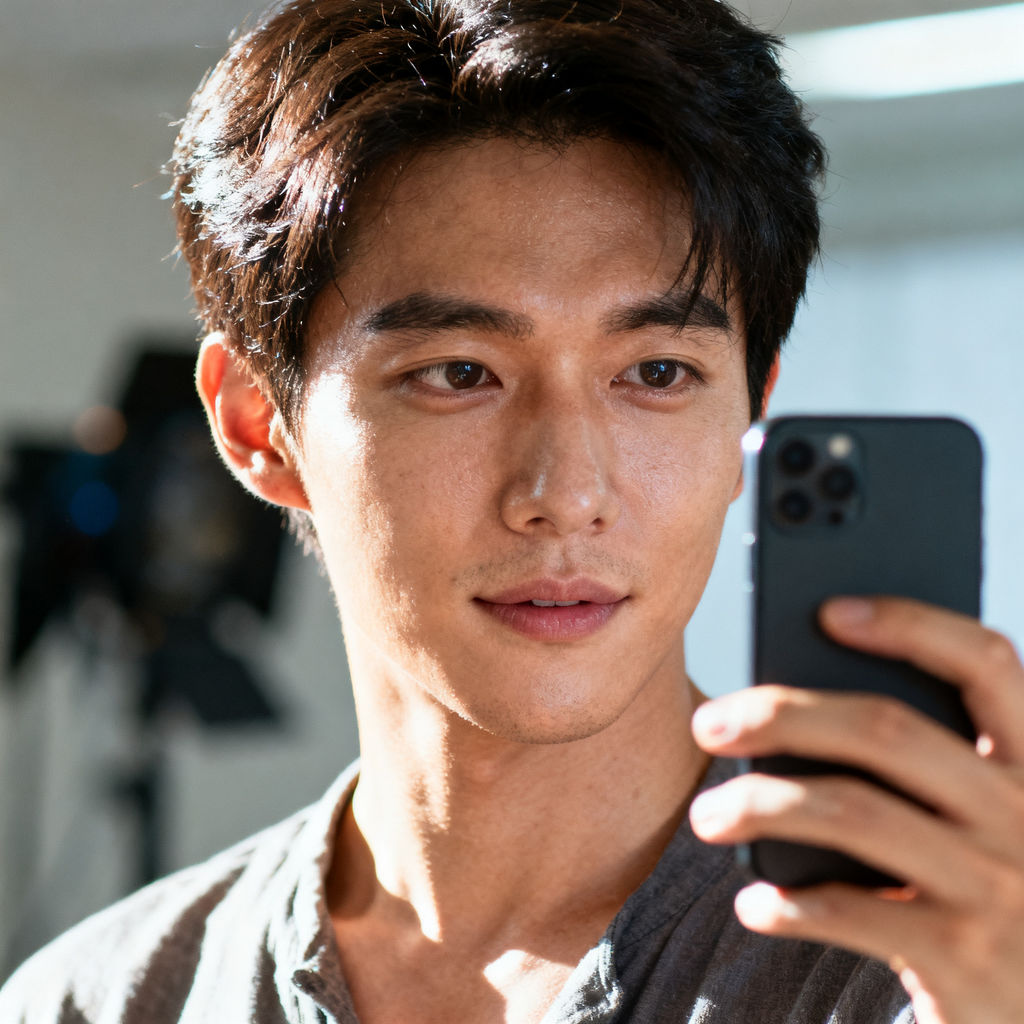
Upload a photo of a face, add two scene prompts, and get six results across portrait, editorial, and cinematic looks, plus a motion version.

Creators and Personal Brands
Creators use this free face swap AI to build a set of hero portraits from a single selfie, so a profile grid, banner, and thumbnail all show the same recognizable person.

Marketing Campaigns
Marketing teams run a face swap online to drop a founder or brand ambassador into concept scenes, testing campaign directions before booking a photographer.

Film and Concept Work
Studios use AI face swap to visualize casting and wardrobe ideas, placing one actor's likeness into period, noir, or editorial treatments during pre-production.
How to use Techniques?
Discover how to utilize Face Swap AI for different scenarios.

Add inputs
Upload images, videos, or type in the prompts to get started.

Generate outputs
Next, hit the "Generate" button to start generating your outputs.

Edit and export
Refine your outputs on canvas, or download them directly.
Frequently asked questions
All you need to know about Face Swap AI
What face swap AI is actually doing
A convincing swap rebuilds the face inside the target scene rather than pasting it on top. That means relighting it, reangling it, and matching the lens character of the plate it lands in. Look at the presets on this page: golden-hour rim light on a lunar surface, then chiaroscuro window light falling from the left in a Rembrandt palette. One selfie has to survive both.
That is why a straight copy-paste reads as fake even to people who can't say why. People read faces more precisely than anything else in a frame, so the mismatch registers before you can name it. Try it on FLORA with a photo of yourself.
Lighting and lens are what give a swap away
Face swap AI has to reconcile four things between the face and the scene, and each one fails visibly on its own.
- Key light direction. Shadows under the nose and jaw have to fall the same way as every other shadow in the frame. Drop a face lit from the right into a scene lit from the left and the mismatch is obvious immediately.
- Color temperature. Warm rim light on a lunar horizon and cool overcast daylight put completely different casts on skin. Skin tone is where a mismatched cast shows first.
- Contrast ratio. Film noir is hard light with deep falloff. A softly lit portrait carries almost no shadow. Dropping one into the other keeps the face looking flat and stuck on.
- Focal length. This is the one people miss. Selfies are taken close with a wide lens, which pushes the nose forward and shrinks the ears. Renaissance portraits and magazine covers imply a much longer lens. Carry the selfie distortion into either and the proportions read wrong even when the likeness is perfect.
Choosing a source photo
The upload sets the ceiling, and most disappointing face swap AI results trace back to it rather than to the model.
- Use even, soft light on the face. Harsh side lighting bakes a shadow into the source that has to be undone first.
- Keep the expression neutral or close to it. Extreme expressions constrain every scene the face gets placed into.
- Leave the face unobstructed. No sunglasses, no hair falling across the cheek, no hand near the jaw.
- Upload the highest resolution you have. A cropped thumbnail caps everything downstream, and no amount of scene quality recovers it.
- Skip photos with heavy beauty filters. Those have already altered the facial geometry you're trying to preserve.
Whose face you can use
This matters more than the craft does. Flora scopes the technique to a founder, an actor, a brand ambassador, or yourself, and all four assume permission.
Get explicit agreement before you upload someone else's face, and get it in writing if the result will be used commercially. Likeness and publicity rights vary considerably by jurisdiction, and commercial use generally raises the bar. Check yours before you publish rather than after. Separately, many platforms now have their own rules on synthetic media showing real people, including disclosure requirements, and those apply regardless of what your local law says.
Putting yourself in an astronaut suit is play. Putting someone who didn't agree into a scene that implies something about them is not, and no tool setting makes that call for you.
Why the search results are such a mess
Nobody agrees on what to call this, so the same job arrives in a dozen phrasings. Some people search AI face swap with the words reversed. Others want to know about cost and search free face swap online or free face swap AI. Anyone typing face swap app is usually looking for something on a phone rather than a browser tool. Autocomplete adds its own noise on top, which is how doubled strings like free face swap face swap end up in keyword exports at all.
Getting more out of one portrait
- Start from a stronger source by shooting a proper portrait with glam shots.
- Raise a low-resolution source using the image upscaler before you swap rather than after.
- Build the scene you're placing the face into with the location scouter.
- Take the swap into motion with the cinematic movie generator.
- Go stylized instead of photoreal using memoji me.
- Build scenes from scratch on the AI image generator page.
When you're checking a result, look at the edges of the jaw and the hairline first, then the eyes. Those are where a swap that is almost right stops being right.
Related techniques
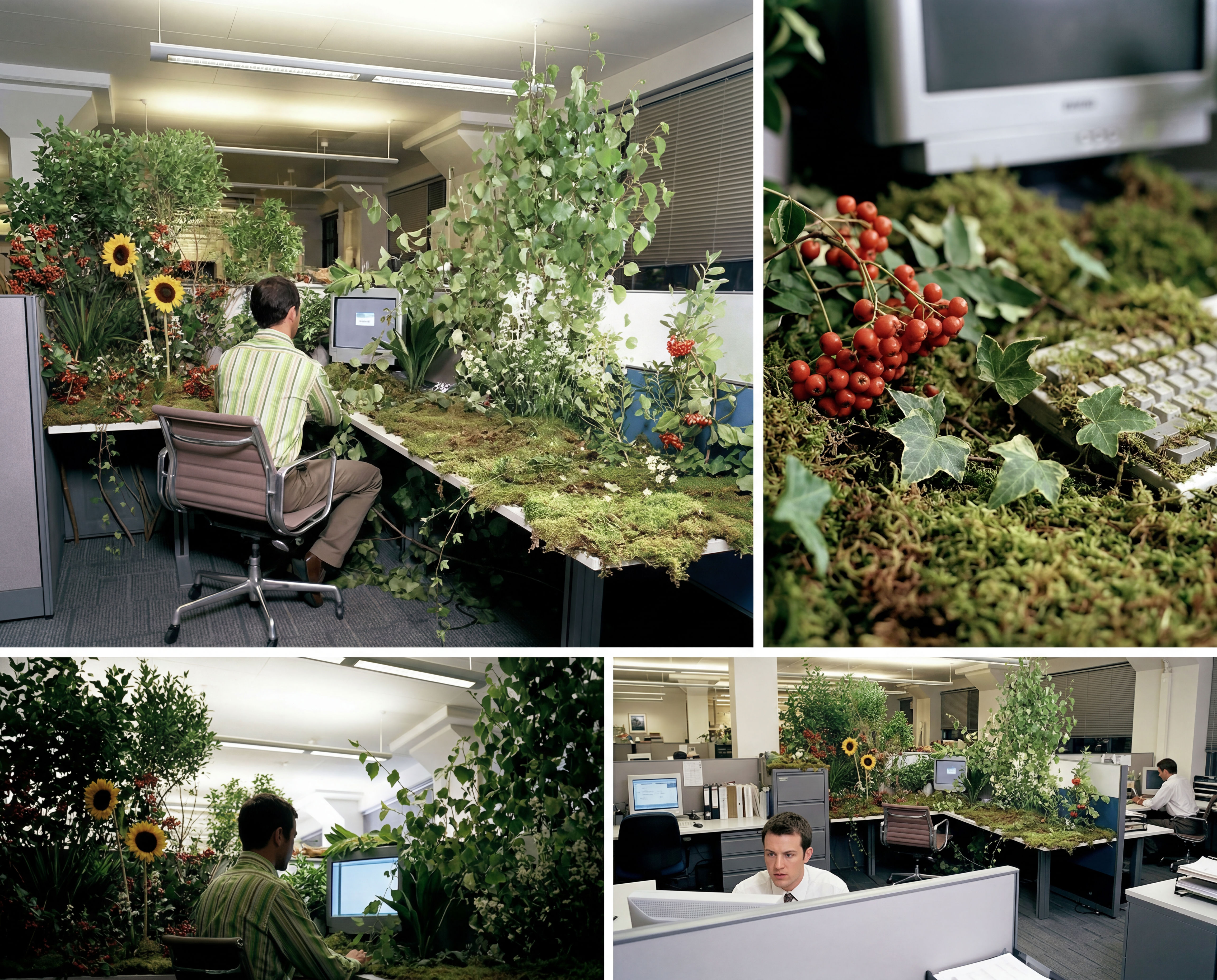 Storyboard MakerInput one image and creates cohesive 9 storyboard shots
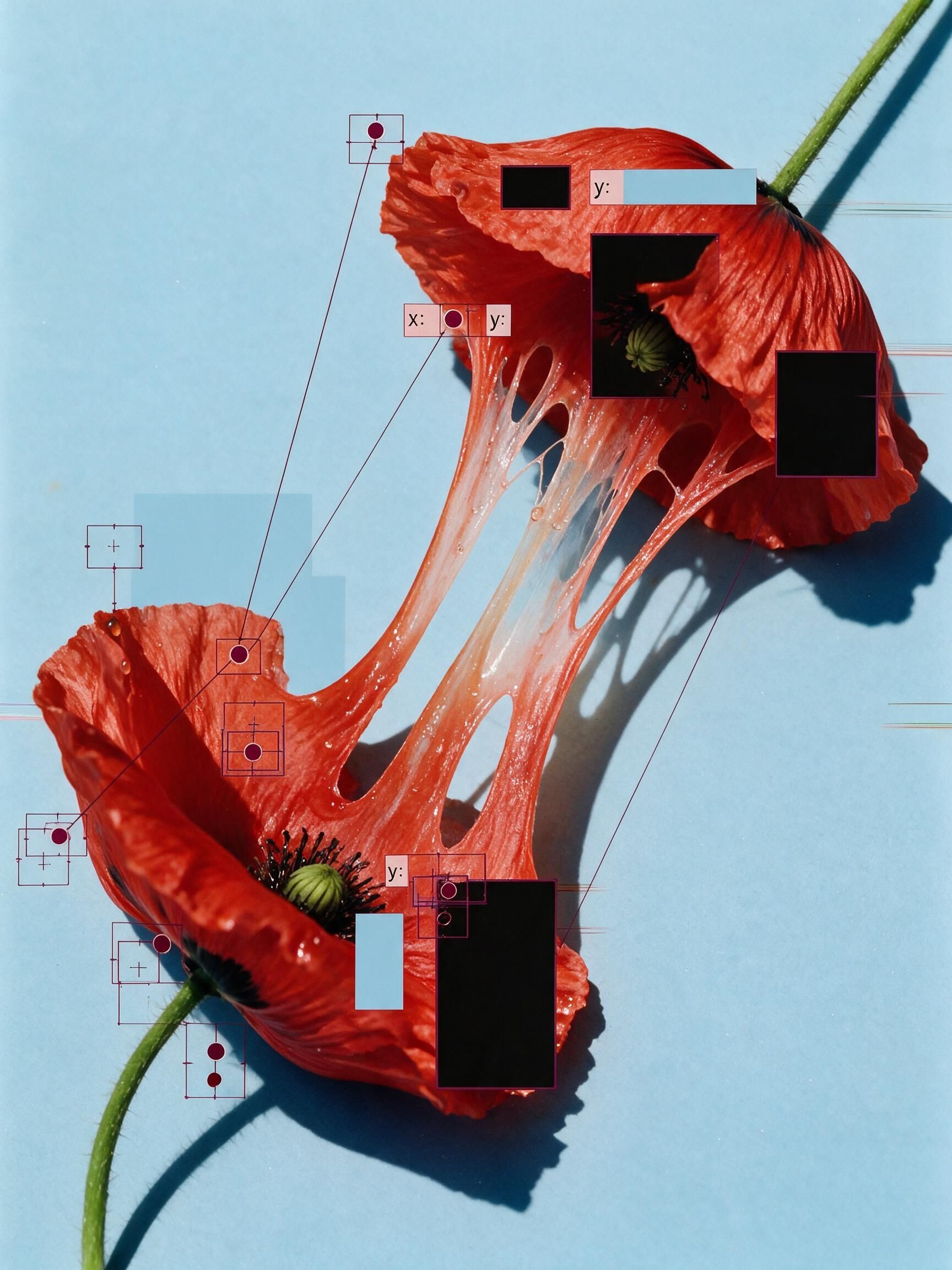 'Pollen CheeseAn editorial still-life of your flower pulled apart, like cheese.
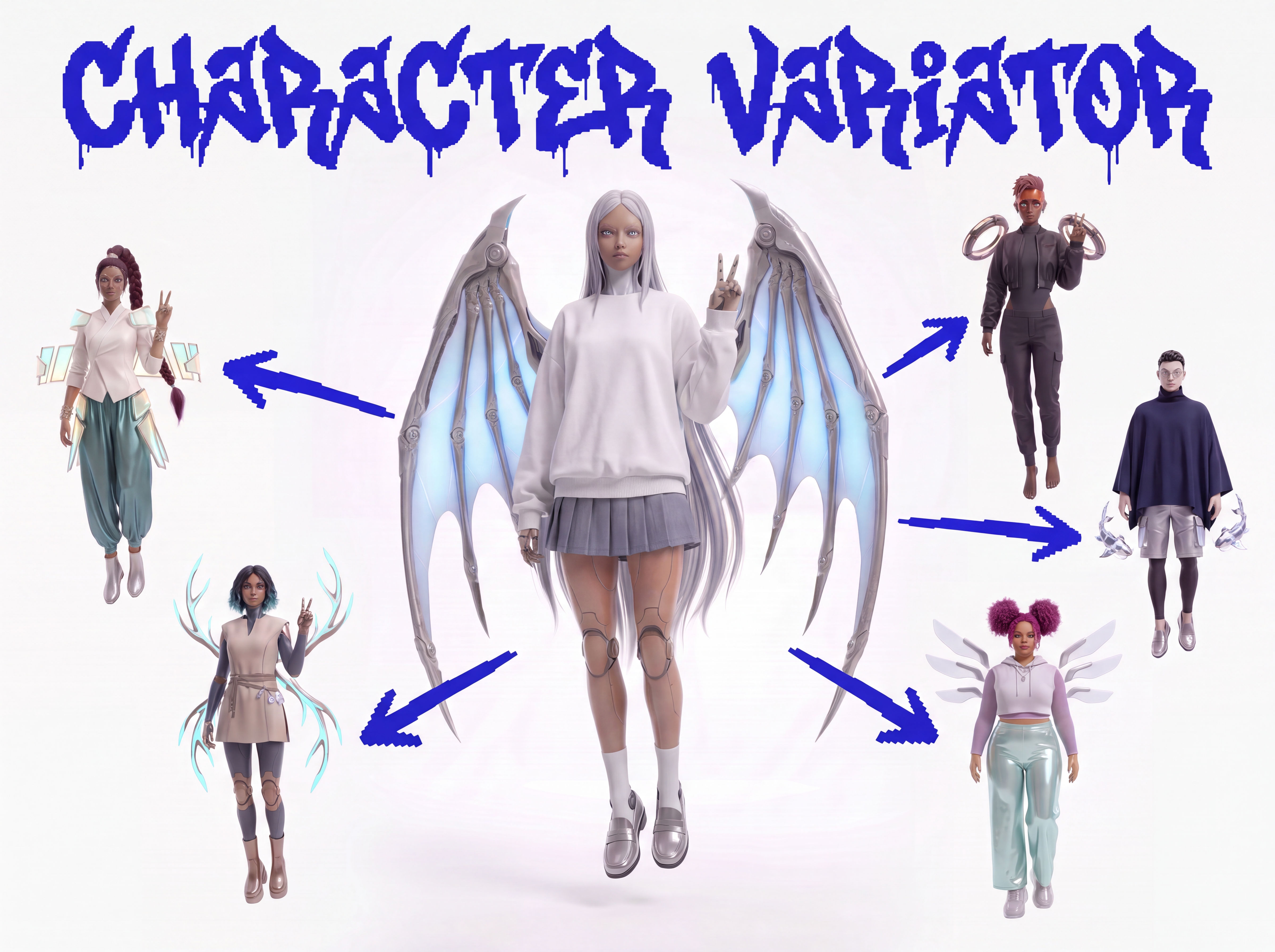 Character VariatorTurn one character into a roster of five.
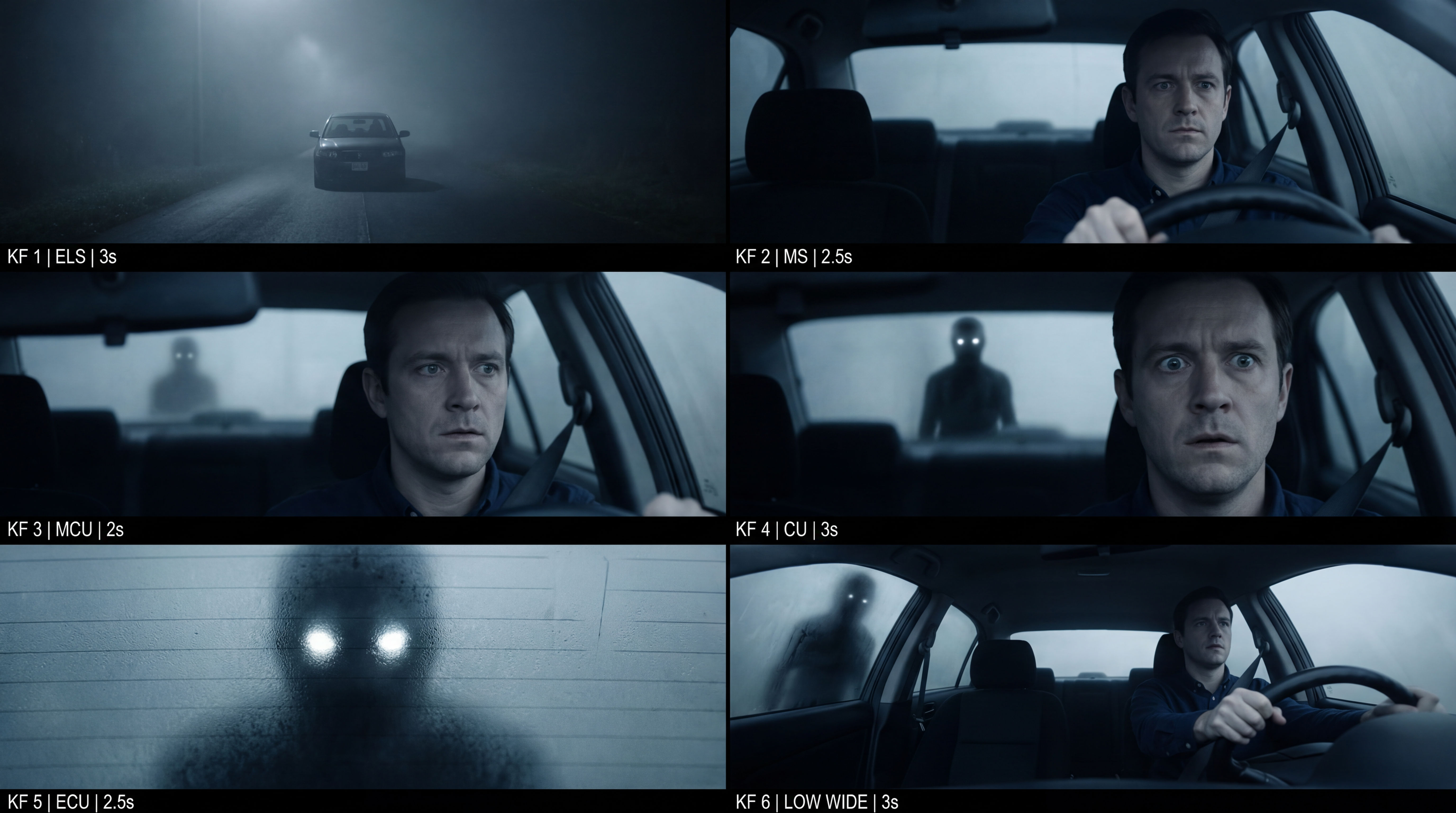 Frame the Mood for CreativesTurn a single reference image and a mood description into a complete set of production-ready visual assets, in one run. You get 7 assets total: 1 full storyboard + 6 individually exported keyframes.
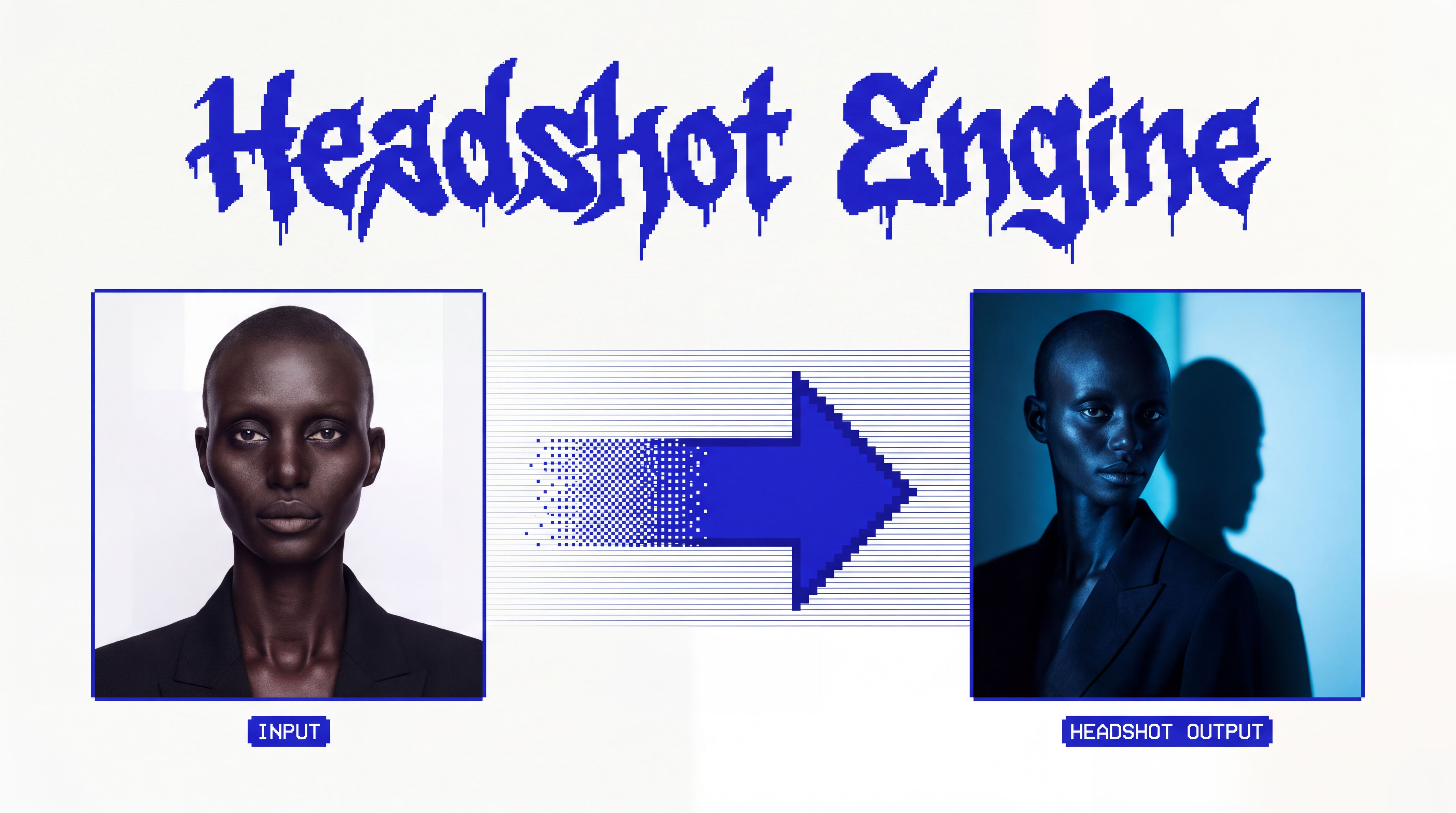 Headshot EngineAny photo of a person, reshot in the style of any headshot you feed it.
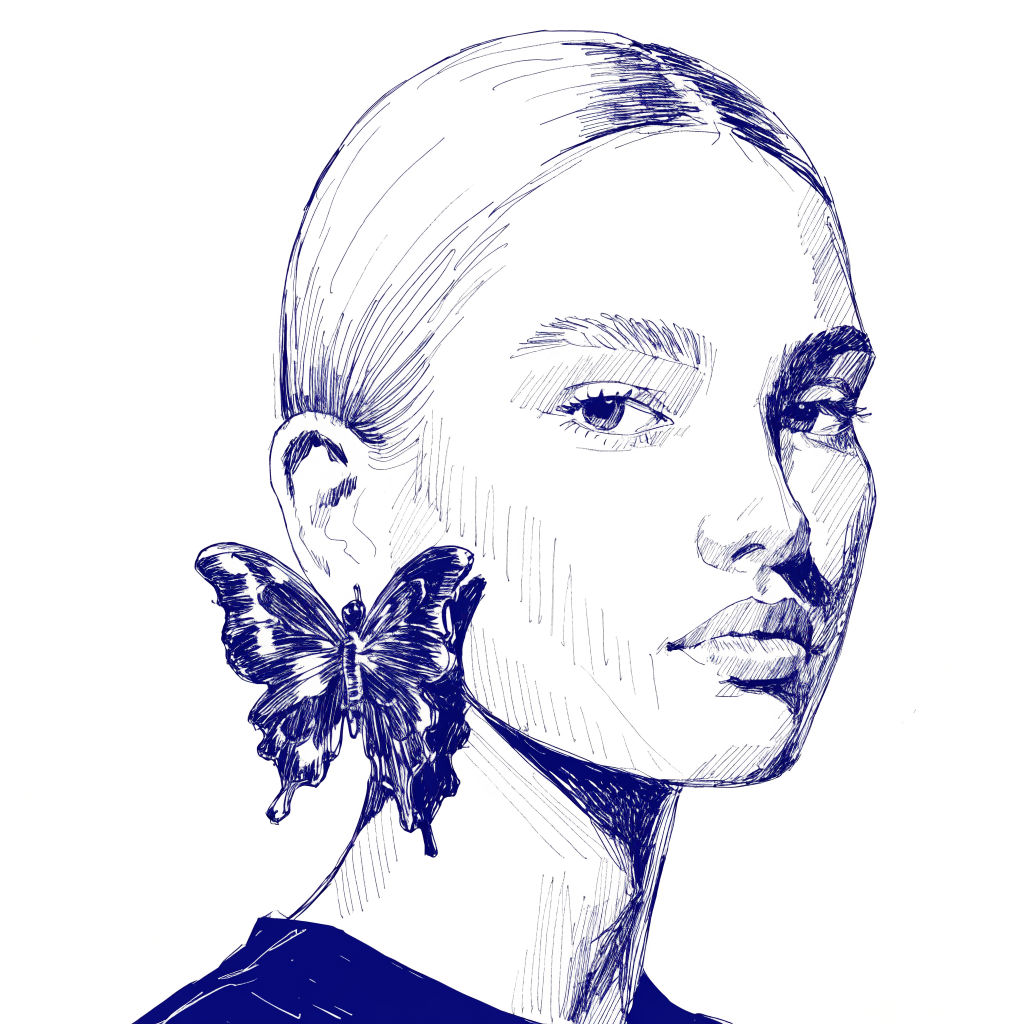 InkCreate ink sketches for storytelling and animation.
Use Face Swap AI to Put One Face Into Any Era, Role, or Scene
transplant one person's exact face into any scene, era, or role while holding their identity. Useful for: creators, marketers, and studios who want to place a single subject (a founder, an actor, a brand ambassador, or themselves) into many hero contexts — astronaut, Renaissance oil portrait, film-noir detective, magazine cover — from ONE selfie, with a consistent, recognizable likeness across every result.

Louis Anderson