
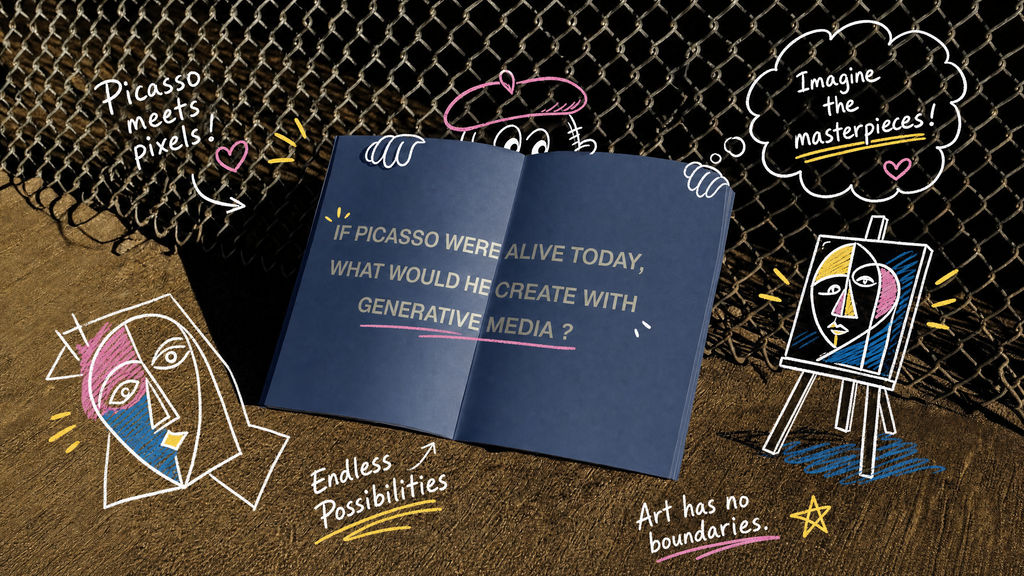
Adds hand-drawn doodles and handwritten notes that respond to whatever's in your image.

Social Media Creators
Creators upload a selfie or travel shot and create doodle art for Instagram and TikTok, with the original photo still visible under the marks.
Journals and Scrapbooks
Scrapbookers and bullet journalers turn phone snaps into online doodle art, with handwriting-style notes sitting around the subject instead of covering it.

Campaign Visuals
Marketing teams run product and campaign shots through the doodle art generator for annotated visuals that keep the product readable underneath.
How to use Techniques?
Discover how to utilize Doodlify for different scenarios.

Add inputs
Upload images, videos, or type in the prompts to get started.

Generate outputs
Next, hit the "Generate" button to start generating your outputs.

Edit and export
Refine your outputs on canvas, or download them directly.
Frequently asked questions
All you need to know about Doodlify
What a doodle generator adds that a sticker pack cannot
A doodle generator draws on top of a photo you already have: loose marker lines, arrows, stars, small hearts, and handwriting that sit around the subject without burying it. Stickers are finished assets dropped onto a layer. Doodles are marks made in response to what is in the frame, so the arrow actually points at something and the note actually refers to it.
That response is the whole reason the style reads as personal. Upload a photo to the Doodlify Technique on FLORA's canvas and the marks land where the image leaves room for them. Finding that room is the part that takes longest by hand.
The line quality that makes people create doodle art instead of dropping in clip art
Hand-drawn marks have tells. Line weight thickens and thins along a single stroke. Corners overshoot. Circles never quite close. Pressure builds at the end of a curve and the stroke tapers where the pen lifts. Clip art has none of that, because it was drawn once at perfect resolution and reused.
Those small failures are the point. When you create doodle art over a photograph, the wobble is what separates a marked-up snapshot from a graphic overlay. The sketchbook look also holds up on a phone screen, where cleaner vector shapes start to read as advertising.
How a doodle art generator decides on weight, color, and placement
A doodle art generator is making three decisions at once. Line weight has to survive whatever the photo is doing underneath, so a busy background needs a heavier stroke than a plain wall. Color has to fight the image rather than blend into it, and one or two shades held against the dominant tones will do more work than five. If you want those choices to stay on-brand across a set, palette pull gives you the source colors to work from.
Placement is the hardest of the three. Marks belong in the empty parts of a frame: the sky above a subject, the table beside a plate, the wall behind a shoulder. Anything drawn across a face turns a photo into vandalism. When the photo's own colors leave no room for a mark to stand out, image recolor shifts the base before you draw on it.
Doodle maker or doodle editor: two different jobs
A doodle maker produces the whole set of marks in one pass and hands you a finished image. A doodle editor puts you in charge of individual strokes, slower and more precise. Most people ask for a maker and then want an editor about ten seconds later.
The gap matters when the output is nearly right. A doodle generator pass gets you the composition, the weight, and the handwriting style in one go, and small adjustments afterward tend to be about position and quantity, not draftsmanship.
What doodle AI reads in your photo first
Before anything gets drawn, doodle AI has to understand the picture:
- Where the subject ends and the background starts, so marks do not cut across it.
- How busy the background is, since that sets the line weight and the mark count.
- What colors already dominate, so the strokes land in contrast to them.
- Which areas are empty, since those are the only places a note or arrow can live.
- What the subject actually is, because a coffee cup and a mountain earn different annotations.
That last step is what a text prompt cannot do on its own. A prompt can only describe a doodle in the abstract, while an image hands the model something specific to react to.
Keeping online doodle art legible at thumbnail size
Most of this work gets viewed small. Online doodle art that looks balanced at full width often turns to noise in a feed, where the image is a fraction of its original size and the viewer is moving fast.
Three habits fix it: fewer marks than feel right, thicker lines than feel right, and one accent color rather than four. The same restraint that makes an icon pack work at 24 pixels applies here.
Why people doodle online without opening a drawing app
Drawing on a photo by hand needs a stylus, a tablet, and the ability to letter neatly. Doodle online and none of that is required, so people go looking for it under a dozen names: free online doodle tools, create my doodle, AI doodle generator options that work from a text prompt.
The photo-first version is a different thing from the prompt-first one. Starting from your own image keeps the subject, the lighting, and the moment intact, and the drawing works as annotation instead of illustration. If you want the whole picture redrawn instead, photo to drawing and wonder-fy take that route.
Doodled frames rarely travel alone. They end up in carousels, in scrapbook spreads, in a moodboard next to the shots that inspired them. On an infinite canvas, the photo, the doodled version, and every variation you tried stay side by side, so you can compare them instead of digging through an export folder.
Related techniques
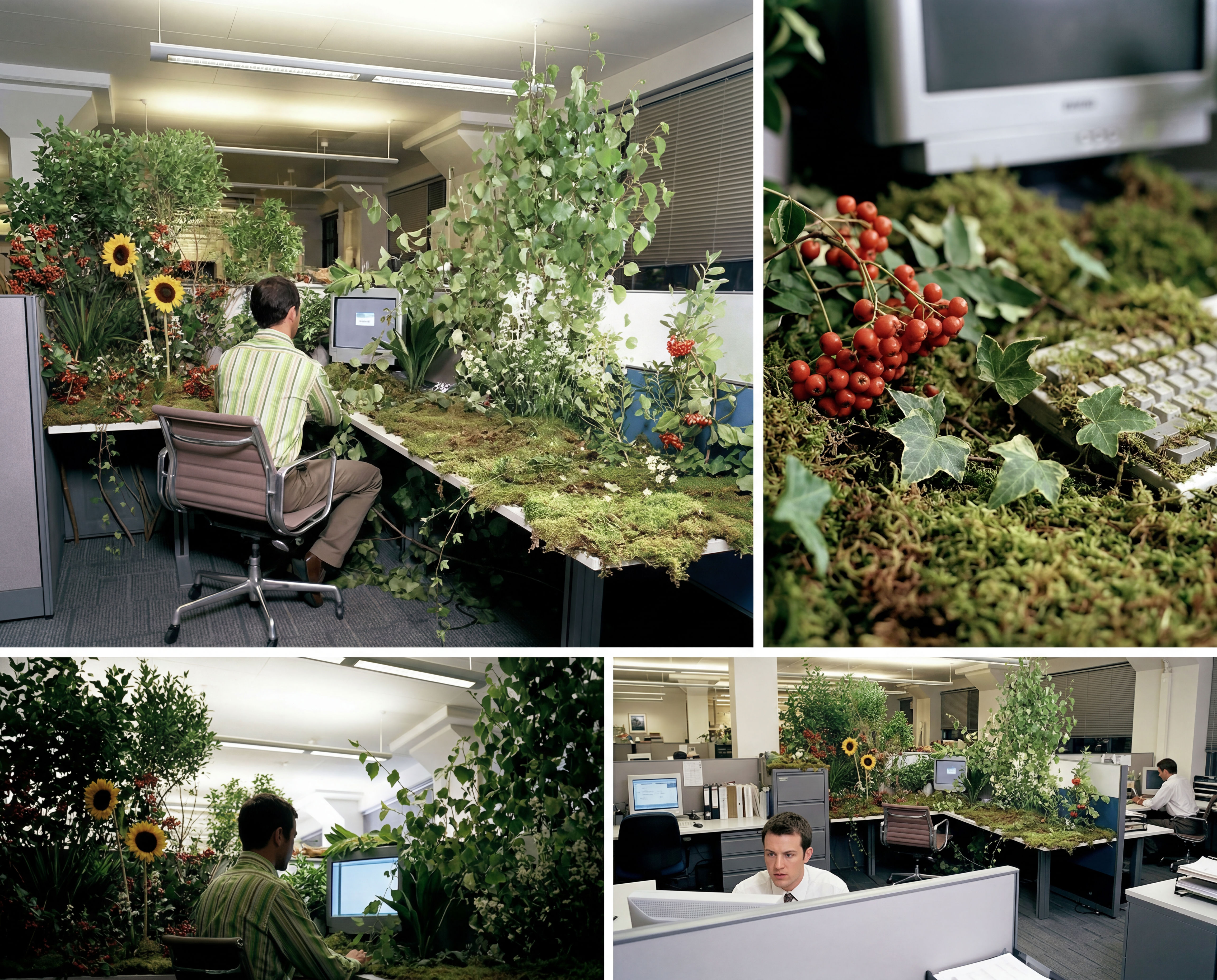 Storyboard MakerInput one image and creates cohesive 9 storyboard shots
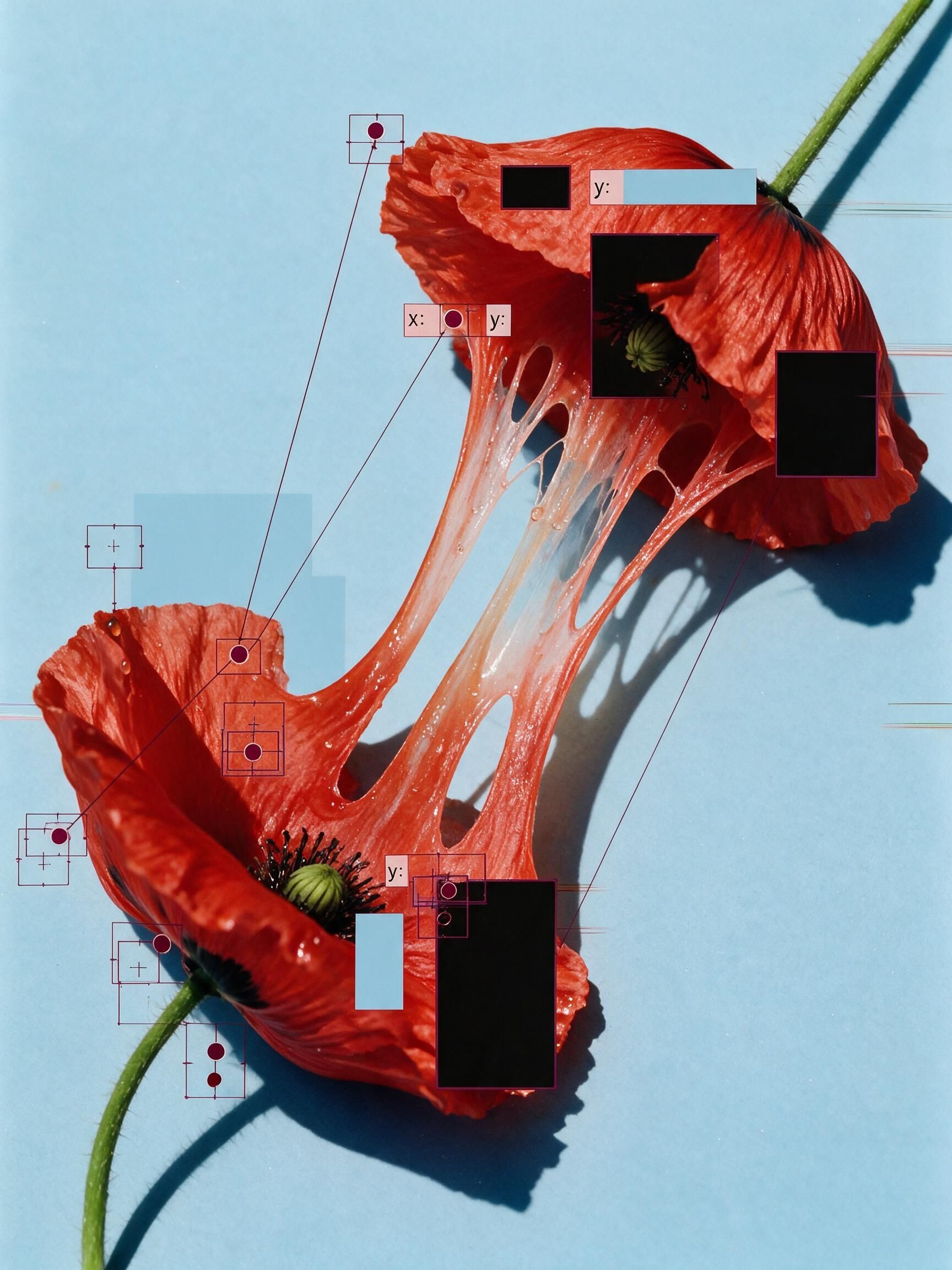 'Pollen CheeseAn editorial still-life of your flower pulled apart, like cheese.
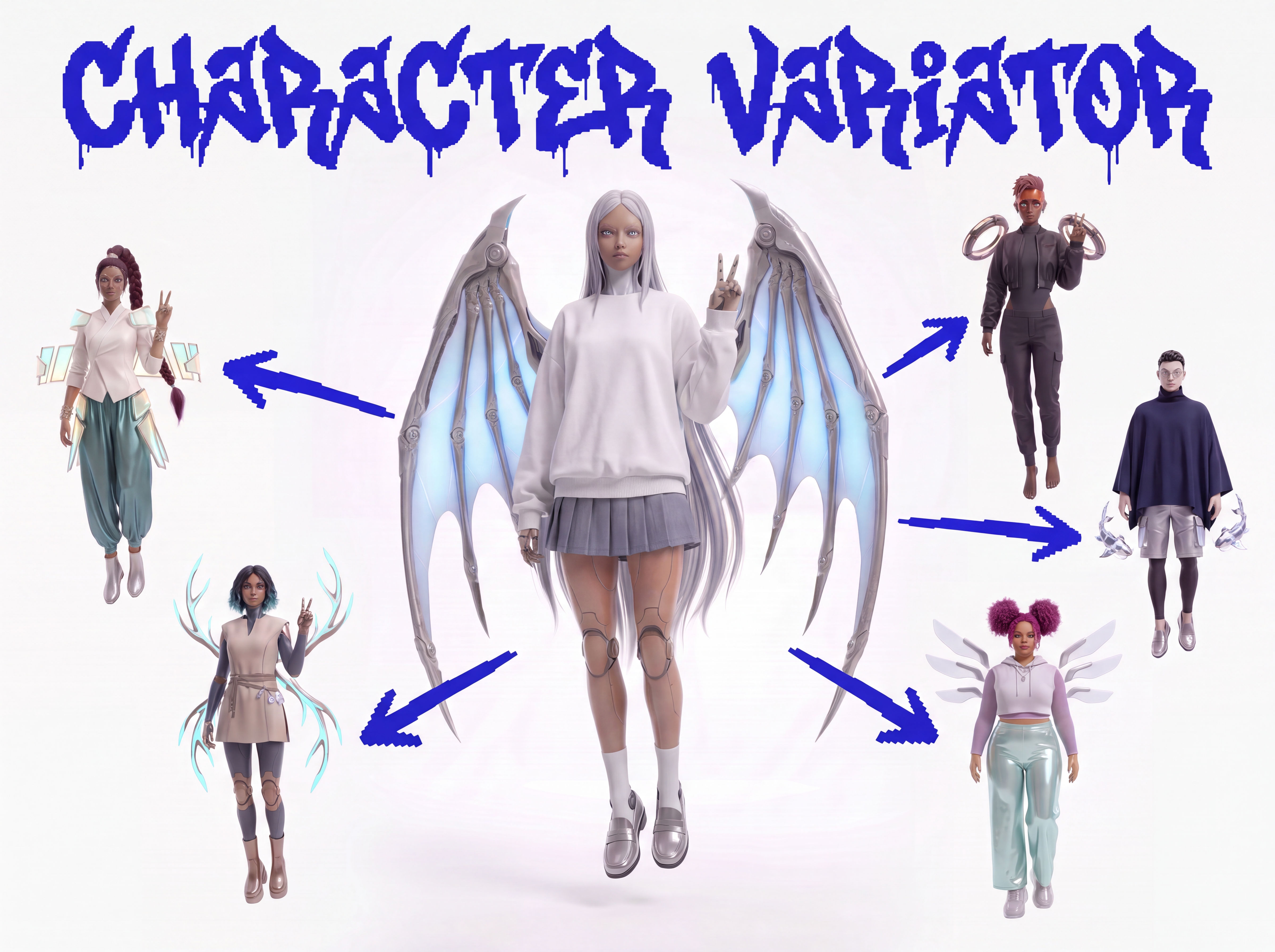 Character VariatorTurn one character into a roster of five.
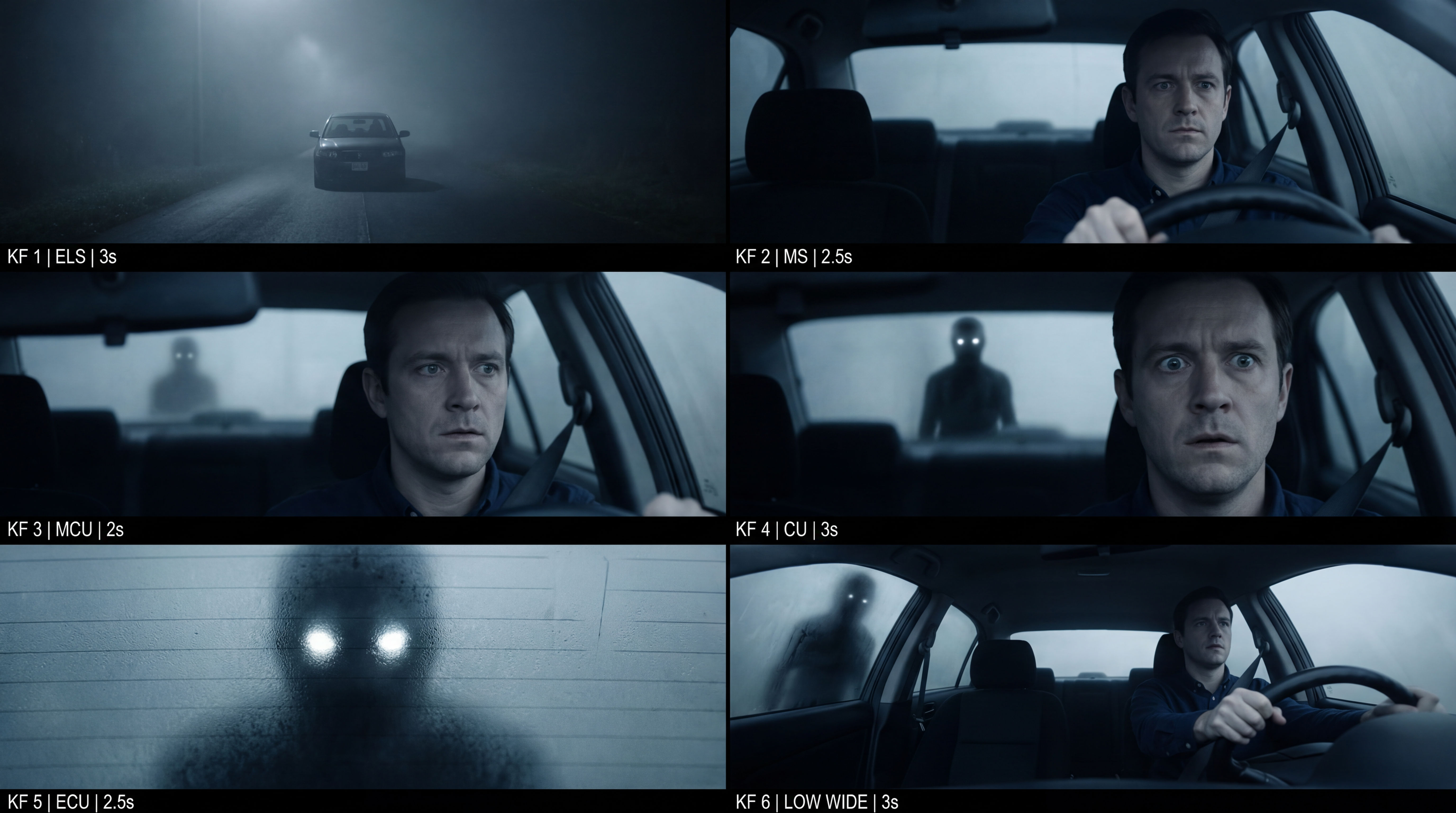 Frame the Mood for CreativesTurn a single reference image and a mood description into a complete set of production-ready visual assets, in one run. You get 7 assets total: 1 full storyboard + 6 individually exported keyframes.
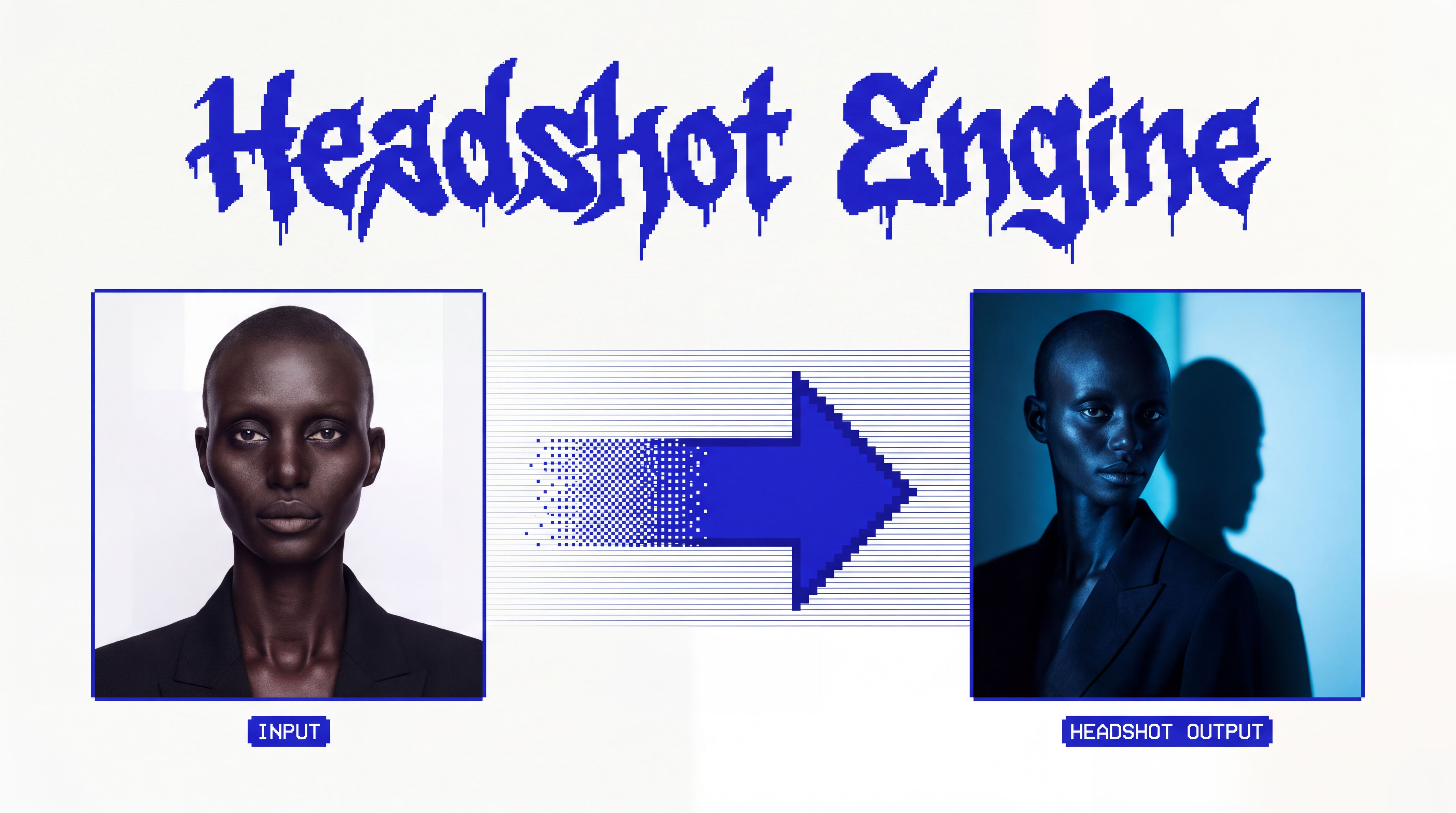 Headshot EngineAny photo of a person, reshot in the style of any headshot you feed it.
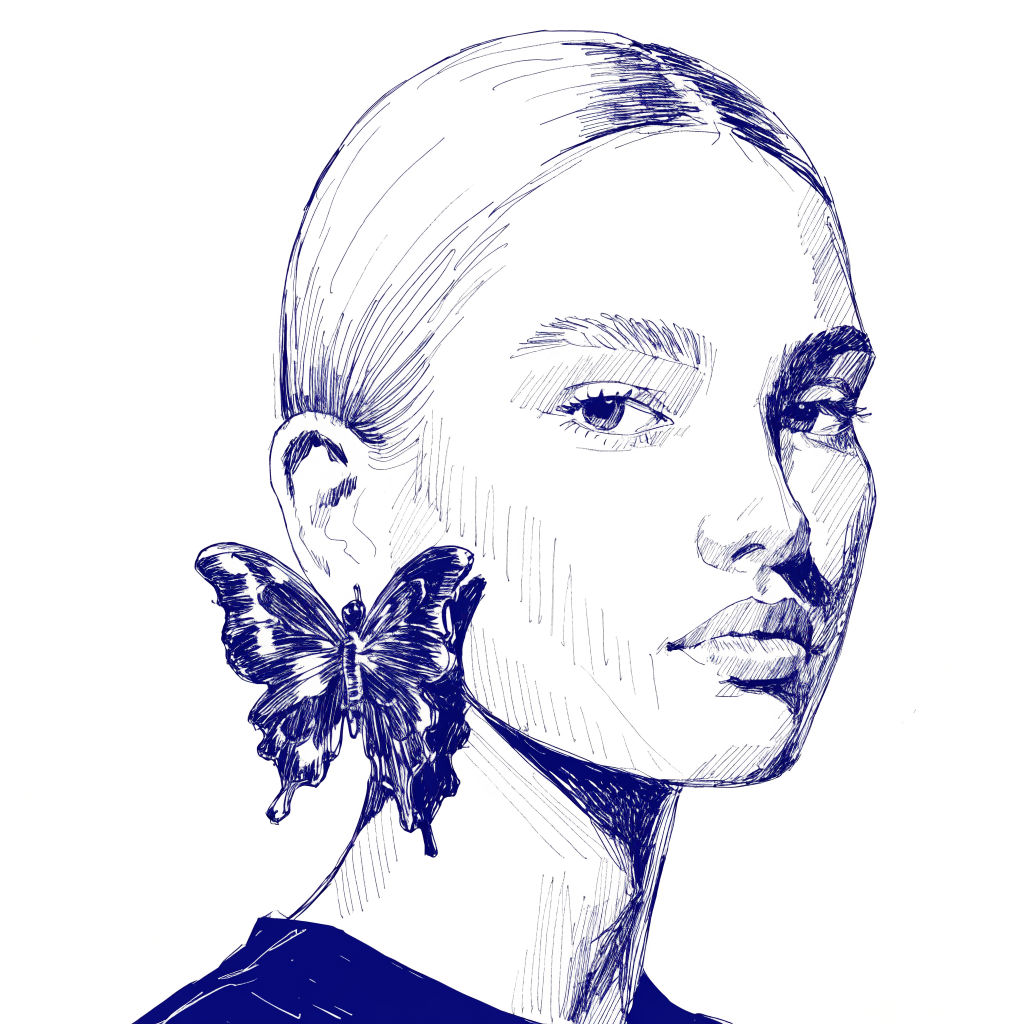 InkCreate ink sketches for storytelling and animation.
Use the Doodle Generator to Turn Any Photo into Doodle Art
Adds hand-drawn doodles and handwritten notes that respond to whatever's in your image.
Sasha Zabegalin from FLORA