Product
lounge chair
Material A
cognac saddle leather and a matte black powder-coated steel frame

Hero Material
Solid walnut frame with visible grain, tan aniline leather cushions with subtle creasing and stitching
Material B
forest-green bouclé upholstery and a pale white-oak frame


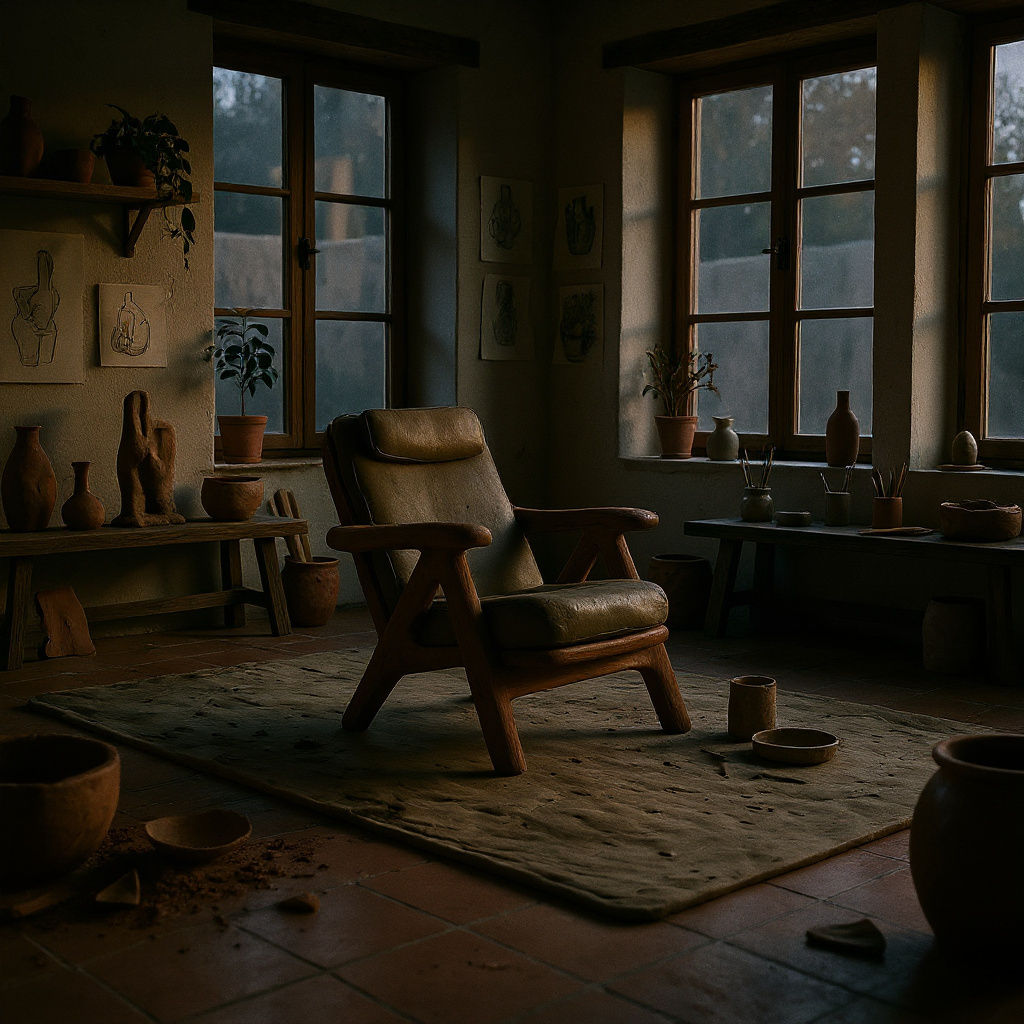


Upload a clay, CAD, or 3D model and get photoreal images back, ready to refine on the FLORA canvas.

Product and Industrial Design
Designers use AI for rendering concept models, turning a grey CAD file into presentation imagery long before a photographic sample exists.

Client Pitches and Concepting
Studios run rough geometry through the Technique as an AI rendering app, producing believable pitch visuals while the design is still moving.

Marketing and Campaign Visuals
Marketing teams use 3D rendering AI to pull product imagery straight from existing model files, then build campaign assets from the output on the FLORA canvas.
How to use Techniques?
Discover how to utilize AI Rendering Software for different scenarios.

Add inputs
Upload images, videos, or type in the prompts to get started.

Generate outputs
Next, hit the "Generate" button to start generating your outputs.

Edit and export
Refine your outputs on canvas, or download them directly.
Frequently asked questions
All you need to know about AI Rendering Software
What AI rendering software is, and how it works
AI rendering software takes geometry you already have, a CAD file, a clay model, a rough 3D scene, and returns a finished photoreal image. You do not assign materials, build a light rig, or queue anything. You hand it the shape, and it works out what the surfaces are made of, where the light is coming from, and what the object would look like if someone had photographed it.
That handles the awkward middle of a design project, when the model is correct but nothing about it looks real yet. Closing that gap used to mean a lighting artist, a shader library, and hours of compute, which is why most teams only did it once, at the end. Getting a render back in seconds means you can afford to look at the work while it is still changing. You can try FLORA free and get free AI rendering in the browser, on the same canvas the result feeds into afterward.
Why the output looks different from a traditional render engine
A classic render engine simulates light. It traces rays through a scene you have fully specified, bouncing them off materials you assigned, and the picture is the arithmetic of that simulation. It is accurate because you told it everything, and slow for the same reason.
AI rendering software predicts. It has seen a great deal of photography and rendered imagery, so it estimates the most plausible finished frame from your geometry alone. Brushed aluminum reads as brushed aluminum. A curved surface picks up a soft highlight. A floor throws a contact shadow underneath the object. Nobody specified any of it.
What the model is actually doing
In broad terms, three things happen between your upload and the image:
- It reads the form. Depth, curvature, and the edges of your model tell it where surfaces turn and where one object stops.
- It assigns plausible materials. Shape and context imply a substance, so a thin machined rim reads as metal and a soft draped one reads as fabric.
- It lights the scene. Shadow, falloff, and camera behavior come from the photographs the model learned on, which is why a result tends to look photographed rather than computed.
What that means in practice
Two things follow, and both change how you should read a result.
The first is that it is forgiving. Untextured, untidy geometry still renders, because the model fills in what a real version of that object would look like. You do not have to finish the model to see it finished.
The second is that it is not deterministic. Run the same input twice and you get two different images. When you want options, that helps. When you need an exact repeat, it does not, so save the frame you like instead of assuming you can reproduce it.
Because the model predicts rather than measures, it will invent plausible detail. For concepting, client pitches, and campaign visuals, that is the point. For anything dimensioned it is not, and that boundary is worth respecting: AI for rendering is a visualization step, and a render engine still owns the measured one.
What makes a good input
The clearer your geometry reads, the less the model has to guess.
- Give it a silhouette that is legible from the angle you have chosen. Ambiguous shapes come back ambiguous.
- Use a shaded grey model over a flat outline. Clay carries depth cues, and a wireframe gives the model much less to work with.
- Pick your camera before you run it. Composing at the geometry stage beats cropping afterward.
- Change one input at a time when you want a different mood or finish, so you can tell what caused the change.
The same job, described a dozen ways
Everyone brings the vocabulary of their own discipline to this, and it all describes one task:
- "3D rendering AI"
- "AI rendering generator"
- "AI rendering app"
- "AI for rendering"
- "Render AI"
A product designer, an architect, and a marketer come from different software and different deadlines. The question underneath is identical: how do I get from a model to a believable image without a render farm.
Where it fits in the rest of your work
Rendering is rarely the last step. It is the point where a project turns into something you can show someone.
- Push the same approach at buildings and interiors with AI rendering for architecture, or start from a SketchUp model.
- Take a space from empty geometry to a furnished, lit scene with Room Render.
- Explore finishes and surfaces on a render you already like using Texture Matchers.
- Bring the final frame up to print or billboard resolution with the Image Upscaler.
- Line up references and direction before you render anything with the Moodboard Maker.
Because it all lives on one infinite canvas, AI rendering software is a step you can loop back through rather than a destination you export to. Render, look, change an input, render again, then carry the version you want into the FLORA AI image generator or compare approaches in our roundup of the best AI image generators.
Related techniques
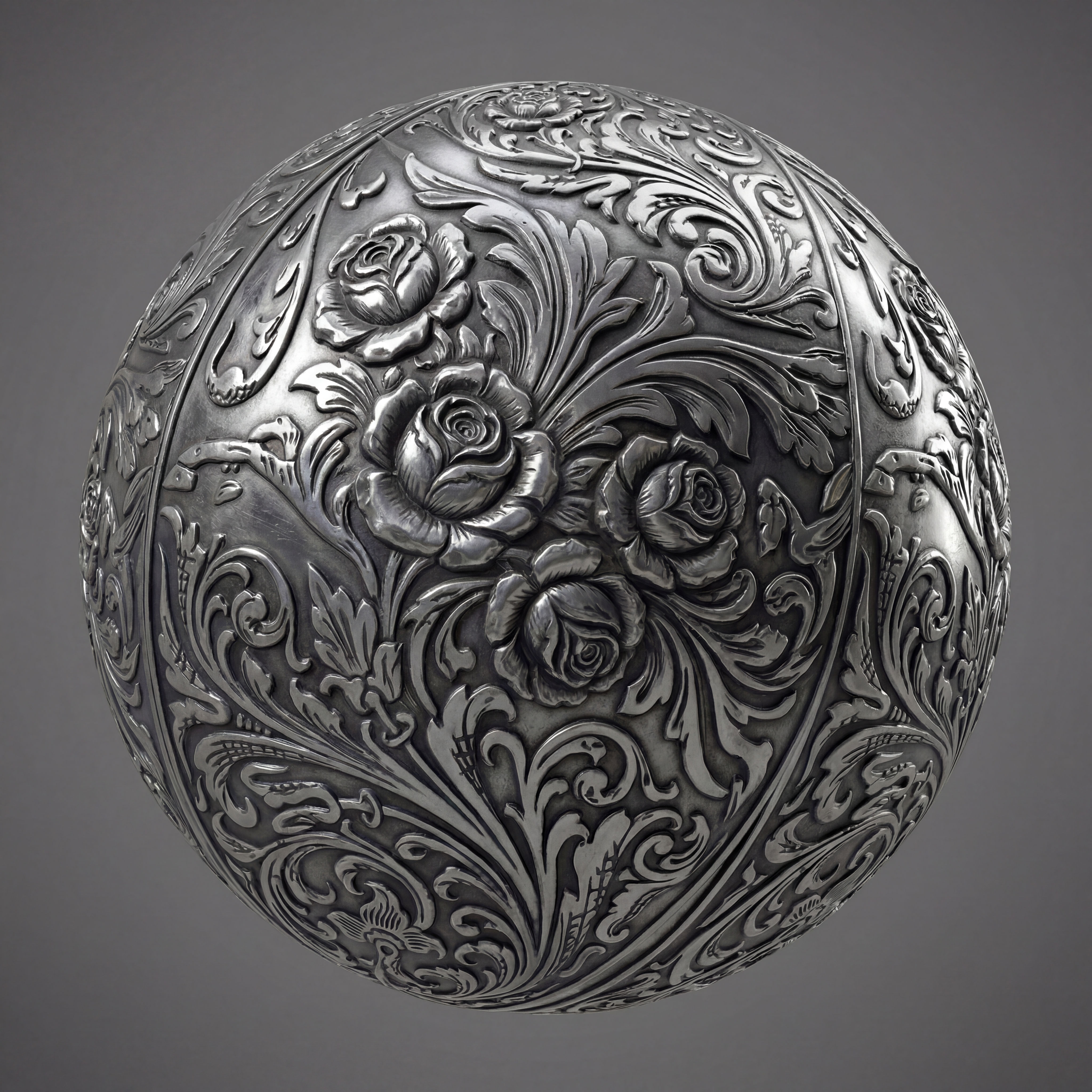 Texture Pack ExtractorExtracts the main material of an object in an image and transforms it into usable textures for 3D projects
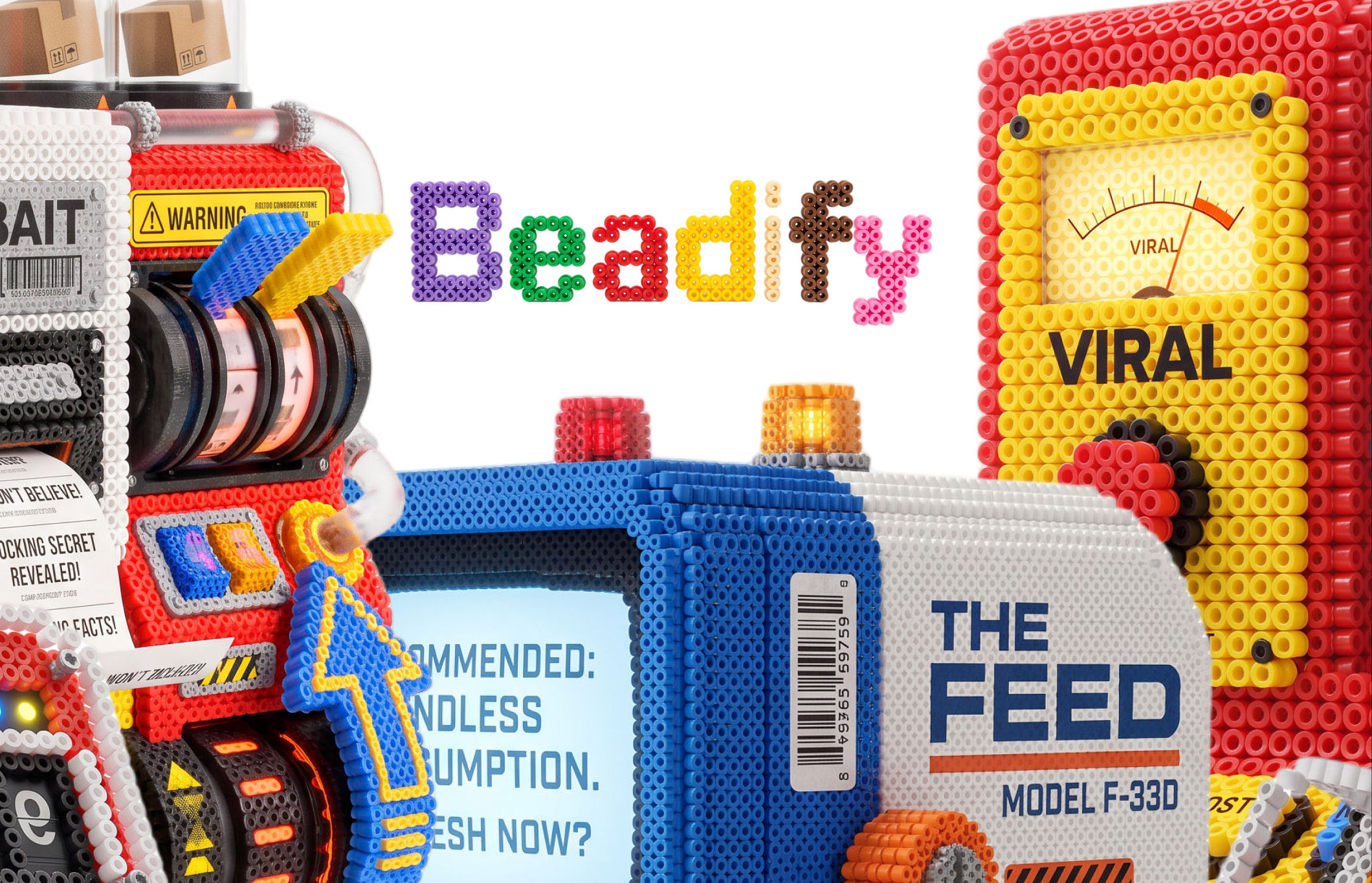 BeadifyTurn any object or 3D render into a physical Perler bead mosaic. Upload a photo — get back a beaded version of it
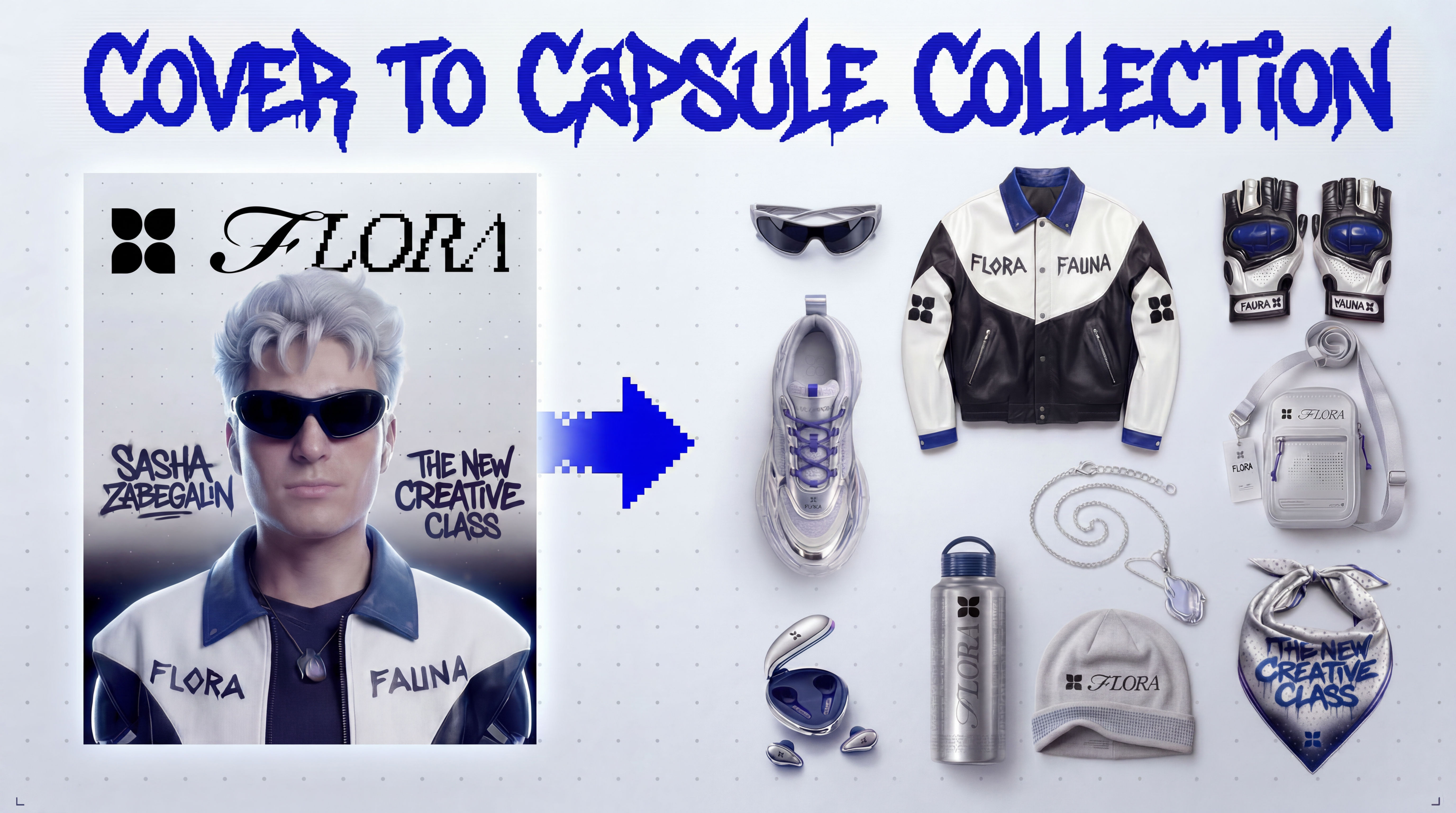 Cover to Capsule CollectionTurn any magazine cover into a 12-piece capsule collection.
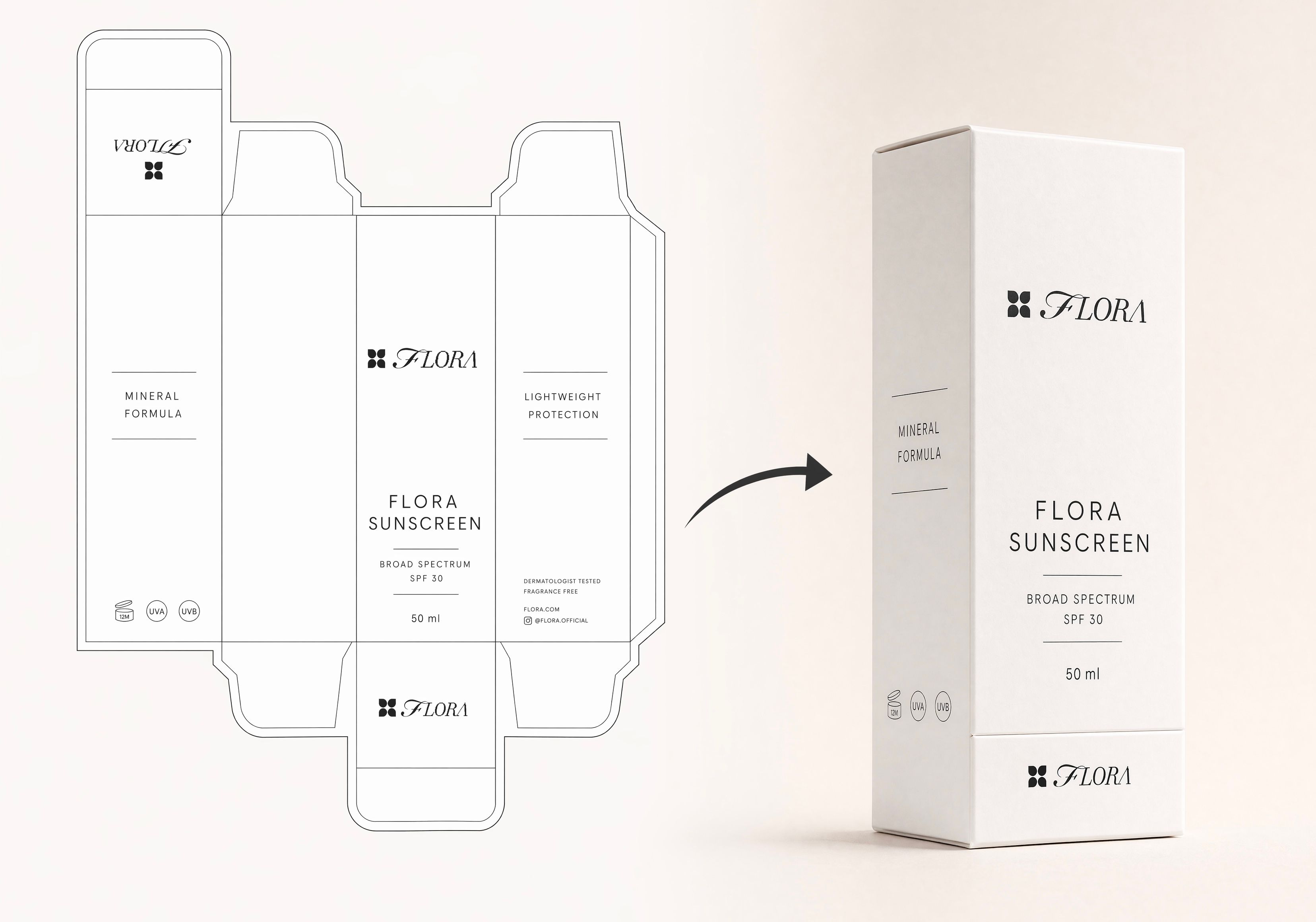 Dieline to 3D PackageTurn any flat package dieline into a production-ready 3D package render.
 Rosé RamblerMake your own custom Cannes Character, presented by Red Antler x FLORA
 Sketch to Photorealistic Product RendererUpload any product sketch and a style reference.
Get 9 photorealistic renders — rare angles, texture
close-up, top, bottom and underside shots.
Any product. Label-free. Production-ready.
Sketch to Photorealistic Product RendererUpload any product sketch and a style reference.
Get 9 photorealistic renders — rare angles, texture
close-up, top, bottom and underside shots.
Any product. Label-free. Production-ready.Turn Rough Geometry Into a Finished Render With AI Rendering Software
turn a rough clay/CAD model into finished photoreal renders, then re-light and re-material like a render engine. Useful for: product designers, industrial-design & architecture studios who want V-Ray/KeyShot-grade renders from a raw model, plus instant material and lighting variants and a turntable clip.

Louis Anderson