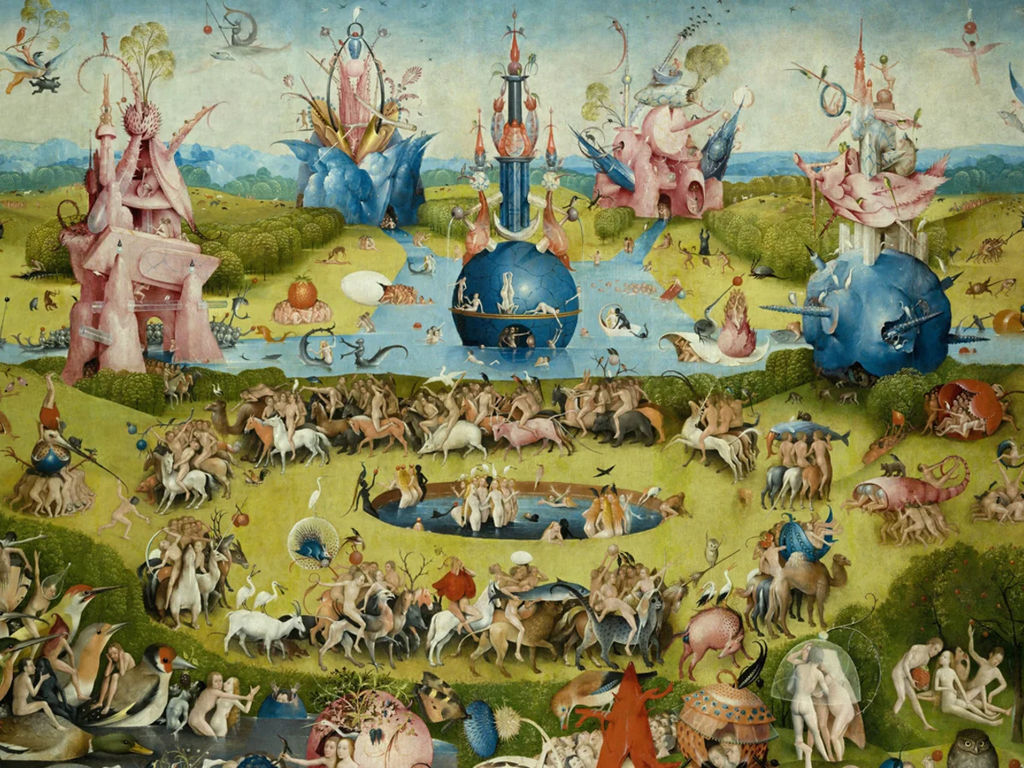
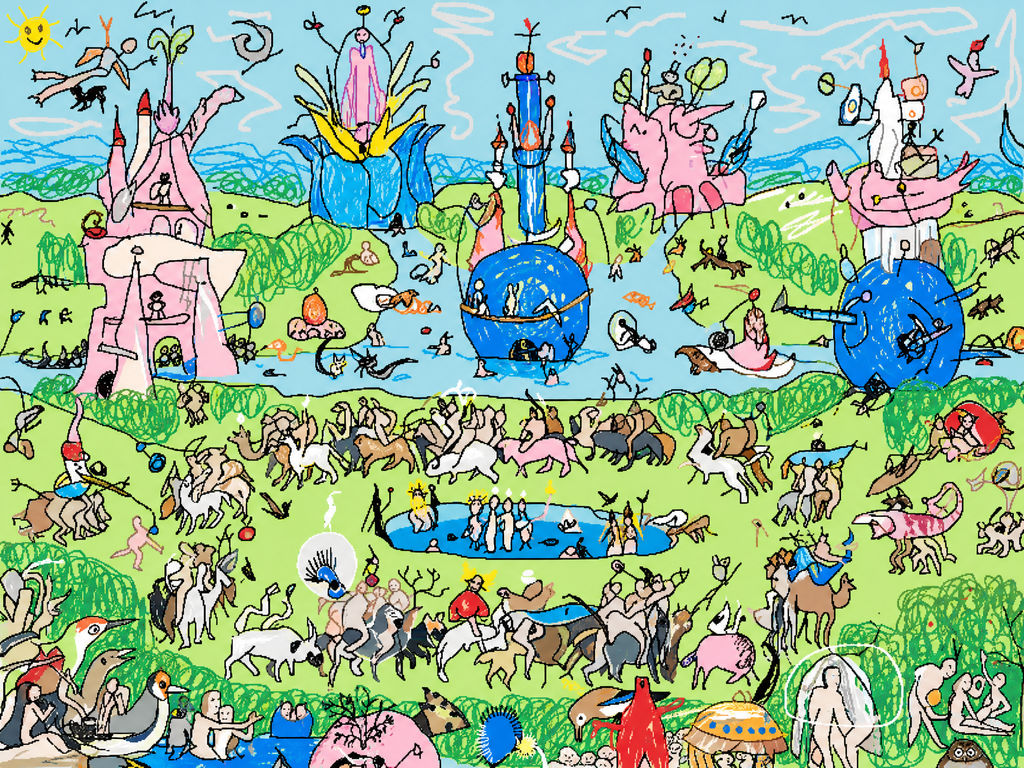
Redraws any image as a loose, hand-drawn scribble, keeping the subject recognizable while texture and detail collapse into line work.

Portraits and Pet Photos
Upload a portrait or pet photo and get scribble AI art you can print, frame, or send as a gift, with the subject still recognizable in the line work.

Social and Profile Images
Creators run selfies and travel shots through an AI scribble generator to get profile pictures and post graphics that stand out in photo-heavy feeds.

Editorial and Brand Visuals
Design teams apply scribble effects to product shots and stock photography, turning them into sketch-style assets for presentations and campaign materials.
How to use Techniques?
Discover how to utilize Scribblify for different scenarios.

Add inputs
Upload images, videos, or type in the prompts to get started.

Generate outputs
Next, hit the "Generate" button to start generating your outputs.

Edit and export
Refine your outputs on canvas, or download them directly.
Frequently asked questions
All you need to know about Scribblify
What a scribble effect actually is
A scribble effect redraws a photograph as loose, unruly line work, keeping the subject readable while the surface detail falls away. It works like a fast contour sketch: shape, pose and composition survive, and nearly everything else gets traded for gesture. Point it at a photo and see what survives: try FLORA free from the browser.
A scribble reads as human, which is most of the appeal. The lines record what somebody noticed about a subject, and that carries more personality than an accurate record of what sat in front of the lens.
Why loose line work still carries a subject
Your eye does most of the work. Contour drawing has relied on this for centuries: give someone three confident lines describing a jaw and a shoulder and they'll assemble a whole face, because recognition works from edges and proportion first, with texture arriving much later. A scribble of a familiar dog still looks like that specific dog once the fur is gone.
The input photo does more of the work than most people assume. The Technique works from the edges it can find, so a strongly lit subject against a distinct background gives the lines something firm to follow. A soft or evenly lit image leaves fewer edges available, and the output drifts toward vagueness. Line density and color get settled during the run, so the photo you pick is where your influence sits.
That same logic explains which subjects are harder. Glasses and reflective surfaces throw edges that don't belong to the face underneath. Busy backgrounds compete for the same strokes as the subject, so a portrait shot against foliage can come back with the person half-buried in the scenery. Group shots spread the same line budget across four faces. Cropping tighter before a run tends to do more for the result than anything else available to you.
Scribble effects, scribble animation, and where the confusion starts
Search this term and the results split cleanly in two. Half are still-image work: photos turned into line art, scribble effects for prints, posters, profile pictures and editorial assets. The other half is motion design, where a scribble animation means hand-drawn lines that wobble and redraw themselves frame by frame across a video, usually assembled in After Effects.
Those are separate crafts. A scribble effect animation, sometimes written as a scribble animation effect, means drawing on a timeline: strokes appearing, holding, shifting slightly so the line feels alive. This Technique works differently. One image goes in, one still scribbled image comes back, in a run that takes a few minutes.
The still is useful to motion work anyway. When you're building an animated scribble effect, producing convincing line art is often the slow part, and a scribble generated here can serve as the source frame you animate over. FLORA's video models sit alongside the image ones on the same canvas, so the handoff doesn't mean leaving the workspace.
A scribble text effect is a third thing again: type treated as scribbled lettering, which belongs to the typography side of design and follows its own rules about legibility.
What to do with a scribble once you have one
A scribble tends to be a component in something larger. Some directions from there:
- Photo to Drawing is the tidier cousin, worth a run when a brief needs something more controlled than a scribble.
- A scribbled hero image needs supporting graphics that share its language, which is what the Icon Pack is for.
- Palette Pull reads a color scheme out of the original photo, so whatever sits behind the line work can come from the same source.
- If the source colorway is wrong before you start, Image Recolor changes it upstream of the run.
- Sparse line work exposes its resolution faster than a photograph does, so anything headed for print should pass through the Image Upscaler.
- Moodboard Maker holds the versions you're weighing while you decide.
Both sides of the platform share that canvas: still models under the FLORA AI image generator, motion under the FLORA AI video generator.
Run the Technique twice on one photo and you'll get two different scribbles, because nothing about the stroke is pinned down between runs. That's usually how people land on the one they keep.
Related techniques
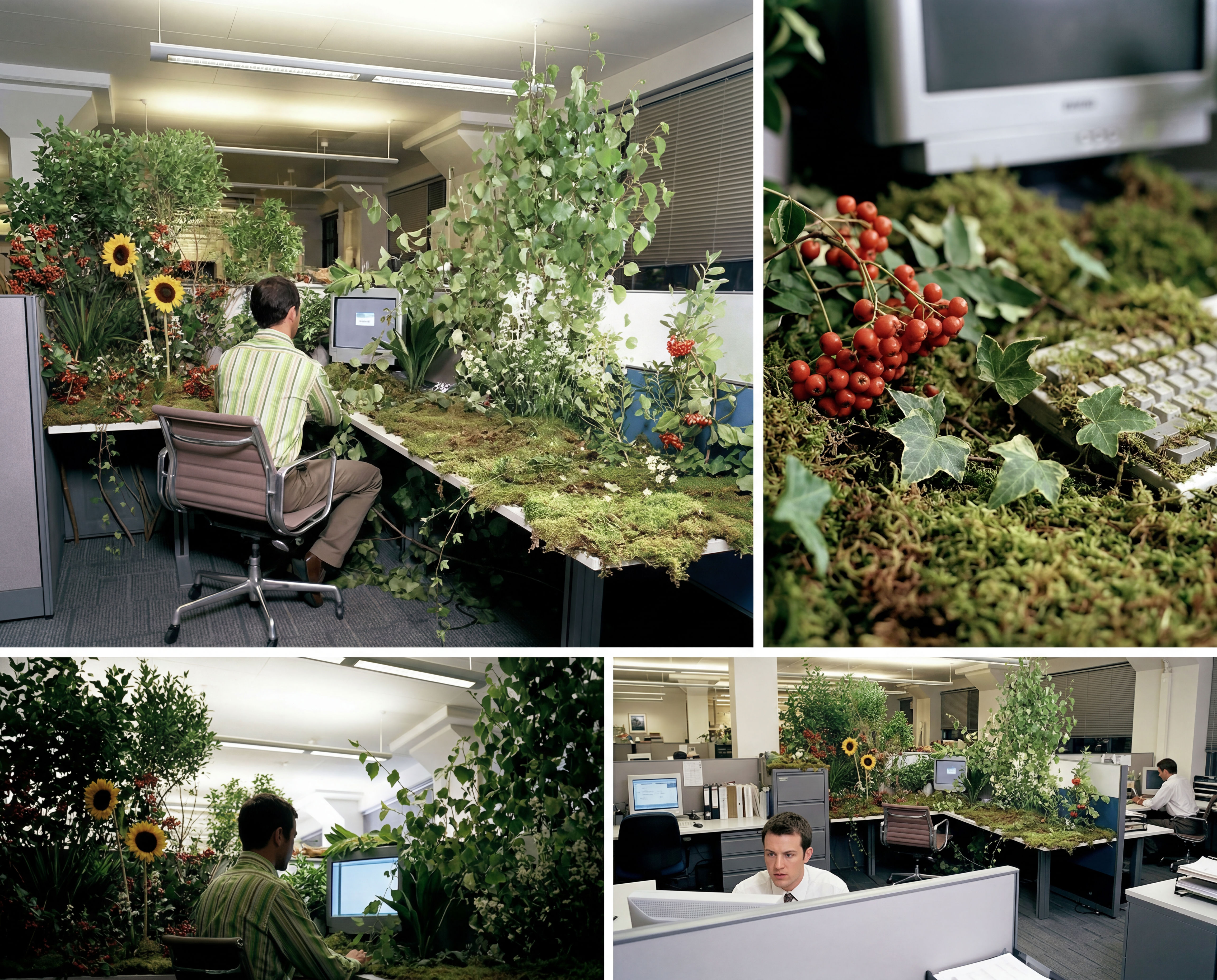 Storyboard MakerInput one image and creates cohesive 9 storyboard shots
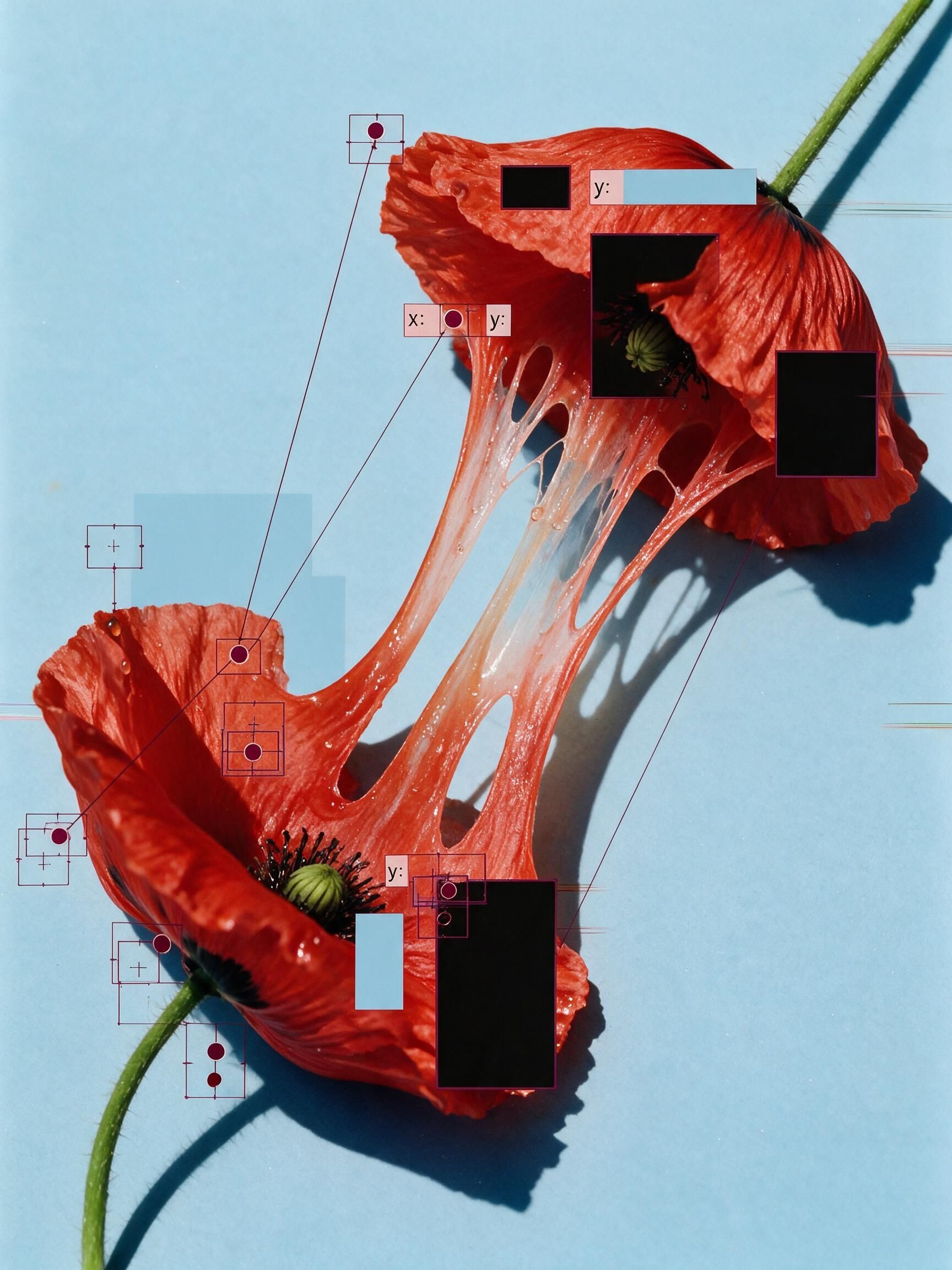 'Pollen CheeseAn editorial still-life of your flower pulled apart, like cheese.
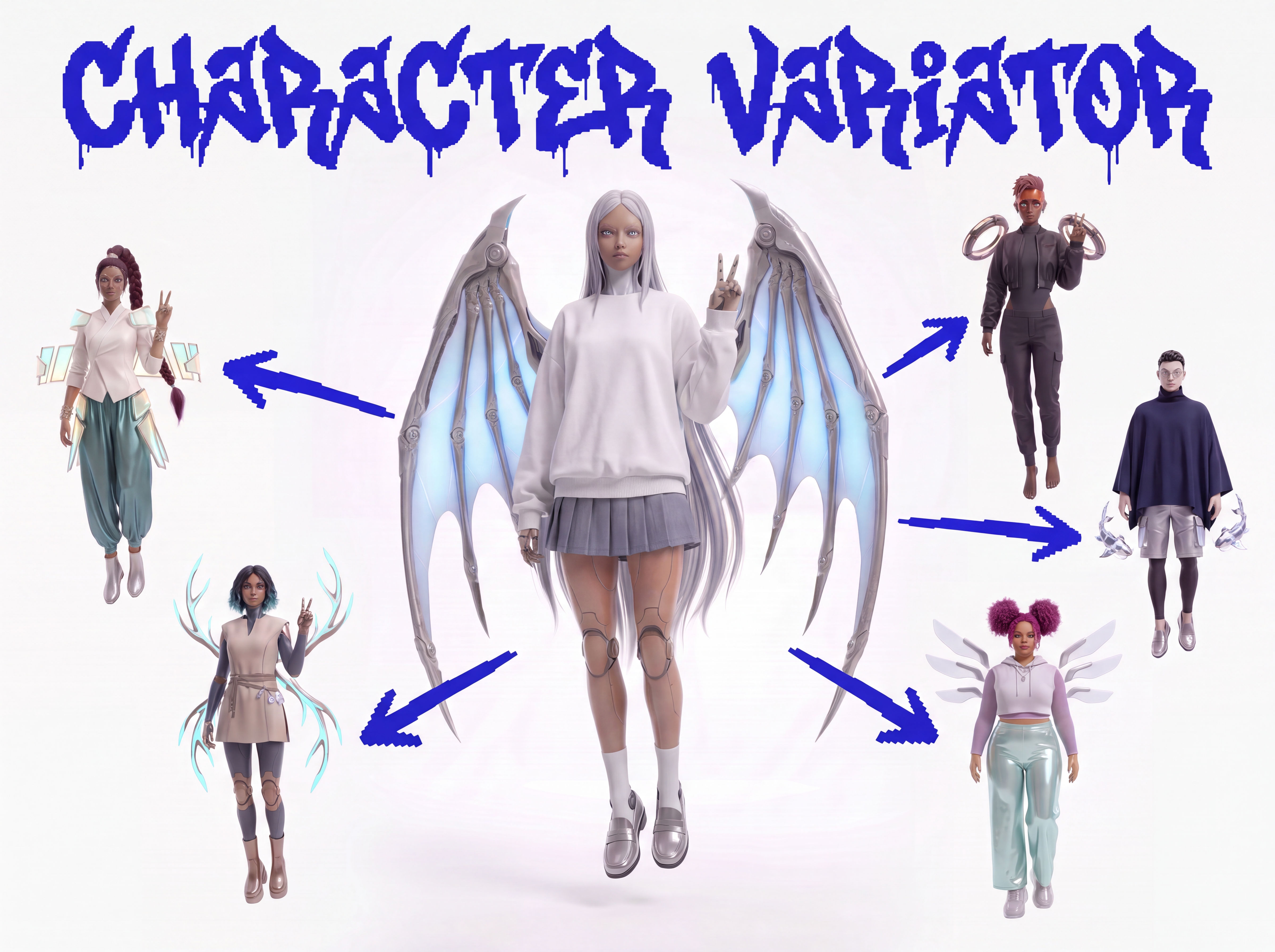 Character VariatorTurn one character into a roster of five.
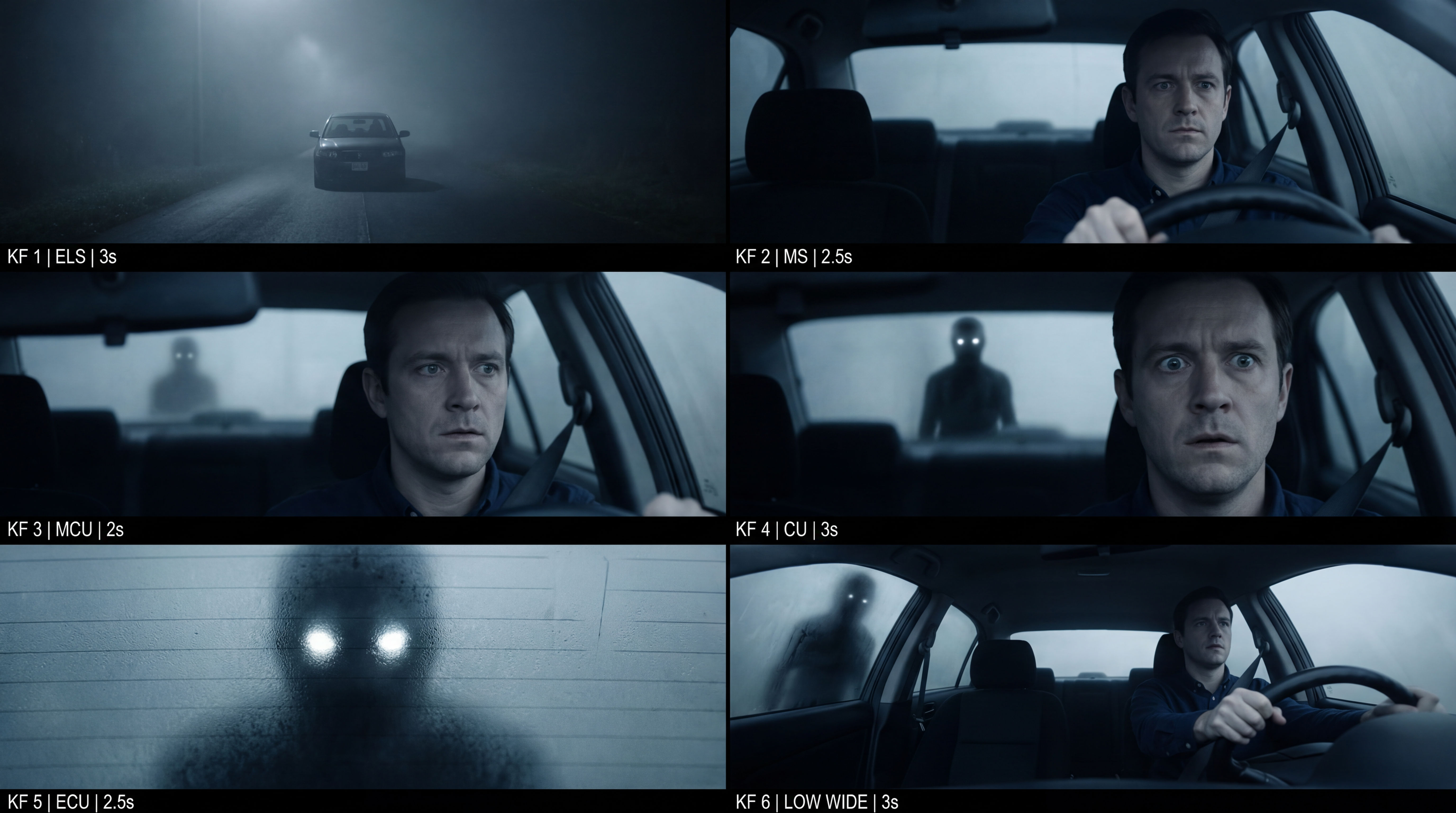 Frame the Mood for CreativesTurn a single reference image and a mood description into a complete set of production-ready visual assets, in one run. You get 7 assets total: 1 full storyboard + 6 individually exported keyframes.
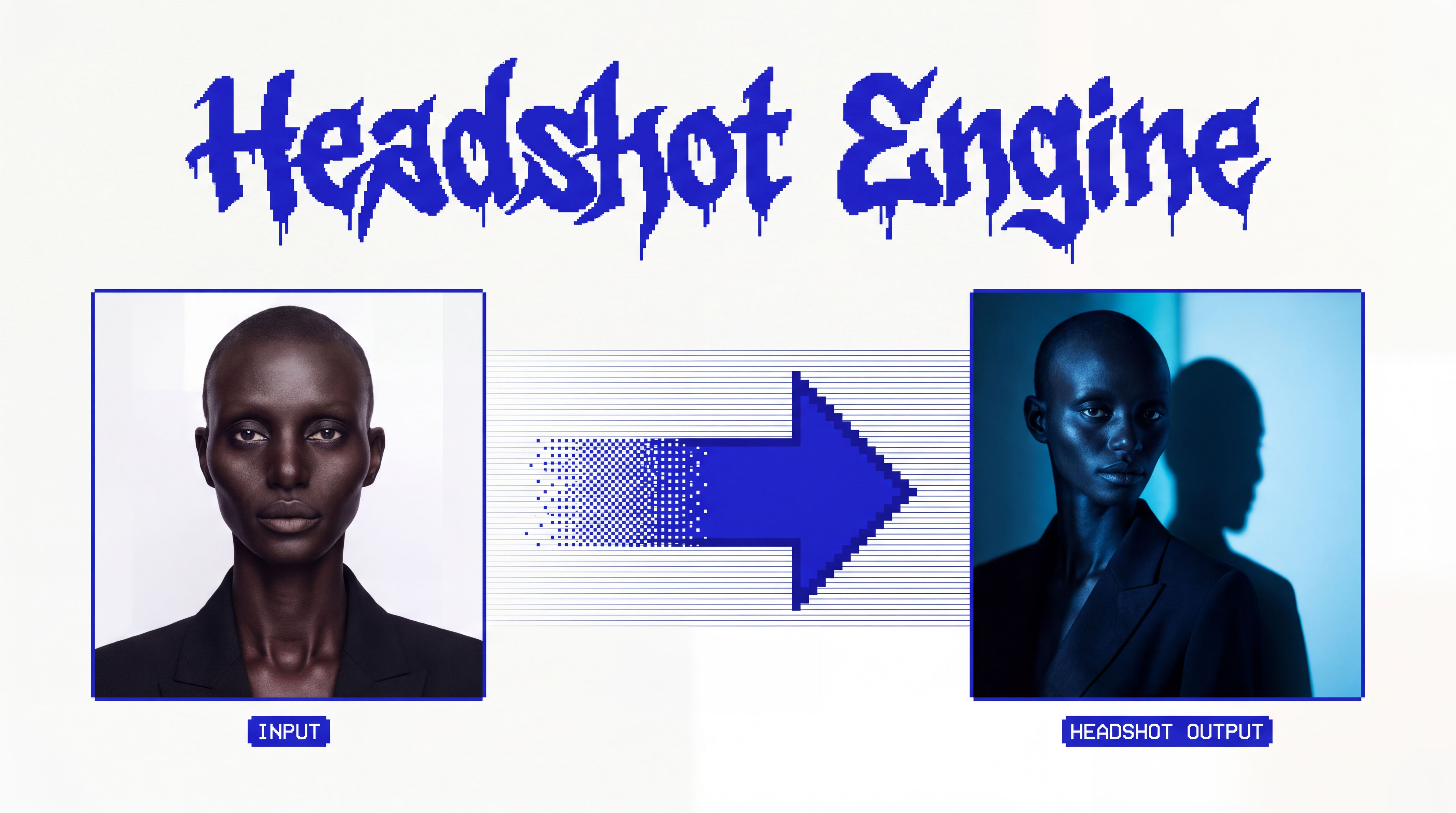 Headshot EngineAny photo of a person, reshot in the style of any headshot you feed it.
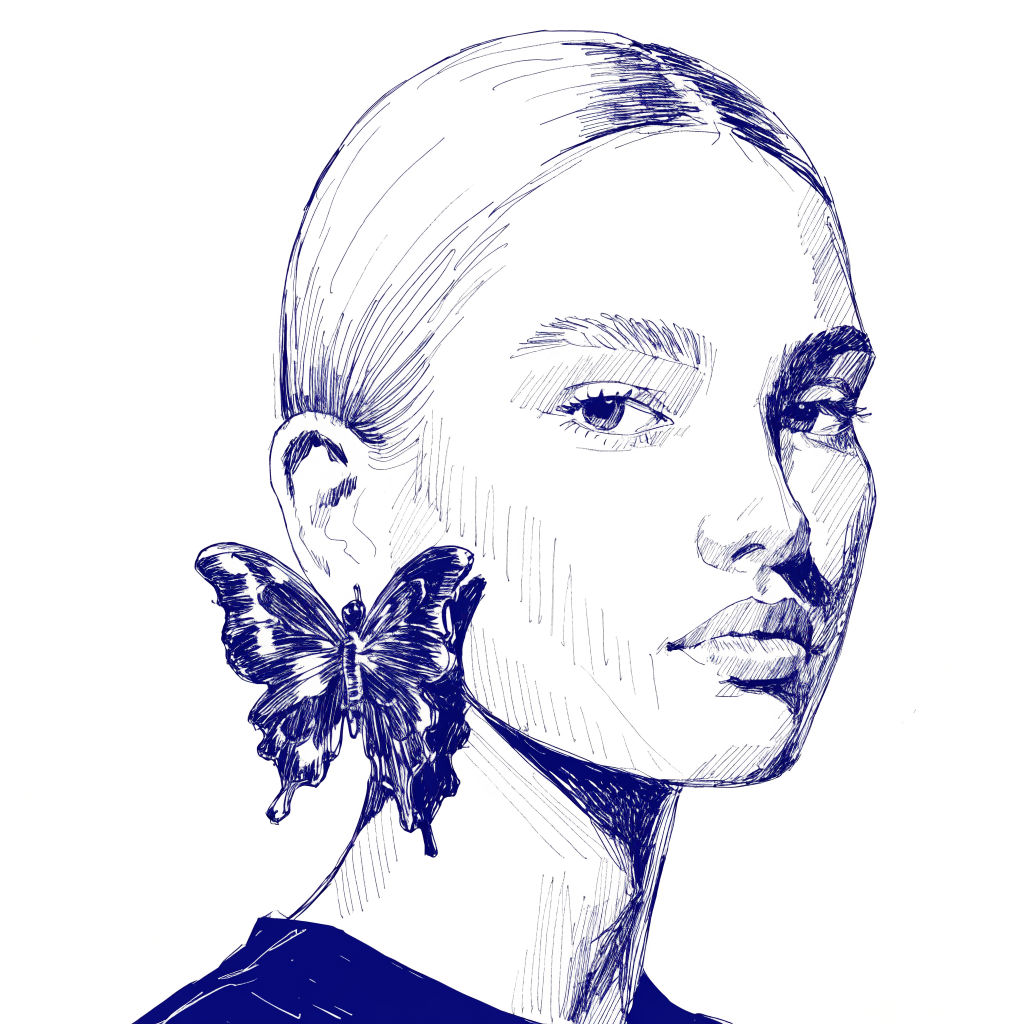 InkCreate ink sketches for storytelling and animation.
Scribble Effect: Turn Any Photo into Scribble Art in One Run
Redraws any image as a loose, hand-drawn scribble.

Sasha Zabegalin from FLORA