Subject
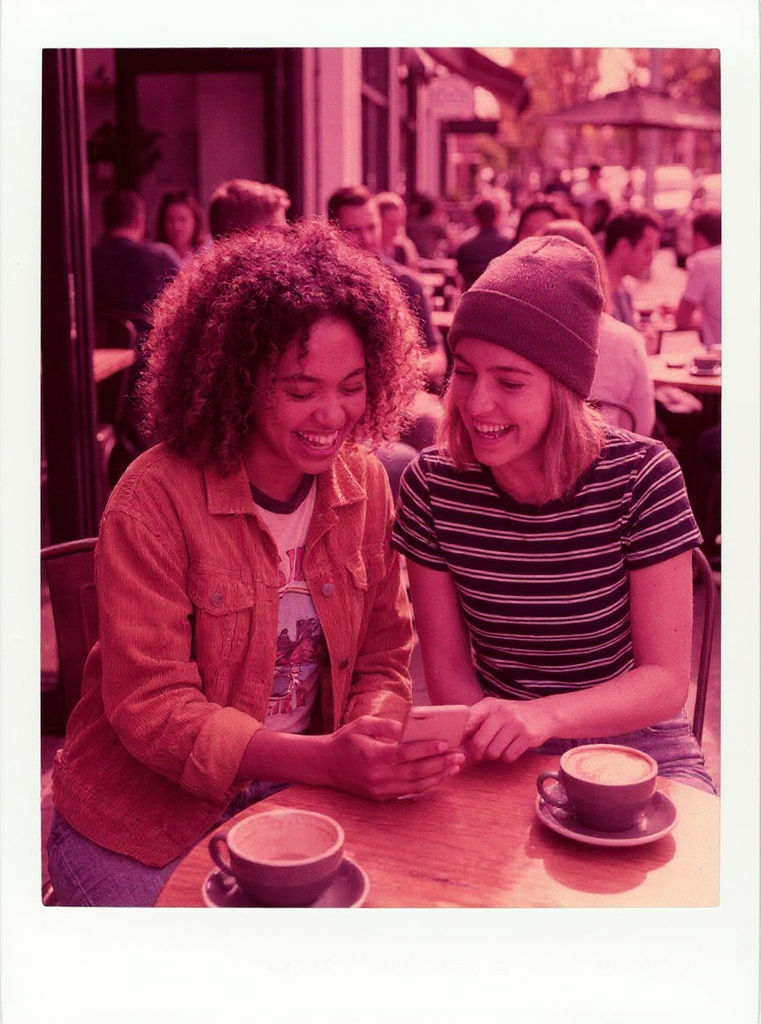
two friends in their early 20s, one in a mustard corduroy jacket, one in a striped tee
Caption
Summer '99



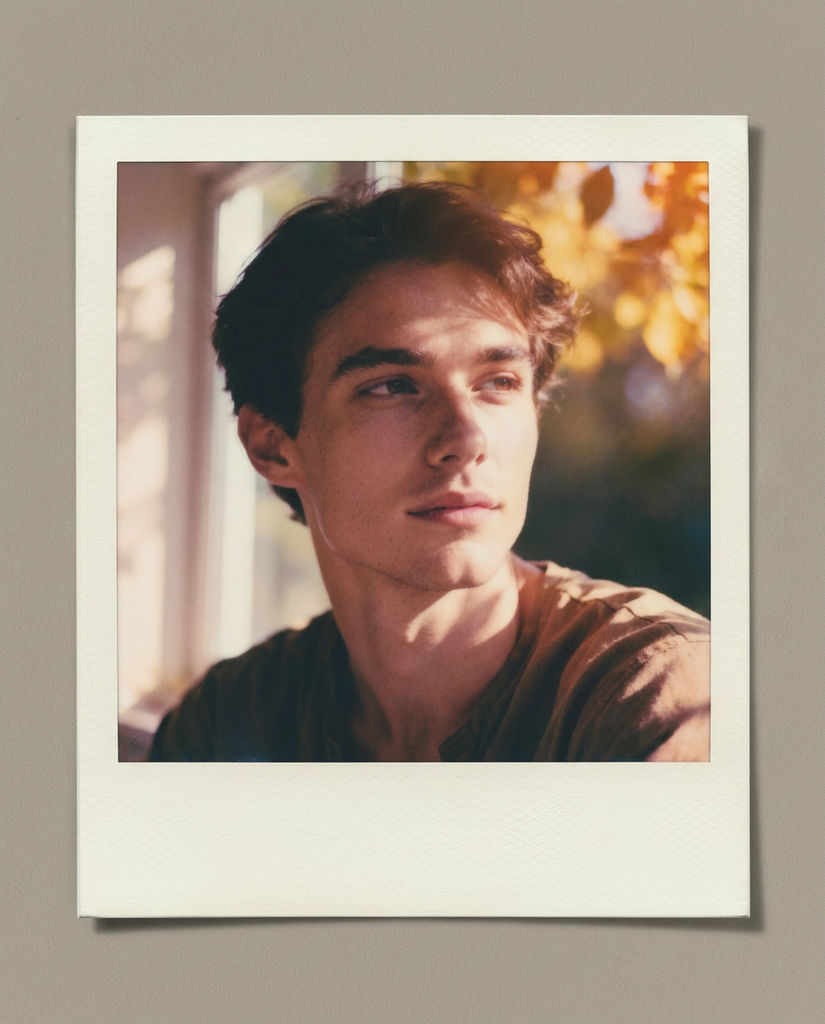
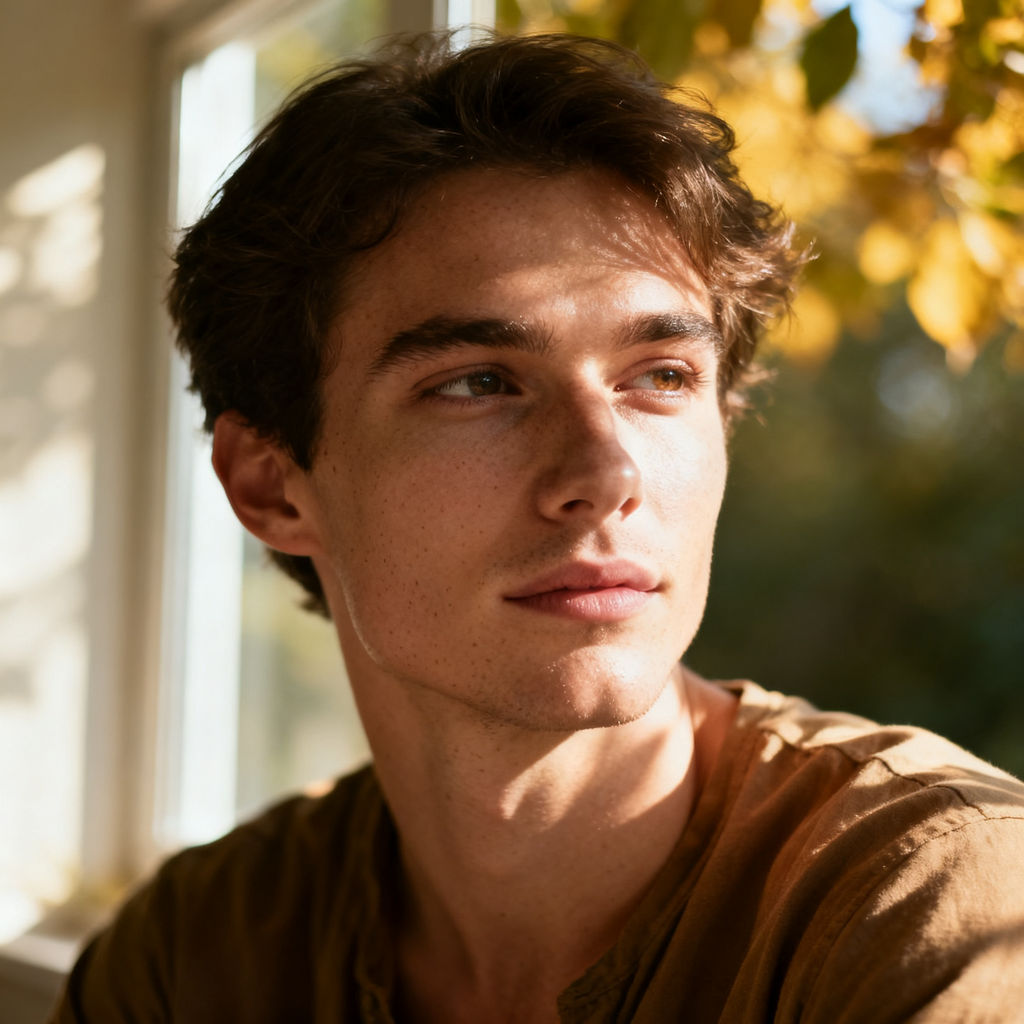
Turn one instant-film shot into a whole developed roll of polaroid pictures that reads as the same day.

Nostalgia Campaigns
Brand teams build nostalgia campaigns around polaroid style photos, giving a launch or anniversary post the warm instant-film look without shooting a roll of real film.

Music and Album Art
Musicians and labels make polaroid photos for album inserts, tour recaps, and merch drops, turning one press shot into a set of frames that read as the same session.
Weddings and Event Teasers
Event photographers and planners convert a photo to polaroid frames for save-the-dates, moodboards, and teaser posts that look like they were shot on film.
How to use Techniques?
Discover how to utilize Polaroid Photos for different scenarios.

Add inputs
Upload images, videos, or type in the prompts to get started.

Generate outputs
Next, hit the "Generate" button to start generating your outputs.

Edit and export
Refine your outputs on canvas, or download them directly.
Frequently asked questions
All you need to know about Polaroid Photos
What are polaroid photos, and how does AI make them?
Polaroid photos are instant-film prints. One exposure, developed by a chemical pod sealed inside the frame, wrapped in a white border with a wider tab along the bottom. The familiar look comes from the limits of that format. The film had a fixed sensitivity, the chemistry finished developing in open air, and the print was never color-managed, so colors drifted warm, blacks lifted, and highlights went soft. None of it was styled in. It was what the film could do.
An AI version skips the chemistry and goes straight to the result. You give it a subject image and a caption line, and it hands back a finished print with the border, the grade, and the handwriting already in place. You can try FLORA free and get the framed version of a shot in your browser, without buying film or tracking down a working SX-70.
What makes a frame look like film
A polaroid photo gives itself away in more places than the border. The wide bottom tab is there because that is where the reagent pod sat, which is also how captions ended up written across it. Inside the frame, color runs warm, shadows sit open instead of black, highlights roll off, and the corners fall away slightly from the lens and the film edge.
A shallow polaroid photo effect only handles the border. It crops your image, drops a white frame around it, and leaves the picture untouched. On real film the border and the grade came off the same sheet, which is why a frame that only changes the edges reads as a sticker.
Captions matter more than people expect. A date, a name, or three words in the bottom tab is what turns a styled image into a record of something that happened. It is also the fastest way to make a set of frames feel like they came from one afternoon instead of one prompt.
Filter, template, or generation
Three approaches share the same job title and behave nothing alike.
A filter applies a fixed color shift. Your tone changes, and your composition, crop, and framing stay exactly where they were.
A polaroid photo template hands you an empty frame to drop an image into, usually in a design tool. The frame is accurate. The picture inside it is untouched, and you do the alignment work yourself.
Generation re-renders the scene. The model reads what is in your image and produces a print of it, with the right border proportions, film response, caption placement, and the small irregularities that keep a frame from looking assembled. Generated polaroid pictures hold up when someone zooms in. A template usually doesn't.
If you already have the shot and only want the instant-film look on it, the polaroid filter applies a 600, SX-70 or Spectra treatment to a single photo and mounts it as a framed print. This technique is for the roll: one image developed into a set of frames.
The dozen ways people describe this
People ask for this in a lot of different ways:
- "Turn photo into polaroid"
- "Photo to polaroid"
- "Polaroid style photos"
- "Polaroid AI"
All four mean the same thing. Take an image that already exists and give it back as an instant print.
Why one image comes back as a set
Instant film came in packs, so a moment was rarely one frame. You shot a few, the light shifted between them, the chemistry behaved a little differently each time, and one of them turned out to be the keeper.
Generating a set works the same way. You get one definitive print plus extra frames from the same session, which is what a moodboard, a carousel, an album insert, or a wall of aesthetic polaroid photos actually needs. A single image looks thin in any of those layouts. Pick your strongest frame, or use several and let them behave like a roll.
The frames also give you range without extra work. One reads as the hero shot, another as the loose candid, another as the one that came out slightly overexposed and is better for it.
Where the look goes after the print
Most people don't stop at the print:
- Pull the film palette out of a frame with Palette Pull and carry that grade across the rest of a campaign.
- Drop the set into Moodboard Maker so the frames hold together as one direction.
- Build a grid with the Product Lookbook Grid for a launch post or a lookbook spread.
- Run portraits through Glam Shots first when the source image needs work before you make polaroid photos out of it.
- Send the final frame through the Image Upscaler when it has to hold up in print or at full width.
It all sits on one canvas, so the frame you like becomes the input for whatever you build next, and the film look carries across the rest of it. For the wider toolkit, explore the FLORA AI image generator or read the roundup of the best AI image generators.
Related techniques
 Storyboard MakerInput one image and creates cohesive 9 storyboard shots
 'Pollen CheeseAn editorial still-life of your flower pulled apart, like cheese.
 Character VariatorTurn one character into a roster of five.
 Frame the Mood for CreativesTurn a single reference image and a mood description into a complete set of production-ready visual assets, in one run. You get 7 assets total: 1 full storyboard + 6 individually exported keyframes.
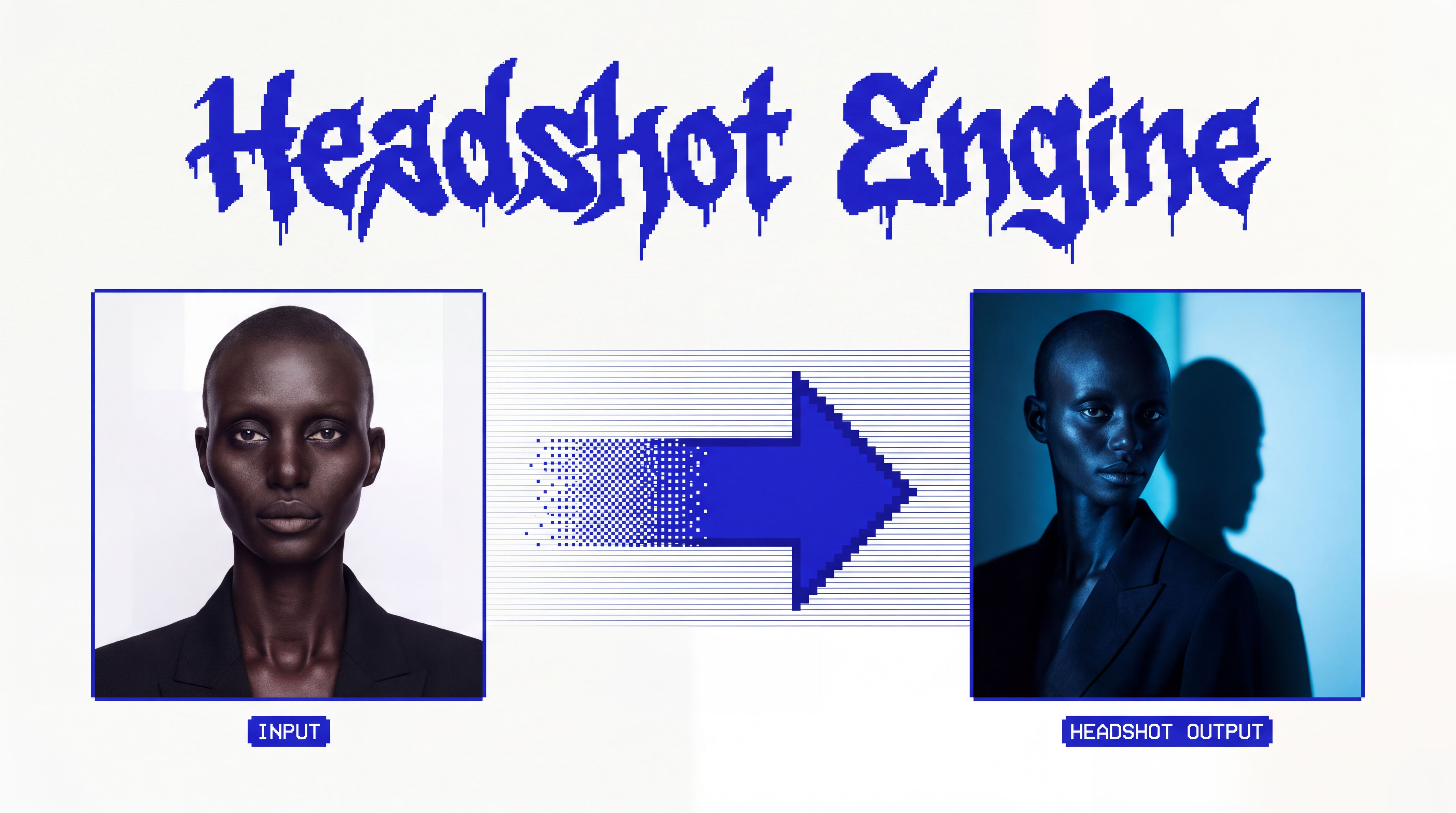 Headshot EngineAny photo of a person, reshot in the style of any headshot you feed it.
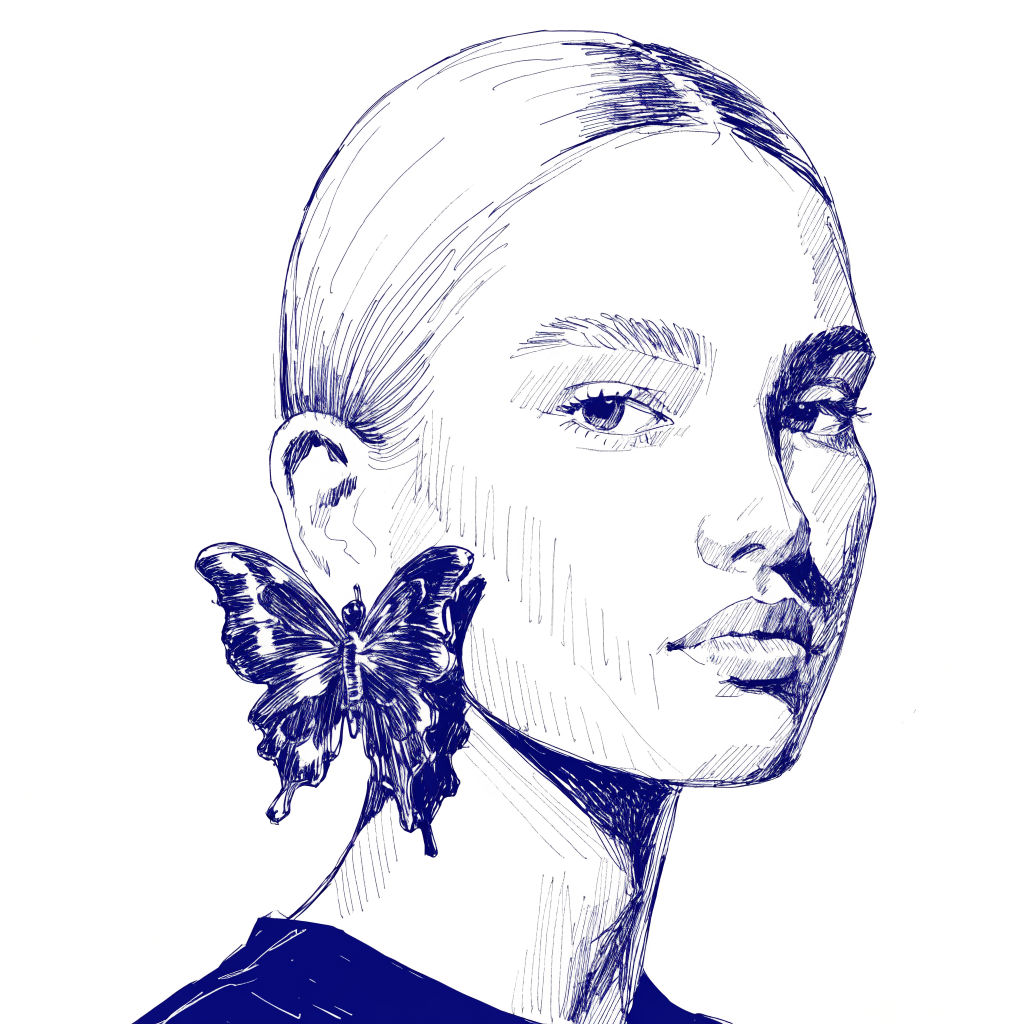 InkCreate ink sketches for storytelling and animation.
Make Polaroid Photos From Your Own Image in One Click
turn one instant-film shot into a whole developed "roll" that reads as the same day. Useful for: brands, musicians, and creators who want authentic vintage Polaroid-style visuals — nostalgia campaigns, moodboards, album inserts, wedding/event teasers — without buying film or a real SX-70.

Louis Anderson