Brand
the 'MERIDIAN COFFEE ROASTERS' lockup — an eight-point compass-star mark above a serif 'Meridian' wordmark with 'Coffee Roasters' set beneath it — identical letterforms, spacing and proportions
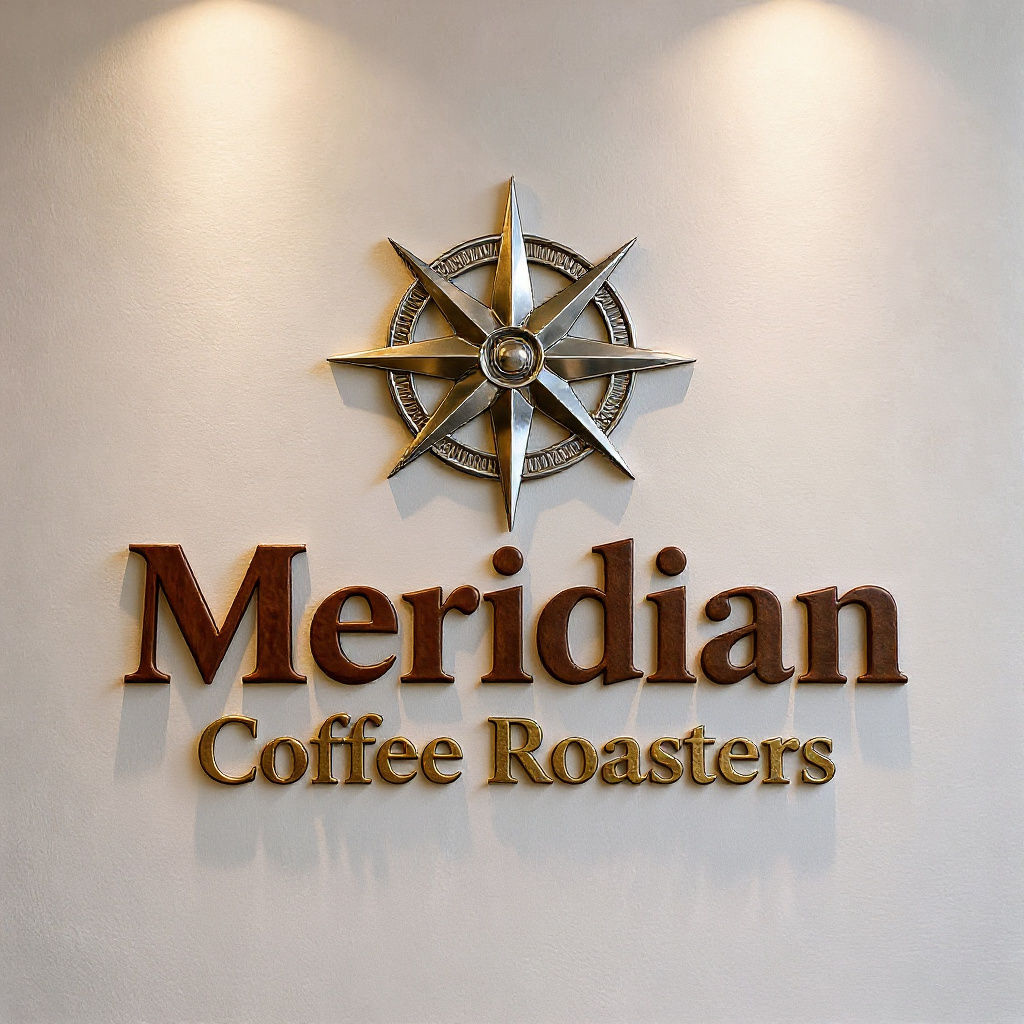
Upload a single piece of brand artwork and get photoreal product shots back, where every AI mockup shares the same finish.

Logo to Product Shots
Design teams run the Technique as an AI mockup generator, turning a finished logo into presentation-ready product shots without booking a photo shoot.

Social and Ad Concepts
Marketing teams start on free credits and use the Technique as a free AI mockup generator for social and ad concepts, iterating before design resources are booked.

Brand-Consistent Product Sets
E-commerce and product teams generate an AI mockup set for a new product, getting several photoreal views that all read as the same brand.
How to use Techniques?
Discover how to utilize AI Mockups for different scenarios.

Add inputs
Upload images, videos, or type in the prompts to get started.

Generate outputs
Next, hit the "Generate" button to start generating your outputs.

Edit and export
Refine your outputs on canvas, or download them directly.
Frequently asked questions
All you need to know about AI Mockups
What are AI mockups, and how do they work?
AI mockups are product photographs that were never photographed. You hand a model one piece of flat artwork, a logo or a print or a label, and it renders that artwork onto a physical object: a tote bag, a coffee cup, a paperback cover, a storefront sign. The result looks like a studio shot, with the artwork warped to follow the surface, lit by the same light as the object, and interrupted by the same folds, curves, and reflections that a camera would have caught.
The old way was a layered template file, a smart object, and a lot of nudging until the perspective stopped looking wrong. An AI mockup generator collapses that into a single upload. You can start on FLORA free and watch one asset come back as a finished set.
Why a whole set matters more than one image
A single AI mockup has been easy enough to produce for a while now. Twelve that look like they came from the same shoot is where the process used to break.
When you assemble mockups one at a time, from different templates made by different designers, the seams show. One shot is lit cool and one warm. One product sits on concrete, the next on white seamless paper. The logo is crisp on the tote and slightly soft on the mug. Nobody can point at the problem, but the collection reads as stock rather than as a brand.
A set generated in one pass shares a lighting setup, a color grade, and one treatment of your artwork. That consistency is the thing worth judging a tool on. Template count is easy to advertise and rarely the actual constraint, so the best AI mockup generator for brand work is usually the one that holds a look across every frame without you art-directing each one.
What your input file decides
Almost everything about the output traces back to the file you upload. A few things carry more weight than the rest:
- Resolution. Your artwork gets scaled, warped, and sometimes shrunk onto a small surface. Detail that is soft at full size turns to mush on a bottle cap. Start larger than you think you need, and upscale the asset first if it came from a small export.
- Edges. Flat artwork on a clean background maps cleanly onto a product. Artwork that still carries a drop shadow, a white box, or a JPEG halo brings all of that along for the ride, onto every item in the set.
- Contrast. The model has to keep your mark legible under simulated light. High-contrast marks survive a dim scene or a glossy surface. Low-contrast ones wash out in exactly the shots you wanted for the deck.
- Color. Expect the grade to touch your colors, because a photoreal scene applies its own light temperature. If exact color is the point, plan to recolor the product or check your palette after the fact rather than assuming the hex value survives untouched.
Getting the input right is most of the job.
How the model builds the shot
A photoreal mockup is really three problems solved at once:
- Geometry. The artwork has to follow the object. On a curved can it wraps, on a folded tee it creases, on an open book it bends at the spine. Get this wrong and the shot reads as a logo pasted flat onto a photo.
- Material. Cotton absorbs light, glass refracts it, foil throws it back. The same logo has to read as printed on one surface and embossed on another.
- Light. Whatever the scene's key light is doing, it has to do it to your artwork too, including the shadow the object casts and the fall-off across the far side.
Template files faked all three with fixed distortion maps and blend modes, which is why they worked on the product they were built for and looked odd anywhere else. A model trained on real product photography handles unfamiliar shapes because it learned how surfaces behave, not how one template behaves.
What it costs to try
FLORA runs on credits, and new accounts get a starting balance, so a free AI mockup generator is a fair description of where most people begin. If you want an AI mockup generator free of charge to test whether your logo holds up on a soft-goods surface, that starting balance is enough to run a set and look at the result before committing anything.
Where the set goes next
A mockup set is usually the middle of a project rather than the end of one. From the same canvas you can pull a palette from the shots to lock the campaign's color, lay the results out as a lookbook grid for a deck, extend the identity onto more surfaces, or put the product in motion for a social cut. For the wider toolkit, see the FLORA AI image generator.
Related techniques
 Character LockOne character, 6 different angles
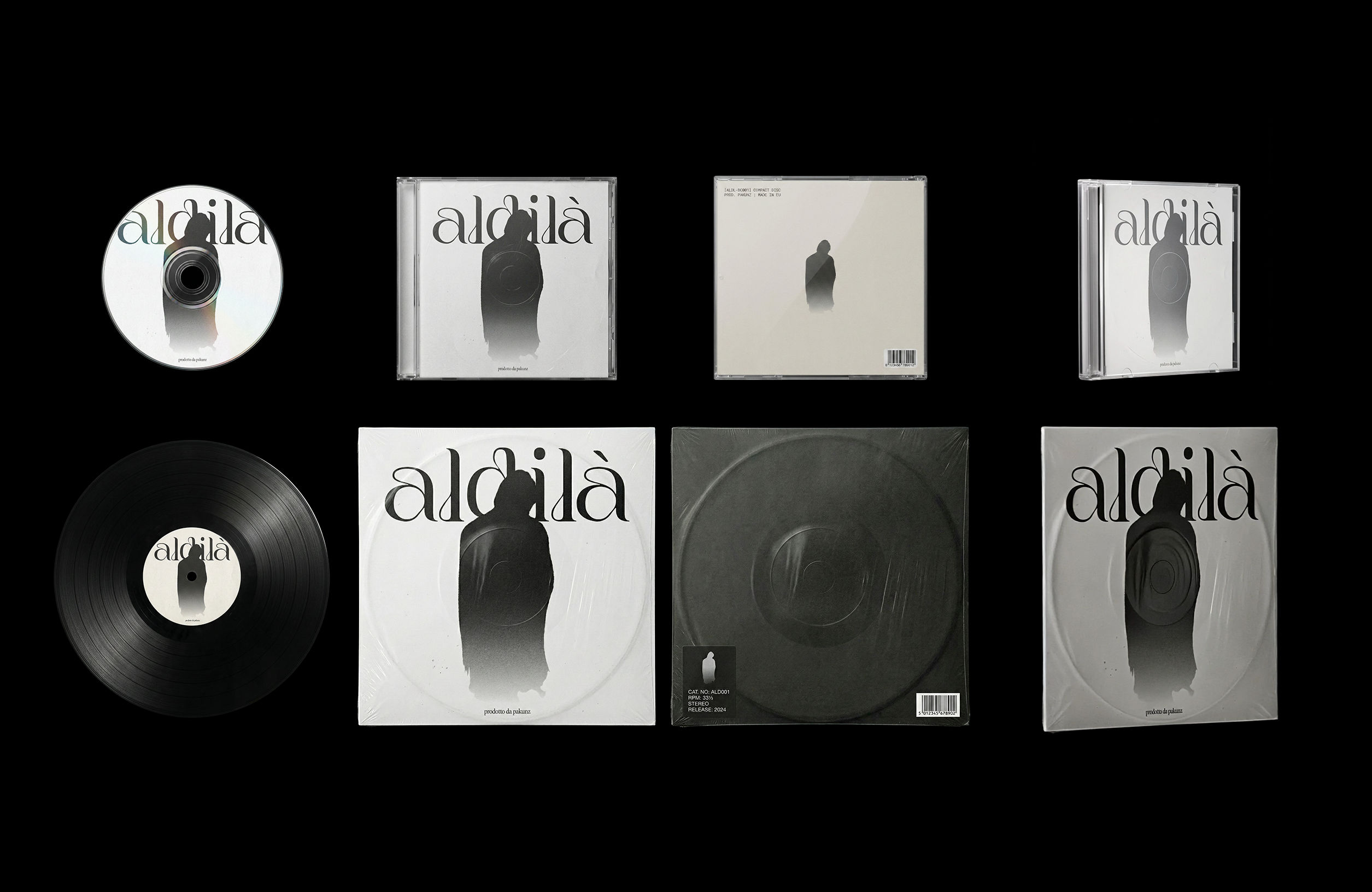 CoverArtTransform a single artwork into a full set of physical music assets.
CD, vinyl, posters: all consistent, clean, and ready to use.
CoverArtTransform a single artwork into a full set of physical music assets.
CD, vinyl, posters: all consistent, clean, and ready to use.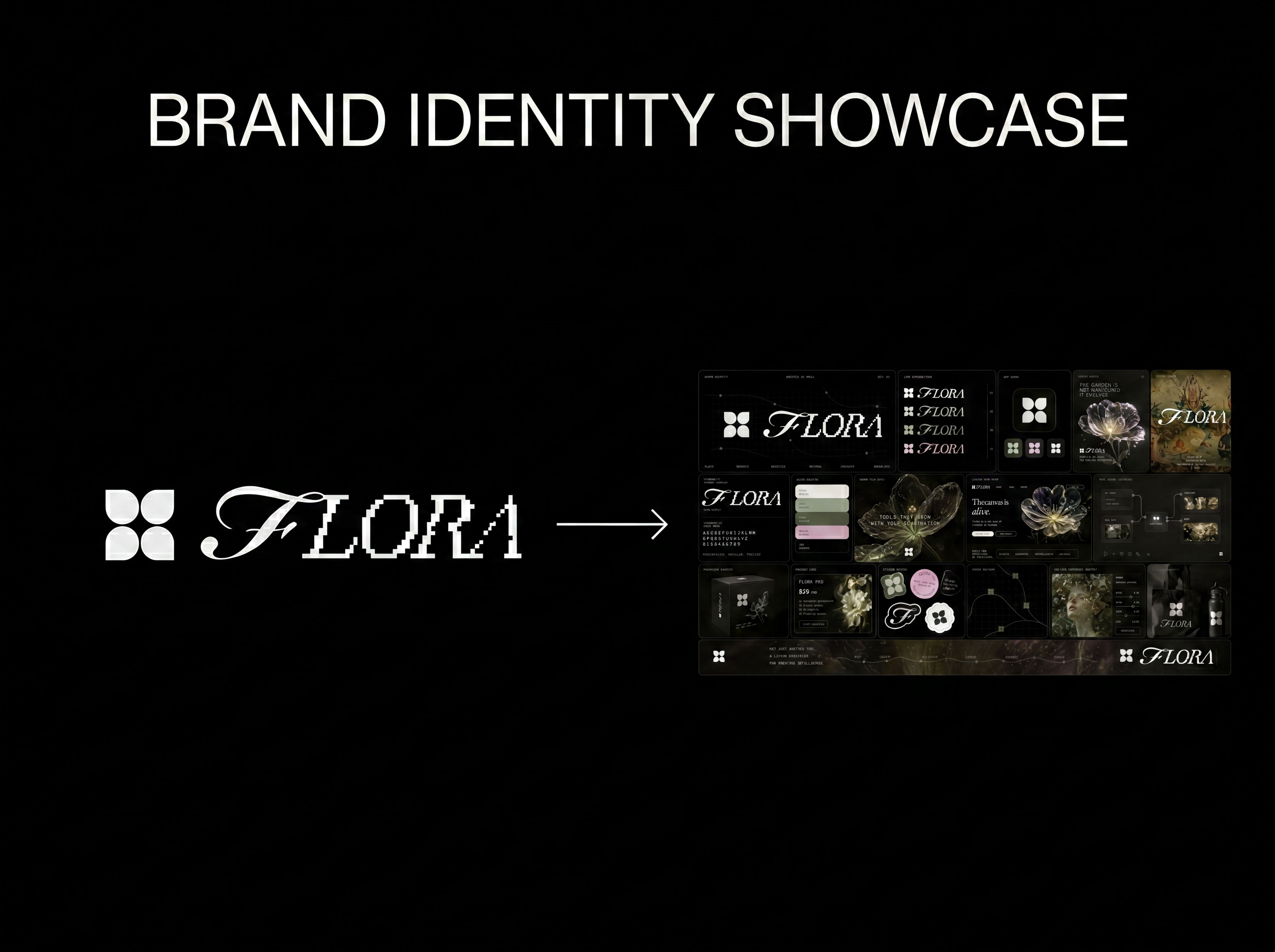 Logo to Brand IdentityUpload any logo. The technique analyzes its letterforms, construction, color, and finish to infer the brand's category, audience, and visual direction.
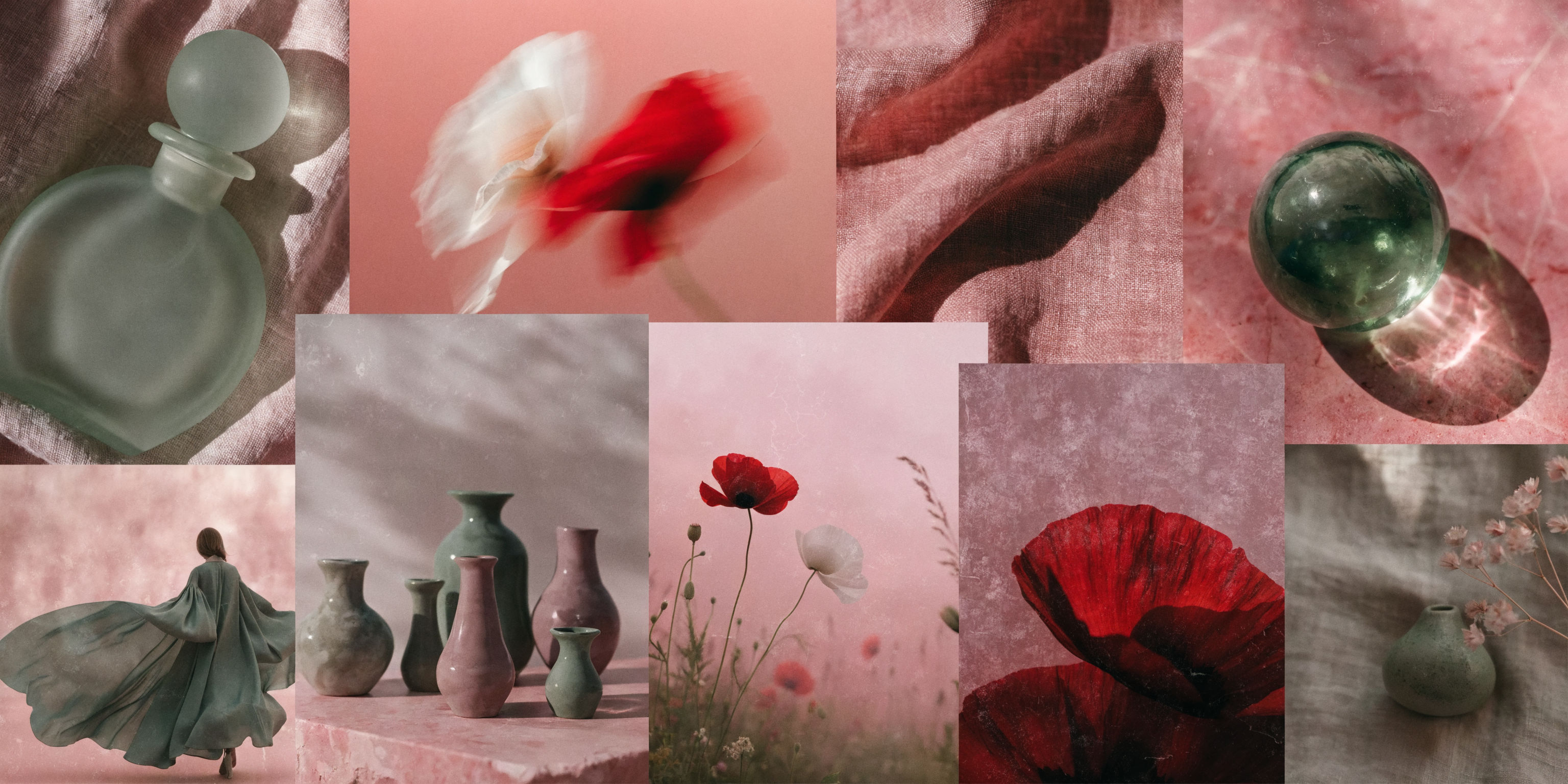 Mood Board MakerEclectic mood board from a photo
 Font BuilderDesign a whole font from a single letterform.
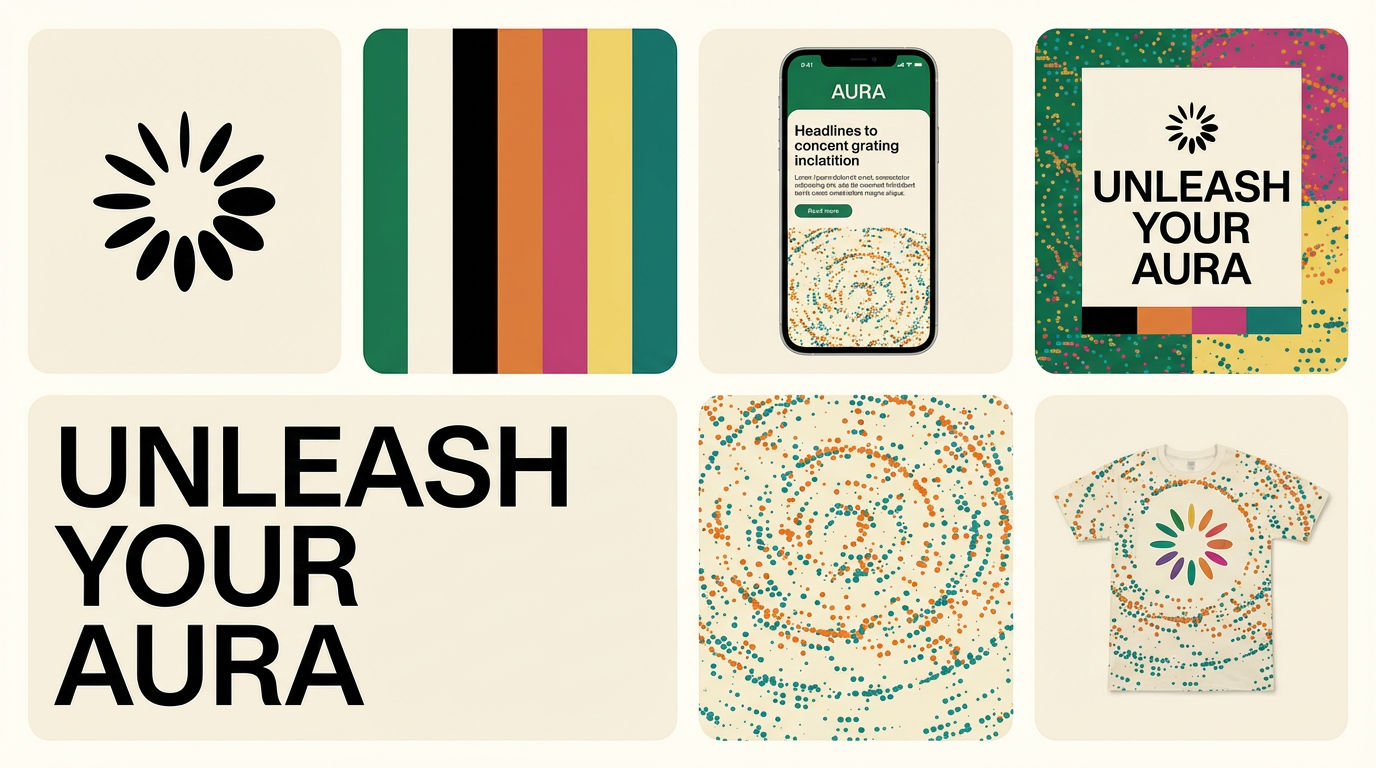 Brand Extension GeneratorDrop brand details, get identity boards
Turn One Logo Into a Full Set of AI Mockups
drop ONE logo/artwork onto a full set of photoreal product mockups that all read as one brand. Useful for: founders, print-on-demand sellers, packaging & brand designers who have a finished logo and need tee / mug / bag / tote / storefront mockups for a shop, pitch deck or Kickstarter — without Photoshop smart-objects.

Louis Anderson