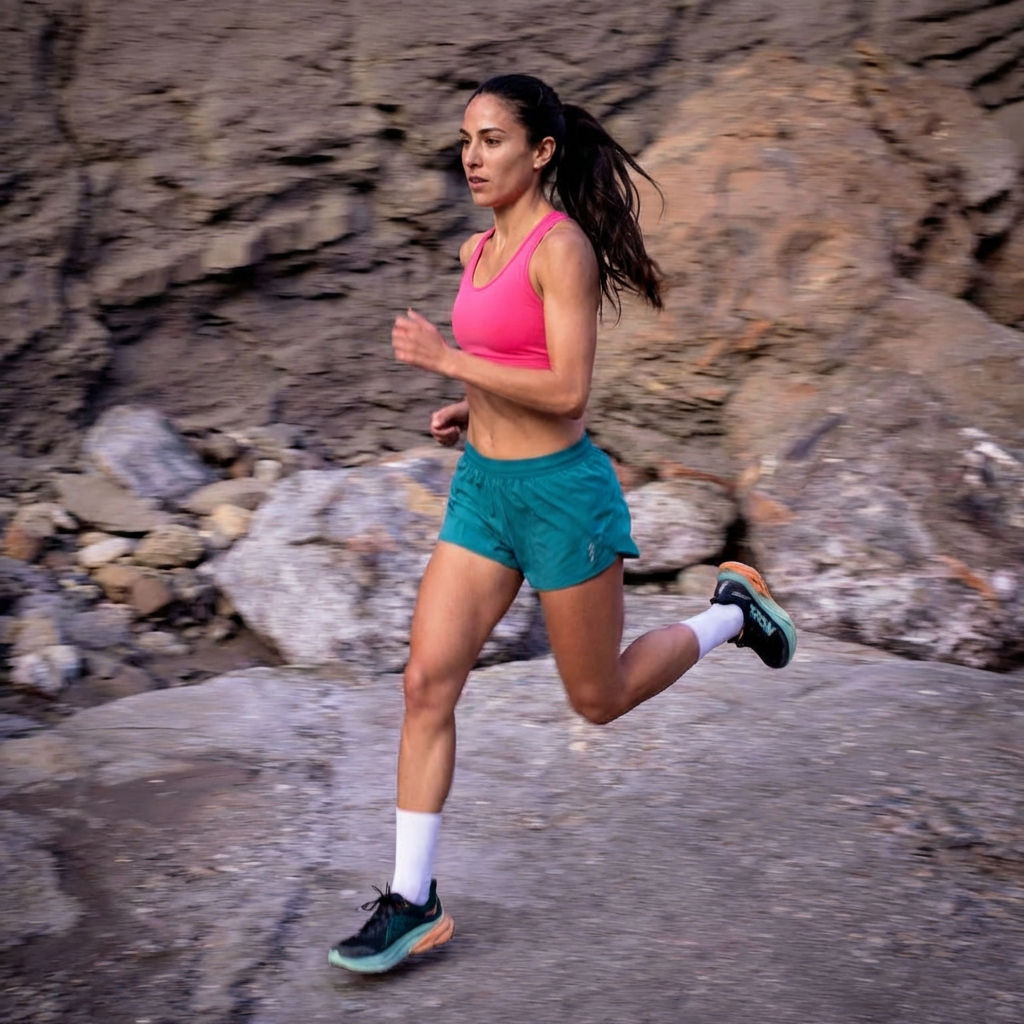
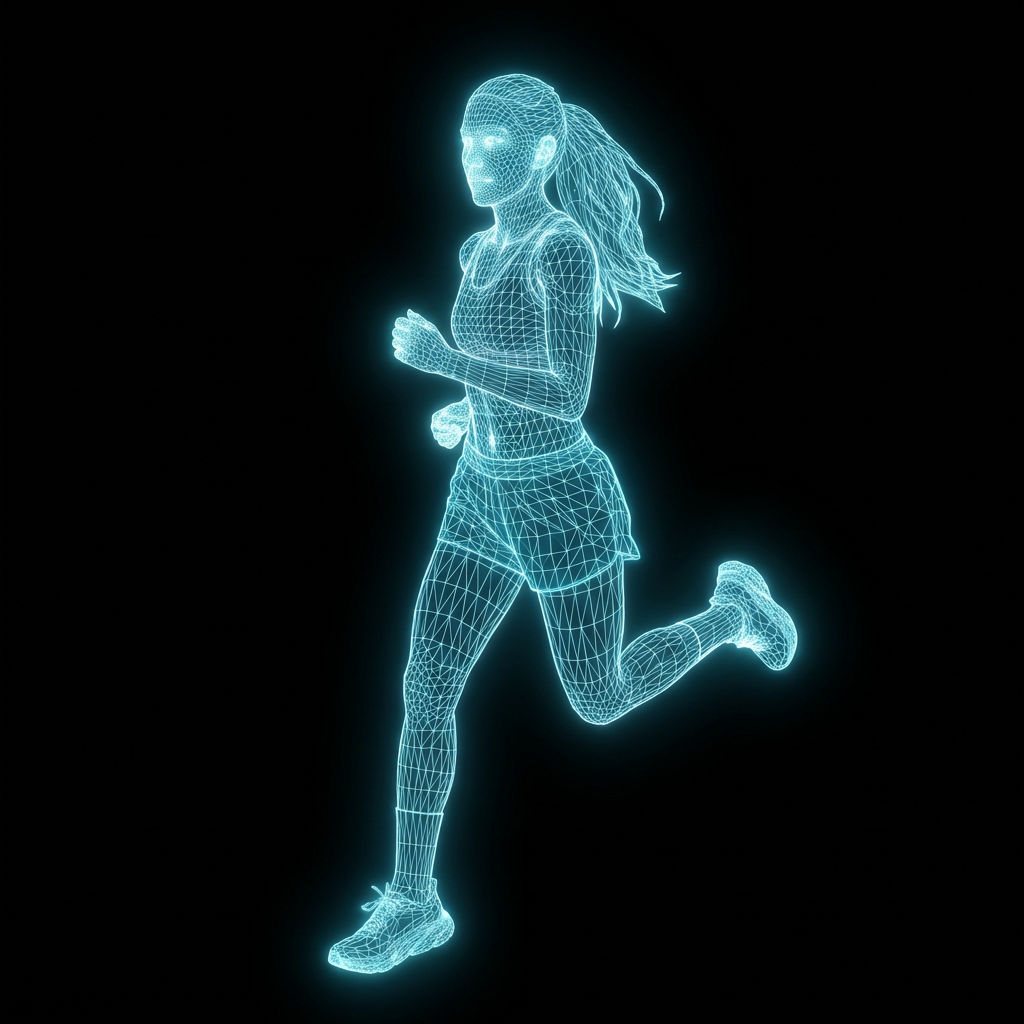
Upload any photo to the Photo Wireframe technique and get a clean wireframe picture: an artistic line drawing that reduces your image to its essential lines and contours.

Artistic Rendering
Artists and designers use the Photo Wireframe technique to create line-drawing versions of photographs for illustration projects, prints, and creative portfolios.

Reference Sketches
Illustrators run the technique to generate clean contour drawings from photos, using the output as a starting point or reference for hand-drawn work.

Visual Simplification
Creative teams use the technique to reduce complex photos to their essential shapes and lines, useful for style guides, pattern work, and minimalist design.
How to use Techniques?
Discover how to utilize Photo Wireframe for different scenarios.

Add inputs
Upload images, videos, or type in the prompts to get started.

Generate outputs
Next, hit the "Generate" button to start generating your outputs.

Edit and export
Refine your outputs on canvas, or download them directly.
Frequently asked questions
All you need to know about Photo Wireframe
What is a wireframe image, and how does it work?
A wireframe image is a line drawing that strips a photo down to its contours. The edges that describe a shape stay, and the color, texture, and shading inside them go. The Photo Wireframe technique does this automatically: upload a photo, and the AI traces the structure it finds, then returns a clean linear rendering of the same subject. On FLORA that output lands on an infinite canvas, so the drawing can go straight into recoloring or a finished layout without hopping between apps.
The word comes from 3D modeling, where an object shows as a mesh of lines before any surface wraps around it. Applied to photography, the idea holds: keep the skeleton, lose the skin. You can try FLORA free and put one of your own shots through it in about a minute.
From wireframe photo to wireframe artwork
What comes back is a wireframe photo in the literal sense. It keeps the framing, proportions, and perspective of the original, so a chair still reads as that chair and a face still reads as that face. Only the surface information is gone.
Some source images translate better than others. A subject with a clear silhouette and real separation from its background gives the model obvious edges to follow, and the lines come back confident and readable. A busy scene with soft light and overlapping objects hands it far more candidate edges, so the result is denser and harder to read. The first kind is what turns into hangable wireframe artwork. The second tends to be more useful as a reference layer under something you are drawing by hand. Our photo to drawing guide covers the wider family of line and sketch conversions if you want to compare looks.
How the AI turns a photo into a wireframe illustration
Older edge-detection filters had no idea what they were looking at. They measured contrast between neighboring pixels and drew a line wherever the number jumped, so film grain and shadow noise came through as marks. A wireframe illustration made that way needed cleanup before anyone could use it.
The model here works differently:
- Reads the subject. It works out what the photo is about, and where one object stops and the next begins.
- Ranks the edges. It keeps contours that carry meaning, like an outline or a structural crease, and skips the ones that are only texture.
- Draws with even weight. It renders those edges as a consistent line instead of a gradient smear, which is what makes the output feel drawn.
Wireframe picture, wireframe pattern, and wireframe map image jobs
People bring the same input here with very different destinations in mind. Each of these is a wireframe image with a different end use:
- A wireframe picture of a portrait or a building, printed on its own or hung beside the original photo.
- A wireframe pattern pulled from an architectural facade or any repeating structure, then tiled across packaging or a backdrop. Pair it with print pattern replacement to put that line work onto a real surface.
- A wireframe map image from an aerial or terrain shot, where contour lines and street geometry survive the reduction and everything else drops out.
- A reference sketch that never ships on its own, and sits under a hand-drawn or vector version instead.
Why a web wireframe example is a different thing
The word does double duty in design, so the two are worth separating. Someone searching for a web wireframe example usually wants a low-fidelity interface layout: grey boxes, placeholder copy, a nav bar sketched out before any visual design happens. That gets drawn from scratch as a planning document, and this technique will not produce one. For early visual direction, a moodboard or a pulled color palette is the closer fit.
Building an infographic wireframe and what to try next
Even line weight is what makes the output useful in diagrams. An infographic wireframe gives you a recognizable object drawn in the same style as the rest of your marks, ready to label or pull apart, without the tonal weight a photograph brings to a page. Line art of a camera or a floor plan sits comfortably next to an icon pack, and an upscale keeps the lines crisp if the piece prints at size.
All of it happens in one place. Generate, branch a second style off the same source, and keep working on the FLORA AI image generator canvas, where a wireframe image is usually where the work starts.
Related techniques
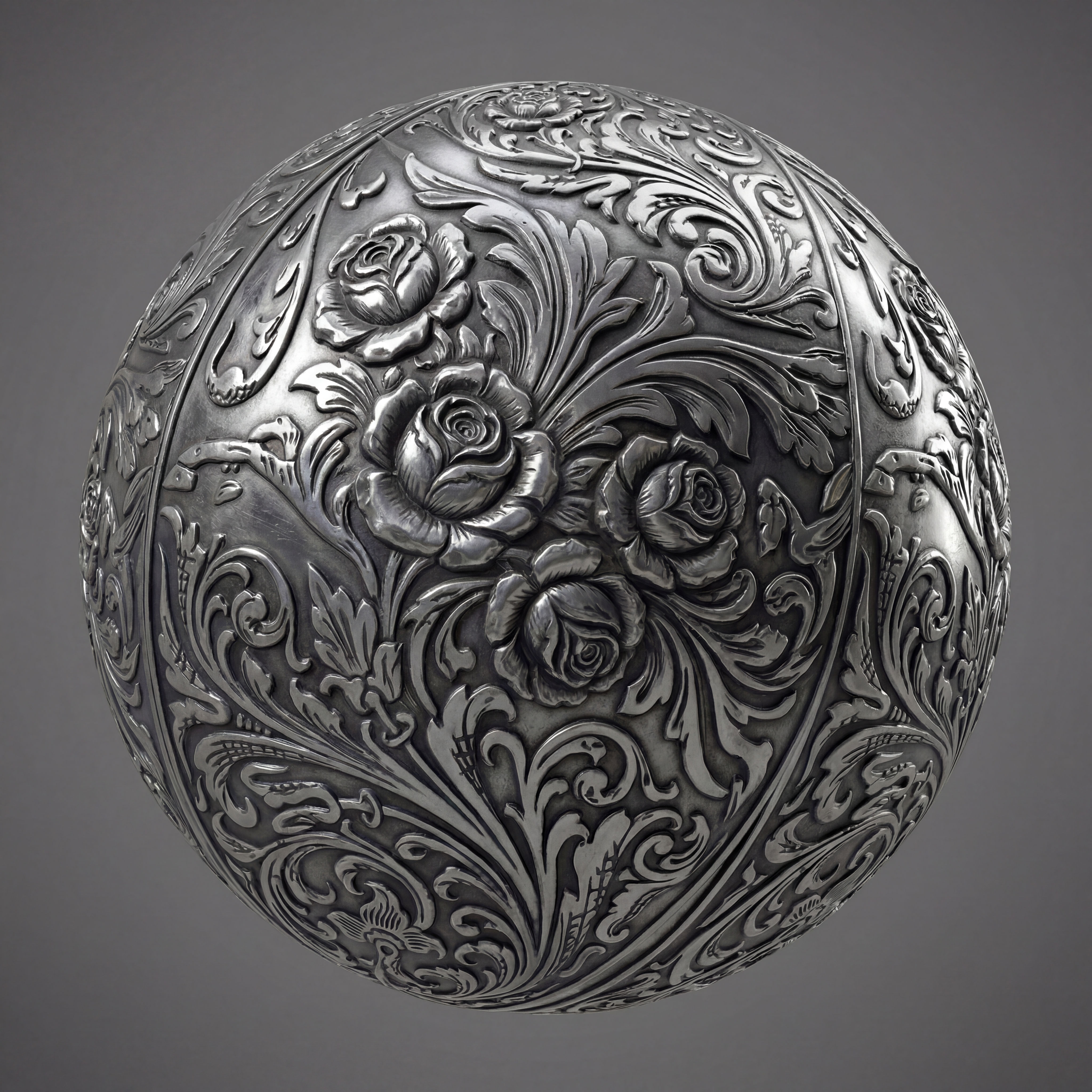 Texture Pack ExtractorExtracts the main material of an object in an image and transforms it into usable textures for 3D projects
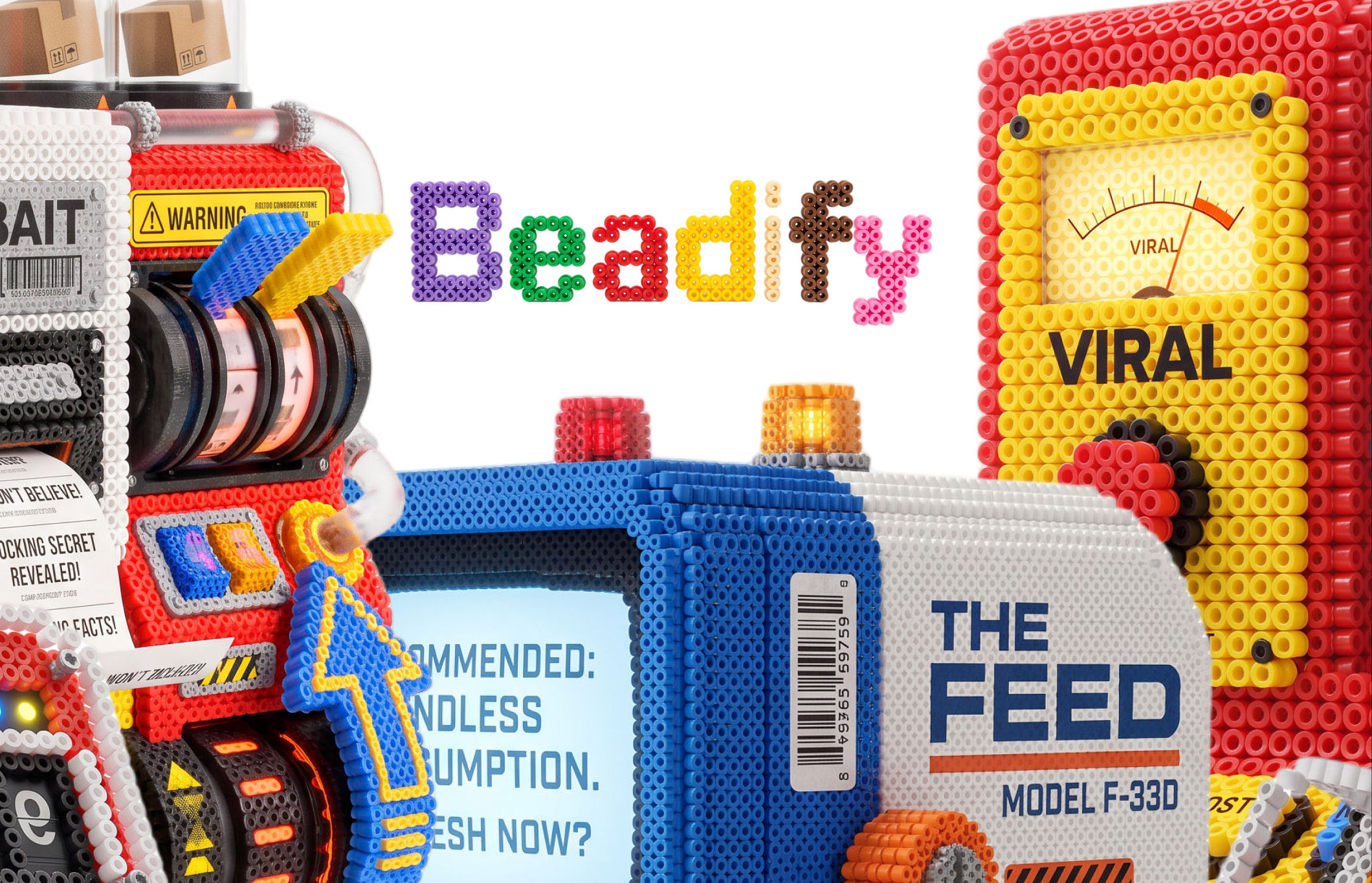 BeadifyTurn any object or 3D render into a physical Perler bead mosaic. Upload a photo — get back a beaded version of it
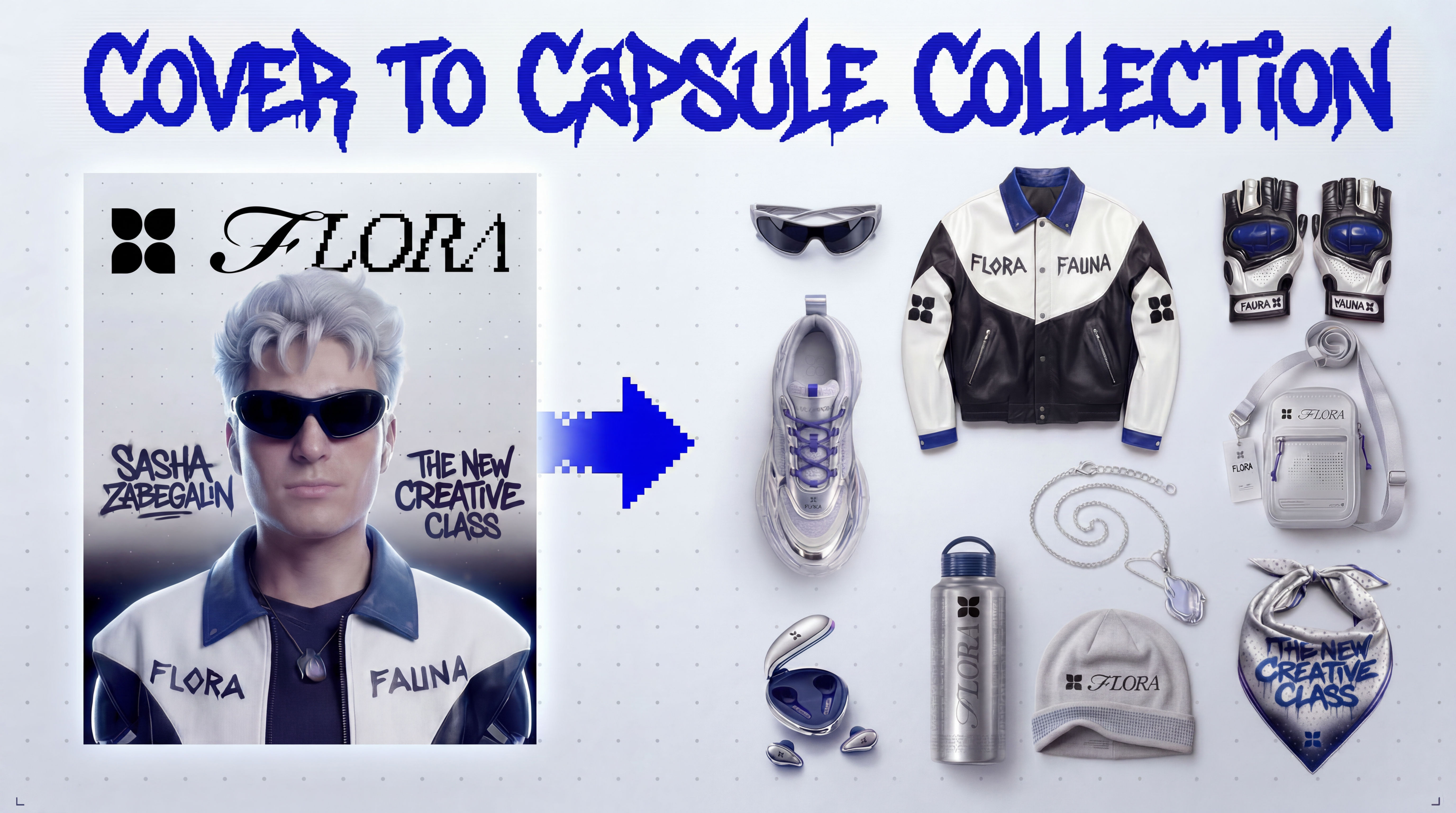 Cover to Capsule CollectionTurn any magazine cover into a 12-piece capsule collection.
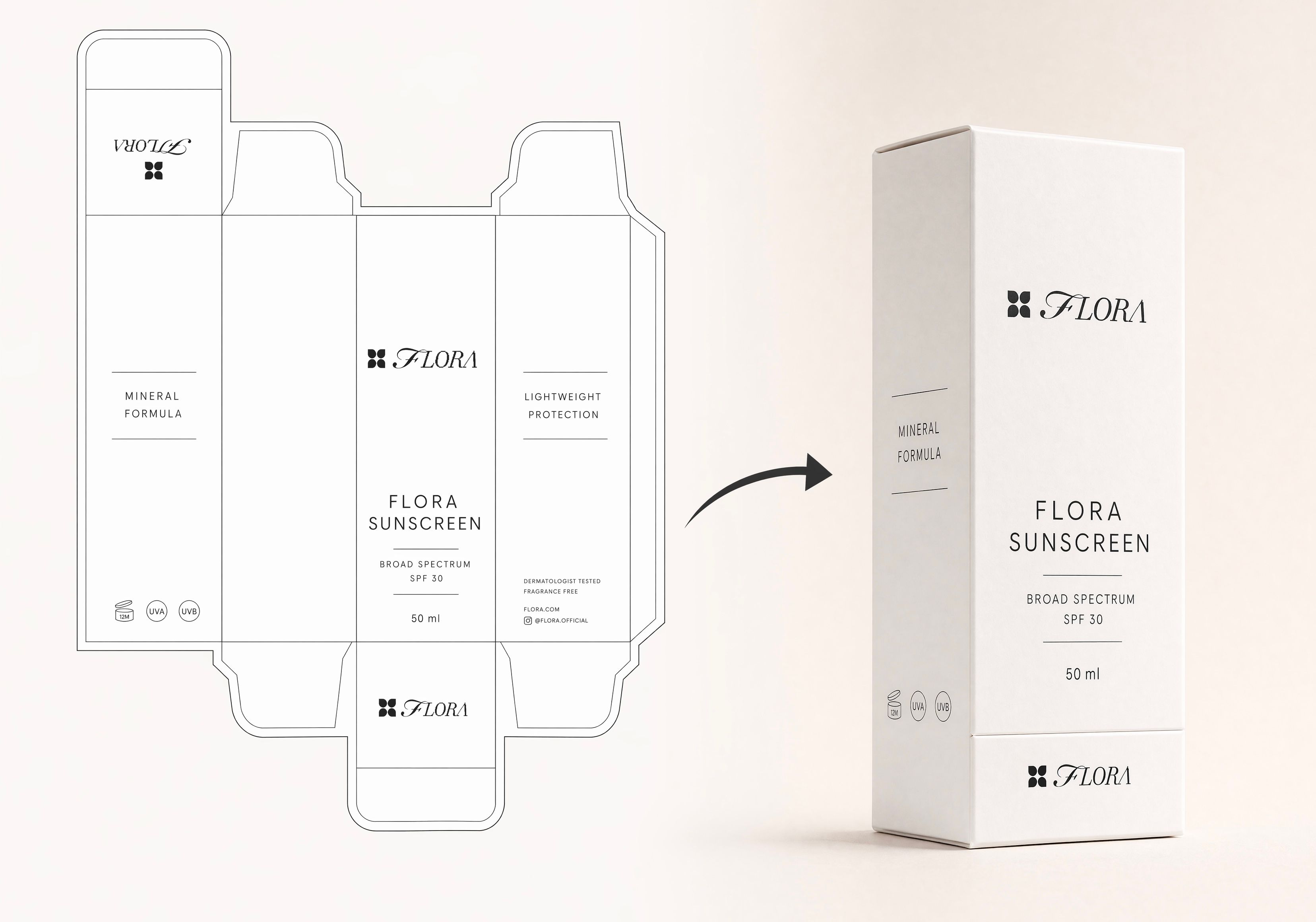 Dieline to 3D PackageTurn any flat package dieline into a production-ready 3D package render.
 Rosé RamblerMake your own custom Cannes Character, presented by Red Antler x FLORA
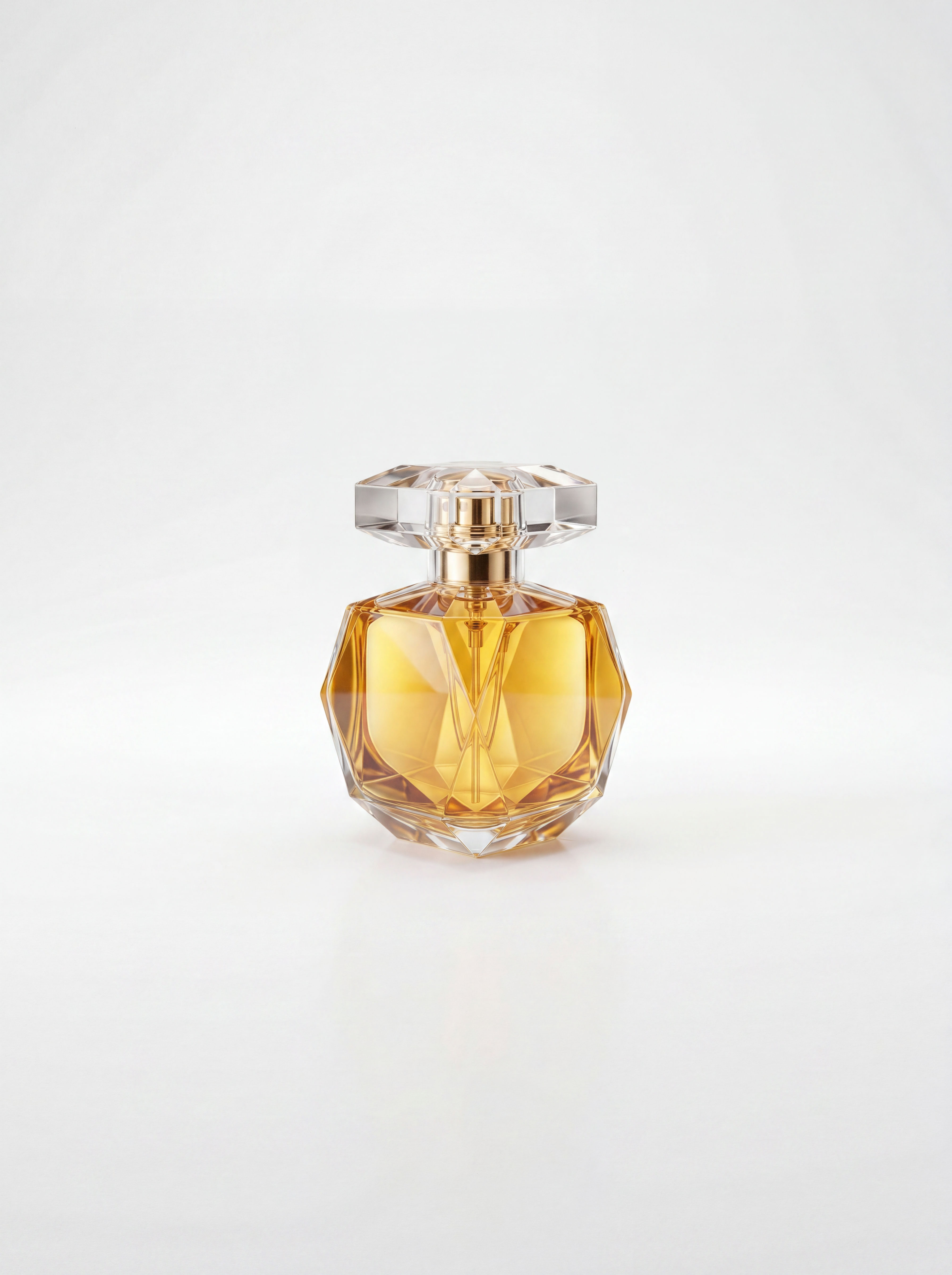 Sketch to Photorealistic Product RendererUpload any product sketch and a style reference.
Get 9 photorealistic renders — rare angles, texture
close-up, top, bottom and underside shots.
Any product. Label-free. Production-ready.
Sketch to Photorealistic Product RendererUpload any product sketch and a style reference.
Get 9 photorealistic renders — rare angles, texture
close-up, top, bottom and underside shots.
Any product. Label-free. Production-ready.Create a Wireframe Image From Any Photo
Turn any photo into a clean wireframe

Harish Venkatesan from FLORA