Subject
a single interview subject — a person talking to camera, identical wardrobe and grooming, natural subtle head and hand motion, crisp micro-detail in skin and fabric

Upload a soft 480p or 720p clip and the Technique sharpens detail across every frame, returning a delivery-ready master.

Archive Footage Restoration
Editors and archivists run old phone clips and downscaled renders through an AI video upscaler to lift grainy 480p source material toward a clean HD master.

Social Media Reposts
Creators reach for a free video upscaler when a compressed social export comes back soft, sharpening the clip before it gets re-uploaded and compressed again.

Pitch and Ad Delivery
Agency teams lift low-res reference cuts and legacy brand footage so a pitch reel or an ad edit holds up on a large screen.
How to use Techniques?
Discover how to utilize Video Upscaler for different scenarios.

Add inputs
Upload images, videos, or type in the prompts to get started.

Generate outputs
Next, hit the "Generate" button to start generating your outputs.

Edit and export
Refine your outputs on canvas, or download them directly.
Frequently asked questions
All you need to know about Video Upscaler
What a video upscaler actually does to your footage
A video upscaler raises the resolution of a clip by generating detail that was never in the original recording. Drag a 720p file into a 4K timeline and you get the same picture stretched across a bigger frame, which only makes the softness easier to see. An upscaling model does something else: it reads each frame, works out what the missing detail should have been, and paints it in.
The gap between those two operations explains most of what you will see in your output, the good and the bad. You can start on FLORA free and put a test clip through in the browser.
Where the extra pixels come from
A plain resize has no new information to work with, so it interpolates. It takes the pixels on either side of a gap, averages them, and drops the result in the middle. Do that across a whole frame and every edge loses its definition, which is the soft, faintly plastic look of stretched footage.
A free AI video upscaler starts from somewhere else entirely. It has been trained on enormous numbers of paired frames, the same shot at low resolution and at high resolution, until it learned what the sharp version of a given texture tends to look like. Skin, brick, hair, a knit sweater, text on a sign: each one degrades in a characteristic way, and the model has seen that degradation often enough to run it backwards. What comes out is a plausible reconstruction, not a recovery of the pixels you lost. That distinction matters when you are checking the result. The detail looks real. It is not necessarily true to what was in front of the camera.
The problem that makes video harder than stills
Upscaling a photo is one decision. Upscaling video is that same decision repeated across every frame in the clip, with the added condition that each one has to agree with the last.
Say the model sharpens a shirt texture one way on frame 40 and slightly differently on frame 41. Neither frame is wrong on its own. Played at speed, your eye reads the difference between them as movement, and the texture appears to crawl across the fabric. Edges buzz. Fine repeating patterns like brickwork or pinstripes flicker badly. The clip can end up harder to watch than the soft original, even though every still you pull out of it looks sharper than before.
Video models deal with this by looking at neighboring frames together, so a choice made on one frame constrains what is available on the next and the invented detail stays anchored as the shot moves. Temporal consistency is the genuinely hard part of the job. It is also why an image upscaler applied frame by frame tends to produce a shimmering mess, even when each individual output would pass on its own.
Why some clips come back sharper than others
The source sets the ceiling. Upscaling adds resolution, not information, so whatever was destroyed before you started is not coming back.
Compression does most of the destroying. A clip that has moved through a few platforms carries blocking and banding baked into its pixels, and the model has no way to tell those artifacts apart from real texture. It sharpens them along with everything else, which makes the flaws more visible instead of less. Heavy grain confuses it the same way. Fast motion is its own case, because blur smeared through a frame leaves no edge to reconstruct, so those shots tend to improve least.
All of which points at one practical habit. Dig out the earliest copy of the footage you still have, even when the file is smaller and less convenient to work with. A clean 480p original will beat a 720p export that has been through three rounds of platform compression every time. Testing a free video upscaler on one representative clip before you commit an entire archive tells you within a minute whether the source has enough left in it to be worth the effort.
Where the sharpened clip goes next
Upscaling is a middle step. Once the resolution holds up, the clip still has to work in context: cut against other shots in a video scene build, bridged into the next one with a seamless transition, or intercut with new footage from the FLORA AI video generator and the cinematic movie generator. If you are still comparing tools before settling on a workflow, our Magnific AI alternative breakdown and the roundup of the best AI video generators cover the wider field.
All of it sits on one canvas, so an upscaled master never has to be exported and re-imported to reach the next step. Run the video upscaler free within FLORA's plan limits, leave the result where it is, and build the edit around it.
Related techniques
 Color Palette ExtractionExtract color palettes from any image
 Image UpscalerUpscale any image to a higher resolution in one click.
 Layout ResizerResize layouts for any aspect ratio
 Prompt ExtractorReverse-engineers any image into a prompt
 3 Angle ShootFront shot in, 45, 90, and 180 angle back
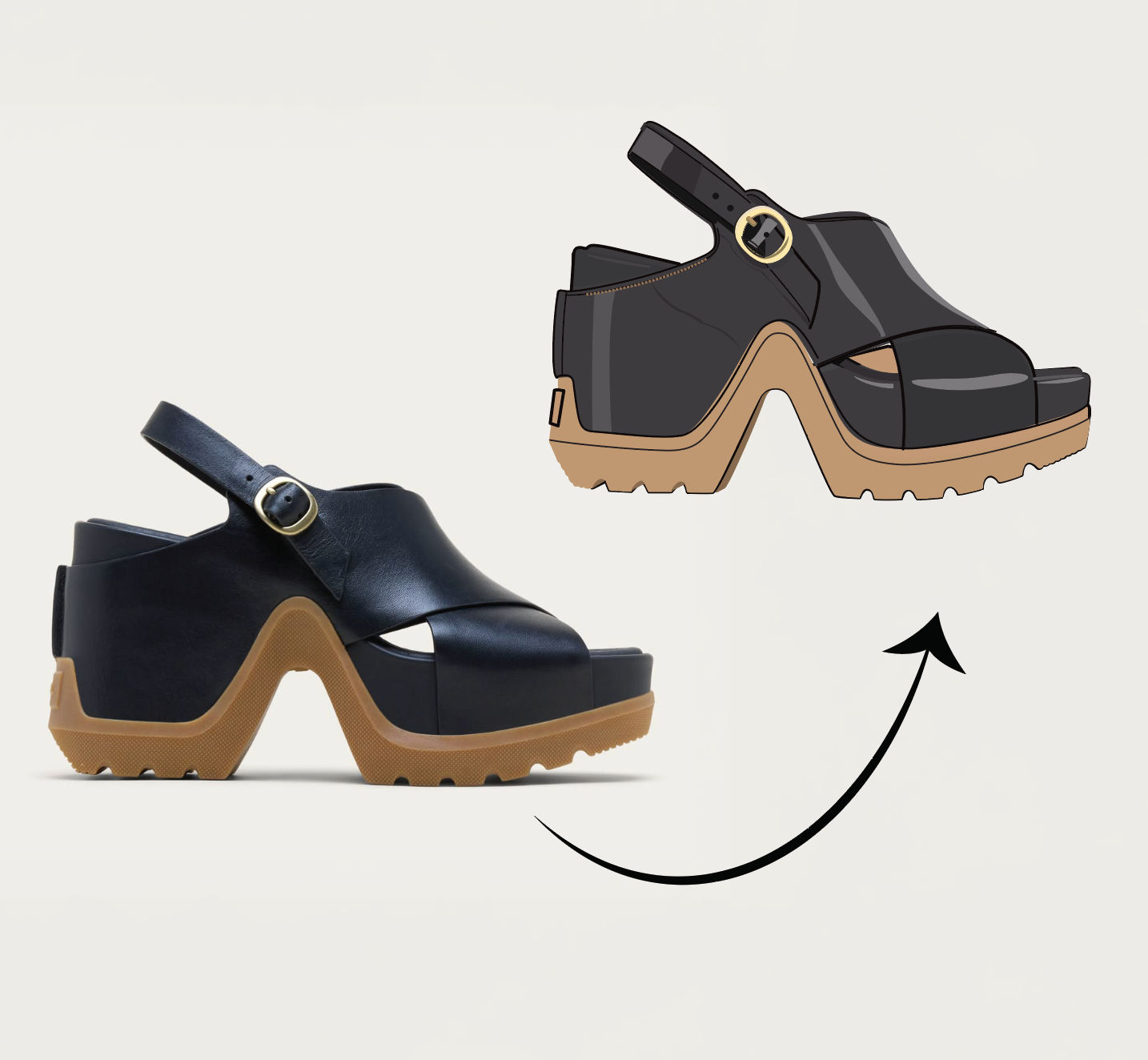 Anything to VectorTurn any image into a SVG vector illustration.
Use the Video Upscaler to Turn Low-Res Footage into Crisp HD
turn a soft, low-res clip into a crisp, delivery-ready master. Useful for: anyone sitting on a 480p/720p clip (old phone footage, a compressed social export, a downscaled render) who needs a clean HD/4K version for a pitch, an ad, or a broadcast cut.

Louis Anderson