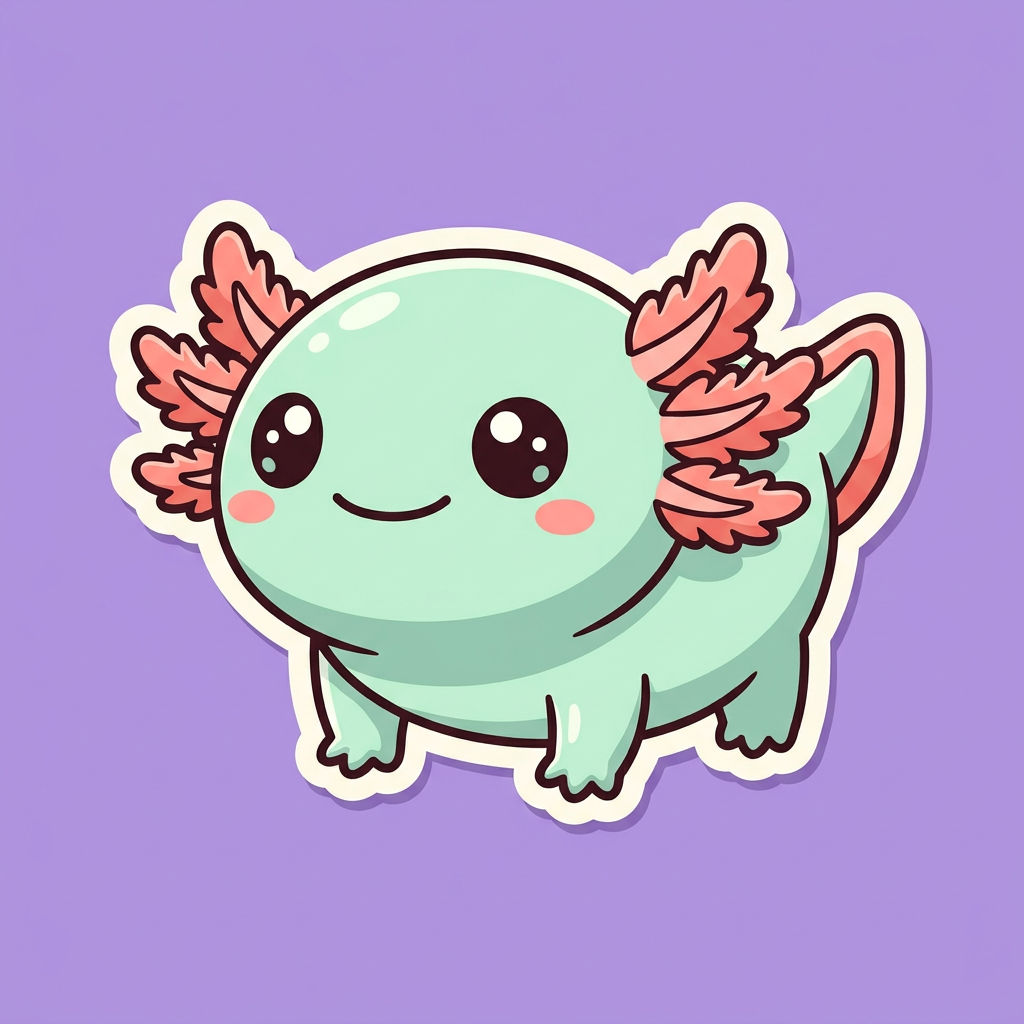
Description of Character
Character sticker design of 'Mochi', a chubby round pastel-mint axolotl mascot. Consistent character bible: soft mint-green body, coral-pink feathery external gills, big glossy black eyes with two white catch-lights, tiny rosy cheek blush, four stubby limbs, permanent gentle smile. Flat 2D kawaii vector-illustration style, bold clean 6px cream outline, cel shading with one soft ambient-occlusion shadow, thick white sticker die-cut border. Centered, full body, front three-quarter view, on a flat solid lavender background. Ultra clean, crisp edges, print-ready. No text, no watermark.
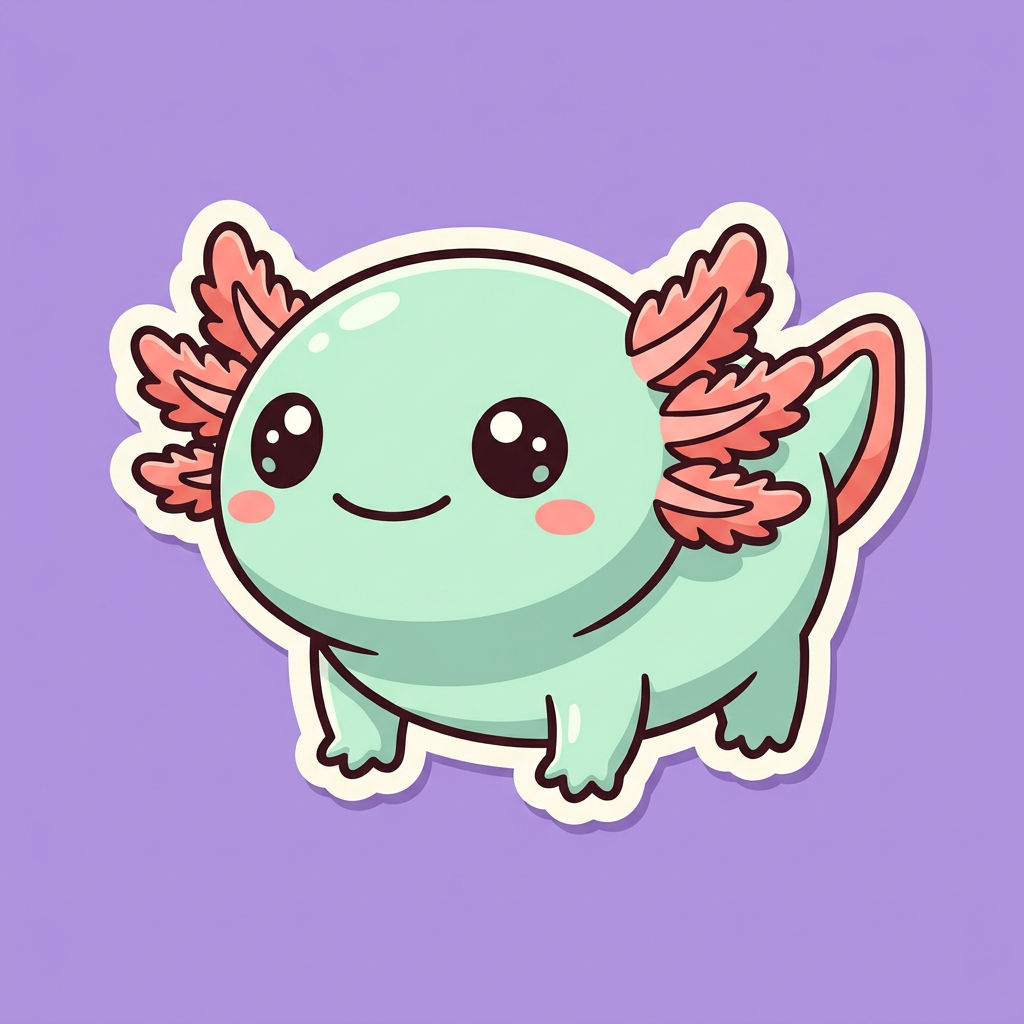
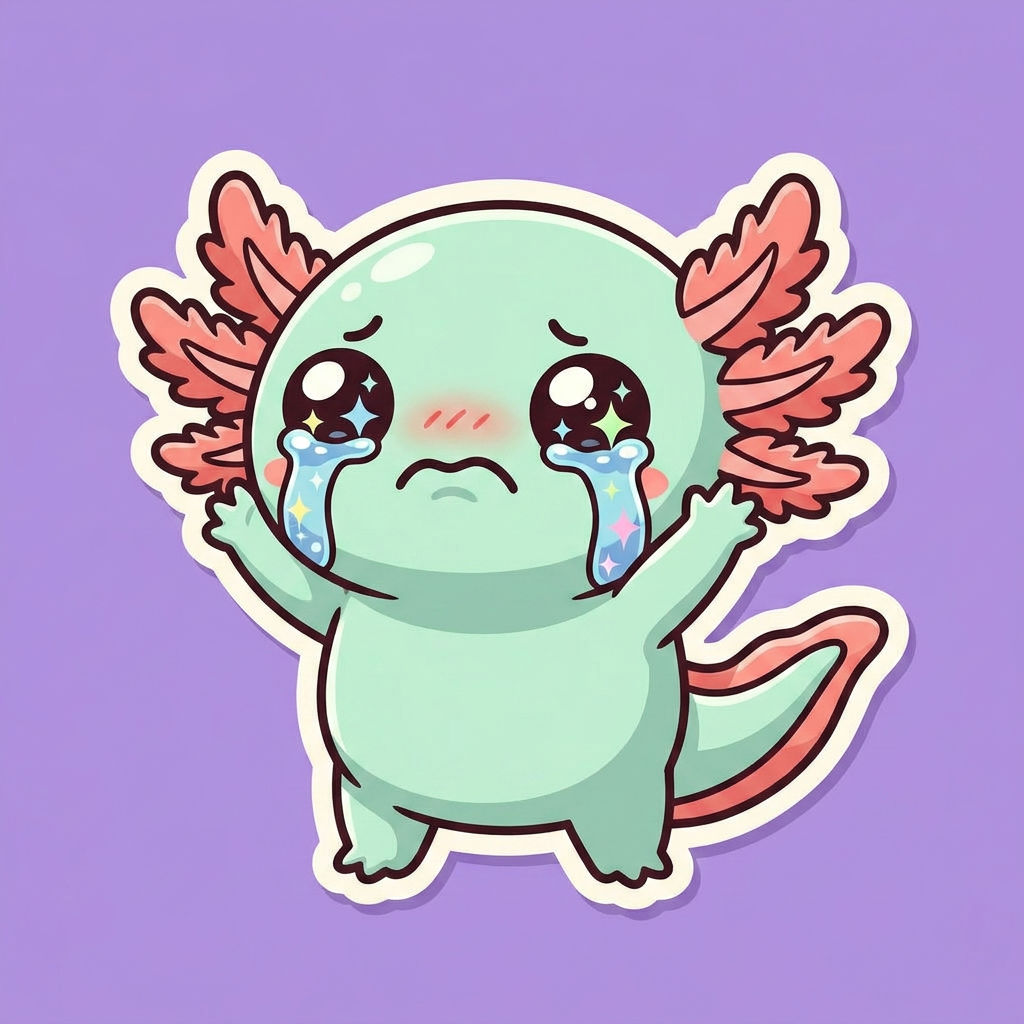
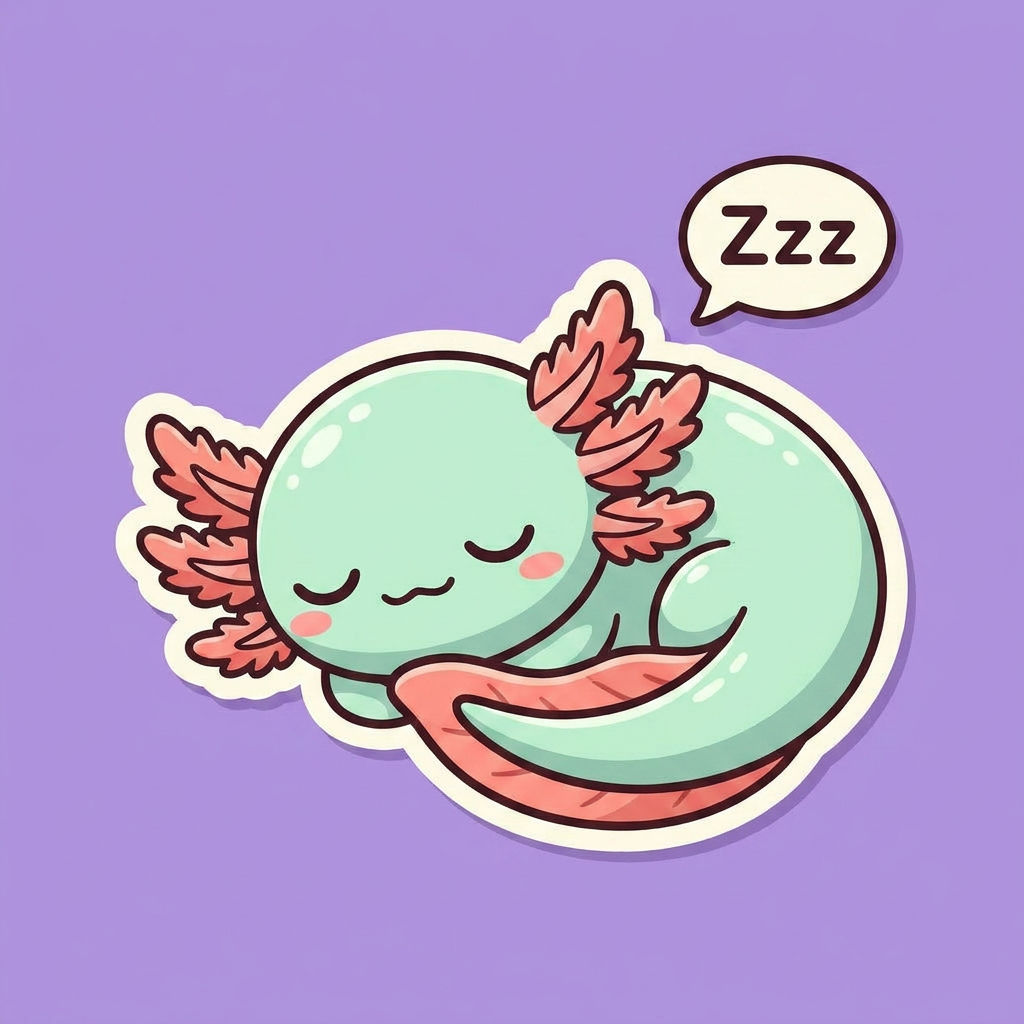
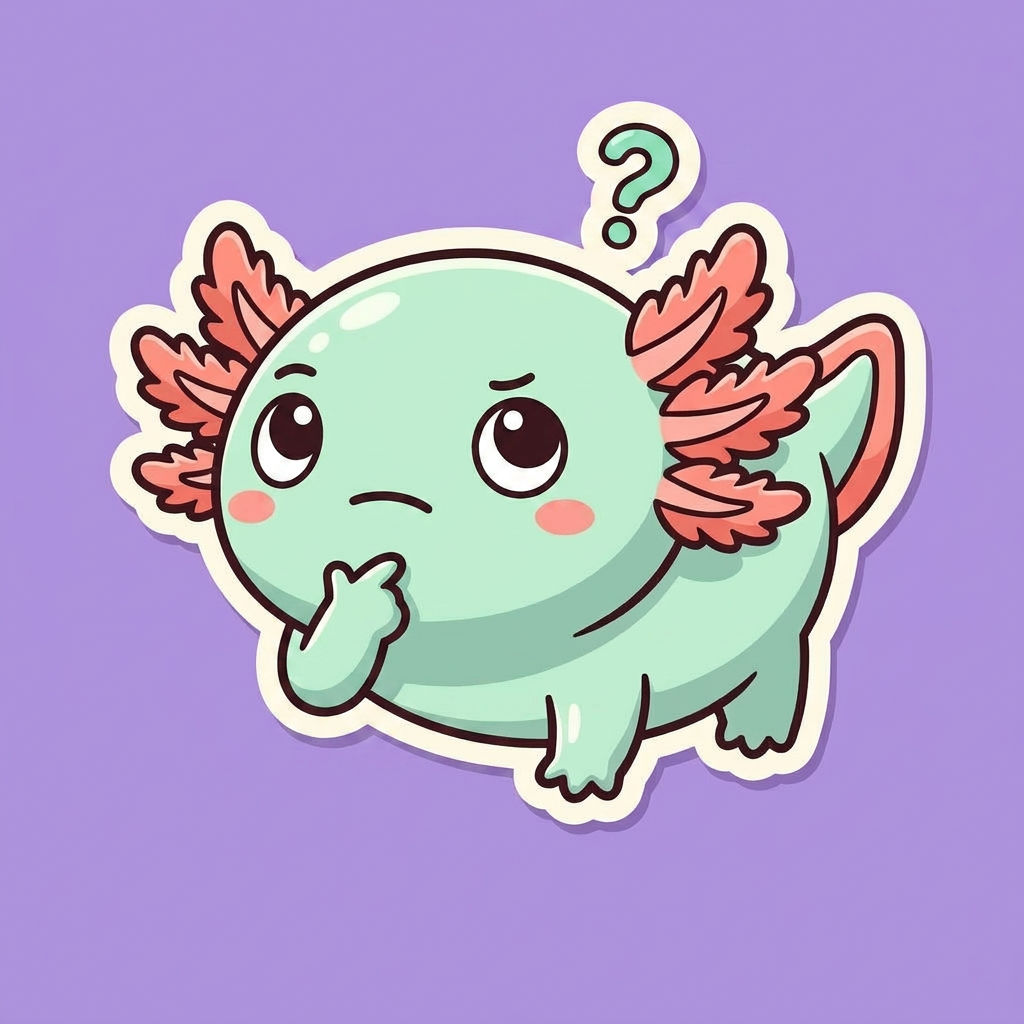
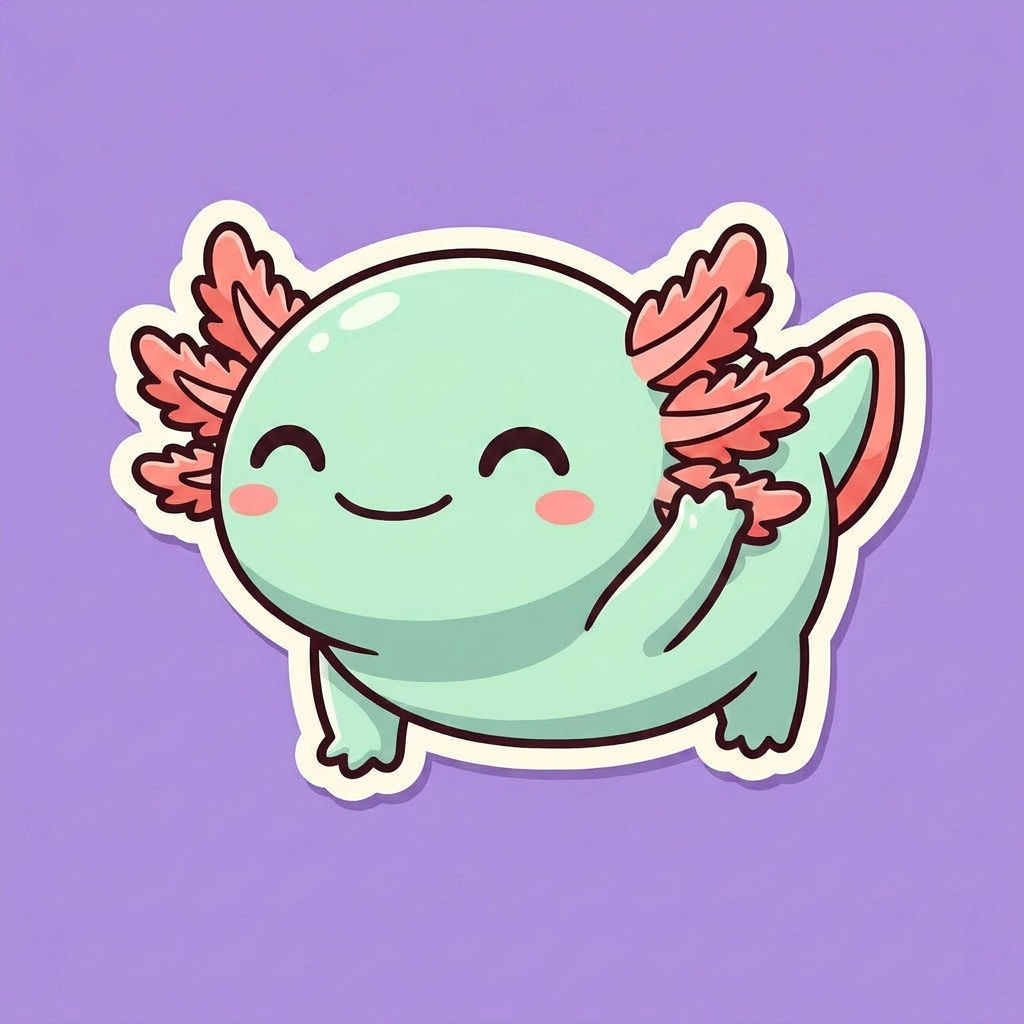
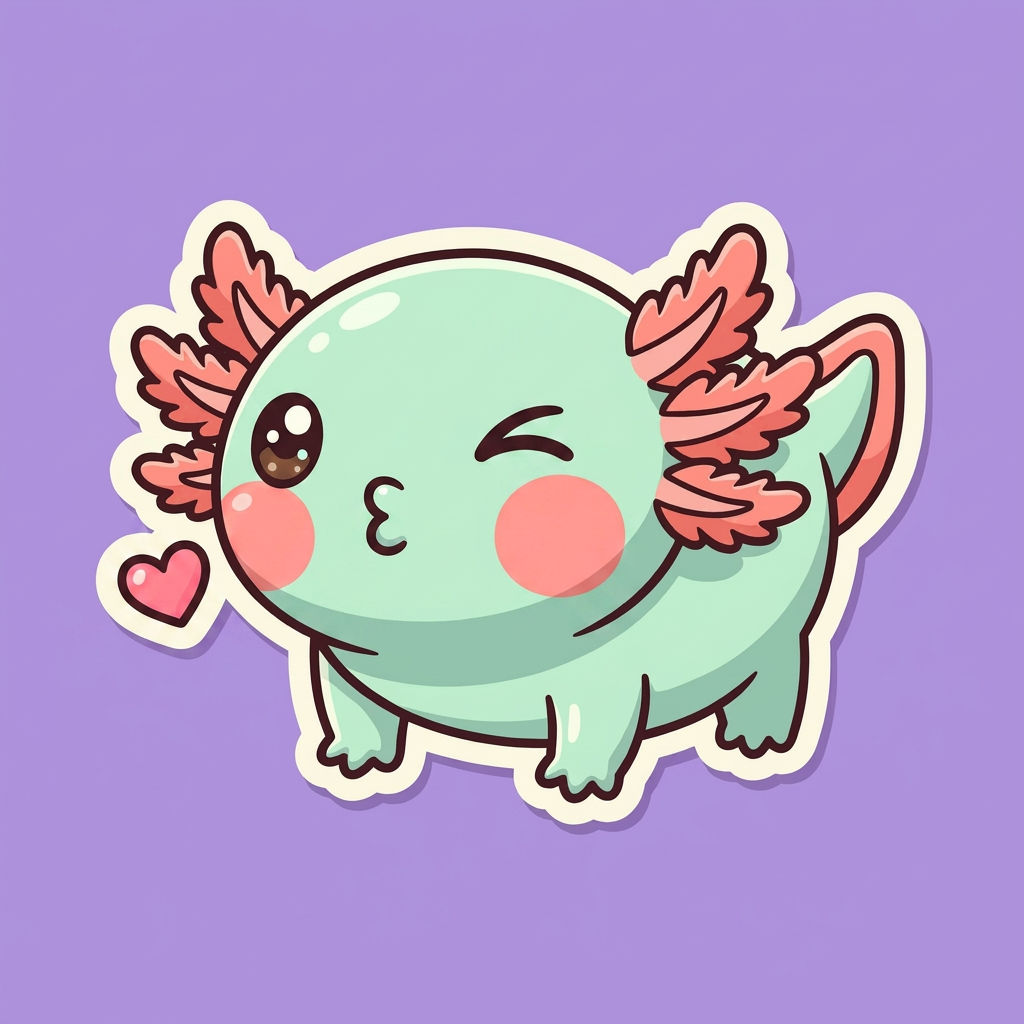
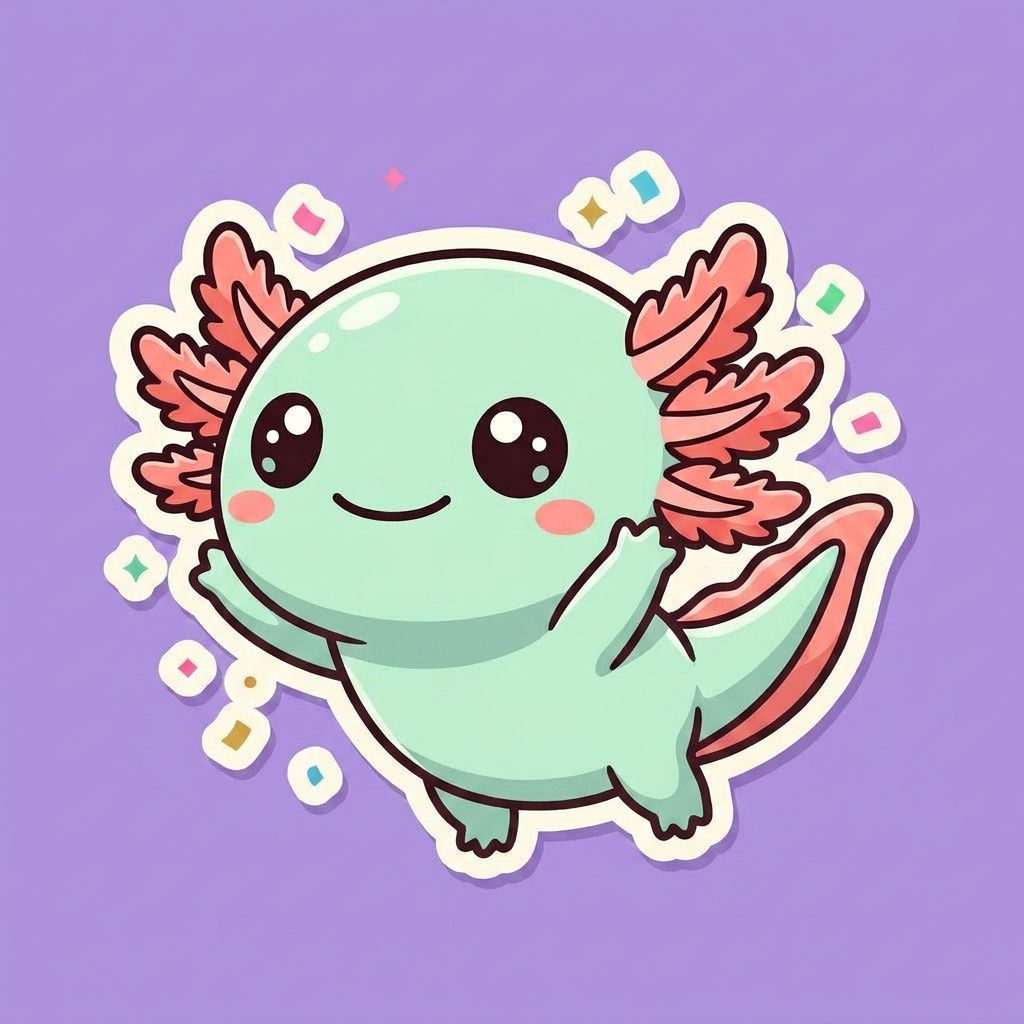
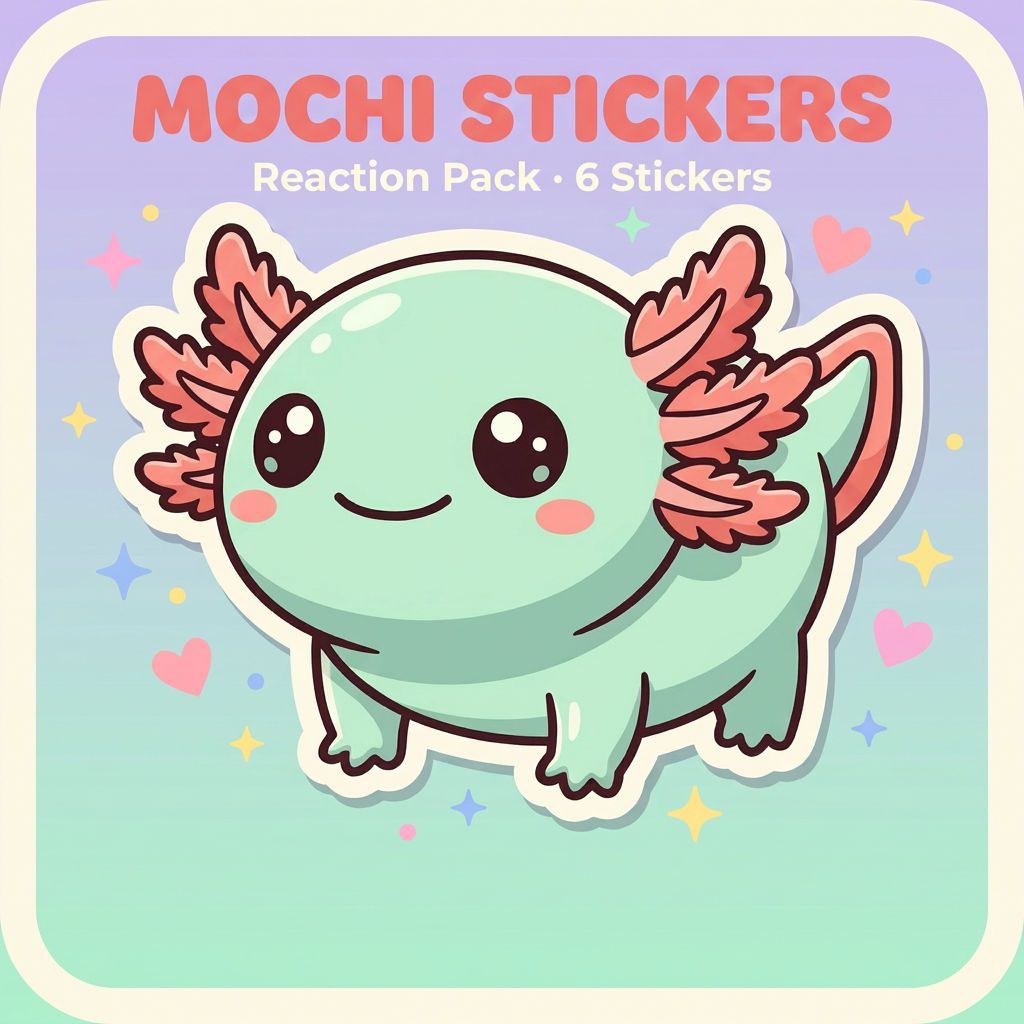
Describe a character once and FLORA's AI sticker generator returns a matching 8-piece pack: the base sticker, six expressions and poses, and a pack cover card, every sticker with the same clean die-cut border.

Messaging Packs
Creators and community managers use the AI sticker maker to turn one mascot into a full expression set, then export the pack for Telegram, Discord, or WhatsApp without redrawing the character eight times.

Brand Mascots
Marketing teams describe a brand character once and get a consistent sticker pack for social replies, launch posts, and merch mockups, with the same outline and shading on every piece.

Indie Games and Merch
Game studios and print shops use this sticker design generator to build a character's emote set and a matching pack cover, ready for die-cut printing or an in-app sticker shop.
How to use Techniques?
Discover how to utilize Sticker Pack Generator for different scenarios.

Add inputs
Upload images, videos, or type in the prompts to get started.

Generate outputs
Next, hit the "Generate" button to start generating your outputs.

Edit and export
Refine your outputs on canvas, or download them directly.
Frequently asked questions
All you need to know about Sticker Pack Generator
What an AI sticker generator does, and why the pack matters more than the sticker
An AI sticker generator turns a written description of a character into finished sticker artwork: a clean illustration, a solid background, and the thick die-cut border that makes it read as a sticker rather than a drawing. The FLORA version goes one step further and returns a pack, not a single image, so the character arrives with its expressions already made. You can try it free on FLORA with starter credits.
A single sticker is easy. A set that looks like it came from one artist is the hard part, and it is the part people actually need, because a messaging pack or a brand emote set lives or dies on consistency. That is the job this technique is built for.
What comes back from one description
The technique takes one input, the character description, and returns eight pieces. The base sticker is the reference pose. Six variations cover the expressions a pack needs to be usable in conversation: crying, sleeping, thinking, waving, a kiss, and a jump. The eighth output is the pack cover: a card with the character and the pack name, which is the icon a messaging app shows for the set and the thumbnail a sticker shop lists it under. Every piece shares the same outline weight, palette, and shading, which is what a sticker generator has to get right before anything else.
How the AI sticker generator keeps a character consistent
- The description acts as a character bible. Body shape, colors, facial features, and style cues are read once and applied to every output, so a mint-green body with coral gills stays mint-green with coral gills in the jumping pose.
- The style instructions travel with the character. Ask for a flat 2D vector look, a 6px cream outline, and cel shading, and each expression is drawn in that same language.
- The sticker treatment is part of the render. The die-cut border, the solid backdrop, and the centered framing are generated in, so the outputs are print-ready instead of needing a manual cutout.
- Variation happens inside the constraints. The model changes pose and expression while holding everything else fixed, which is the difference between a pack and eight unrelated images.
People describe this job a dozen ways
Search for it and you will find the same task under a lot of names: AI sticker maker, sticker maker AI, sticker AI generator, AI sticker pack generator, sticker design generator. Some people search for a free AI sticker generator to test an idea, some type "AI sticker generator online free" because they want it in the browser with no install, some want an AI sticker generator free of charge for a one-off, and some want the best AI sticker generator for a brand mascot they will print thousands of. The names differ, the request is the same: one character, many consistent pieces, ready to use.
Writing a description that produces a good pack
Name the character and give it two or three signature features the model can hold on to, such as a permanent gentle smile or big glossy eyes with two catch-lights. State the style in plain terms, say what the background should be, and ask for no text and no watermark so the border stays clean. If the first pack is close but not right, adjust one thing in the description and run it again rather than rewriting everything.
Where to take the pack next
The pack lands on the FLORA canvas alongside 50+ image and video models, so it is a starting point rather than a finished export. Build a matching set of app icons from the character with the icon pack technique, turn a real face into a character with Memoji Me, or generate scenes for the character to live in with the AI image generator. The sticker pack is the character's first outfit; the canvas is where it gets the rest.
Related techniques
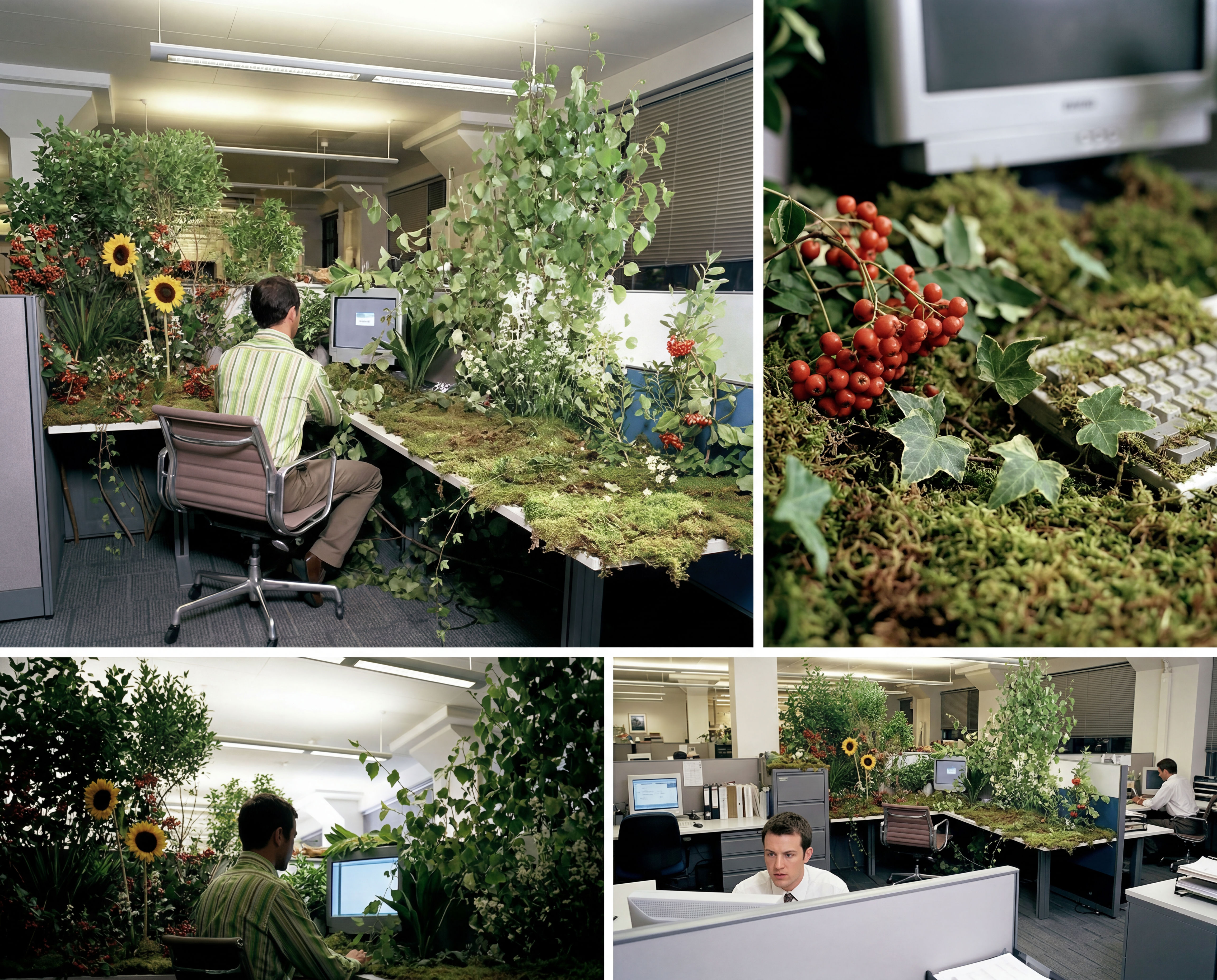 Storyboard MakerInput one image and creates cohesive 9 storyboard shots
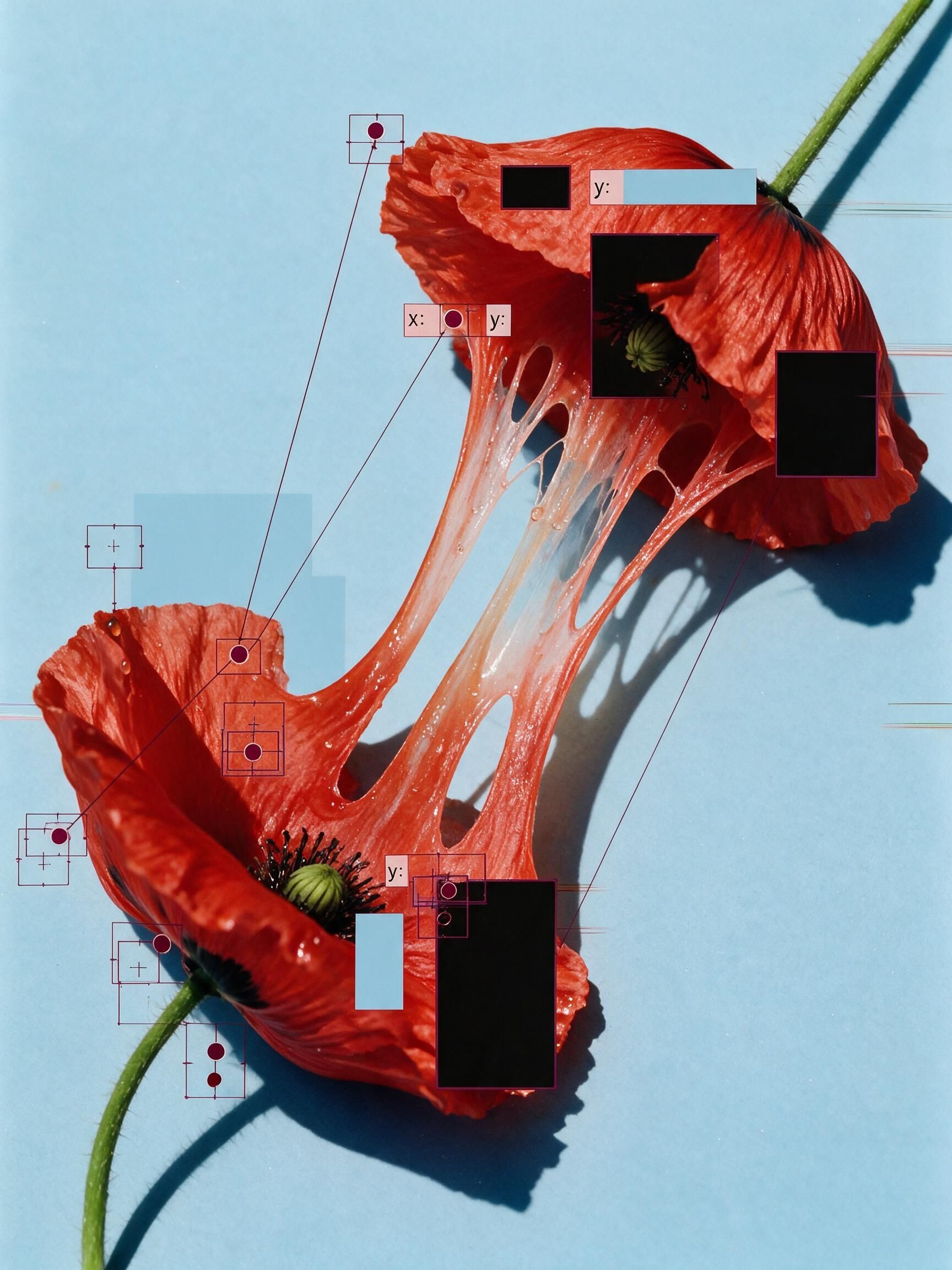 'Pollen CheeseAn editorial still-life of your flower pulled apart, like cheese.
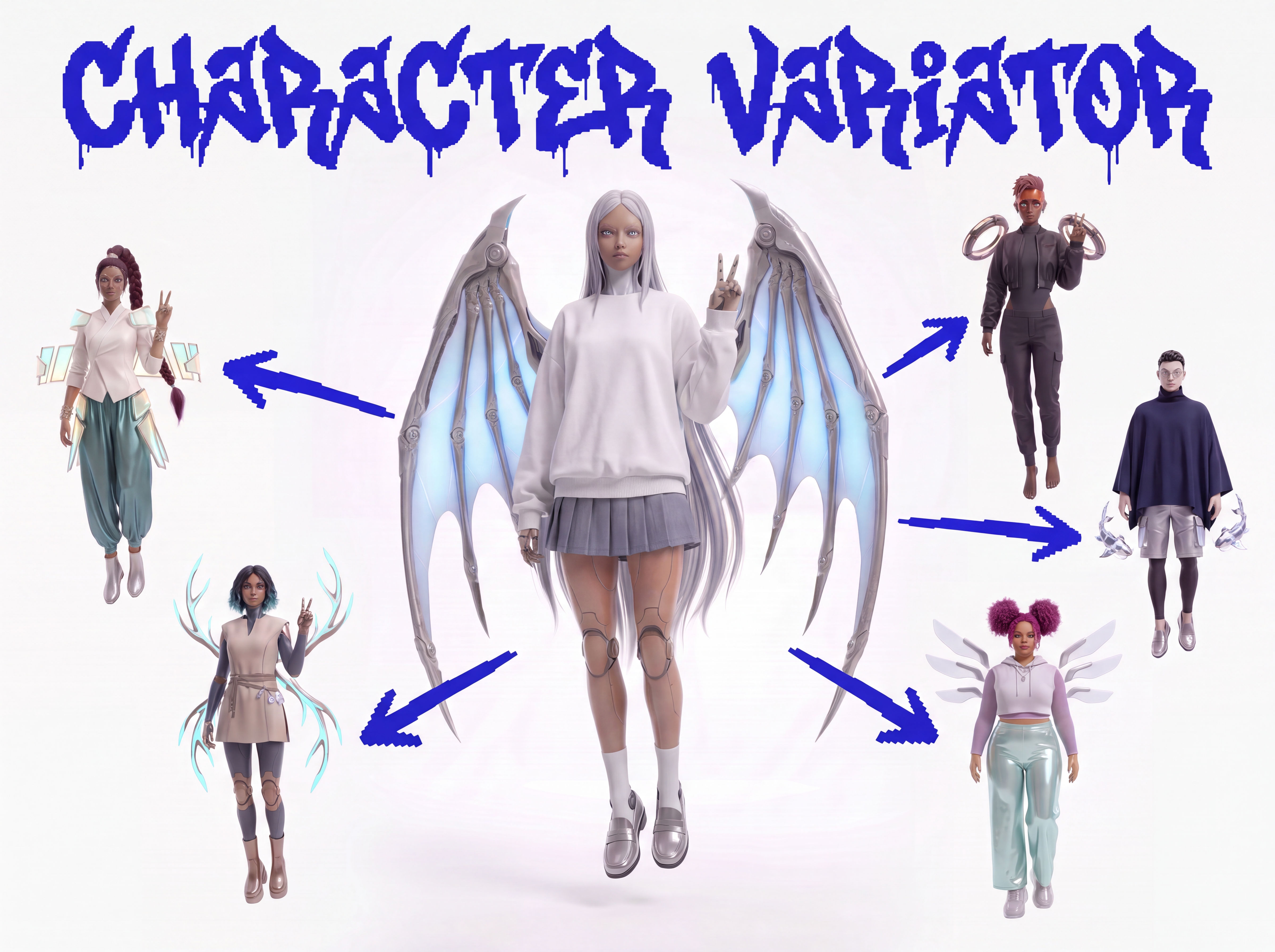 Character VariatorTurn one character into a roster of five.
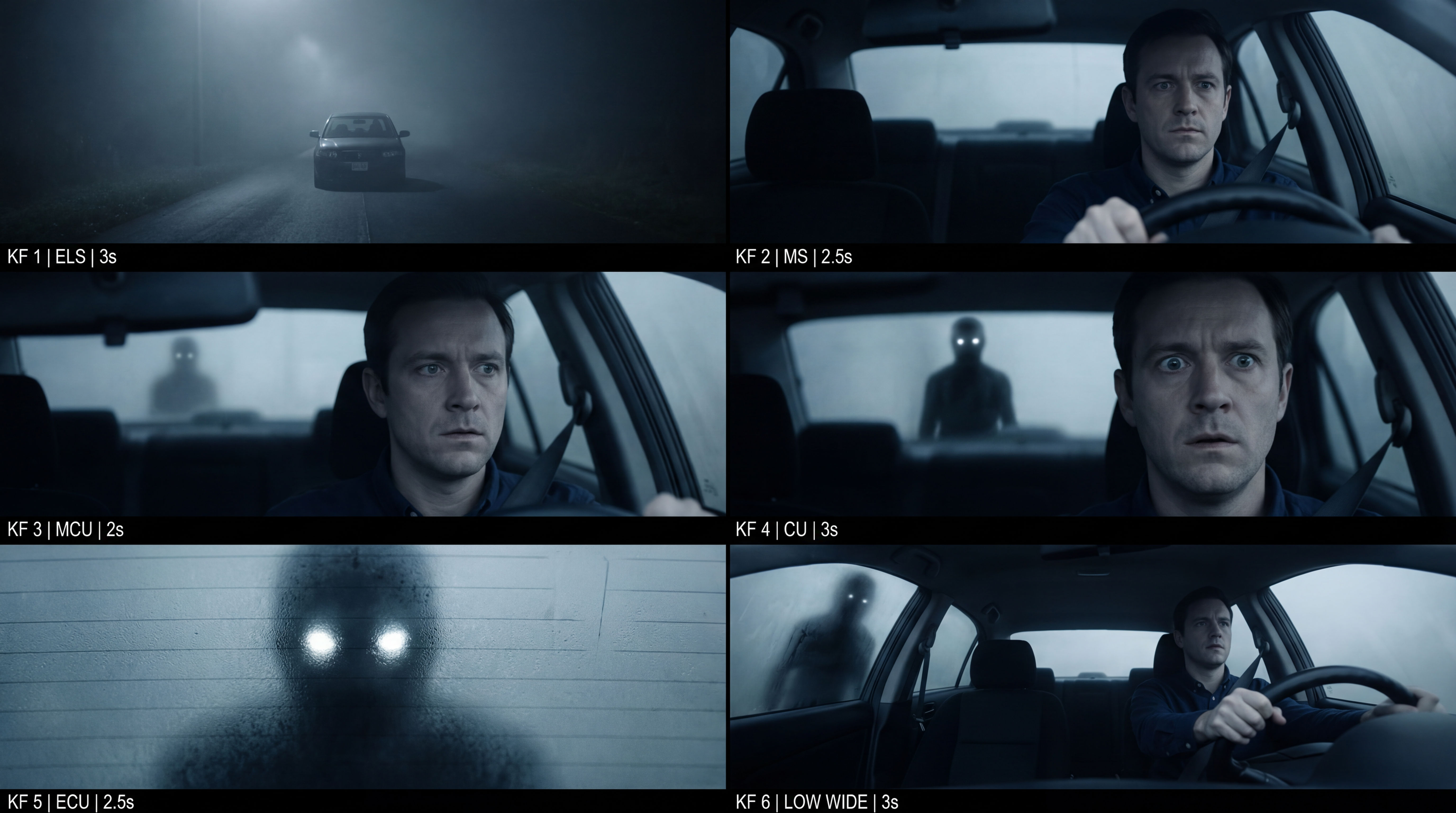 Frame the Mood for CreativesTurn a single reference image and a mood description into a complete set of production-ready visual assets, in one run. You get 7 assets total: 1 full storyboard + 6 individually exported keyframes.
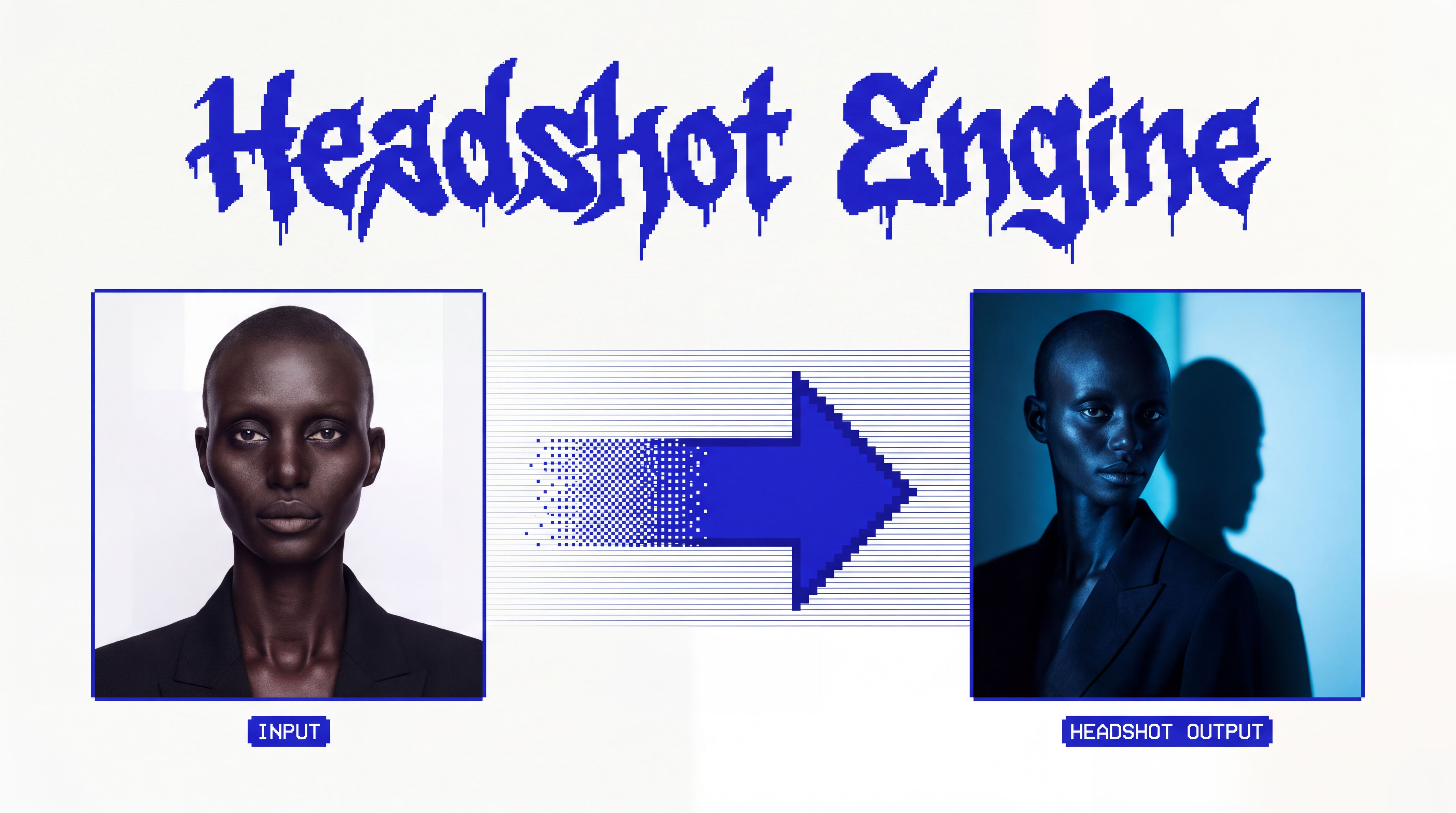 Headshot EngineAny photo of a person, reshot in the style of any headshot you feed it.
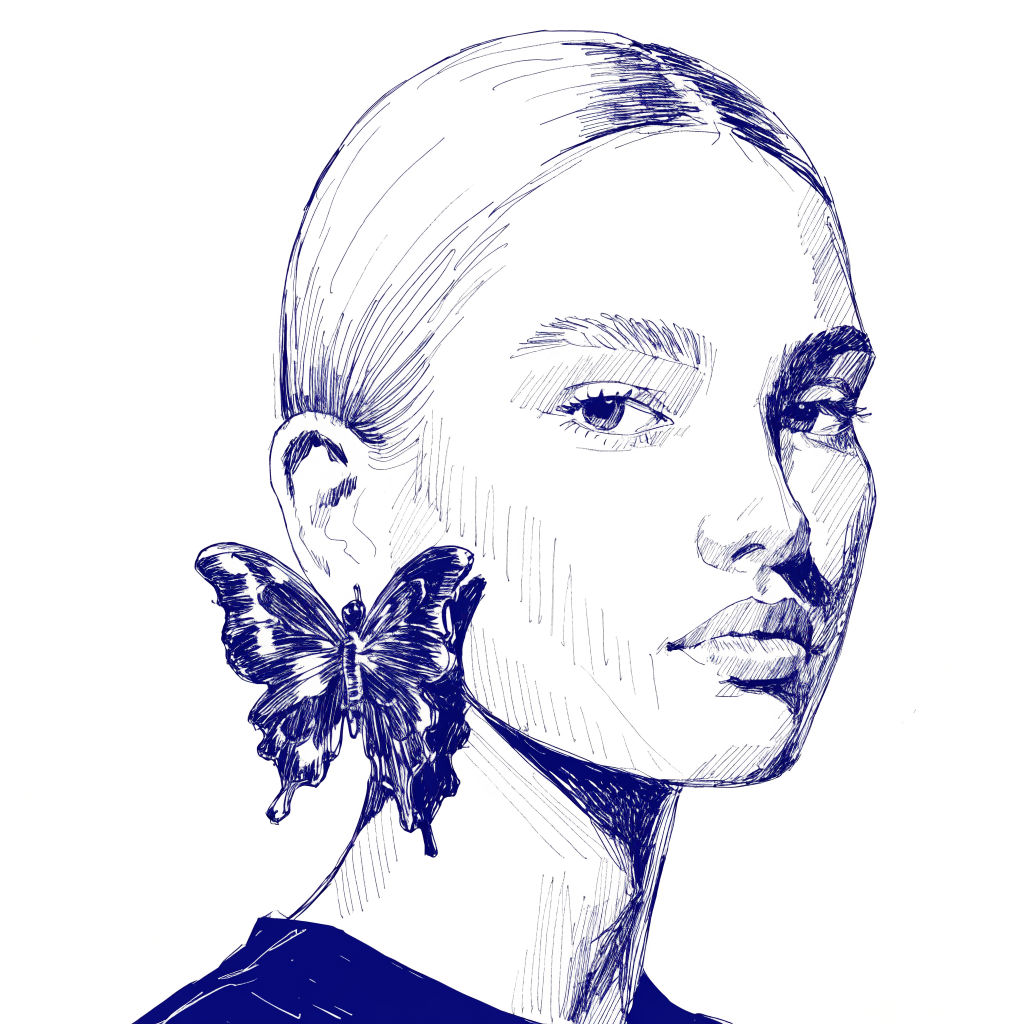 InkCreate ink sketches for storytelling and animation.
AI Sticker Generator: One Character, a Full Sticker Pack
Make a Kawaii Sticker Pack for your OC

Louis Anderson