Title
THE LAST SIGNAL
Tagline
THE UNIVERSE WENT QUIET. SOMETHING ANSWERED.
Scene
A lone astronaut in a scuffed, weathered pressure suit stands at the crumbling edge of a vast red-rock canyon on an alien world, seen small against the landscape, back to camera. A colossal ringed gas-giant hangs low and pale on the dusty horizon; a single thin beam of light lances up from deep in the canyon toward it.
Release
OCTOBER 2027

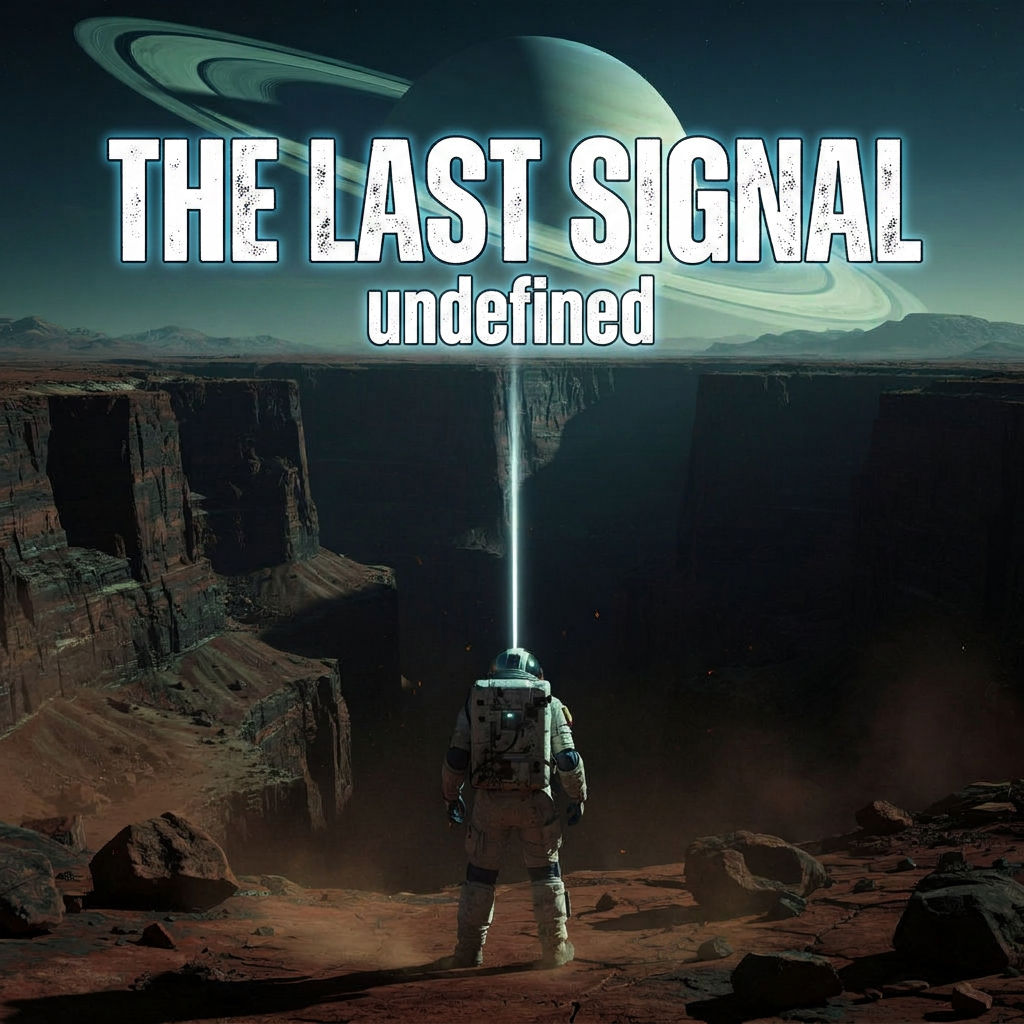
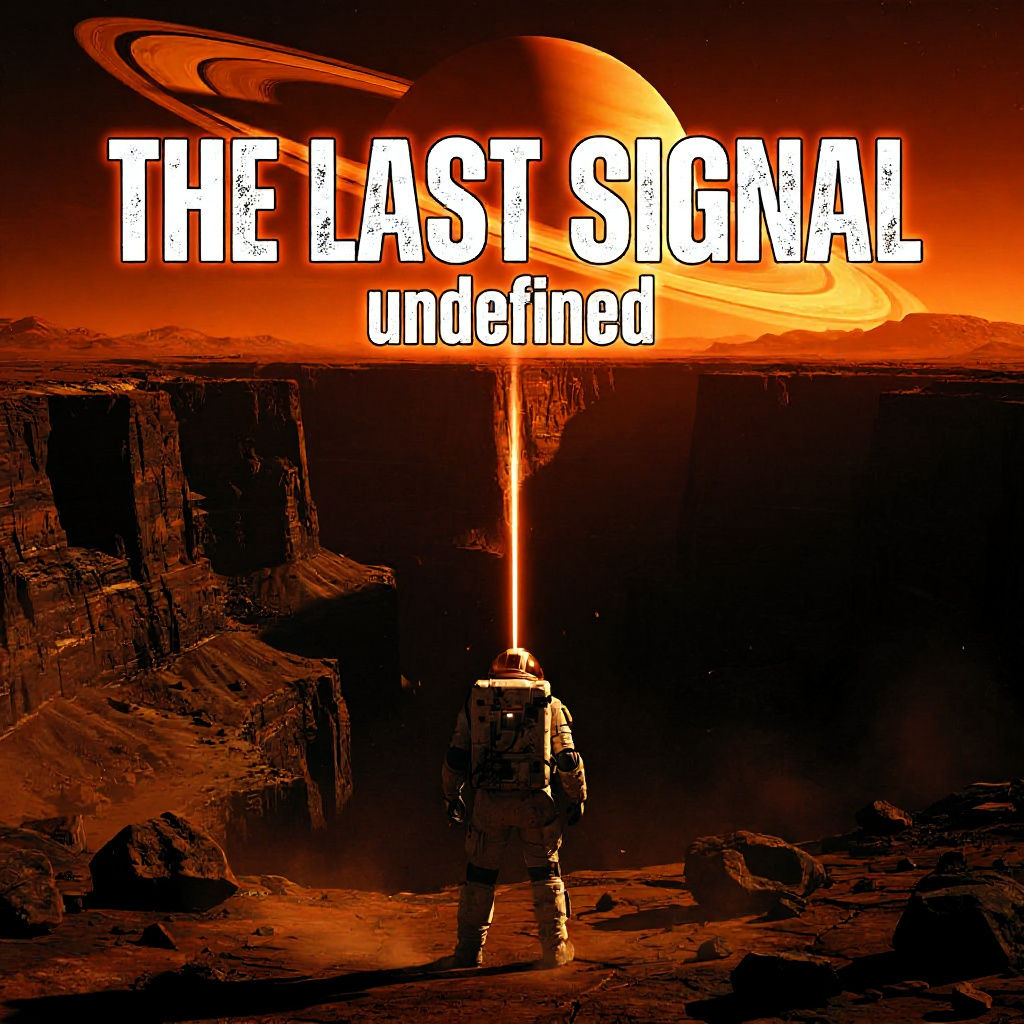

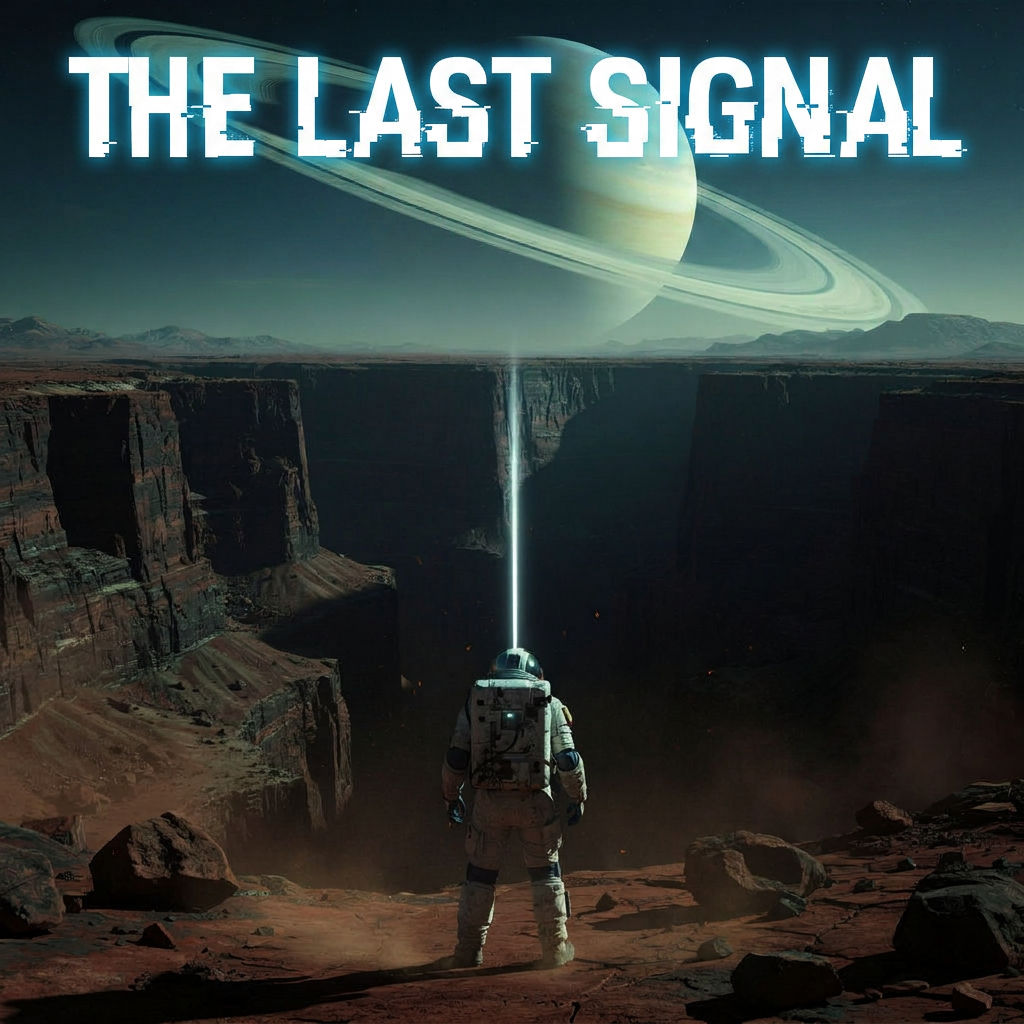
Make your own movie poster from a title, scene, tagline and release month, plus key art, two teasers and a motion poster.

Short Film Promotion
Filmmakers make a movie poster for a short or a festival entry from a written scene, with every sheet built on the same graded key art.

Release Countdown Posts
Marketers post the five-second motion poster as a looping teaser and use the two teaser one-sheets, which show only the title and date, for countdown posts.

Pitch Decks and Scripts
Screenwriters and producers use the movie poster maker to give a spec script or pitch deck a key visual before any photography exists.
How to use Techniques?
Discover how to utilize Movie Poster Maker for different scenarios.

Add inputs
Upload images, videos, or type in the prompts to get started.

Generate outputs
Next, hit the "Generate" button to start generating your outputs.

Edit and export
Refine your outputs on canvas, or download them directly.
Frequently asked questions
All you need to know about Movie Poster Maker
What this movie poster maker produces from one premise
This movie poster maker creates a set of film posters from four short text fields, which hold a title, a one-line scene, a tagline and a release window. The artwork is generated from the scene you write, so no photo is needed, and the title and other text are set onto the artwork as lettering. Each run returns clean key art, a graded copy of it, a theatrical one-sheet, a teaser, an alternate color edition and a five-second motion poster.
People who want to make a movie poster for a short film or a festival entry often have the title and the story worked out long before there is any photography to use. The Technique only needs that written description to get started. You can create a free FLORA account and run the preset science fiction example first, which shows the full set of outputs before you enter a scene of your own.
The parts of a theatrical one-sheet
The film industry calls its standard portrait poster a one-sheet, and it is the format hung in cinema lobbies and sent out with press material. Key art fills most of the sheet, and it usually shows a character or a place from the film. The title treatment is the film’s name in a display typeface, and on most posters it is the second largest element after the image. The tagline is a short line of copy about the story, typically set in small type near the title.
Along the bottom edge is the billing block, a dense run of names for the cast, director, producers and production companies in tall condensed capitals. A release line with a date or a season usually sits just above or below it. Most viewers never read the billing block word by word, although they would probably notice if a poster for a cinema release did not have one.
On the theatrical one-sheet from this Technique, the title runs large across the empty sky in the top third of the image, and the tagline sits above it in small, widely spaced capitals. A compact billing block and a line reading “In cinemas” followed by your release window run along the bottom. Because the Technique has no field for cast or crew, the names in the billing block are generated as type.
Why the key art is made before the lettering
Poster designers working on a film campaign usually have the artwork approved before any type goes onto it. Over a campaign the same image can be cropped for a billboard and for a streaming tile, and if lettering is part of the image from the start, it has to be removed or redrawn for each new crop.
The first output in this Technique, labeled The One Source Of Truth, is a portrait image with no text on it. The top third of the frame is left as open sky for the title. The second output, Grade Pass, keeps the composition and framing of that image and changes only the color, with teal in the shadows and warm amber in the highlights on the side facing the sun, plus a layer of film grain.
Every lettered poster in the set is built from the graded image. If the teaser shows a figure at the edge of a canyon, the theatrical sheet shows that figure in the same spot under the same light. Many template-based movie poster maker tools begin with a fixed layout and leave an empty frame where you drop in a photo you already have.
Neither of the first two images has lettering on it, so a designer can use them to set a custom title treatment by hand. The key art also works as a slide background or a header image on a social profile, where a full poster layout with a billing block would be hard to read.
Teaser, theatrical and alternate editions
A film with a full release campaign usually puts out several posters over a period of months. The teaser often comes out first, sometimes long before release, with one image and the title and very little else apart from a date or a season. The theatrical one-sheet comes out closer to release and carries all of the text. Some films also get alternate editions in a different color treatment, made for special screenings or sold to collectors.
The teaser from this Technique is the darkest image in the set. The sky is dimmer and the fog is heavier, and a single beam of light is the brightest point in the frame. Near the bottom edge, the title and release window are set in thin, widely spaced capitals, and the teaser has no tagline or billing block.
The alternate edition starts from the finished theatrical sheet, and its lettering stays where it was on the original. Its grade has more contrast, with hotter amber light on one side of the frame and shadows close to black on the other. The motion poster is also made from the theatrical sheet. Over five seconds, dust drifts across the frame and the camera moves slowly forward, and the title and date do not move.
How the art direction suits different genres
Only the Scene field describes what the picture should show. The workflow supplies the rest of the visual direction, and the prompt behind the key art asks for cinematic science fiction key art at a wide, dramatic scale, lit by low sunset light with a teal and amber grade. Some of the later steps also mention details from the preset scene by name, such as an astronaut, a ringed planet and an upward beam of light.
Since the workflow was written around that kind of image, a science fiction or large-scale adventure premise is the closest fit. A romantic comedy or a quiet family drama can be typed into the Scene field as well. The posters for those genres will probably still look epic and dusty, and the later outputs may add details from the preset scene.
If you want to make your own movie poster in a quieter genre, you can open the workflow on the FLORA canvas and, where the Technique allows copying, edit the style instructions in a personal copy. Before editing those instructions, some people collect reference images in the moodboard maker to work out the look they want to describe.
Where a finished movie poster gets used
Independent filmmakers are often asked for a poster before they have found a distributor. Festival submission platforms usually request one with the entry, and crowdfunding pages and press kits tend to place one near the top. Screenwriters sometimes put a poster on the cover of a pitch deck for a script that has not been produced, and film students make posters for class projects and end-of-year screenings.
A festival listing or a row on a streaming service often shrinks the sheet to a small thumbnail, and long titles can become hard to read at that size. Looking at each output at thumbnail size on a phone before uploading it will show whether the title is still legible. A print for a screening needs more resolution than a screen does, and the image upscaler can produce a larger copy of any output before it is sent to a printer.
Building the rest of the campaign on the FLORA canvas
Most films need more promotional material than a poster. All six outputs can be moved to the FLORA canvas and kept in the same project as the rest of that material. The storyboard maker can be used to plan the shots for a teaser trailer, and cinematic movie stills generates scenes set in the same world for a pitch deck. For video that runs longer than the five-second loop, the AI video generator gives access to the video models available in FLORA.
FLORA has a second Technique for posters as well. The AI movie poster generator asks for a genre and a character name among its inputs, and its outputs include a character portrait poster and a title logotype on a plain background. Some people run both Techniques on the same idea and look at the two sets of posters side by side on the canvas.
Related techniques
 Cinematic Movie StillsGenerate film-quality scene stills
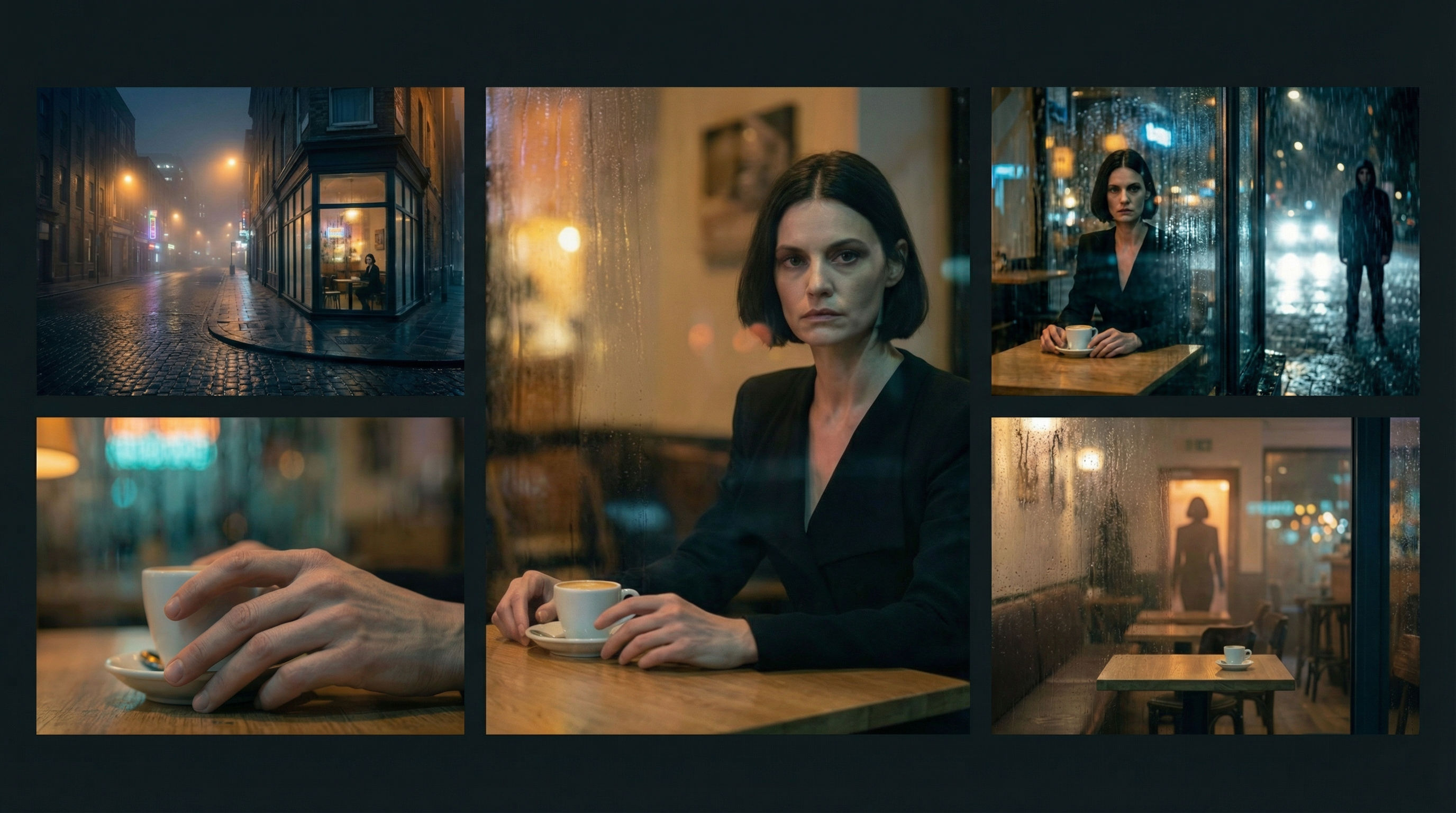 Scene Continuity LockFrom one finished cinematic frame, you get the surrounding shots that would make a coherent edited sequence. It's about editorial continuity, the shots an editor would need to build a scene.
 Thermal Vision Photo ConverterTurn any photo into thermal/night-vision imagery.
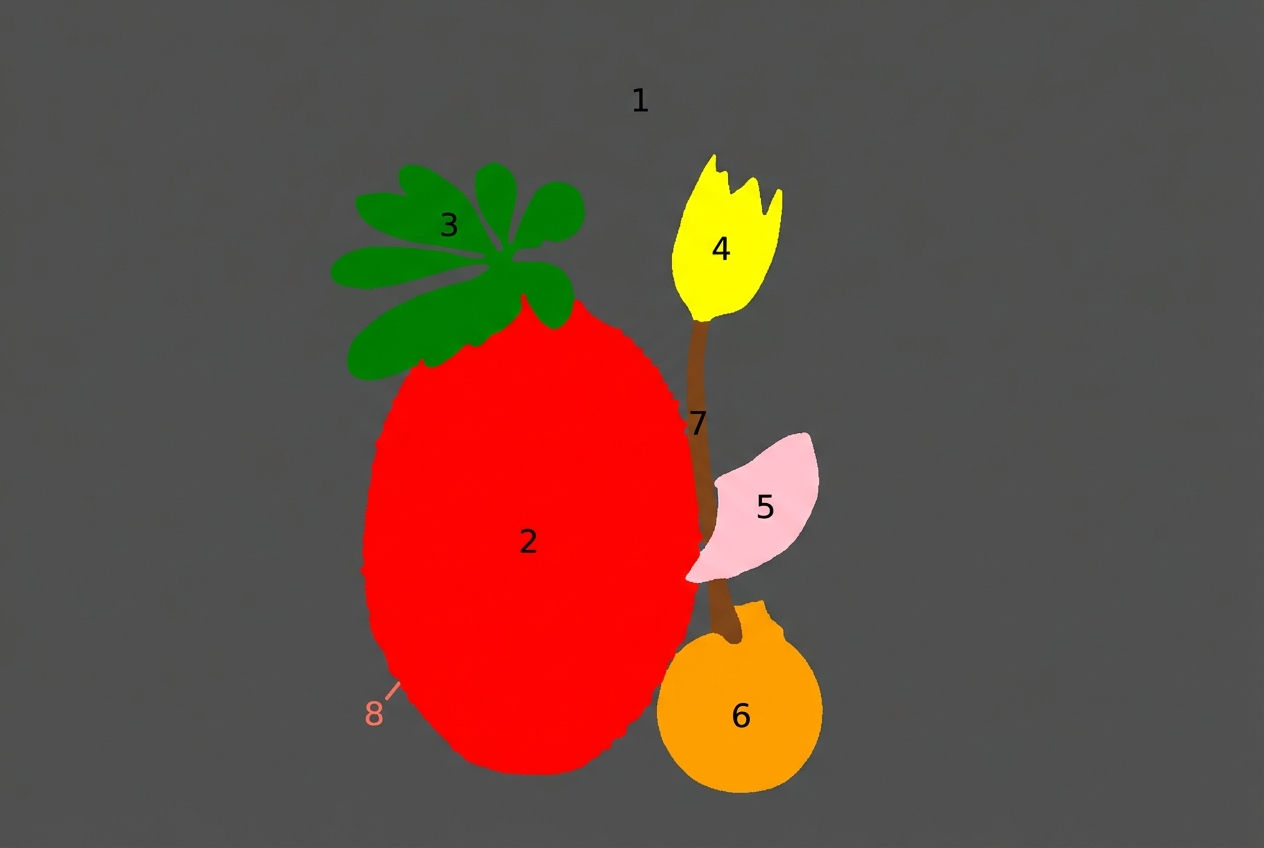 Segment MapperColor-codes every element in your image
 Wonder(fy)Apply Wonder's cinematic style to images
 Character LockOne character, 6 different angles
Use the Movie Poster Maker to Turn a Premise into a Theatrical One-Sheet
turn a one-line premise into a finished theatrical one-sheet, plus a teaser, an alt-grade edition, and a motion poster. Useful for: filmmakers, festival submitters, screenwriters, and marketers who need a cinema-grade key visual with real title treatment, tagline, and billing block — without a key-art studio or a photoshoot.

Louis Anderson