Concept
A lone astronaut in a weathered white exosuit stands small at the base of the frame on a cracked red-dust plain, facing away toward a colossal black monolith that splits the sky, twin pale suns burning behind it
Title
MERIDIAN
Character Name
CMDR. ARIA VOSS
Genre
sci-fi
Tagline
TIME ONLY MOVES FORWARD
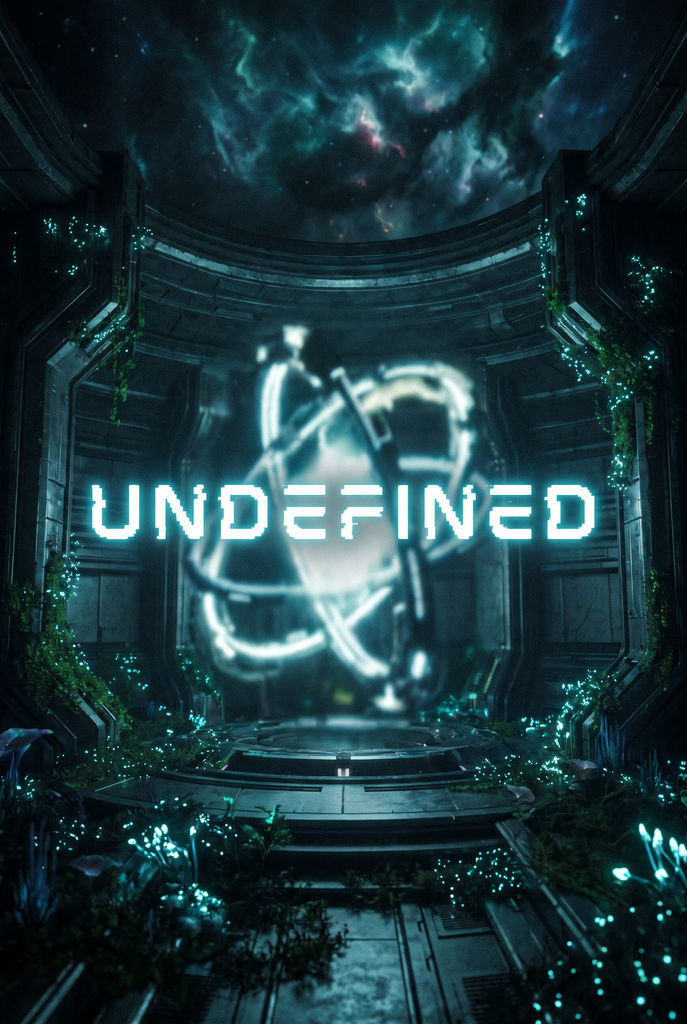
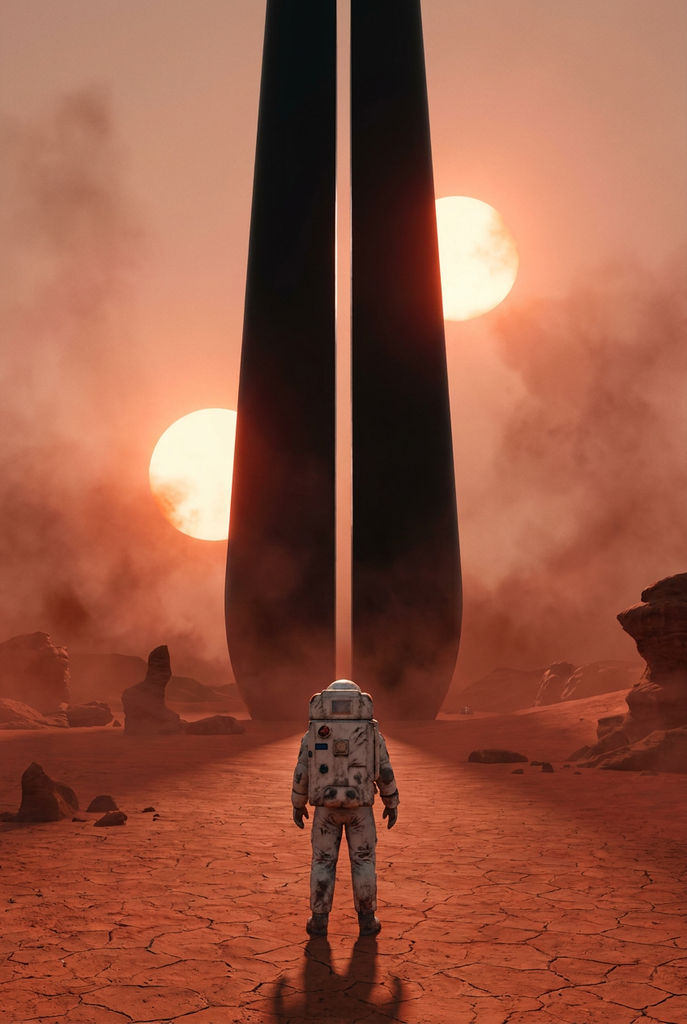
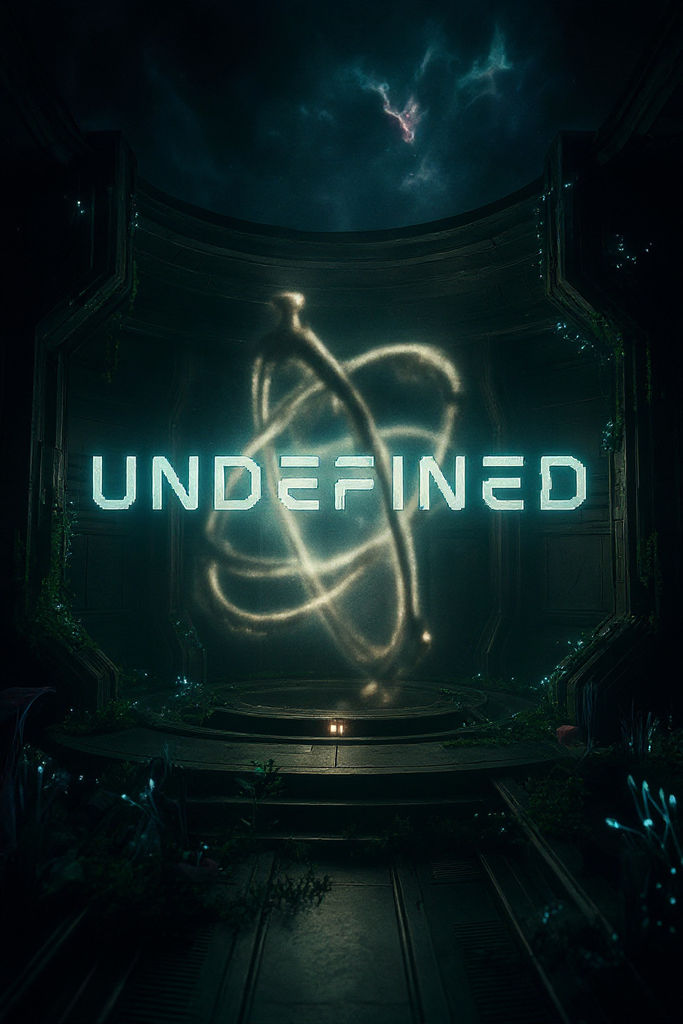
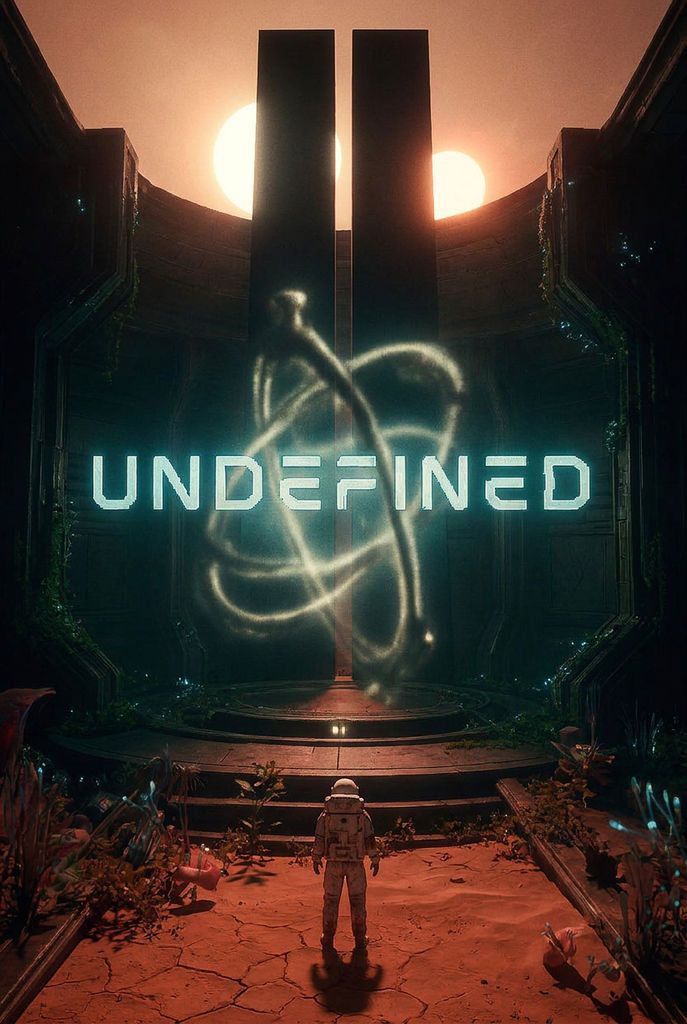
This AI movie poster maker takes a concept, title, genre, and tagline and returns a hero poster with matching campaign variations.

Indie Film Pitches
Indie filmmakers use this movie poster generator AI to put key art on a pitch deck or crowdfunding page before a single frame is shot.

Genre Release Campaigns
Marketers run it as an action movie poster generator for a thriller release, or set horror or sci-fi as the genre to get artwork that suits that kind of film.

Agency Concept Rounds
Agencies use the Technique as a movie poster maker AI in early concept rounds, comparing several directions before moving the strongest one to the FLORA canvas.
How to use Techniques?
Discover how to utilize AI Movie Poster Generator for different scenarios.

Add inputs
Upload images, videos, or type in the prompts to get started.

Generate outputs
Next, hit the "Generate" button to start generating your outputs.

Edit and export
Refine your outputs on canvas, or download them directly.
Frequently asked questions
All you need to know about AI Movie Poster Generator
How an AI movie poster generator builds a full poster campaign
An AI movie poster generator turns a written film concept into poster art with the title and tagline already set on the image. This Technique takes five short text inputs and returns six outputs: a key-art hero image, four posters and graphics based on that hero, and a short motion poster. Together they cover most of the poster formats a film uses between its first teaser and its release.
When you search for a movie poster generator AI, most of the tools you find return one image for each prompt. An AI generator movie poster made that way can look good, but a campaign needs several posters that all show the same character in the same world, and getting that from separate prompts usually takes many attempts. This AI movie poster maker produces the whole set in one run and uses the first image as the reference for the rest. You can create a free FLORA account to run the Technique on your own concept in the browser.
What each of the six outputs is for
The key-art hero comes first, and the other five outputs are made from it. It's a vertical poster shot from a low angle, with empty sky above the subject where the title would usually go. The title runs across the bottom third of the image in a condensed typeface, and the tagline sits just above it in small capital letters.
The theatrical one-sheet uses the same frame and the same lettering as the hero. The workflow only changes the finish, with a deeper color grade, film grain and some haze in the air. If you were printing a poster for a cinema lobby or sending one with a festival submission, this would be the file to use.
The teaser one-sheet has a much wider framing. The hero appears as a small figure near the bottom of a large, mostly empty frame. The tagline is removed, and the title appears in small type near the bottom edge with a date line beneath it. Studios usually put out a teaser like this months before release, when they want attention on the film without showing much of it.
The character one-sheet is a closer portrait of the hero, turned three-quarters toward the camera, in the same costume and color grade. The character name is printed above the title. The title logotype is the title and tagline on their own, centered on a flat black background, for use in trailers and on social posts. The sixth output is a five-second motion poster made from the theatrical one-sheet. Dust and light drift across the scene and the camera moves slowly toward the hero, while the lettering doesn't move. It loops, so it can run as a social post or on a screen in a cinema lobby.
Writing a concept the Technique can turn into key art
Of the five inputs, the concept changes the result the most. You use it to describe the hero and the place they're in. The workflow puts that description into the prompt for the hero image, and it reuses the description for the character and teaser posters so those match. A concept that names one main subject and a setting usually works well, especially with a detail or two that someone would remember from a poster, such as part of a costume or a large object in the background.
The example already filled in on the page is written like this. A lone astronaut in a worn white suit stands small at the bottom of the frame on a cracked red plain, facing a huge black monolith, with two pale suns in the sky behind it. The sentence says how big the figure is and where it stands, which helps the composition. A plot summary like "a story about a woman who loses her memory" doesn't describe anything the image model can draw. You'd get a better result by describing one moment from that story, such as a woman standing alone in a hospital corridor with every door open.
If you haven't settled on a look for the film yet, you can gather reference images with the moodboard maker before writing the concept.
Choosing a genre, from action to period romance
The genre field accepts any text. The examples given in the Technique are sci-fi and horror, along with neo-noir thriller and period romance, and you can be more specific than that if you like. If you use it as an action movie poster generator, the genre goes into the hero prompt alongside the workflow's low-angle framing and strong lighting, which already resemble the posters action films tend to use.
Some of the art direction is set by the workflow rather than by the genre you enter. The hero prompt asks for a teal and amber color grade and beams of light through haze. Blockbuster posters use that grade often. A period romance or a small drama may look better with warmer or softer color. In that case you can open the Technique on the FLORA canvas, read the prompt behind each output, and edit the grading instructions in your own copy of the workflow.
How the title, tagline and character name reach the poster
You type the title, the tagline and the character name in their own fields, separate from the concept. The title is printed on every poster as well as the logotype. The tagline is printed on the hero, the theatrical one-sheet and the logotype, and the character name only on the character one-sheet.
Image models sometimes misspell lettering, especially in longer lines of text. A title of one or two words and a tagline of about five words tend to come out clean. Whichever movie poster maker AI you use, read every word on every output before you share it, since one wrong letter is hard to spot when you look at a poster as a whole. If the artwork is right and only the lettering is wrong, you can move the poster to the FLORA canvas and fix the type there, or run the Technique again for a new set. It also helps to leave the title out of the concept field. When the title appears in both places, the model sometimes paints it into the artwork as well as printing it in the title area.
Starting from a photo or another image tool
Many people look for an AI movie poster generator with photo upload because they want themselves or a cast member on the poster. This Technique only accepts text and has no image input. You can describe a person's appearance and costume in the concept, and the workflow will keep that character consistent across the posters. If the final poster needs a real person's face, move the output to the FLORA canvas and combine it with your photo there.
The key-art hero is made in much the same way as an AI image generator movie poster from a single prompt. After that, the workflow carries the hero's character and color grade into four more posters and a video. If you have an earlier image from an AI art generator movie poster prompt that you'd like to compare, you can place it on the canvas next to these outputs. For image work that doesn't fit this Technique, the AI image generator gives you direct access to the image models FLORA runs.
Trying it free, and what a run costs
Creating a FLORA account is free, and new accounts get 1,000 starter credits that do not expire. One run of this Technique produces five images and a video, and video models are part of FLORA's paid plans, so using it as an AI movie poster generator free of charge is limited to the image side of FLORA. You'll see the credit cost before you generate. Before you post any movie poster AI maker output, look at it at the size people will see it. Small tagline lettering can become hard to make out on a phone screen.
Taking the poster set further on the FLORA canvas
All six outputs can be moved to the FLORA canvas and kept in one project. The logotype is made on flat black so the background is easy to remove, and the background remover will return the lettering on a transparent layer that you can place over trailer footage. For a large print, the image upscaler produces a higher-resolution copy of a poster.
Pitch decks and trailers need other images of the same film. Character lock shows one character from six angles, which is useful when the hero has to look the same on every page of a pitch. Cinematic movie stills produces scene stills, and the storyboard maker helps you plan the shots of a teaser trailer, which could open on the motion poster. Keeping these in the same canvas project as the posters makes it easier to check that colors and costumes match from one asset to the next.
Related techniques
 Cinematic Movie StillsGenerate film-quality scene stills
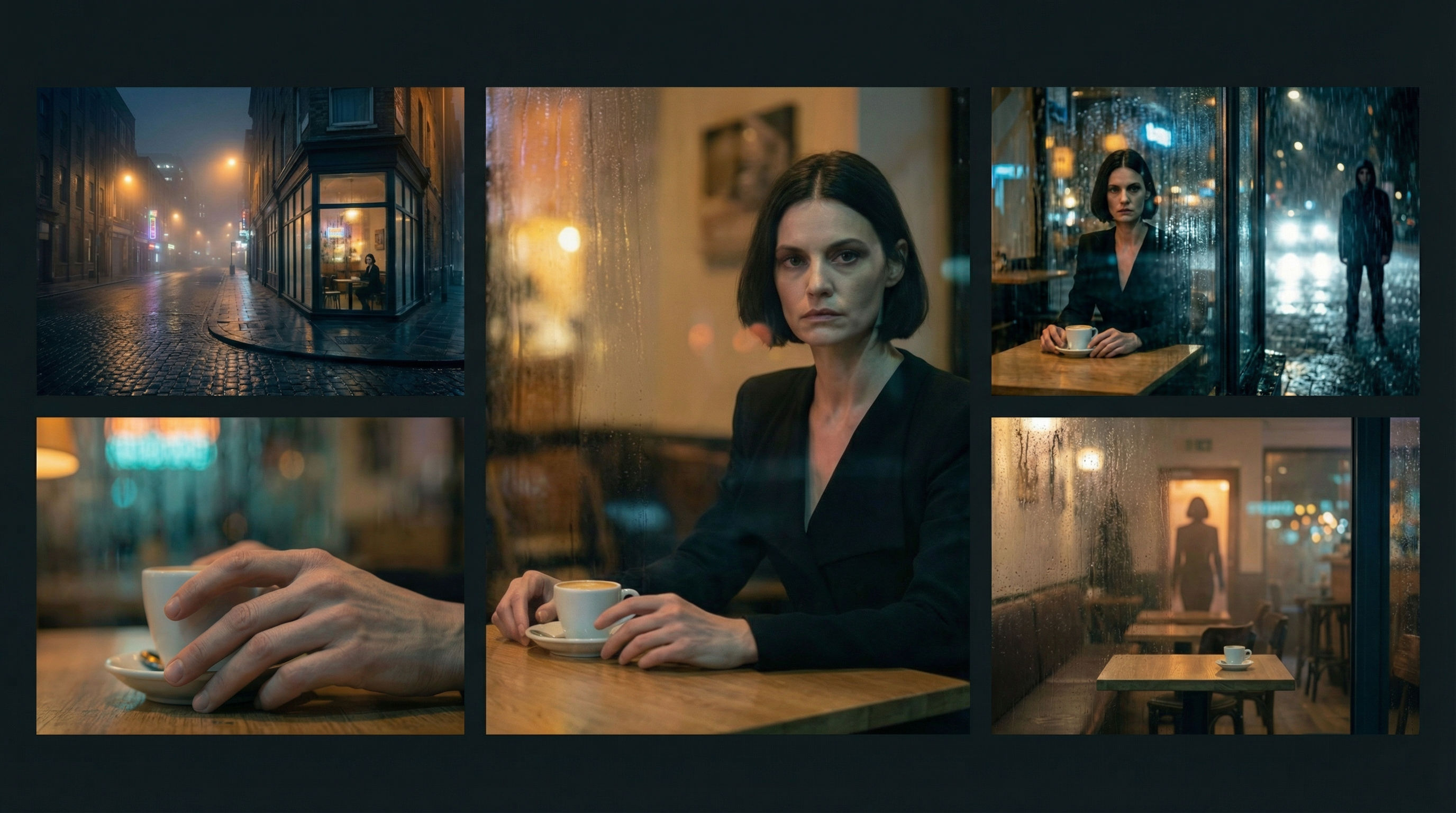 Scene Continuity LockFrom one finished cinematic frame, you get the surrounding shots that would make a coherent edited sequence. It's about editorial continuity, the shots an editor would need to build a scene.
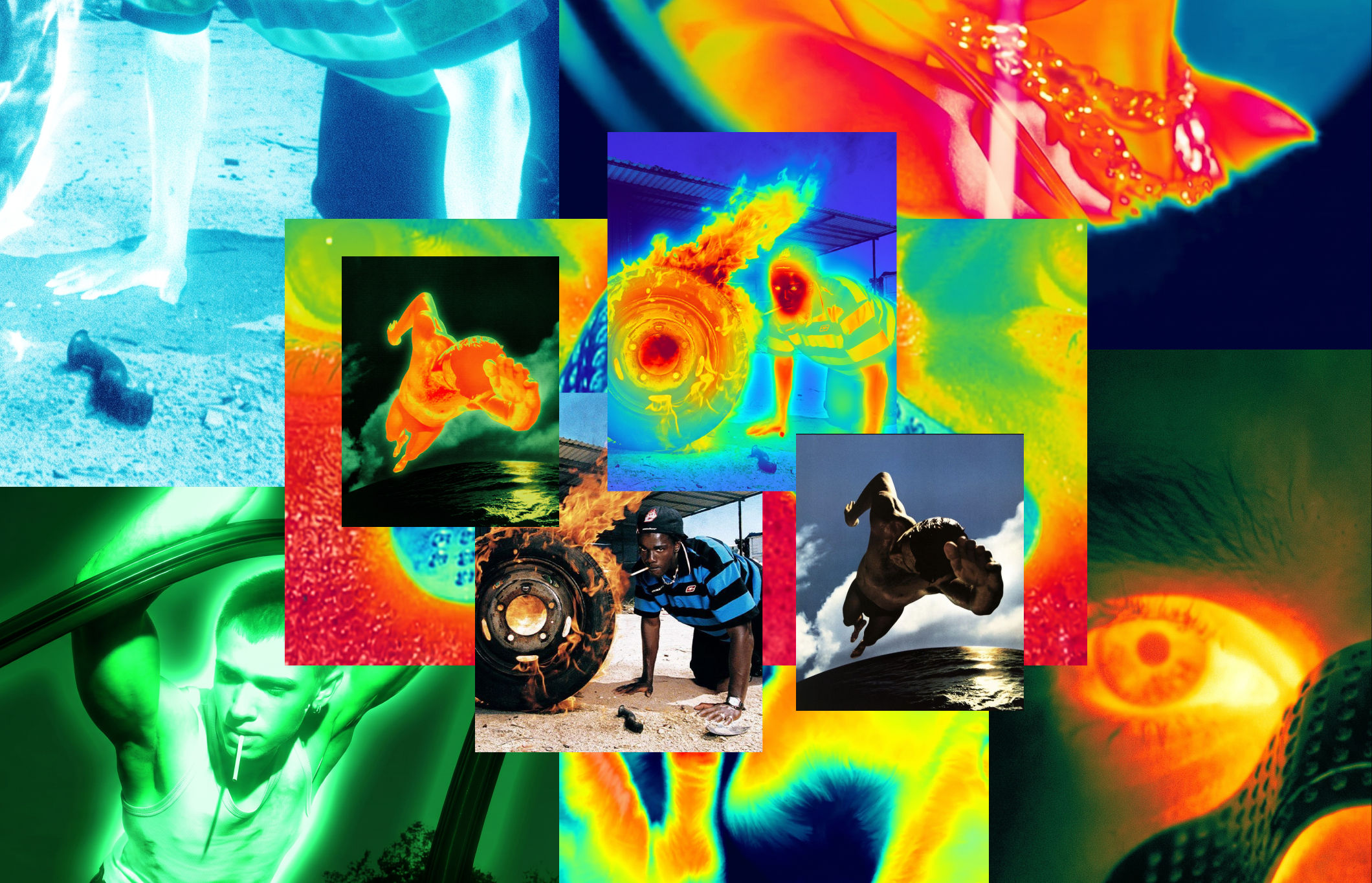 Thermal Vision Photo ConverterTurn any photo into thermal/night-vision imagery.
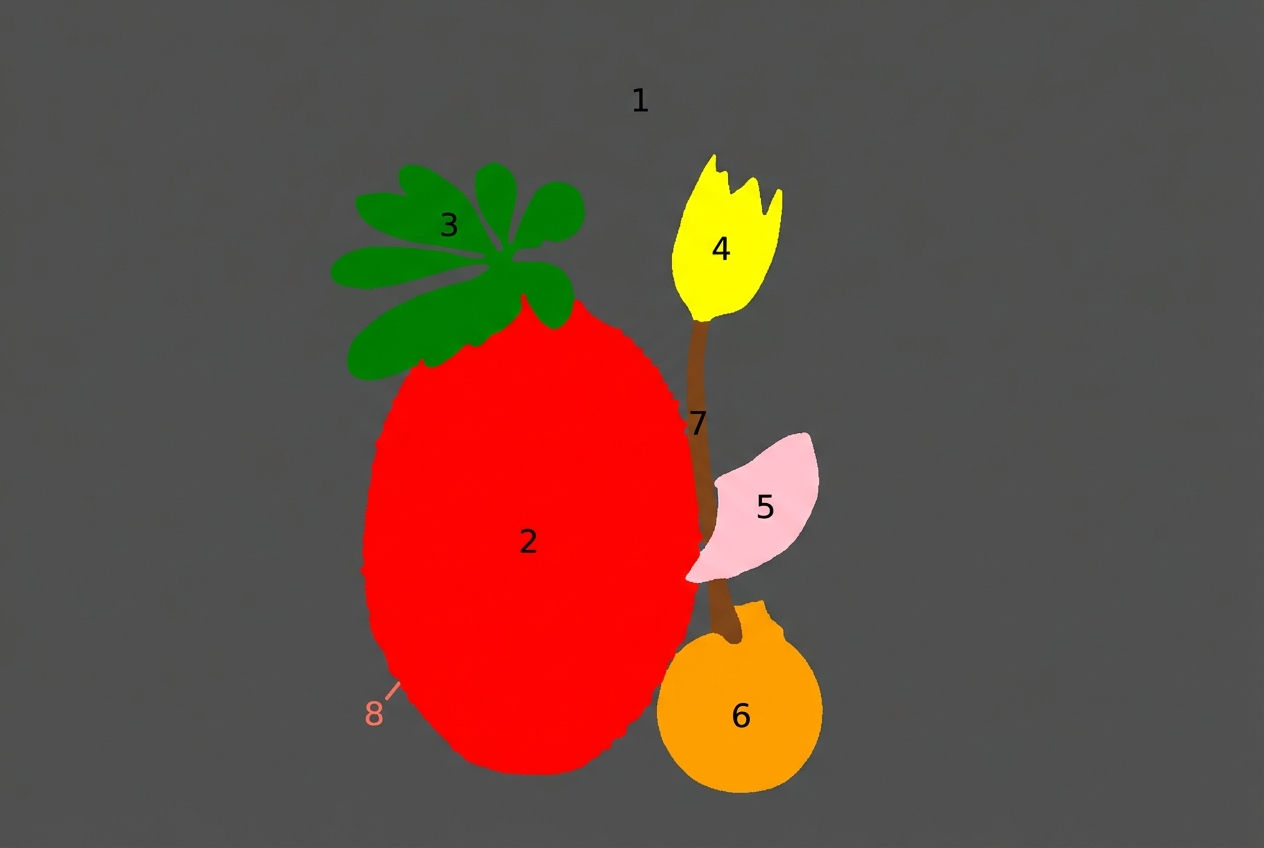 Segment MapperColor-codes every element in your image
 Wonder(fy)Apply Wonder's cinematic style to images
 Character LockOne character, 6 different angles
Create Film Key Art from Text with the AI Movie Poster Generator
one key-art hero becomes a full campaign: theatrical one-sheet, teaser, character variant, title logotype, and an animated poster. Useful for: indie filmmakers, festival marketers, streamers, and agencies who need a complete, on-brand poster set (and a motion poster) from a single concept — no photoshoot, no key artist.

Louis Anderson