Scene
a lone figure in a long charcoal coat stands at the edge of a rain-slick rooftop at dusk, back to camera, facing a vast neon megacity below. Wet asphalt mirrors magenta and cyan signage; low fog rolls between towers. Cinematic synthwave palette — deep indigo sky, hot magenta and electric teal rim light
Artist
HALCYON DRIFT
Title
NEON MERIDIAN
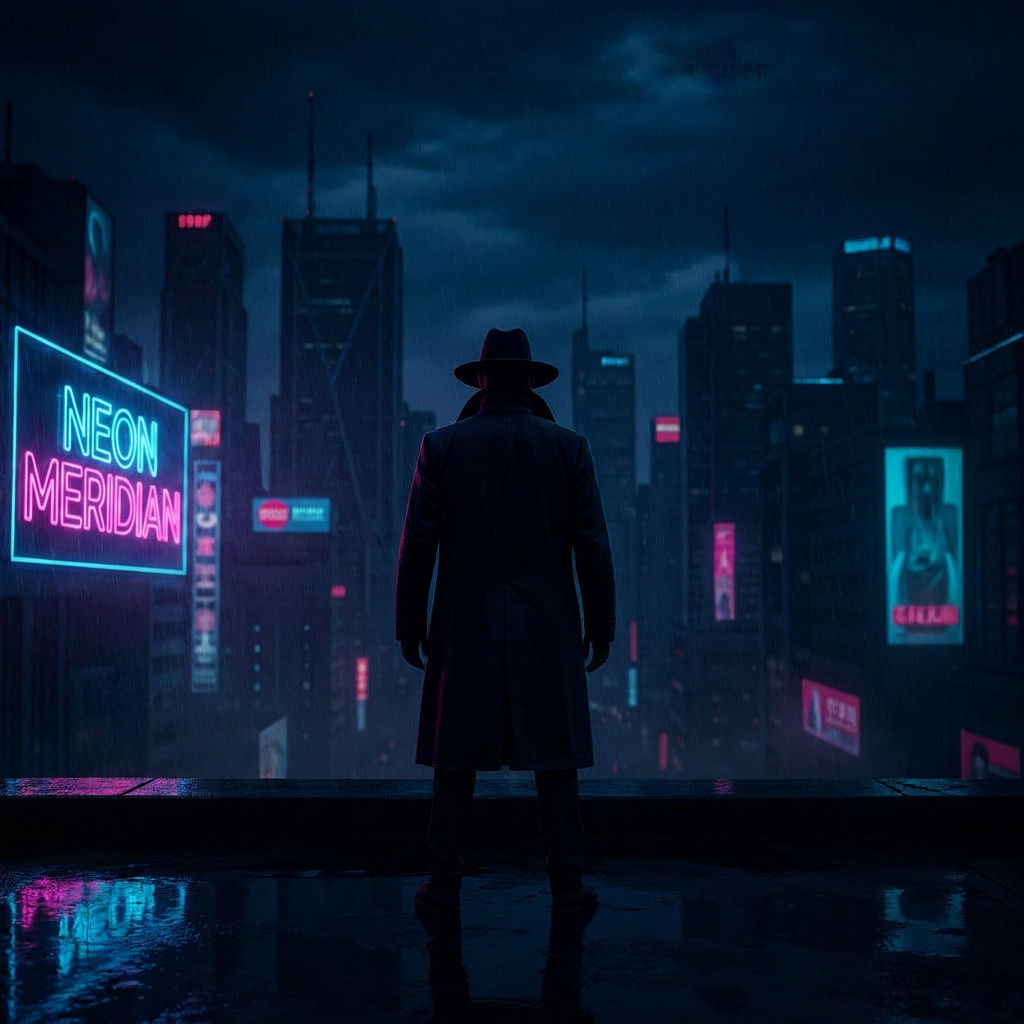
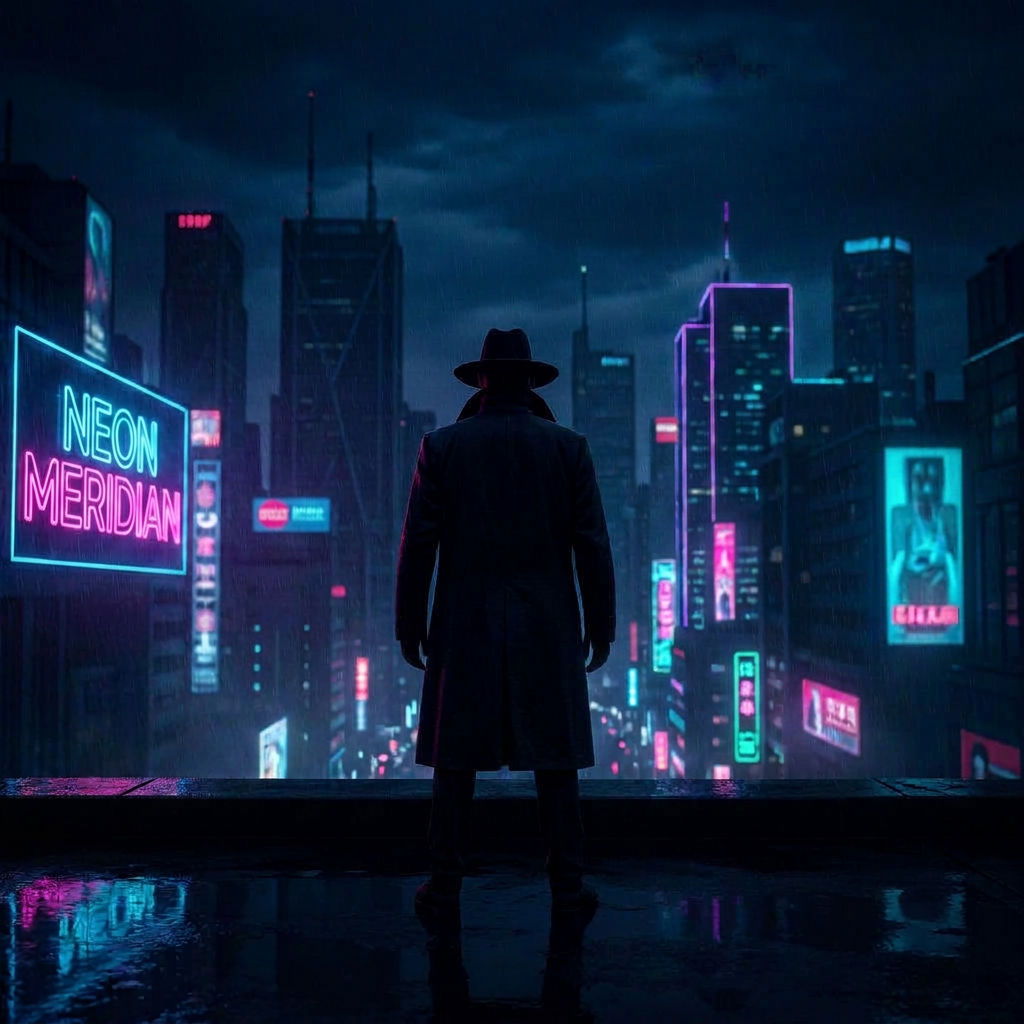
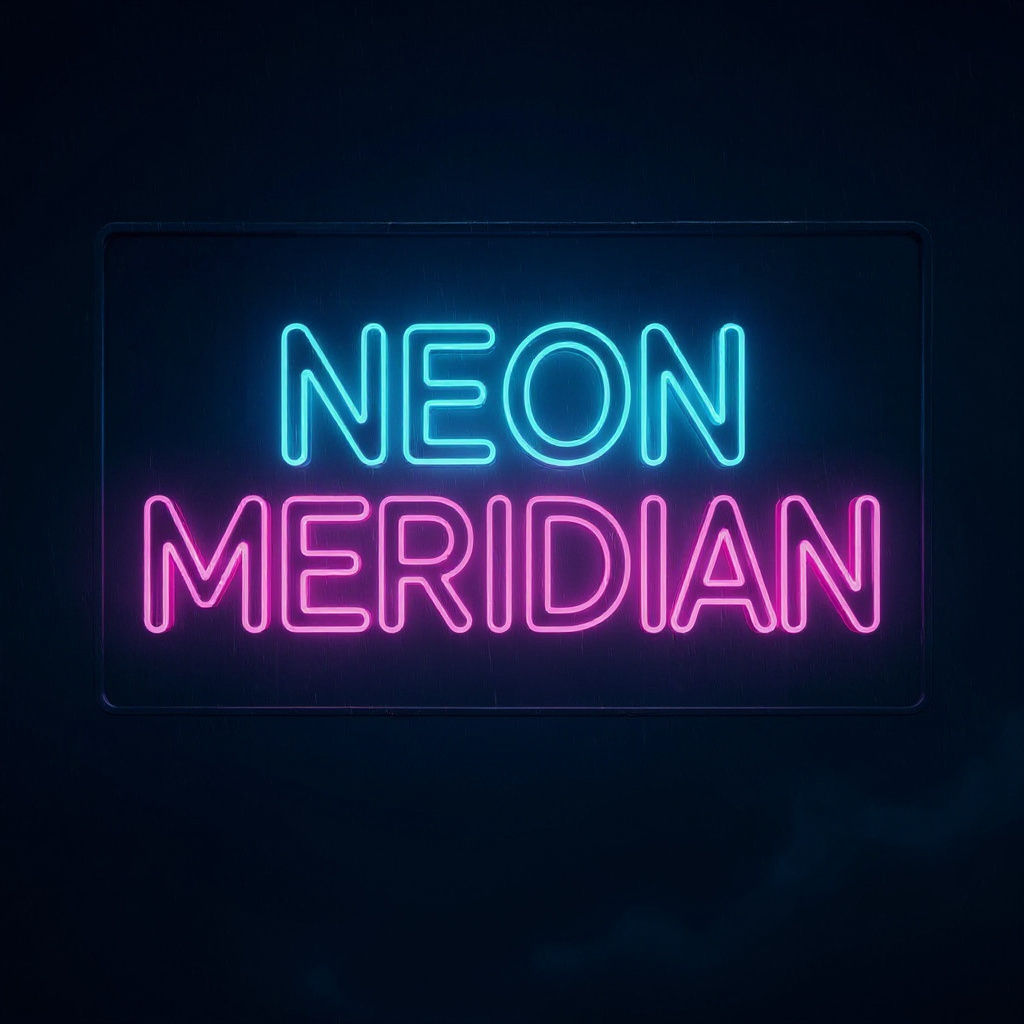
Add a prompt plus your title and artist name to design album cover online with locked typography and a full release-ready asset kit.

Independent Artists & Bands
Independent musicians make your own album cover for a single or EP release, getting square cover art with locked title and artist typography ready for streaming platforms.

Record Labels & A&R Teams
Labels use this album creator to produce alternate colorway editions and a vinyl-sleeve proof for the same release, keeping consistent typography across every format.

Release Marketing & Social Promo
Marketing teams make a music cover into a looping motion teaser for release-day posts, using the same locked typography as the print art.
How to use Techniques?
Discover how to utilize Album Cover Maker for different scenarios.

Add inputs
Upload images, videos, or type in the prompts to get started.

Generate outputs
Next, hit the "Generate" button to start generating your outputs.

Edit and export
Refine your outputs on canvas, or download them directly.
Frequently asked questions
All you need to know about Album Cover Maker
What is an album cover maker, and how does the AI put the artwork together?
An album cover maker takes a written description of the sound or mood you're going for, together with the track or release title and the artist name, and turns that into finished cover art sized for a streaming platform. You don't sketch typography or build a grid first. You describe the record, add the title and artist name, and the technique renders a 1:1 square image with that text already set into the layout.
That's different from how covers got made for most of the format's history, where the rough idea came first and someone spent hours in a layout program getting text and image to sit together properly. An album cover maker collapses that into one generation. If you want to see it working on your own release, start on FLORA free and generate a cover directly from a prompt.
Why the cover comes out as one finished, graded square
Streaming platforms and most vinyl distributors expect a cover in a plain 1:1 square, and they will crop or letterbox anything that isn't already sized that way. Because of that, the technique renders the artwork, grades the color, and sets your title and artist name into the frame all at once, rather than leaving you to place three separate elements by hand. That typography locks once the cover generates. You can't drag the artist name three pixels to the left or swap the font from inside the technique. If a release needs an adjustment beyond a re-run, that happens on the FLORA canvas.
Alongside the main square, one generation also returns a couple of alternate colorway editions, in case a label wants to test two moods before locking in a final pressing. A vinyl-sleeve proof comes out too, sized for a 12-inch jacket, which reads very differently than a phone screen thumbnail. On top of that there's a short motion loop, built for a release-day post rather than a static feed image. Because all of that comes from one prompt and one title and artist name, nobody has to re-type the release details into a second tool to get the vinyl version or the video teaser looking like the same release.
The many ways people ask for this
People land on this page through a dozen different search phrases, all describing the same job. A few show up looking for a straightforward music cover creator or album creator, wanting something that gets from prompt to finished art without a learning curve. Others are already deep into a release and type make your own album cover, make a music cover, or create music cover the night before something needs to go up. A design album cover online search usually means someone wants the whole thing to happen in a browser tab, no software install.
Free-tier intent shows up too, in phrases like create album cover free, create album covers online free, make an album cover app, and album art maker app. Someone typing any of those into a search bar wants a description and a release title turned into finished cover art before committing to a paid plan, and the technique treats every one of those entry points the same way.
How the generation actually works
Generating a cover is really two passes stitched into one output. The first pass reads your prompt describing genre, mood, palette, and visual references, and generates the base artwork the way any text-to-image model does, building the composition from that description rather than starting from a template. The second pass takes your title and artist name and composites locked typography onto that artwork in a layout sized for a square cover, then applies the color grade that makes the whole thing feel like a finished release rather than a raw generation.
The alternate colorway editions, the vinyl-sleeve proof, and the motion loop all come out of that same run alongside the main square. You do not need to start each one as its own job, which is part of why an album cover maker finishes in seconds rather than requiring several trips back to a prompt box. If none of the initial variations land, running the technique again with an adjusted prompt is usually faster than trying to nudge one output toward what you wanted.
Because the typography pass runs the same way on every edition, the title and artist name land in the same spot, at the same size, on the main square, the alternate colorways, and the vinyl-sleeve proof. That consistency shows once a release rolls out across a streaming thumbnail, a physical sleeve, and a social post in the same week. A mismatched title placement across those three can make one record look like three unrelated releases.
Where the finished cover fits next
A cover rarely exists on its own. If the visual direction is still loose before you get to a final prompt, pulling a moodboard together first, or running a palette pull off a reference image, gives the album cover maker a tighter brief to work from and usually a more consistent-looking set of colorway editions.
On the other end, once a cover exists, the motion loop it comes with often needs more polish than a single generation provides, especially for a release-day post that has to sit next to other content. The product motion technique is built for exactly that kind of short, loopable clip if the version bundled with your cover needs another pass. Labels putting together a full visual identity around a release, beyond just the square, sometimes extend into an icon pack for playlist art or a merch drop, so the same palette shows up on a sticker sheet or a tour poster instead of just the cover.
To turn a track concept into a full release set in one run, single covers included, use the AI album cover generator.
All of it runs on the same AI image generator that powers the rest of FLORA, so a cover, a moodboard, and a palette pull can sit on the same canvas instead of living in separate tools. For a wider look at what else is possible with text-to-image generation right now, the best AI image generators roundup is a useful reference point.
Related techniques
 Cinematic Movie StillsGenerate film-quality scene stills
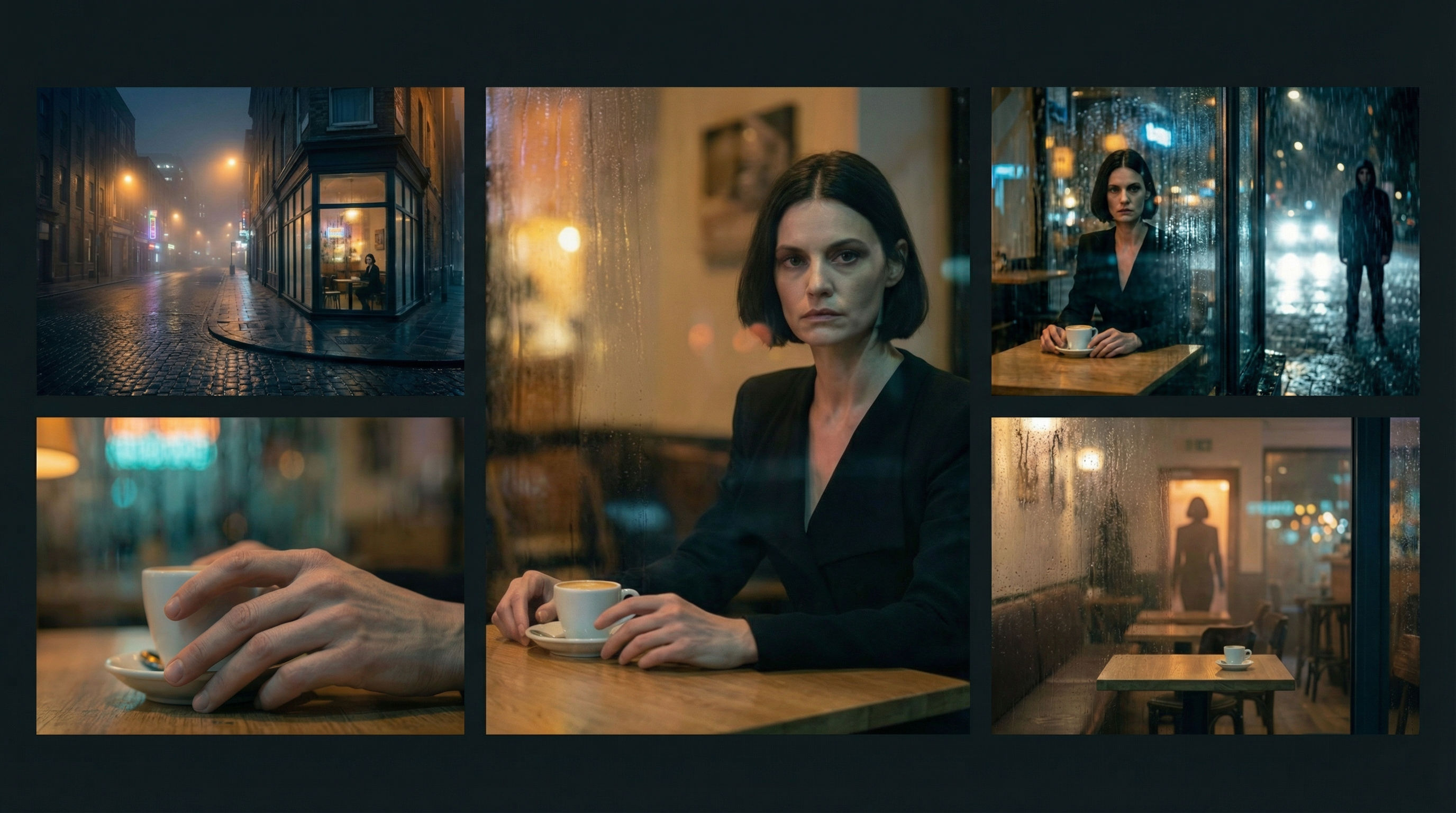 Scene Continuity LockFrom one finished cinematic frame, you get the surrounding shots that would make a coherent edited sequence. It's about editorial continuity, the shots an editor would need to build a scene.
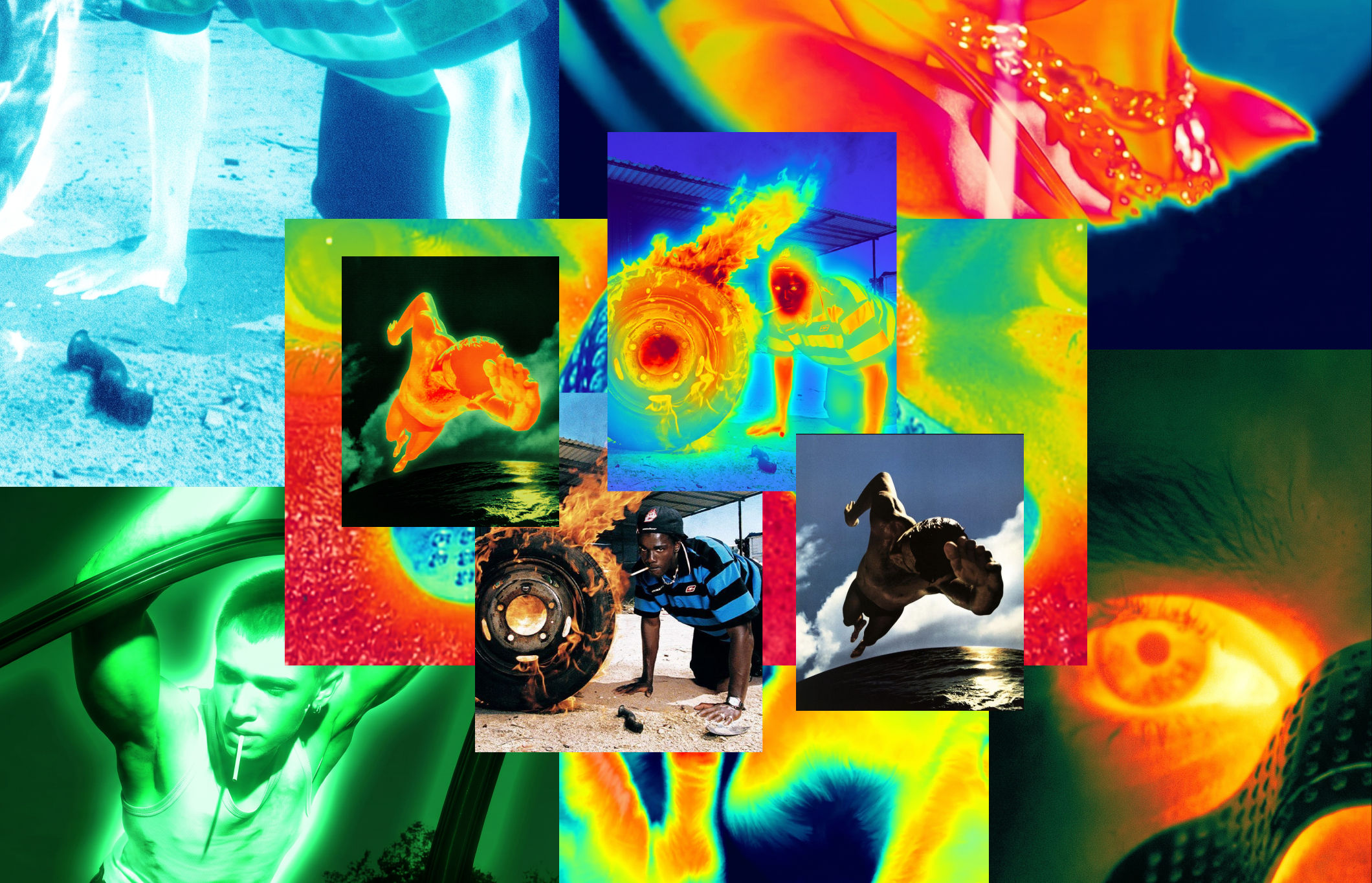 Thermal Vision Photo ConverterTurn any photo into thermal/night-vision imagery.
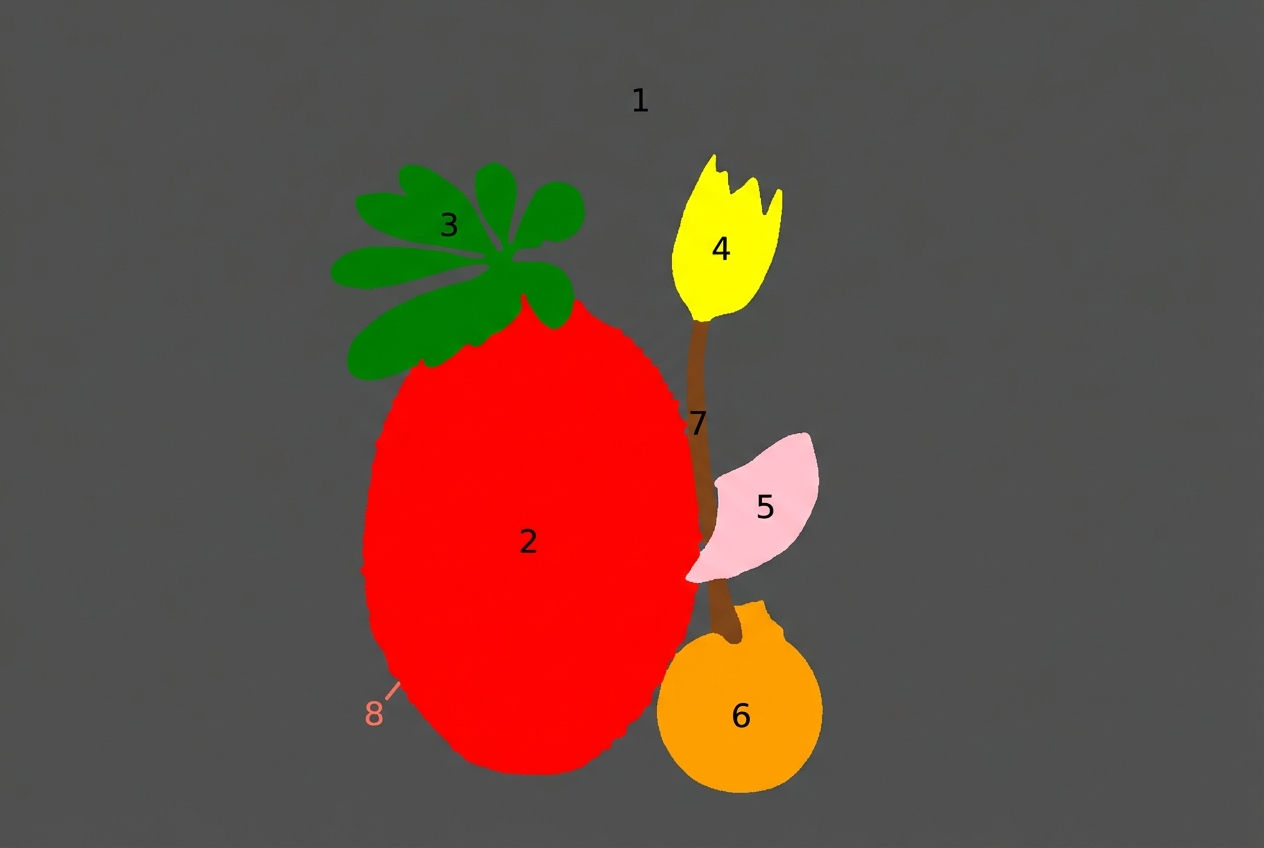 Segment MapperColor-codes every element in your image
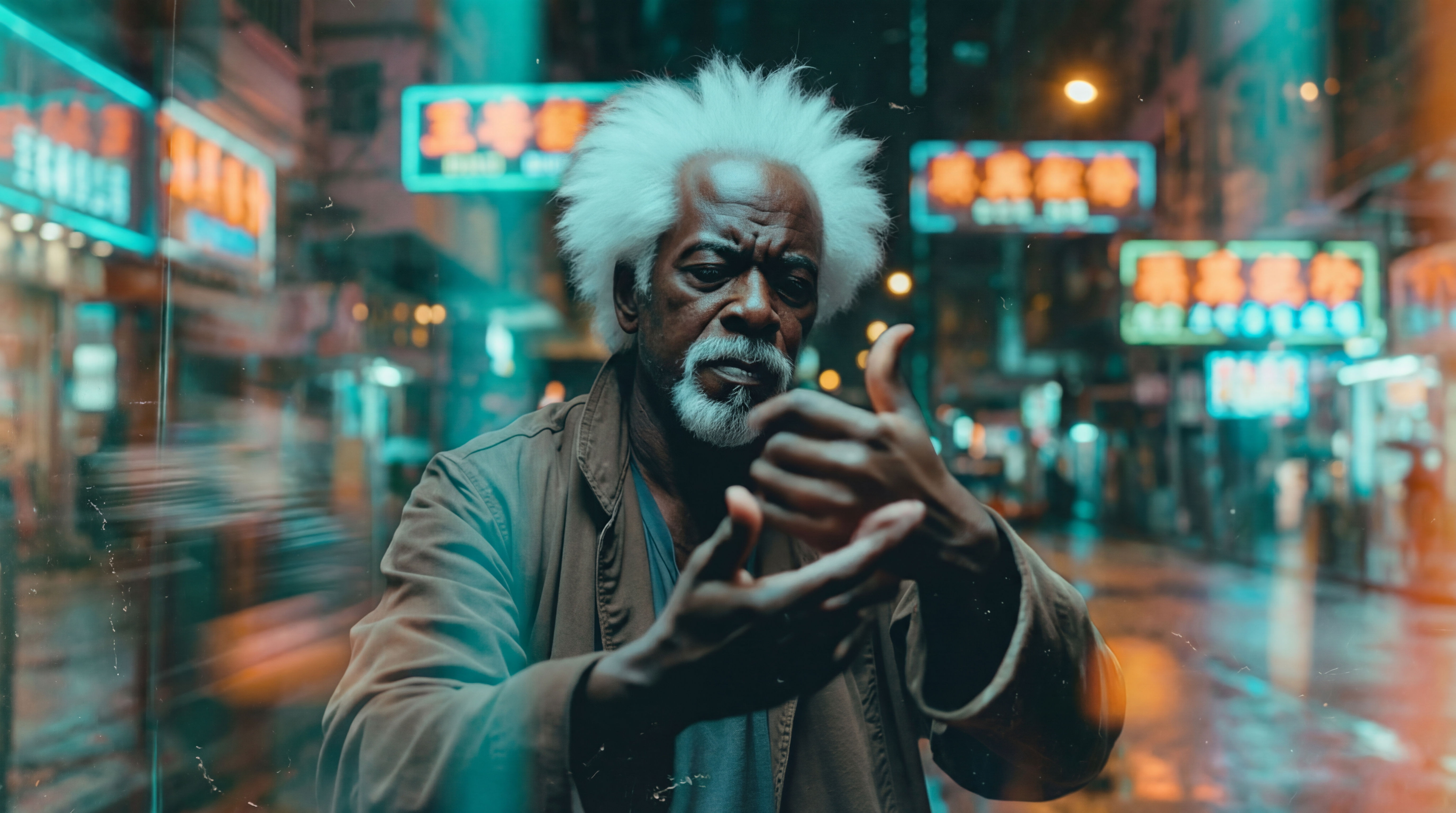 Wonder(fy)Apply Wonder's cinematic style to images
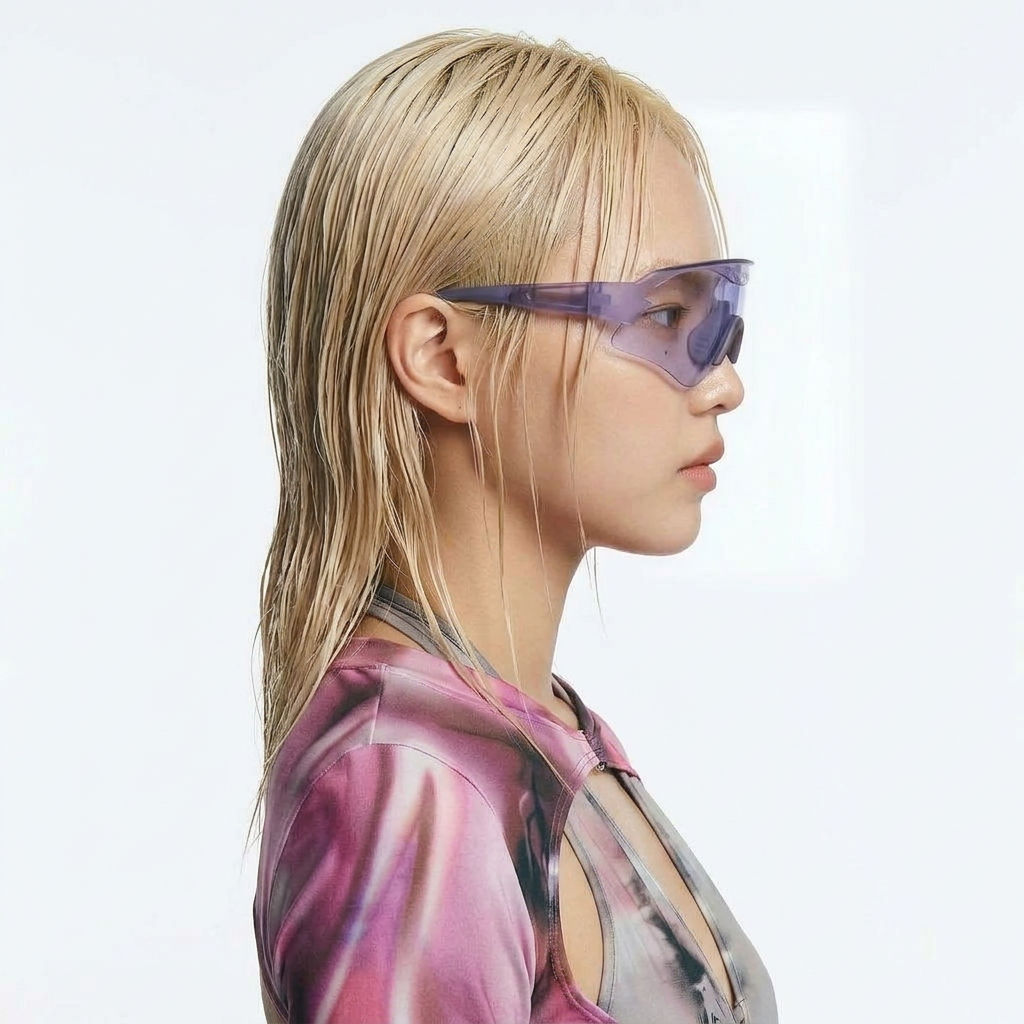 Character LockOne character, 6 different angles
Generate Cover Art, Colorway Editions, and a Motion Loop with the Album Cover Maker
one striking 1:1 cover art, graded, then locked title/artist typography, plus editions and a motion loop. Useful for: musicians, labels, and DIY artists who need a release-ready square cover (streaming + vinyl), an alternate colorway pressing, a photoreal vinyl-sleeve proof shot, and a looping social teaser — all cut from the same artwork.

Louis Anderson