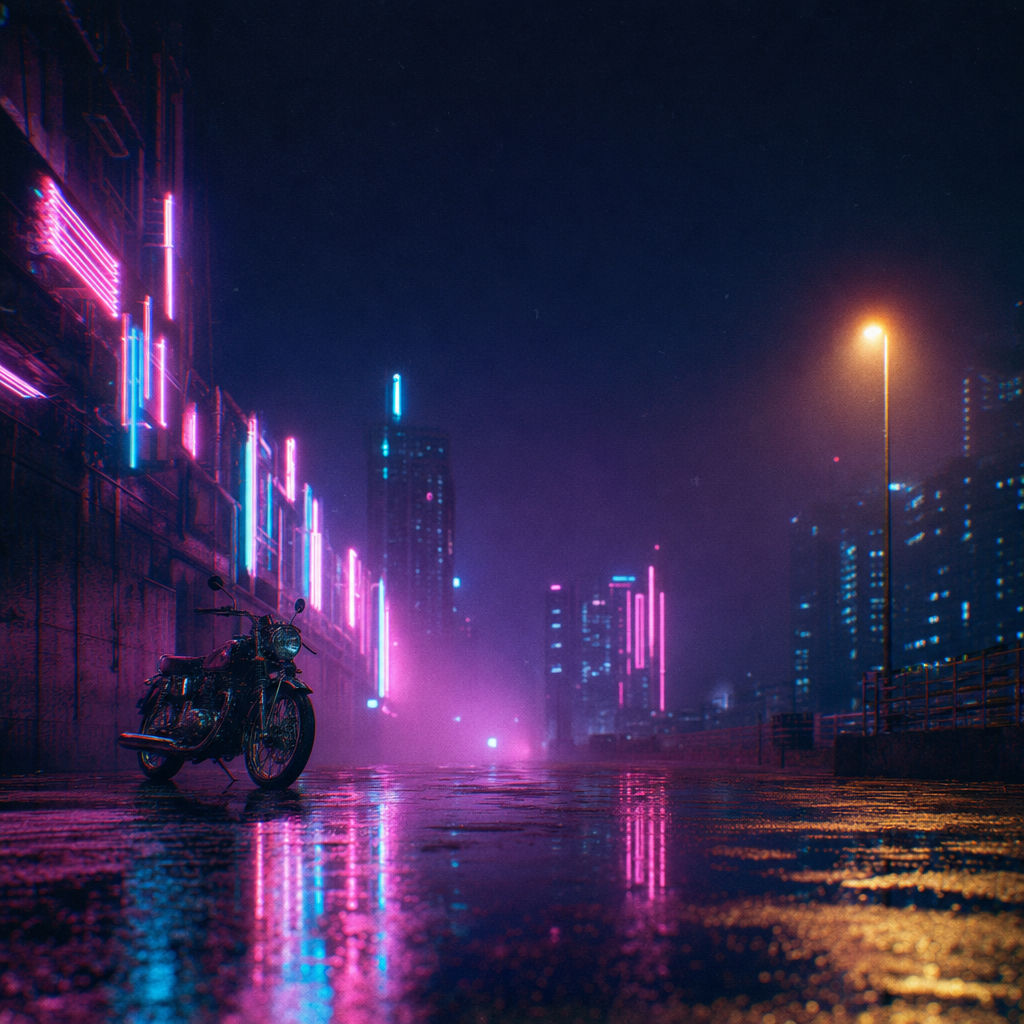
Scene
a dream-pop / synthwave record: a rain-slick neon city street late at night, empty except for a vintage motorcycle parked beneath a wall of glowing pink-and-cyan neon signage dissolving into fog. Wet asphalt mirrors the neon in long vertical streaks; a single sodium streetlamp casts a warm pool. Deep blacks, saturated magenta and electric-cyan glow, heavy atmospheric haze, faint chromatic aberration and 35mm grain
Album
NEON LITURGY
Single2
OVERPASS
Artist
MIDNIGHT ARBOR
Single1
STATIC BLOOM
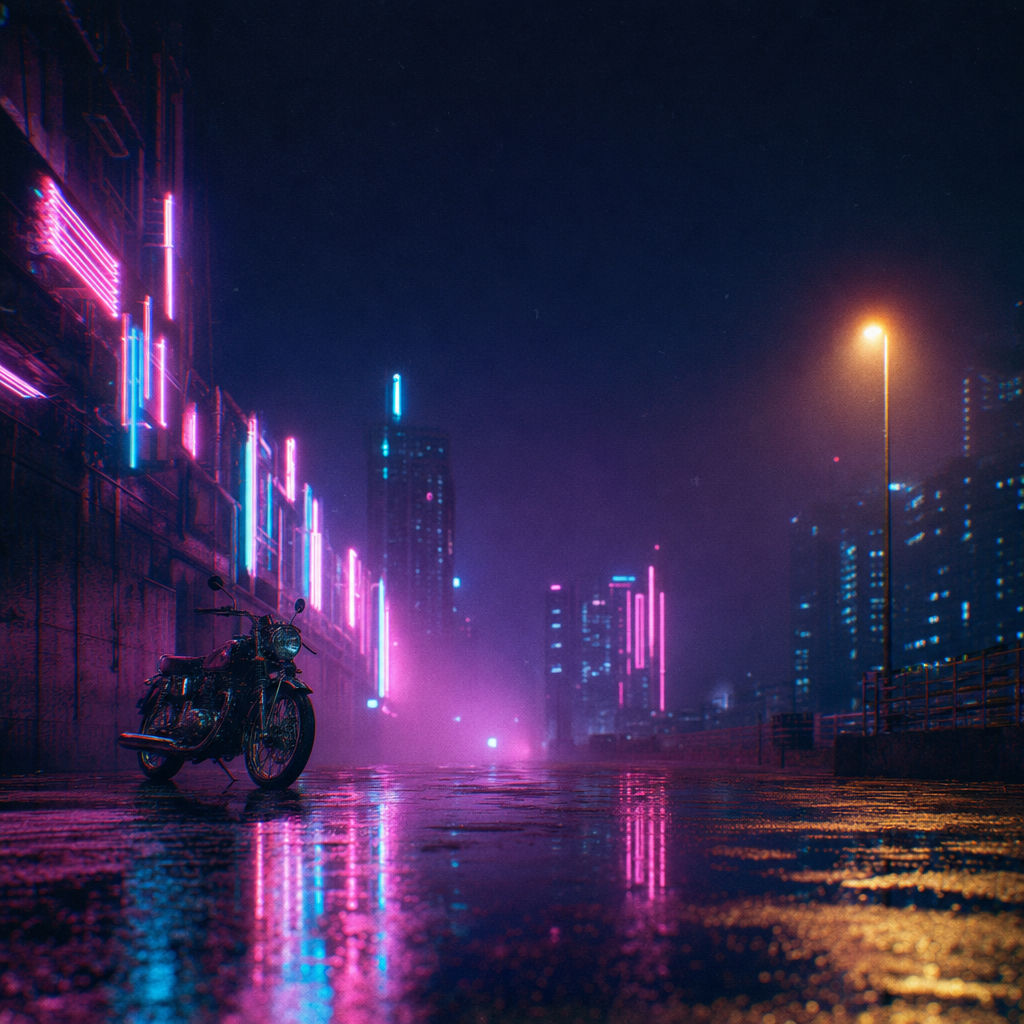
This AI cover art generator takes a scene and your titles and returns an album cover, two single covers, and a looping motion cover.

Independent Artists
Indie musicians and bedroom producers use this AI album cover maker to go from a written scene description to a finished cover with their artist name and album title set in type.

Single Rollouts
Artists releasing singles ahead of an album use the Technique as an AI album art generator for the whole campaign, getting two single covers that share the album's artwork with their own track titles and color grades.

Motion Covers for Streaming
Labels and artists who want an AI music cover art generator for motion get a 5-second looping clip animated from the finished album cover, made for placements like Spotify Canvas and Reels.
How to use Techniques?
Discover how to utilize AI Album Cover Generator for different scenarios.

Add inputs
Upload images, videos, or type in the prompts to get started.

Generate outputs
Next, hit the "Generate" button to start generating your outputs.

Edit and export
Refine your outputs on canvas, or download them directly.
Frequently asked questions
All you need to know about AI Album Cover Generator
How an AI album cover generator builds a full release set
An AI album cover generator turns a written description of artwork into a finished cover image. This Technique makes more than the album cover. You enter a scene description, an artist name, an album title, and the titles of two singles, and it returns the album cover with your name and title on it, a cover for each single, and a short looping motion cover.
You need a FLORA account to run it, and you can sign up for free. An image model renders the scene first, with the upper center of the frame kept fairly empty for the title. A grading step then sets the color and contrast, and the Technique makes every later output from that graded image. The artist name and album title are added last, after the artwork is finished, which keeps the letters sharp and separate from the painted detail underneath.
What cover art needs in order to work on a streaming app
Most listeners see a cover for the first time as a small thumbnail, usually in a playlist or a list of search results. On a phone, that image might be about a centimeter wide. Small details get lost at that size, and what a listener notices is the main shape and the colors, plus whether the title is readable. Covers that hold up when shrunk tend to have one clear subject and a strong contrast between light and dark areas.
The hero image in this Technique is set up for small sizes. Its upper center stays quiet so the album title doesn't sit on top of the subject, and the grade pass deepens the blacks and adds a soft glow around light sources, which helps the image read from a distance. It helps to imagine your scene at thumbnail size while you're writing it. A single figure under one streetlight usually shrinks well, and a wide shot with many people in it usually doesn't.
Why the singles and the motion cover match the album
A release campaign often runs for several weeks, with singles coming out before the album. Fans who follow the artist see each new cover on the artist profile, so covers that share a look make it clear that the tracks belong to one record. Designers often handle this by making one main artwork and producing variations of it for each release.
This Technique makes the singles in a similar way. Each single cover keeps the album's composition and lighting, with the color grade shifted toward a different palette and the single's title set on the cover. The motion cover is made from the finished album cover. Light, haze, and reflections move slowly while the subject stays still, and the last frame is meant to match the first, so the clip can loop on Spotify Canvas or in a Reels post without a visible jump. If you've been looking for an AI music cover art generator that handles motion as well as still images, this clip means you don't need to make a separate animation. When a platform needs the clip in a vertical 9:16 frame, the video resizer extends the frame above and below the subject to fill that shape.
Writing a scene description for your genre
The scene description is the only input that affects the artwork, so the wording you use has a big effect on the result. An AI album art generator works from the words in the prompt, and many genres have visual habits that listeners already recognize. Synthwave and dream pop covers often show neon at night, with haze in the air. Folk records often use daylight and film grain. Hip-hop covers frequently use a direct portrait or a single object lit with a hard flash, while ambient releases tend toward abstract textures in a narrow range of colors.
A useful order for the description is genre first, then one subject, then where the light comes from and the two or three main colors. Add any surface texture you want at the end, such as grain or haze. The default example on this page is written in that order: a dream-pop record, a neon street in the rain with a parked motorcycle, pink and cyan signs, and 35mm grain. Leave band names and titles out of the scene description. The Technique adds them from their own inputs, and if they also appear in the scene, the image model may draw extra lettering into the artwork.
If you don't have a visual direction yet, you can collect references first with the moodboard maker. If you already have a photo or painting with the colors you want, palette pull returns its palette as hex codes, and you can describe those colors in your scene.
Using it free, and what a run costs
FLORA runs in the browser, and creating an account is free. New accounts start with 1,000 starter credits that do not expire. This Technique includes a video output, and video models are part of FLORA's paid plans, so it does not work as an AI album cover generator free online for a full first run. If you were hoping for an AI album cover generator free no sign up, running a Technique does require a FLORA account, because credits belong to an account.
Many free AI cover art generator sites return one square image per prompt, which may be all you need for a single release. This Technique returns six outputs per run, one of them a video, so each run uses more credits than a single image. You'll see the cost before you generate. Searches like AI album cover free or AI album cover maker free usually mean a no-cost first test. The starter credits cover single images made with FLORA's image models, which is enough to check whether a scene idea works. The full six-output run on this page needs a paid plan, which also adds credits each month.
Checking your covers before they go to a distributor
Distributors review cover art before they send a release to streaming services, and a rejected cover can delay the release date. Whichever album cover creator AI you use, compare the final files with your distributor's guidelines. The guidelines give the required size and file format. They also list common reasons for rejection, such as cover text that doesn't match the artist and release names in the submission, or website addresses and streaming service logos on the art.
AI-rendered lettering is usually clean, but a long or unusual title can come back with a missing or swapped letter. Read every word on the album cover and on both single covers before you upload them. Running the Technique again gives you a new set if a letter is wrong. If you're happy with the artwork and only the type needs fixing, move the cover to the FLORA canvas and replace the title there. If your distributor wants a larger file than the one you have, the image upscaler returns a higher-resolution version with more detail. Generated covers are usually smaller than the 3000 x 3000 pixels that major distributors ask for, so plan on this step before you upload.
Taking the cover set further on the FLORA canvas
You can open any output from this Technique on the FLORA canvas and keep working on it with the other image and video models FLORA runs. The hero artwork has no text on it, so it works as a base for tour posters or merch graphics, or for social posts announcing the release date. The AI image generator can make new scenes in the same style when you need more images for the campaign.
For a music video or a visualizer based on the cover, you can plan the shots with the storyboard maker and then turn those frames into clips with the AI video generator. Work that starts from the graded image keeps the same colors and lighting, so it will look consistent next to the album and single covers.
For cover art with alternate colorway editions and a motion loop from a single prompt, try the album cover maker.
Related techniques
 Cinematic Movie StillsGenerate film-quality scene stills
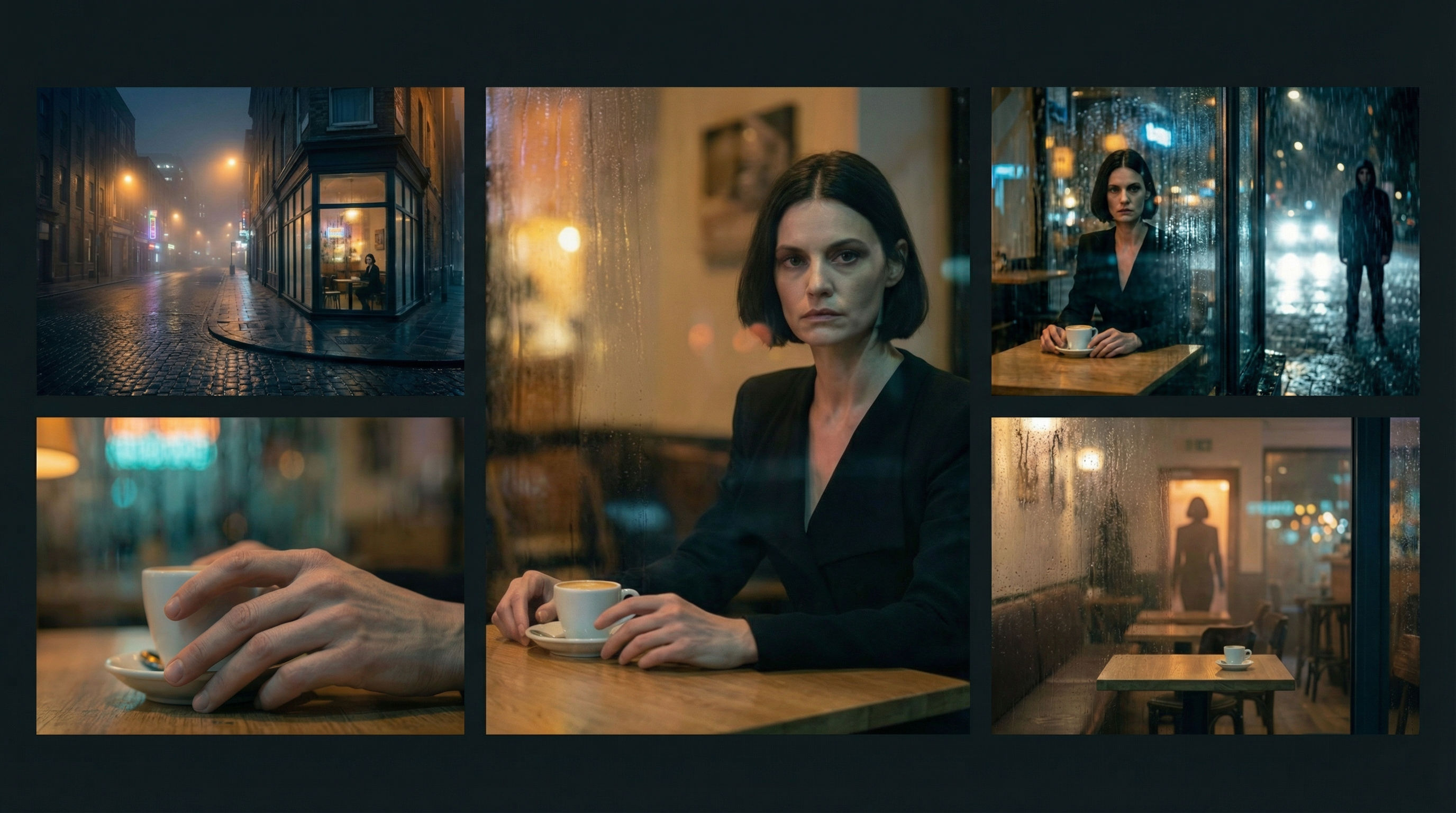 Scene Continuity LockFrom one finished cinematic frame, you get the surrounding shots that would make a coherent edited sequence. It's about editorial continuity, the shots an editor would need to build a scene.
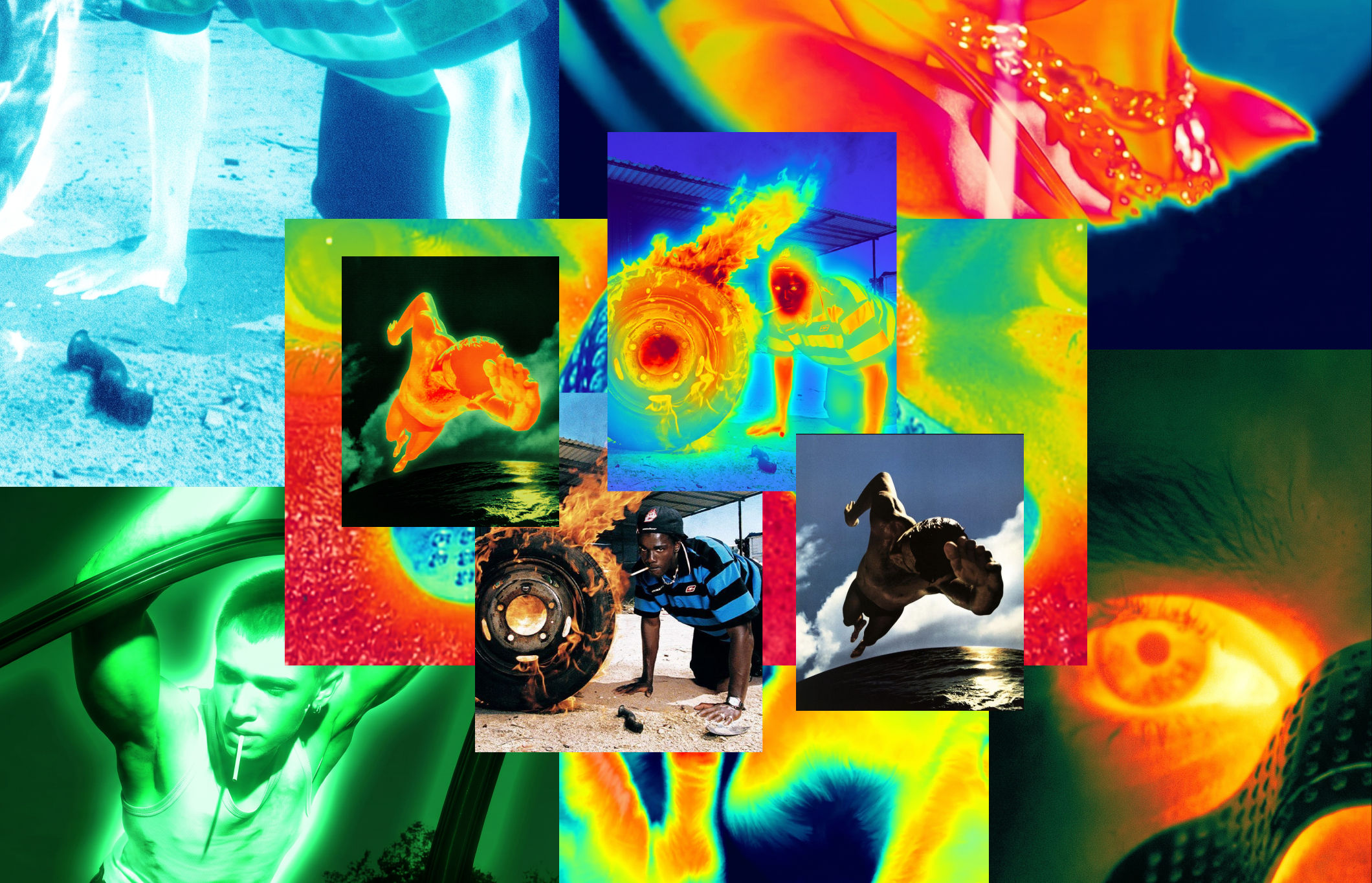 Thermal Vision Photo ConverterTurn any photo into thermal/night-vision imagery.
 Segment MapperColor-codes every element in your image
 Wonder(fy)Apply Wonder's cinematic style to images
 Character LockOne character, 6 different angles
Use the AI Album Cover Generator to Turn a Track Concept Into a Full Release Set
turn a track concept into a finished album cover, a matching single set, and a looping motion cover. Useful for: indie musicians, bedroom producers, and labels who need release-ready cover art with real title type and a full campaign (album + singles + animated cover) without hiring an illustrator or a photographer.

Louis Anderson