Character
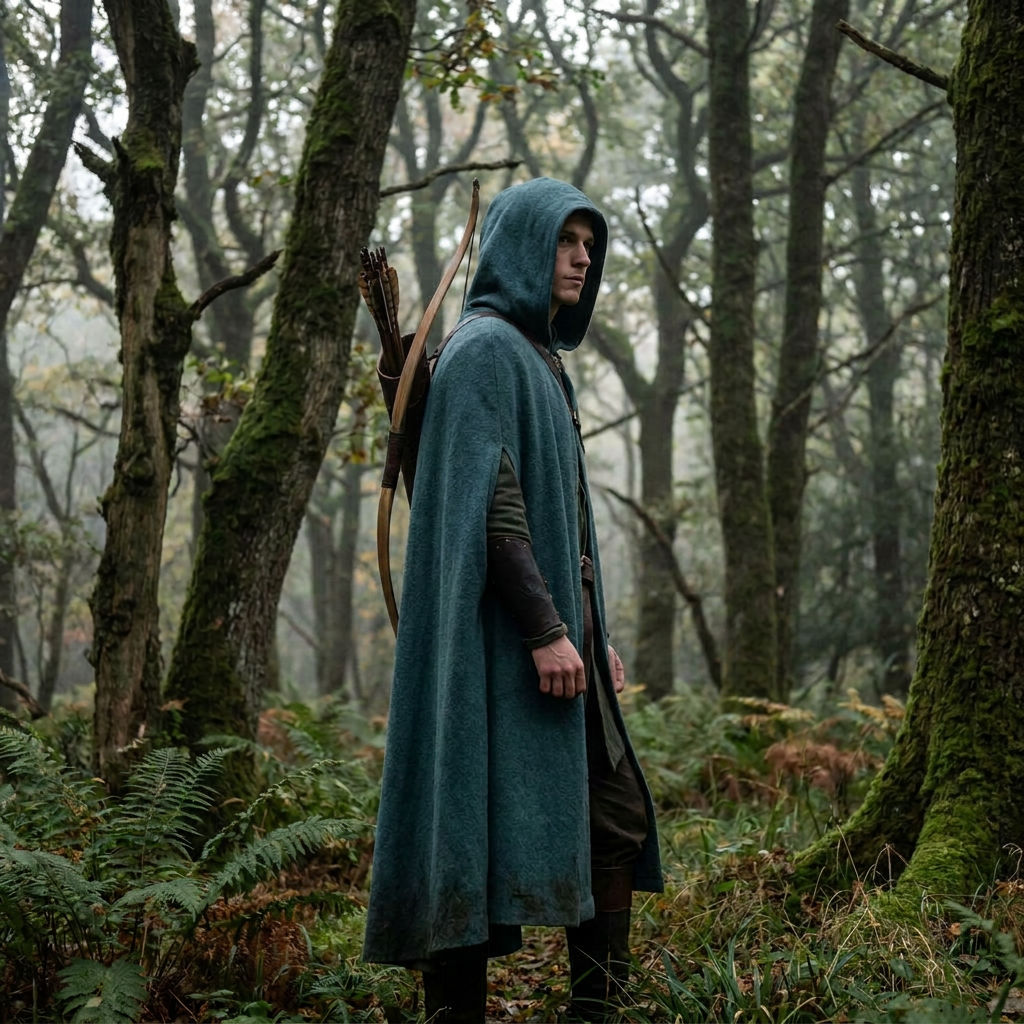
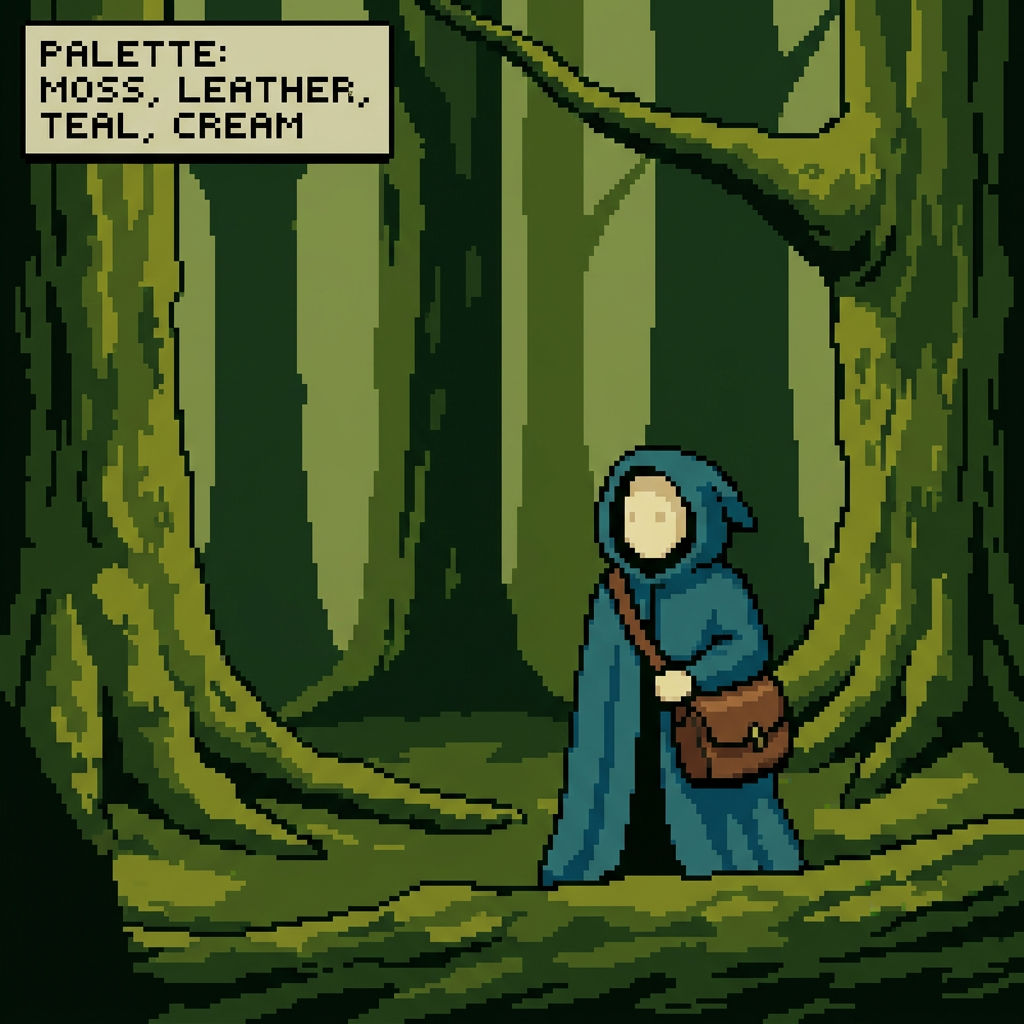
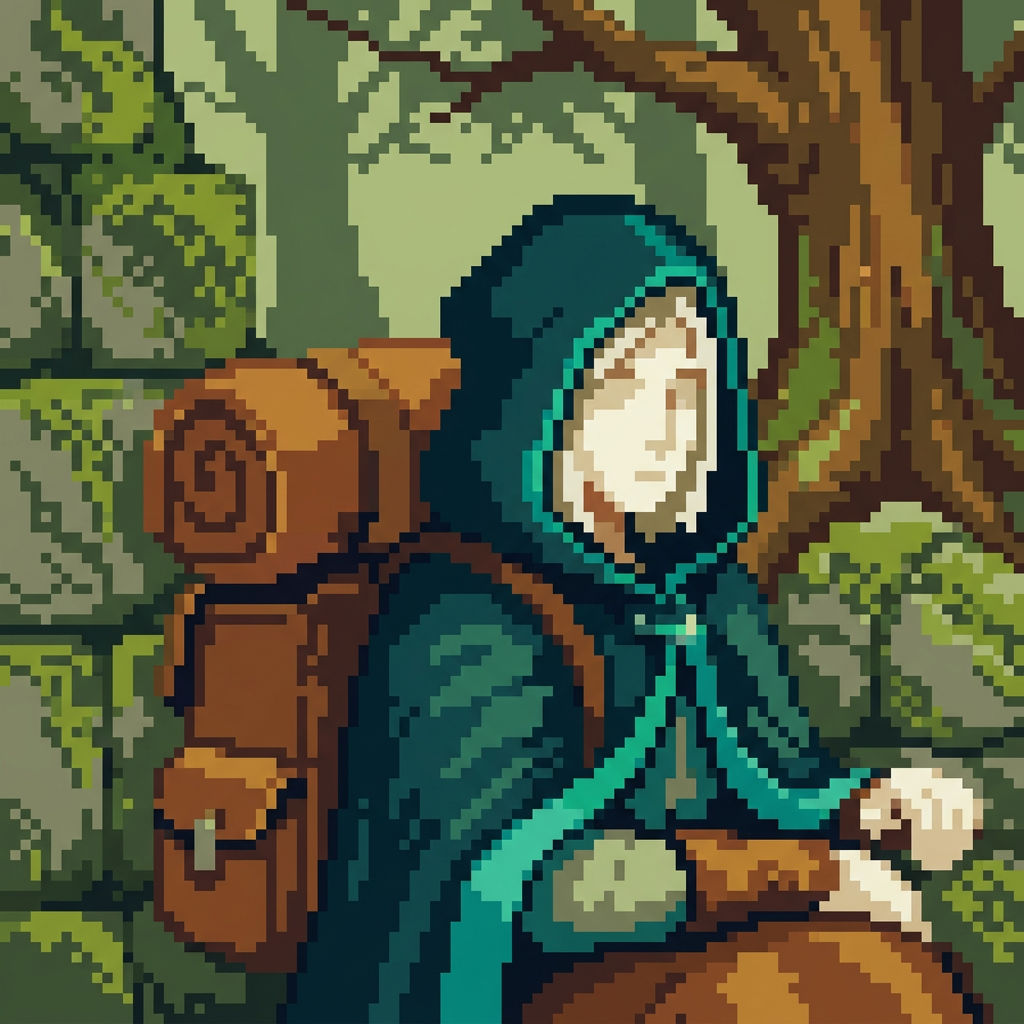
a hooded forest ranger with a slim silhouette, a long teal cloak, leather bracers, and a short bow slung across the back
Palette
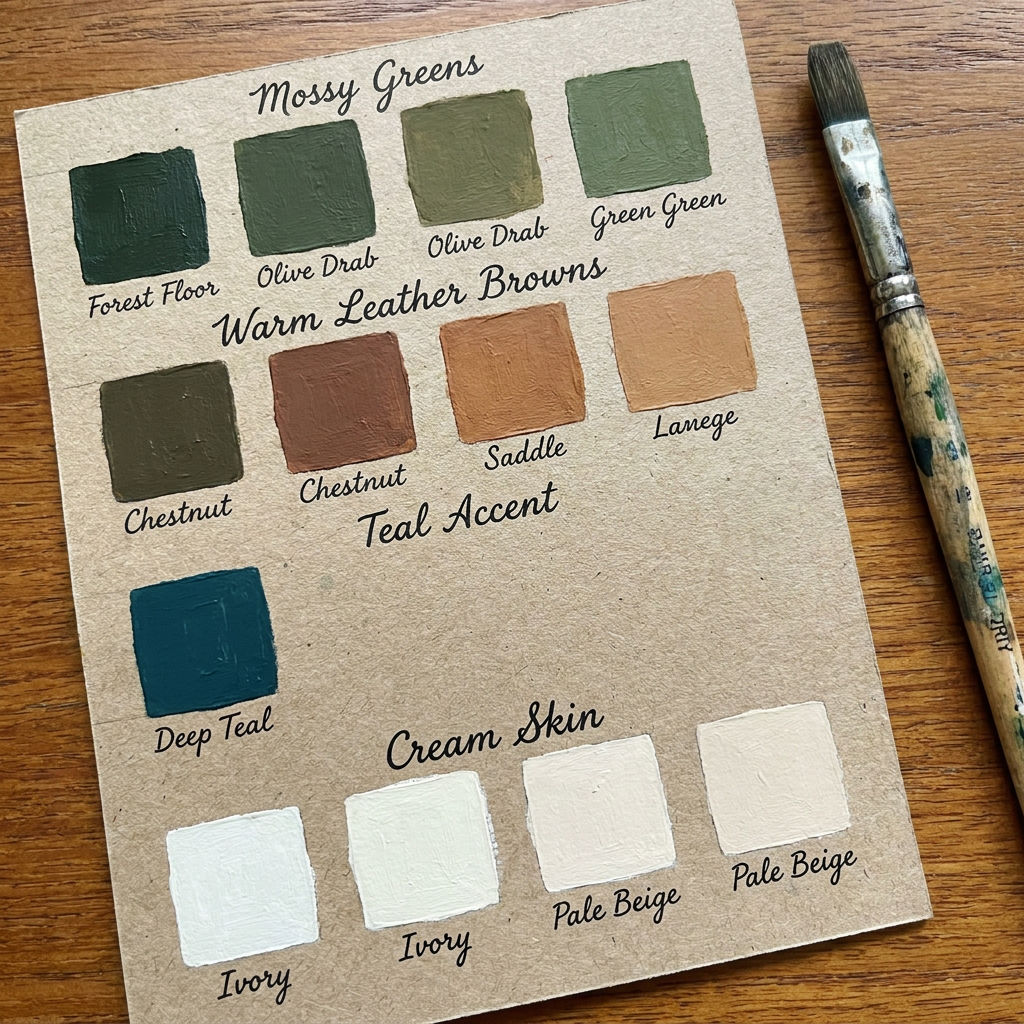
16-color palette of mossy greens, warm leather browns, teal cloak accent, and cream skin
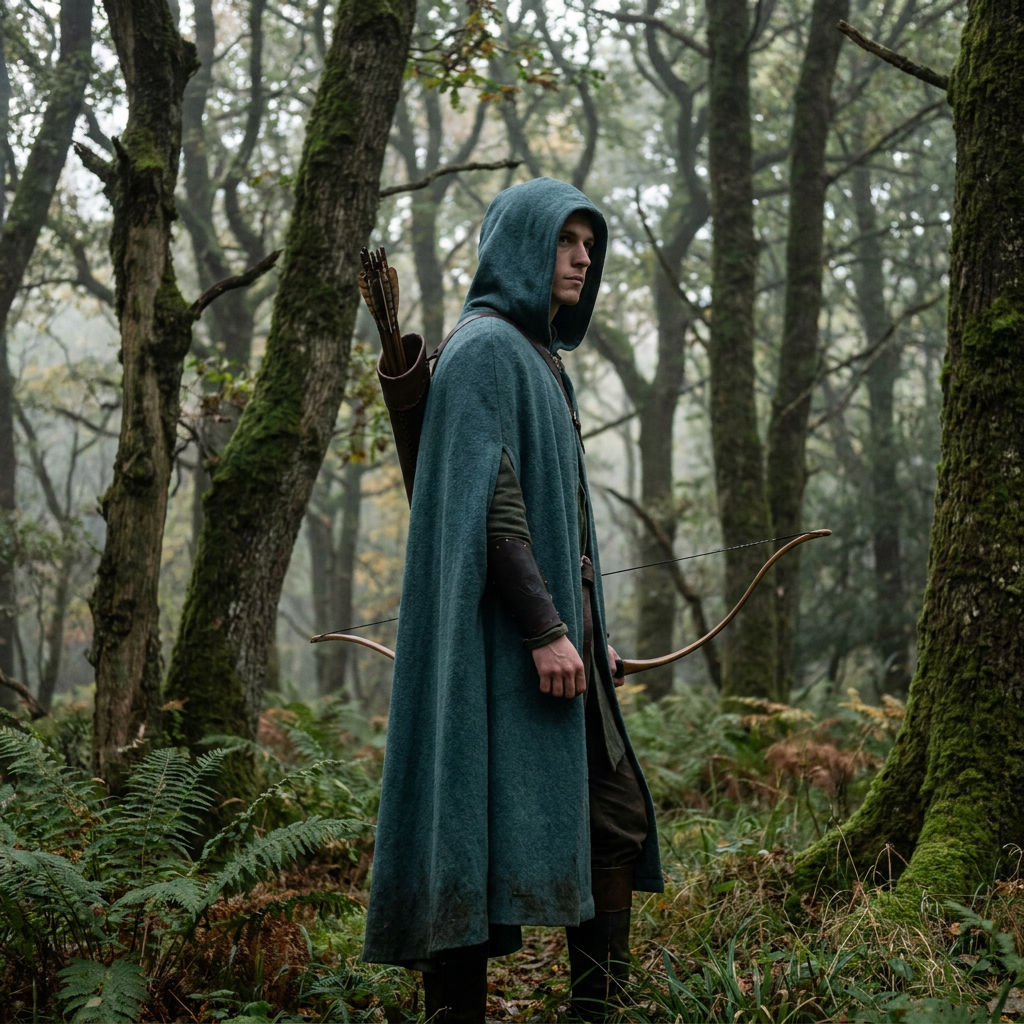
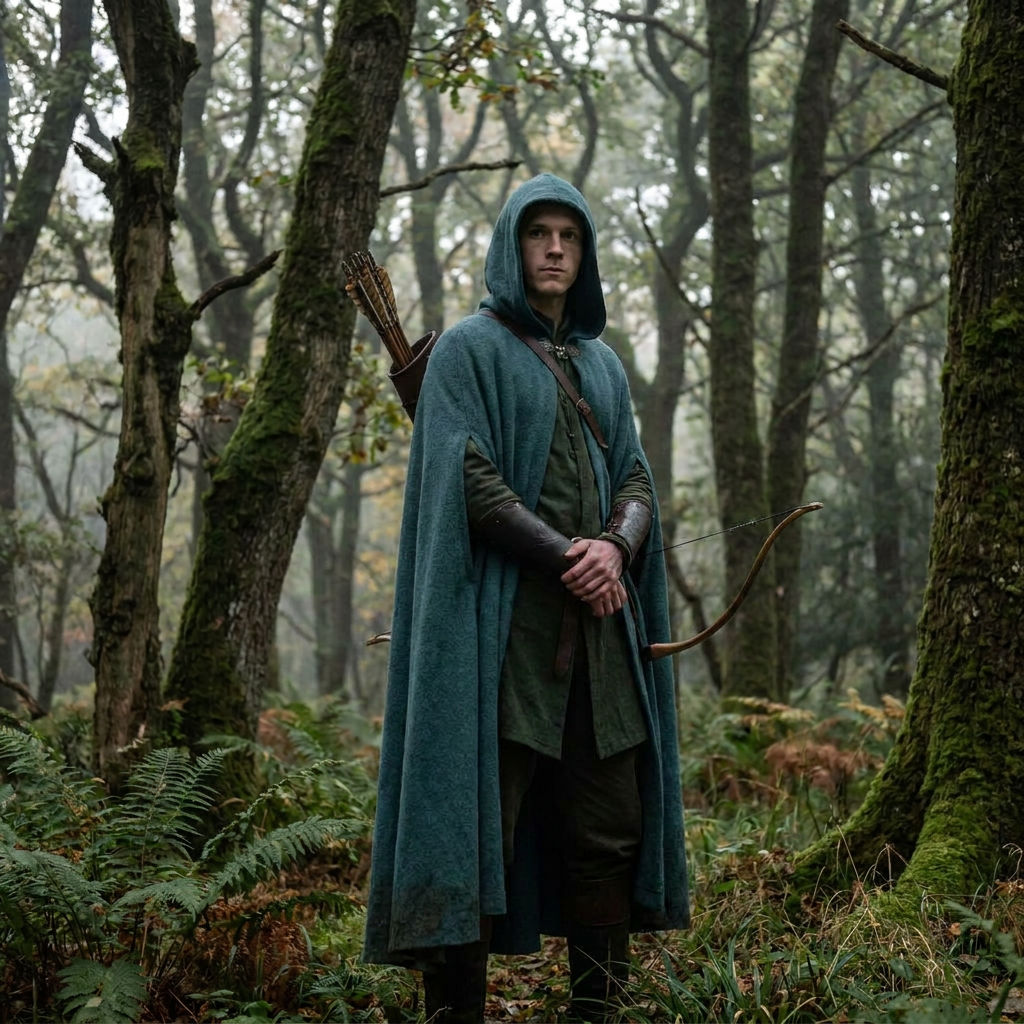
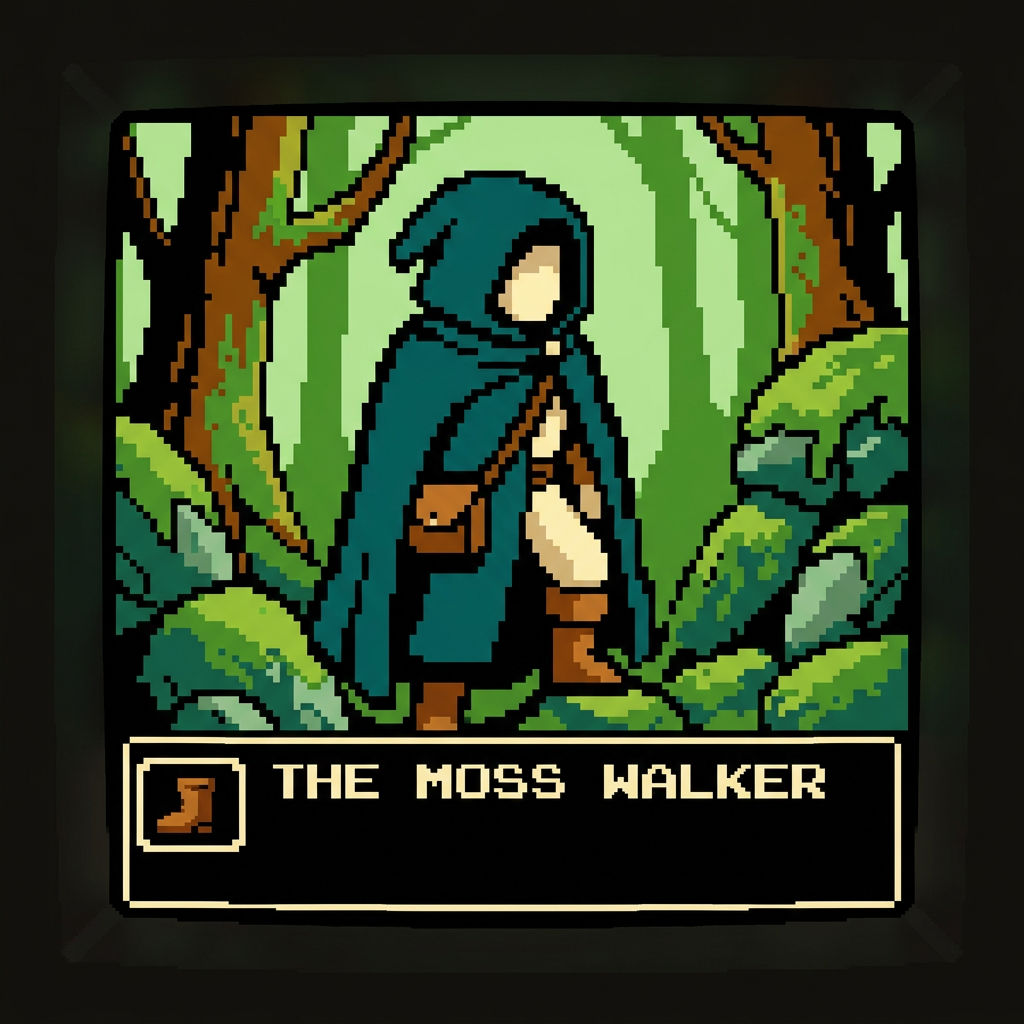
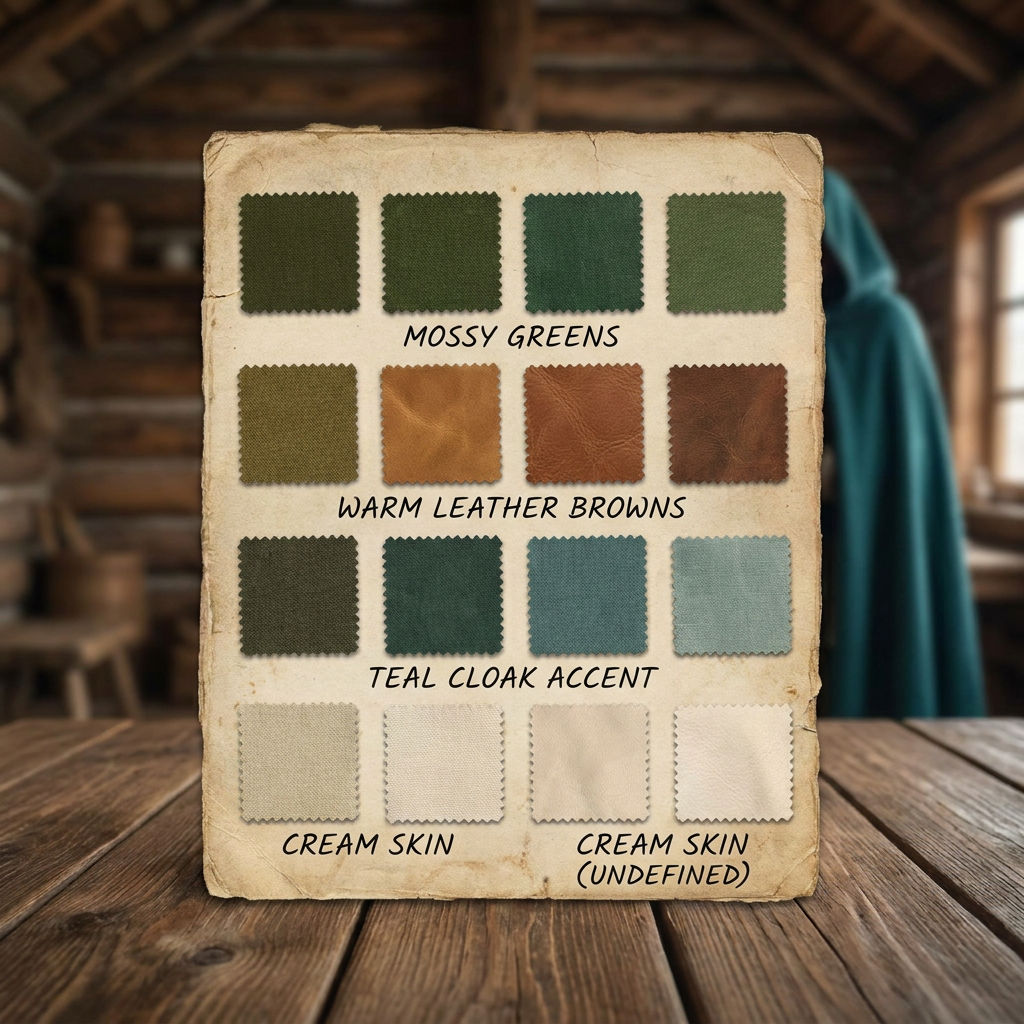
Upload a single hero sprite and get back re-posed walk cycle frames plus matching props, all locked to one palette and resolution.

Indie Game Sprites
Solo developers feed one hero sprite into this pixel art AI generator and get a consistent walk cycle they can drop straight into an engine.

Game Jam Asset Kits
Jam teams working against a deadline use a free AI pixel art generator to build a matching prop and item kit without redrawing every frame by hand.

Consistent Retro Palettes
Pixel artists keep a 16-bit look intact across a character and its props, because one pixel art generator AI run holds every output to a single palette and resolution.
How to use Techniques?
Discover how to utilize AI Pixel Art Generator for different scenarios.

Add inputs
Upload images, videos, or type in the prompts to get started.

Generate outputs
Next, hit the "Generate" button to start generating your outputs.

Edit and export
Refine your outputs on canvas, or download them directly.
Frequently asked questions
All you need to know about AI Pixel Art Generator
What is an AI pixel art generator, and how does it work?
An AI pixel art generator makes artwork that already sits on a fixed grid, in a limited palette, at a set resolution. You give the model a reference image instead of nudging pixels one at a time, and it hands back finished frames. The AI Pixel Art Generator on FLORA works from a single hero sprite and returns that character re-posed into a walk cycle plus a matching item kit, all held to one palette and one resolution.
Drawing one good sprite was never the hard part. The hard part is everything that has to match it: the walk frames, the idle pose, the sword, the potion, the door your character opens. Miss the palette by a few hex values or the pixel density by a fraction and the scene looks assembled from parts. You can start on FLORA for free and build the set in your browser.
Why one run beats a dozen prompts
Generating sprites one at a time is where most people lose the thread. Each generation is an independent roll, so the model has no memory of the palette it picked last time or the grid it drew on. Ask a text-to-image model for "a knight in 16-bit style" five times and you get five knights with different armor colors, different pixel sizes, and different amounts of anti-aliasing baked into the edges. Each one looks fine alone. Together in a tile map they look wrong.
A single run avoids that. Every output comes from the same source sprite in the same pass, so the palette carries over instead of being re-invented, and the character and the props land at the same resolution. The frames drop into an engine without a cleanup round first. A free AI pixel art generator earns its keep when the whole set comes out cohesive, because beautiful unrelated one-offs still cost you a day of matching them up.
How the model reads your sprite
Working from an image changes the job. The character already exists, and the model extends it.
- It reads the palette. The colors in your upload become the colors of the frames and the props.
- It reads the silhouette and the grid. Pixel density, outline weight, and how tall your character stands set the rules for everything new.
- It re-poses instead of redrawing. Walk frames are one character shifted through a stride, so they stay recognizable from frame to frame.
- It extends the style outward. The item kit comes out looking like it belongs in the same game, on the same grid.
Clean source art matters here. A sprite with muddy anti-aliasing, or colors sampled from a photo, gives the model an ambiguous palette to inherit, and that ambiguity shows up in every frame it returns.
The many names for the same job
People ask for this a dozen different ways:
- "Pixel art AI generator"
- "Pixel art generator AI"
- "Sprite sheet maker"
- "16-bit character generator"
- "Pixel art generator free for game jams"
Same job behind all of them: turn one character into a usable set of game-ready assets without redrawing every frame by hand.
Where a sprite set goes next
The technique runs on FLORA's canvas, so the output stays connected to whatever comes after it:
- Pull the exact hex values out of your sprite with Palette Pull so your UI, menus, and marketing art share the character's colors.
- Build matching interface art with the Icon Pack technique. Inventory and menu icons need the same visual rules as the sprites.
- Upscale the final art for a store page or a key art crop, where the sprite has to hold up far larger than it does in-game.
- Recolor a subject to get a palette-swapped variant, the classic way to build an elite enemy out of a base one.
- Start with the Moodboard Maker if you are still picking which era of pixel art your game belongs to.
The FLORA AI image generator runs the models behind every technique on one canvas, and our roundup of the best AI image generators covers how they compare. Consistency is what makes a set of sprites read as one game, and it holds when the character, the frames, and the props all come out of the same run.
Related techniques
 Storyboard MakerInput one image and creates cohesive 9 storyboard shots
 'Pollen CheeseAn editorial still-life of your flower pulled apart, like cheese.
 Character VariatorTurn one character into a roster of five.
 Frame the Mood for CreativesTurn a single reference image and a mood description into a complete set of production-ready visual assets, in one run. You get 7 assets total: 1 full storyboard + 6 individually exported keyframes.
 Headshot EngineAny photo of a person, reshot in the style of any headshot you feed it.
 InkCreate ink sketches for storytelling and animation.
Turn One Sprite Into a Full Asset Set With the AI Pixel Art Generator
one hero sprite, re-posed into a consistent walk cycle + matching item kit. Useful for: indie game devs and pixel artists who need a cohesive 16-bit asset set (character, frames, props) in ONE palette and one resolution, not a pile of drifting one-off generations.

Louis Anderson