Brand
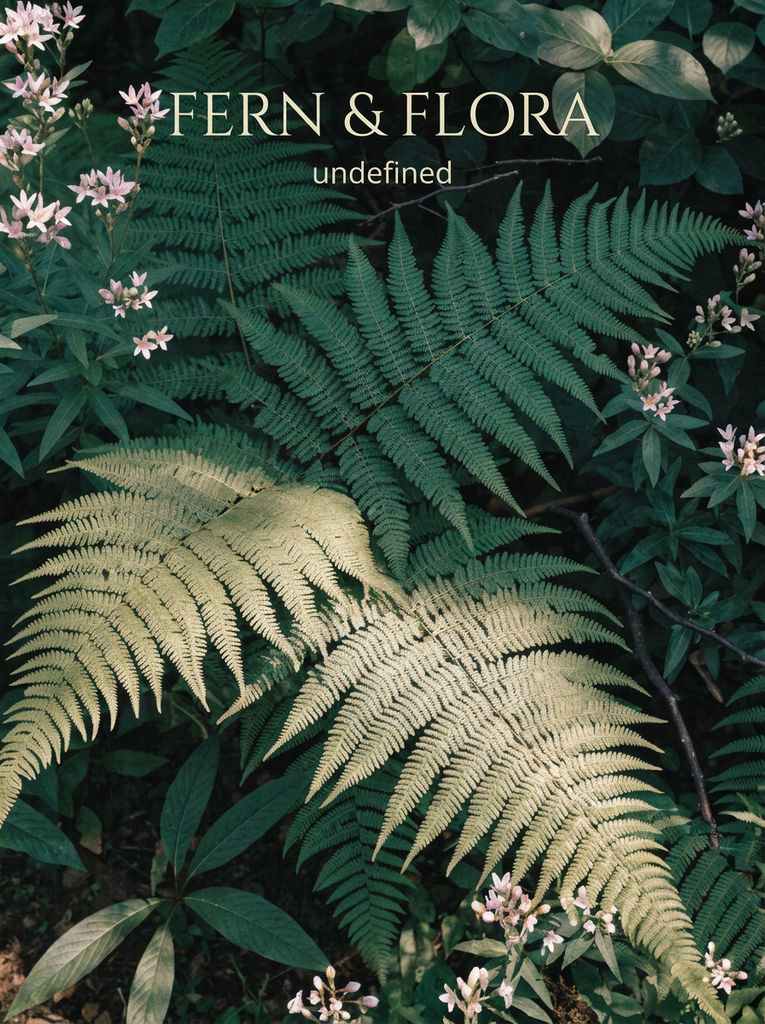
FERN & FLORA
Palette
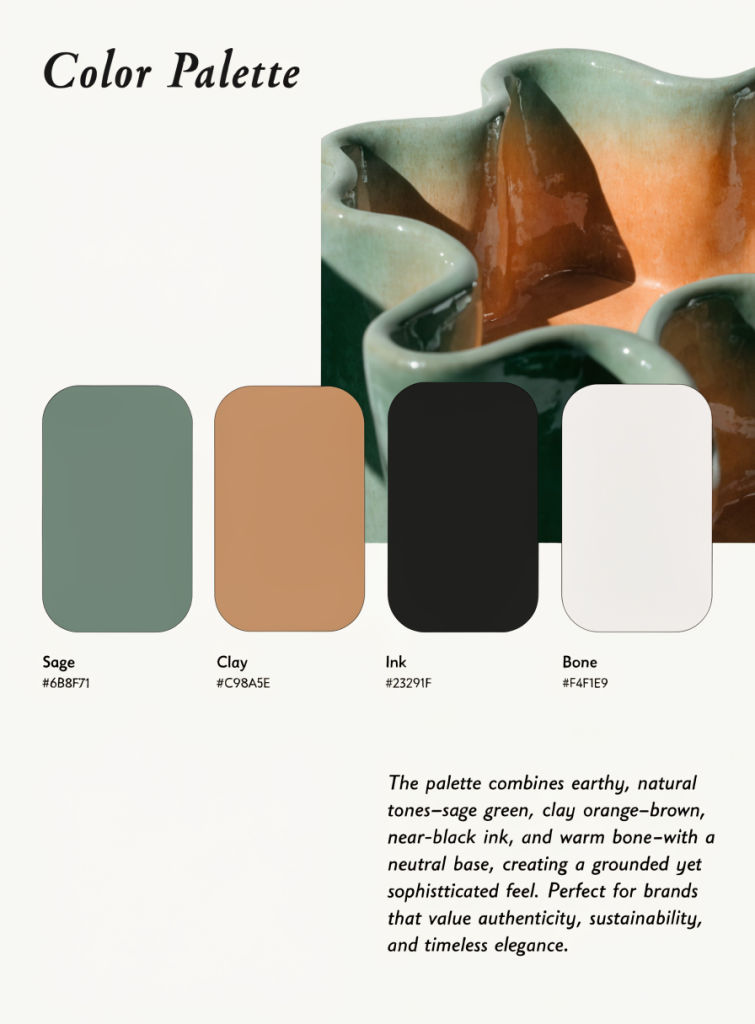
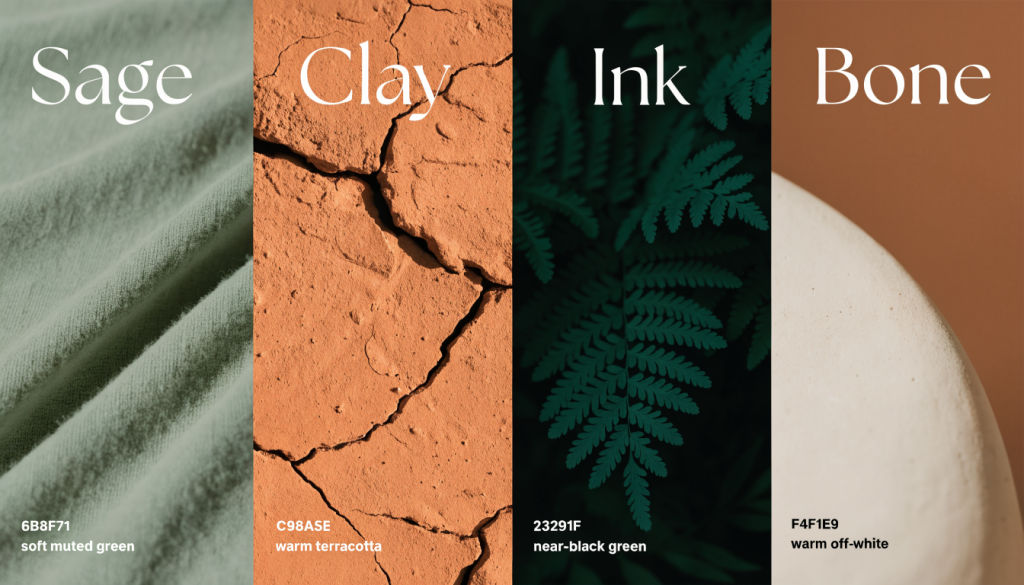
Sage 6B8F71 (soft muted green), Clay C98A5E (warm terracotta), Ink 23291F (near-black green), Bone F4F1E9 (warm off-white)
Mark
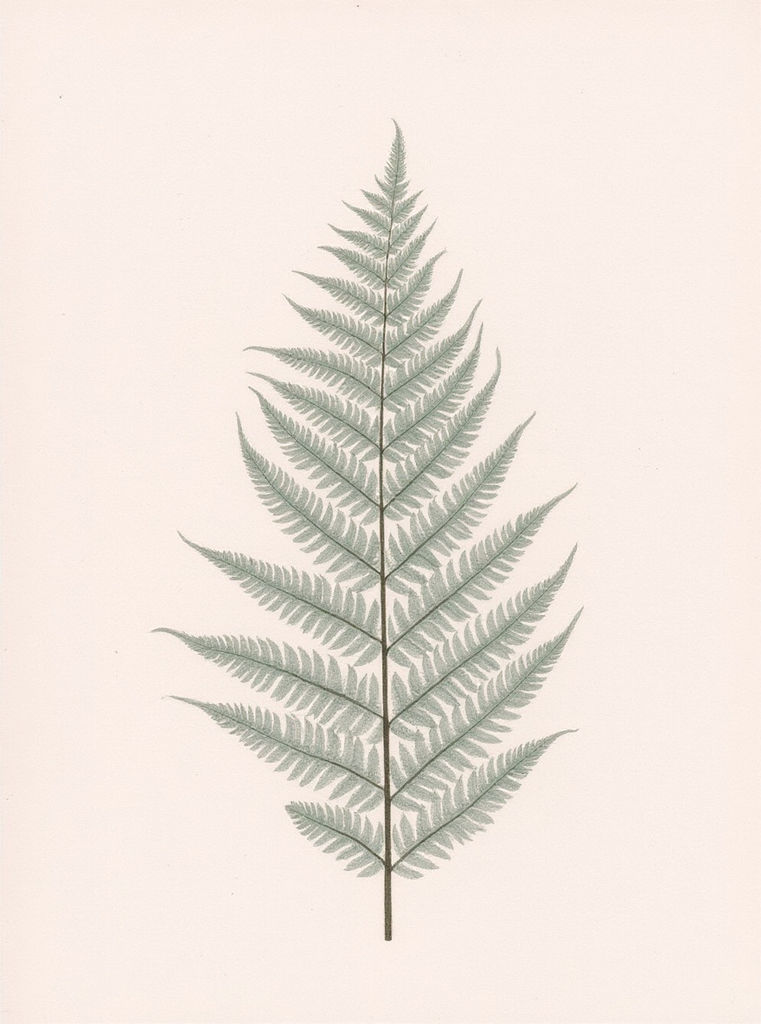
a fine single-line-art folded fern frond
Tagline
BOTANICAL SKINCARE · EST. 2025


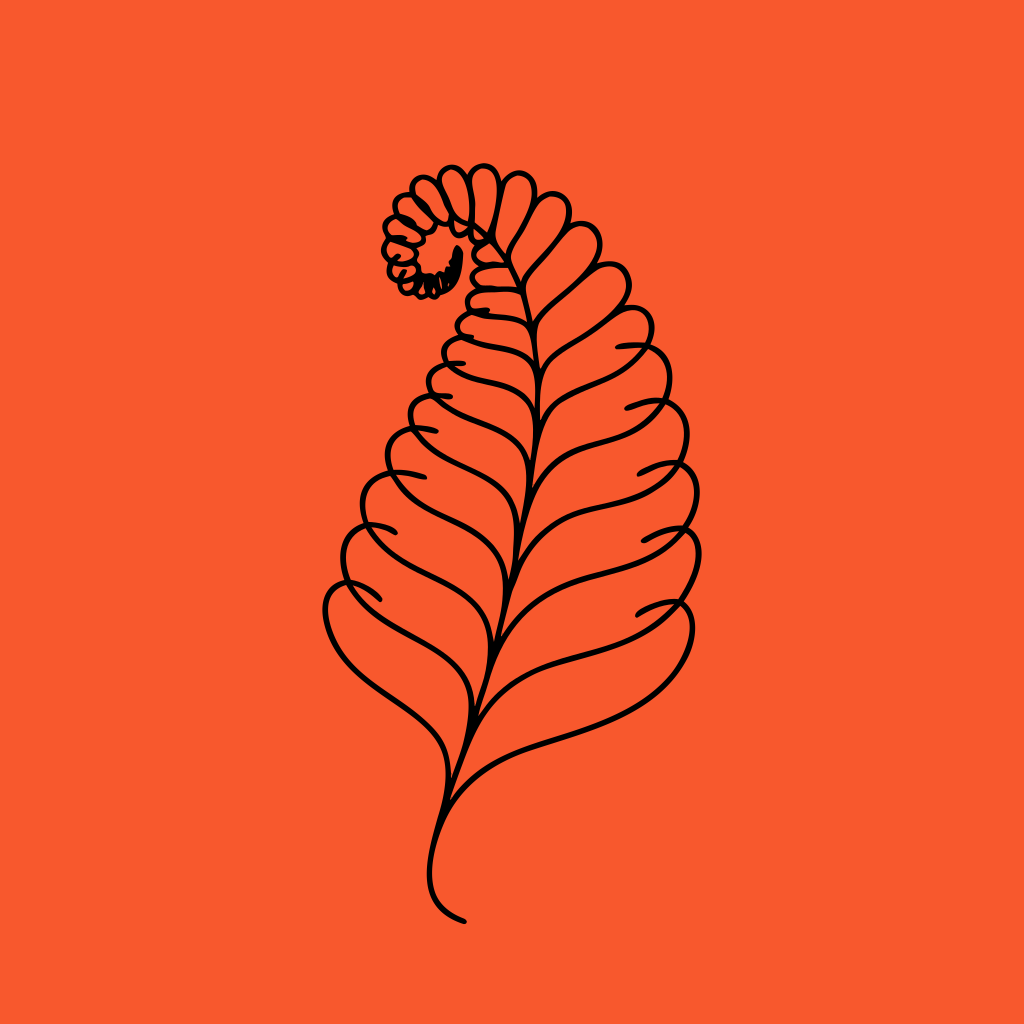
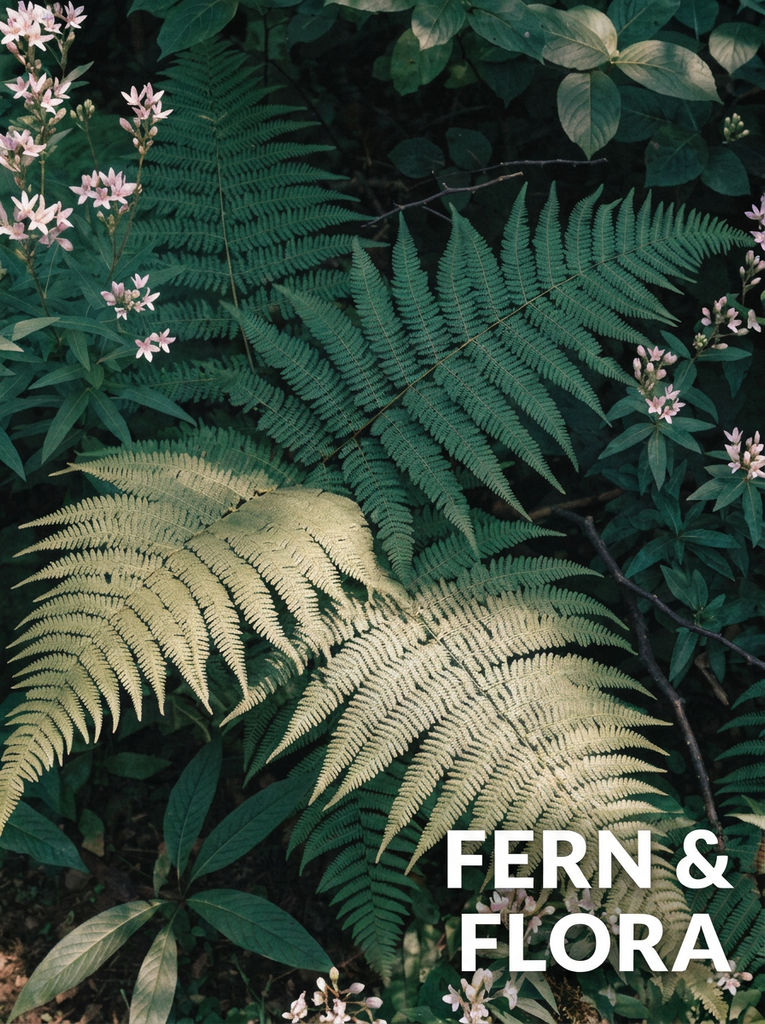
Enter a name, a symbol idea, four hex colors, and a tagline. You get a logo lockup, palette board, type sheet, pattern, and mockups.

Early-Stage Founders
Founders turn a working brand name and four hex colors into a first branding kit package, with a logo lockup, palette board, and type sheet to share with the team.

Agency Pitch Directions
Agencies generate a sample brand kit for each creative direction in a pitch, so clients can compare lockups, patterns, and mockups side by side.

Packaging Concepts
Product teams see their mark on a business card and a product bottle, along with a repeat pattern for wraps and tissue paper, before anything goes to print.
How to use Techniques?
Discover how to utilize Brand Kit Template for different scenarios.

Add inputs
Upload images, videos, or type in the prompts to get started.

Generate outputs
Next, hit the "Generate" button to start generating your outputs.

Edit and export
Refine your outputs on canvas, or download them directly.
Frequently asked questions
All you need to know about Brand Kit Template
What goes into a brand kit template, and what this one generates
A brand kit template is a set of documents that shows how a brand looks, usually including the logo and its variations, the color palette with exact codes, the typefaces, and examples of the identity applied to real objects such as business cards or packaging. FLORA's Brand Kit Template generates those pieces as eight images from four short inputs, so you can see a whole identity together before anyone spends time building it out in design software. You can run it with the preset brand or your own details on a free FLORA account.
The kits that designers hand over to clients also tend to include written guidance, such as how much clear space to leave around the logo, the smallest size it can be printed at, which colors can sit on top of each other, and how the brand should sound in copy. The generated kit covers the visual side only, so you'll need to add those written rules yourself. Once you've picked a direction, a short guidelines document alongside the images gives you a complete brand identity kit template to hand to a designer or a printer.
How the four inputs shape the kit
Whatever you type in the Brand field becomes the wordmark in the logo lockup and the header on the palette board and type sheet, so spell it exactly as it should appear, including capitalization and any ampersand. The preset uses FERN & FLORA in capitals, and every sheet in that sample brand kit carries the name the same way.
The Mark field describes the symbol that sits beside the wordmark, and since the same symbol is also tiled across the brand pattern, a motif with one clear outline usually works better than a detailed illustration. A single-line leaf or flower, a simple geometric shape, a stylized initial, or an everyday object drawn in outline are all reasonable places to start.
The tagline appears in small type under the wordmark and is drawn into the image as text, so shorter lines come out more reliably than long ones. The preset's tagline, BOTANICAL SKINCARE · EST. 2025, is about the right length to aim for, and it tells a reader what the company sells as well as when it started.
Picking four colors that work together
The Palette field asks for four colors with hex codes, and the kit uses them in different roles. In the preset, Sage is the main brand color, Clay is a warmer accent, Ink is a near-black used for type and for the reversed lockup, and Bone is the off-white background most of the sheets sit on. Arranging a palette this way gives the reversed lockup enough contrast to read, because the logo flips from dark on light to light on dark.
Two very similar colors, or a palette with no dark shade at all, make the reversed lockup and the type sheet harder to read. Write a name next to each code the way the preset does ("Sage 6B8F71"), because the palette board prints both the name and the code under each swatch. If your colors already exist somewhere, such as in a product photo or a mood board, Palette Pull can pull a palette from that reference image and give you a set of colors to work from before you write the Palette input.
Comparing brand directions before choosing one
A full kit comes out of each run, so you can test several directions and look at them side by side. Keep the brand name the same and change one input at a time, such as a different mark or a warmer palette, so it's clear which change caused which difference in the results. Agencies can use this to show a client three or four finished-looking options early in a project, and founders can use it to decide between color options with the whole kit in front of them.
Each run of the brand kit template is its own branding kit package, with the lockups, pattern, and mockups all generated from the same inputs. Placing two or three runs next to each other on the FLORA canvas makes the comparison easier to see, and a Moodboard Maker board can hold the reference images behind each direction so you can see what each option was based on.
Turning the generated kit into working brand files
Most brands will eventually need production files as well as the images the Technique returns. A designer can redraw the chosen logo as a vector file so it scales to any size and prints cleanly on signage or packaging. The type specimen shows a high-contrast display serif paired with a clean sans serif for body text, and matching those styles to licensed fonts gives the brand typefaces it can use in documents, slides, and on a website. The hex codes on the palette board carry over directly into design tools and print specs once you've checked them against what you typed.
For quick uses before vector files exist, such as a pitch deck or a social profile image, the Background Remover can cut the logo lockup out of its background so it can sit on other layouts.
Starting with a free brand kit example
The preset on this page generates a free brand kit example you can study before entering your own brand. It shows what each of the eight images looks like and how the palette, the mark, and the name carry through the set, which makes it easier to judge what to write in each field. When you switch to your own inputs, the credit cost appears before you generate, and the free credits FLORA gives new accounts can go toward your first runs.
If you've been weighing FLORA against template tools, the page on Kittl alternatives compares FLORA with Kittl and similar tools where you start from a fixed template and edit it.
Extending the identity beyond the kit
After you've chosen a kit, Icon Pack generates a set of icons in a shared style for an app or website, and Brand Extension Generator shows how a brand could carry over into new product lines. For campaign imagery, social posts, or website headers in the new palette, the AI image generator can work from a prompt that names the brand colors and describes the mark.
All of these run on the same FLORA canvas as the brand kit, so the logo lockup and palette board from your chosen run can be connected to the next step as inputs instead of being downloaded and uploaded again.
Related techniques
 Character LockOne character, 6 different angles
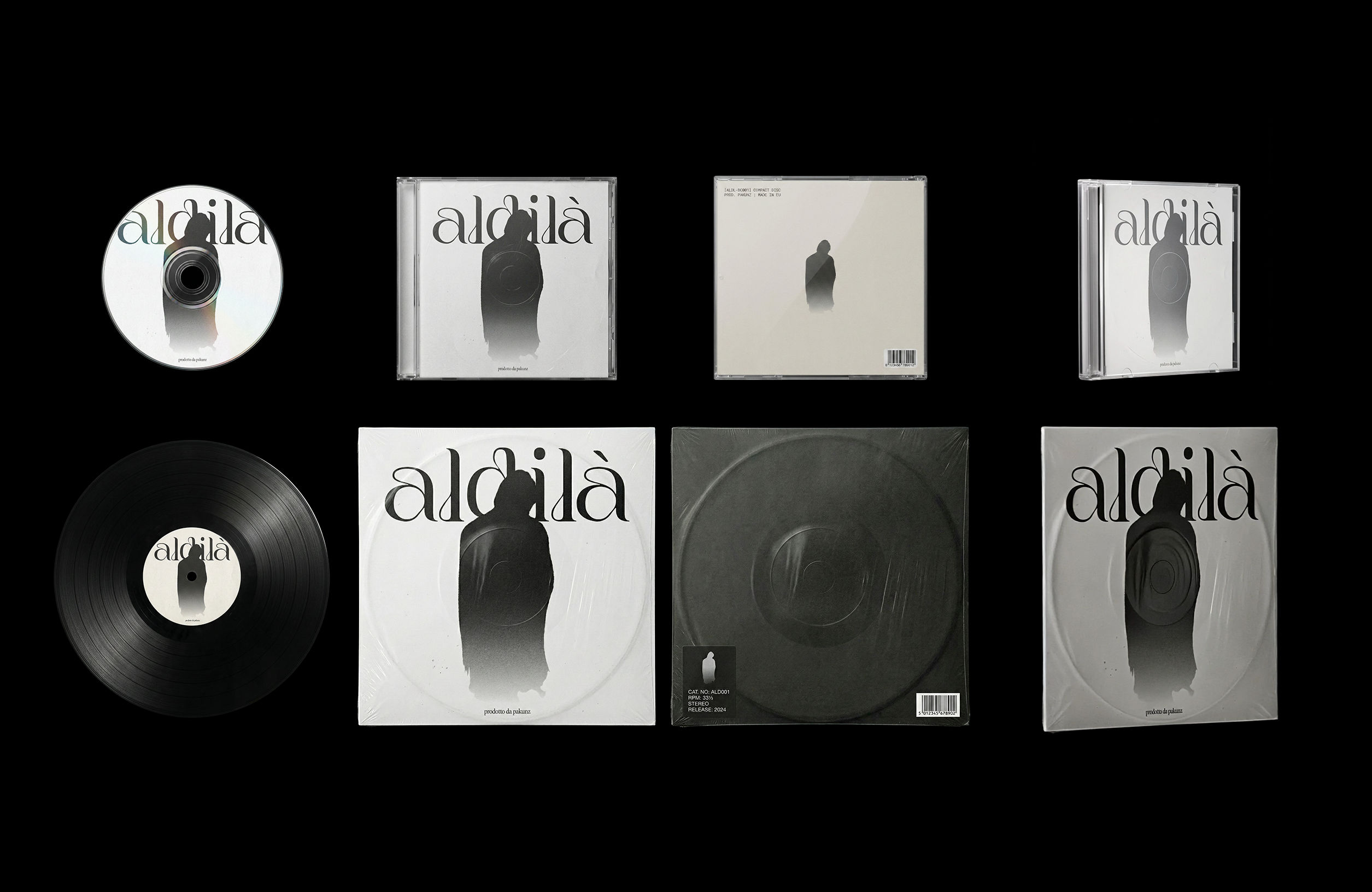 CoverArtTransform a single artwork into a full set of physical music assets.
CD, vinyl, posters: all consistent, clean, and ready to use.
CoverArtTransform a single artwork into a full set of physical music assets.
CD, vinyl, posters: all consistent, clean, and ready to use.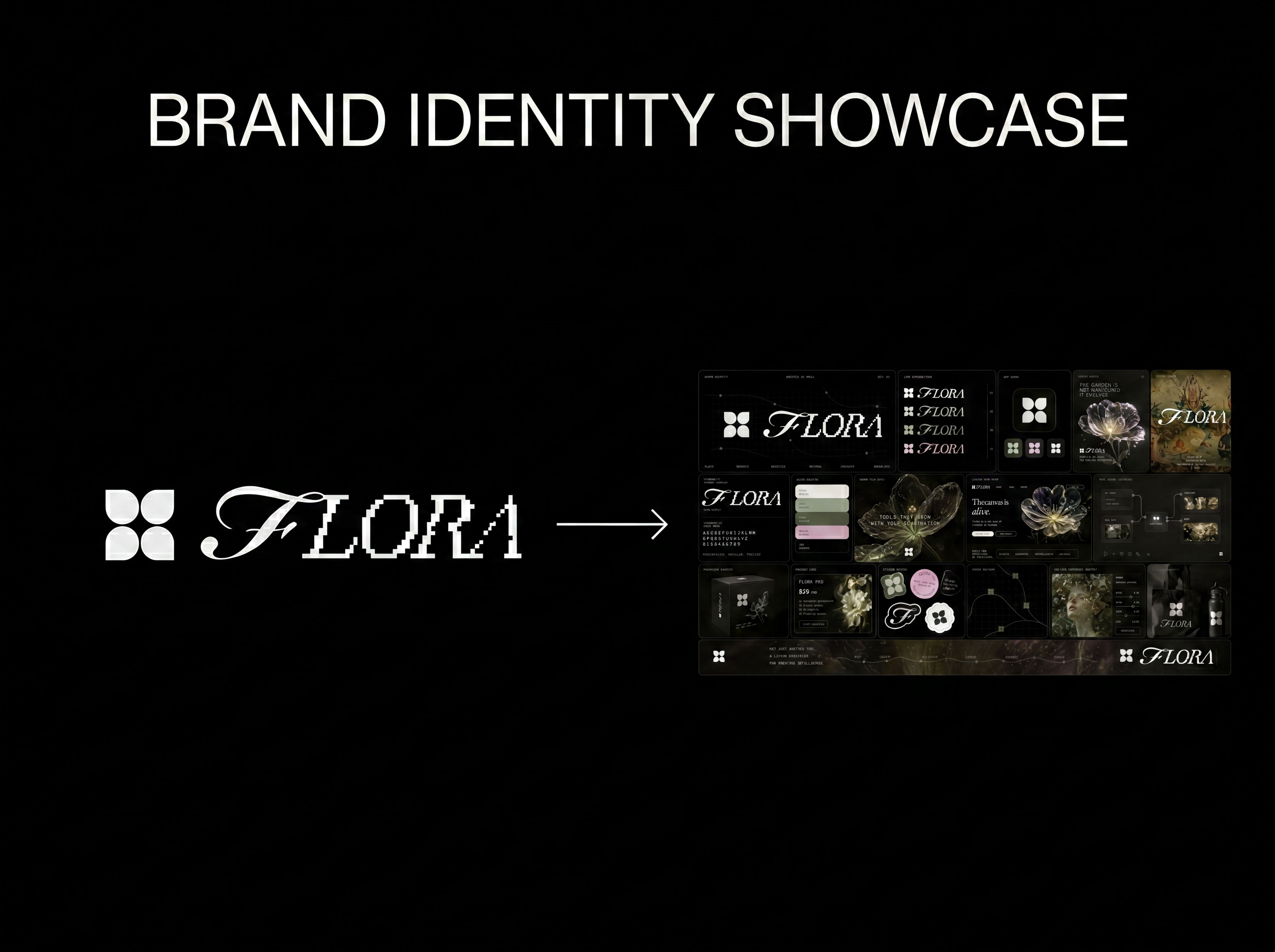 Logo to Brand IdentityUpload any logo. The technique analyzes its letterforms, construction, color, and finish to infer the brand's category, audience, and visual direction.
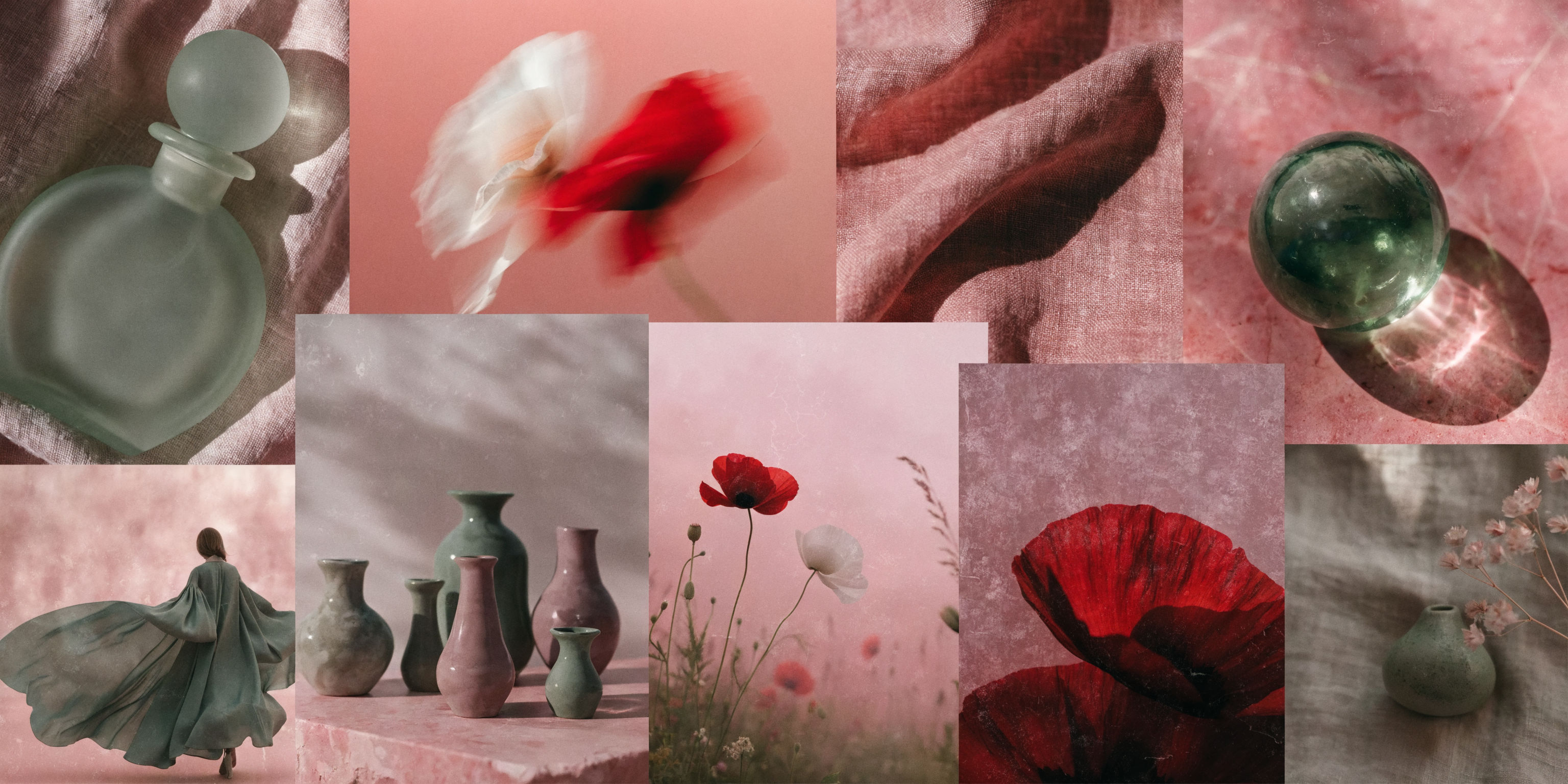 Mood Board MakerEclectic mood board from a photo
 Font BuilderDesign a whole font from a single letterform.
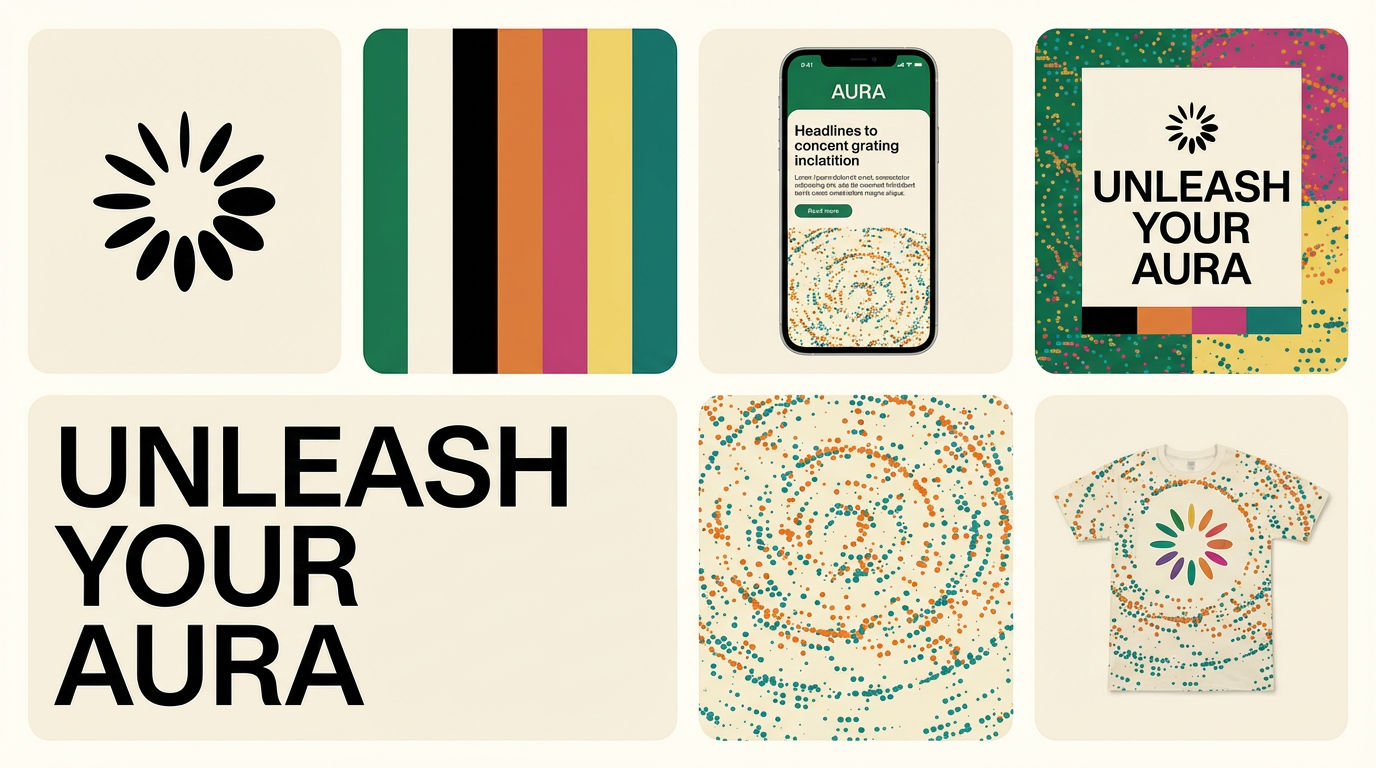 Brand Extension GeneratorDrop brand details, get identity boards
Use the Brand Kit Template to Generate a Full Identity System From Four Inputs
type a brand name, get a complete, ready-to-hand-off brand kit in one run. Useful for: founders, agencies, and marketers who need a full identity system — logo lockup, color palette board, type specimen, brand pattern, and applied mockups (card + packaging) — that all read as ONE coherent brand, without a designer or a week of Figma.

Louis Anderson