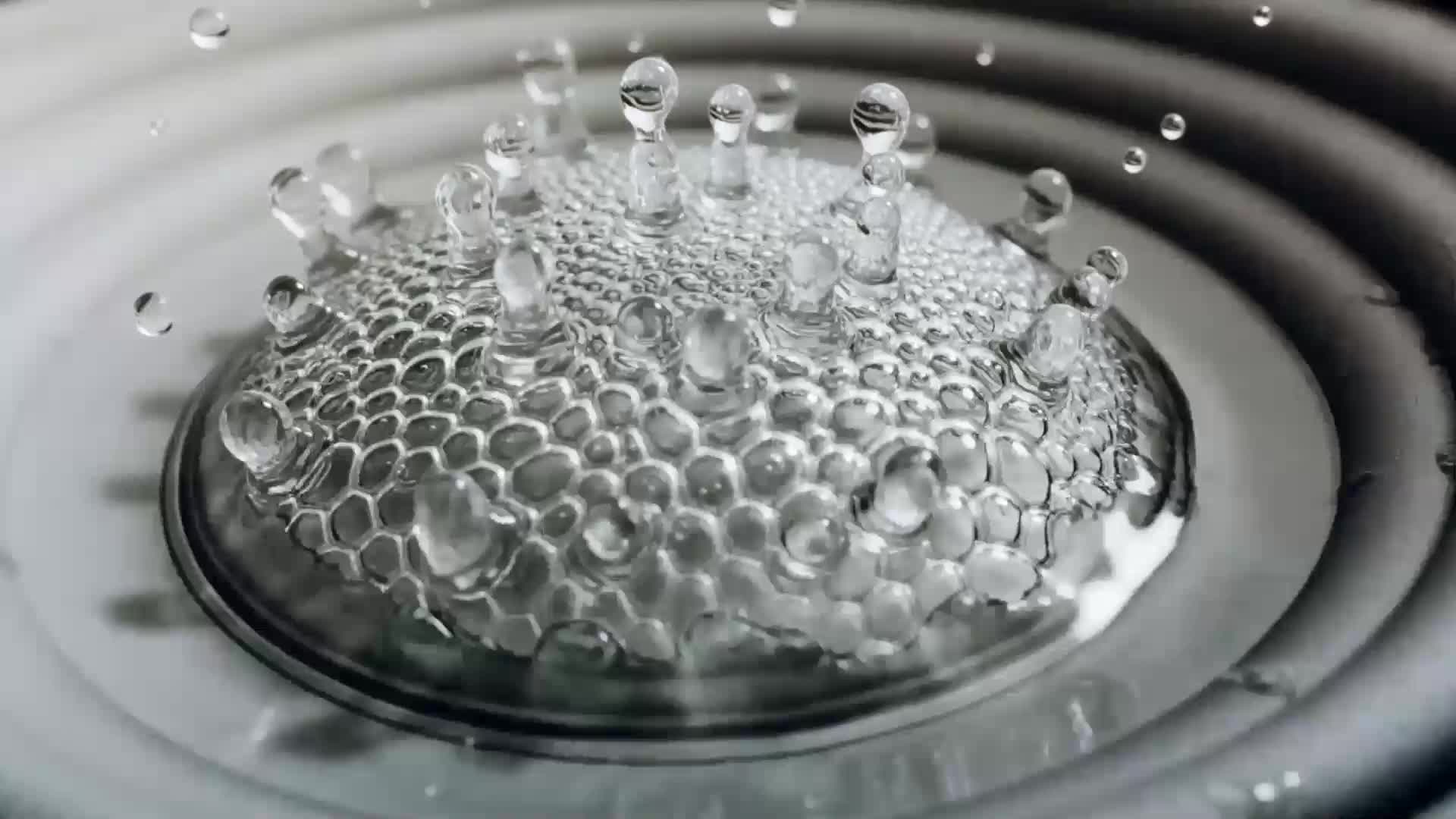
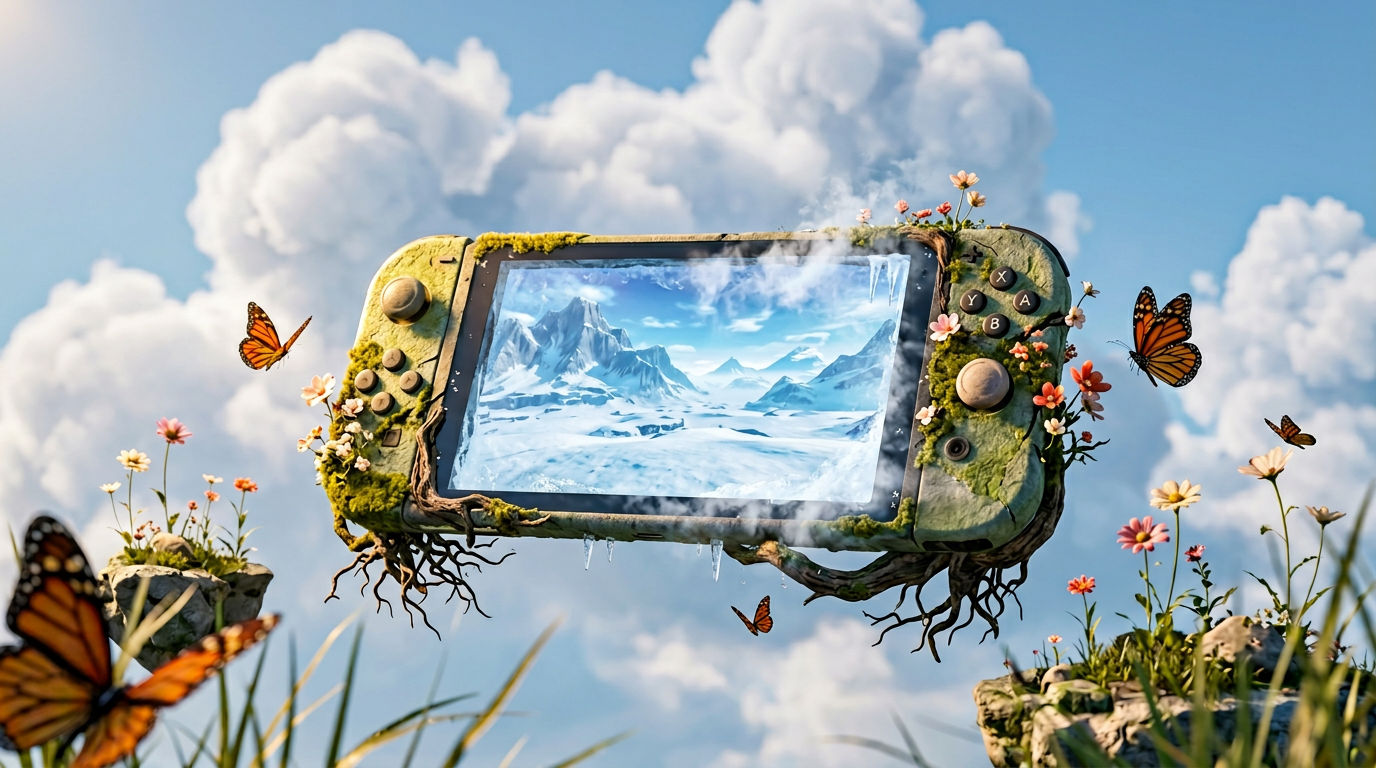
Run this AI-powered technique in your browser. Upload your inputs, hit generate, and get professional results in moments.

Creative Production
Design teams use FLORA techniques to produce professional-quality creative assets in seconds, accelerating production timelines and reducing dependency on manual editing.

Marketing Content
Marketing teams generate on-brand visual content for campaigns, social media, and ads — iterating quickly on concepts without waiting for design resources.

Product Visualization
E-commerce and product teams create high-quality product visuals, mockups, and lifestyle imagery to showcase their offerings across channels.
How to use Techniques?
Discover how to utilize AI Image To Video Generator for different scenarios.

Add inputs
Upload images, videos, or type in the prompts to get started.

Generate outputs
Next, hit the "Generate" button to start generating your outputs.

Edit and export
Refine your outputs on canvas, or download them directly.
Frequently asked questions
All you need to know about AI Image To Video Generator
Related techniques
AI Video Generatorturn one text prompt into a finished, sound-designed cinematic clip. Useful for: marketers, founders, and creators who want a broadcast-feel product video without a camera, set, or edit bay.
Image To Video AIdrop in one still photo, get a living, cinematic clip back. Useful for: marketers, product teams, and creators who have ONE great photo and need motion — a hero shot that breathes, a product that comes alive, a still that scrolls.
Photo To Video AI Freeturn ONE still photo into three living, cinematic clips (plus a soundtrack). Useful for: creators, marketers, and anyone with a single photo — a portrait, a product shot, a landscape, an old family picture — who wants to animate it into scroll-stopping motion without a camera or a shoot.
Text To Video AItype a sentence, get a polished, sound-designed 5-second clip. No camera, no crew. Useful for: marketers, social creators, and founders who want a cinematic product/brand moment from a sentence.
Video Creatorturn one idea into a finished, sound-designed cinematic clip you can post as-is. Useful for: creators, social teams, and brands who need a scroll-stopping short video from a single prompt — no camera, no editor.
Video Scene BuilderCompose video scenes from still assetsAI Image To Video Generator
one still photo in, a cinematic clip out, then a second take where YOU decide where the camera lands. Useful for: creators, marketers, and product teams who have a great photo and want it to move — hero shots for ads, animated packshots, and social reels — without a reshoot or a VFX pipeline.
Louis Anderson