Brand
MERIDIAN
Tagline
COFFEE ROASTERS · EST. 2024
Brand Brief
a specialty coffee roaster — warm terracotta, bone-cream and charcoal palette, with tight, high-contrast geometric-serif Swiss typography and a soft risograph warmth
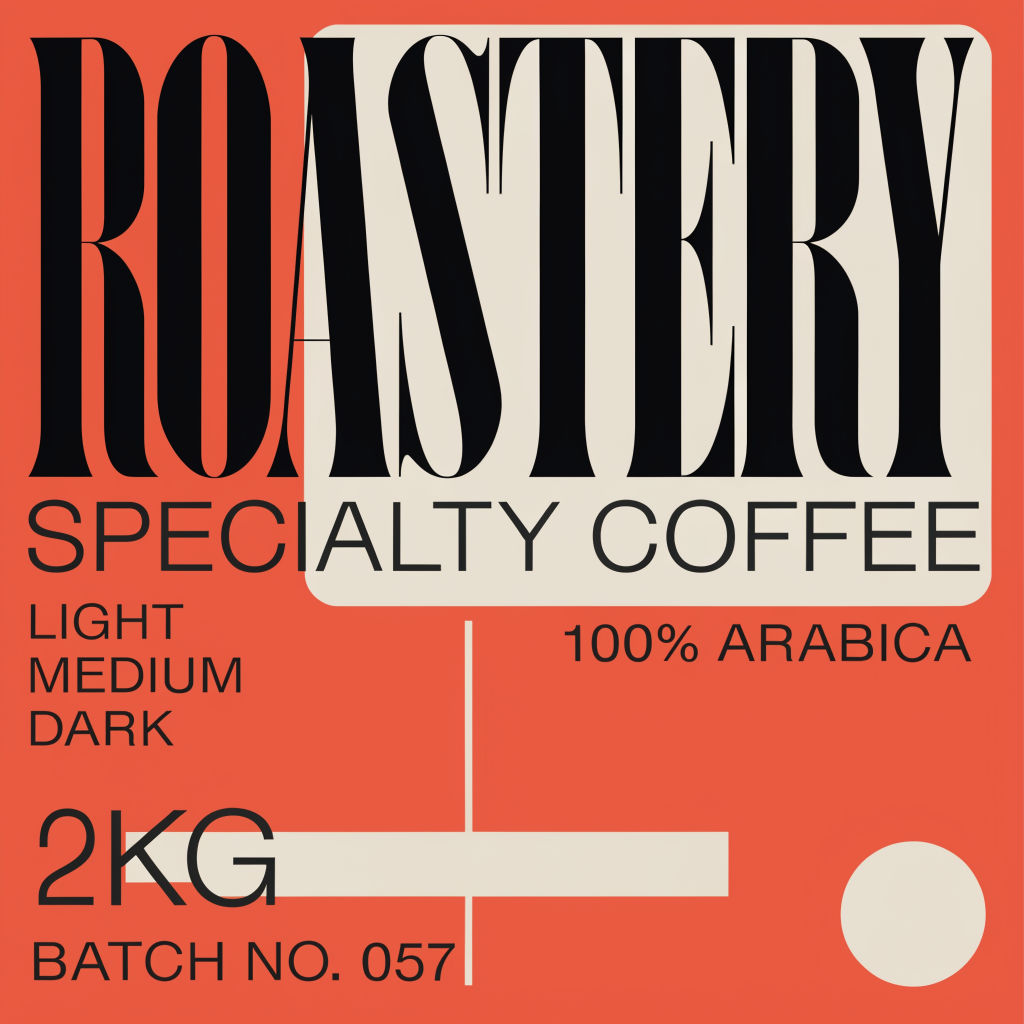
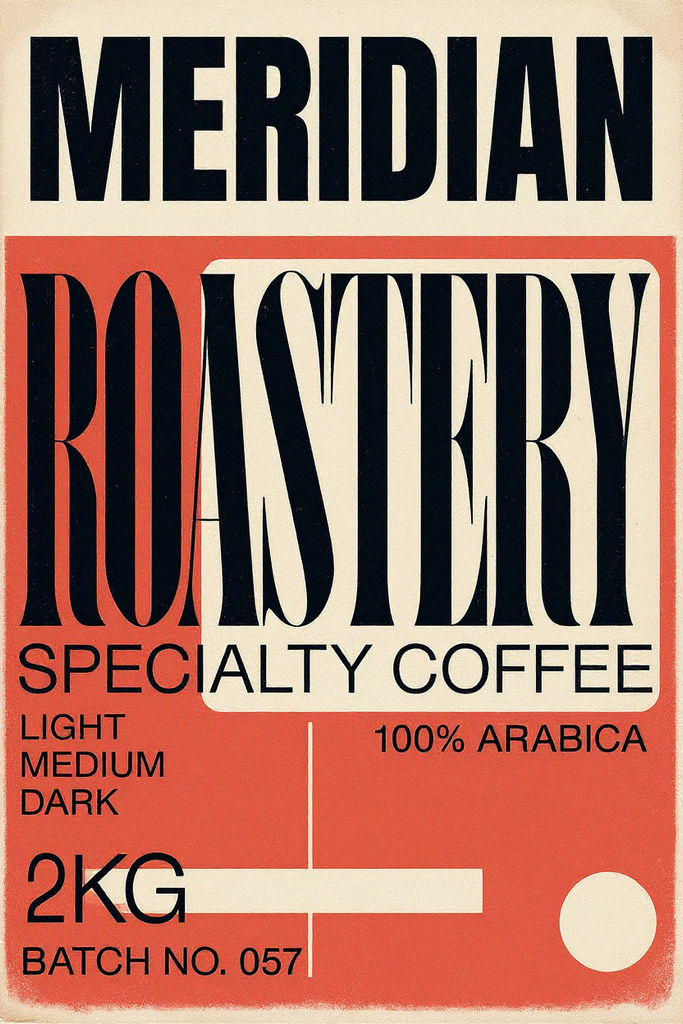
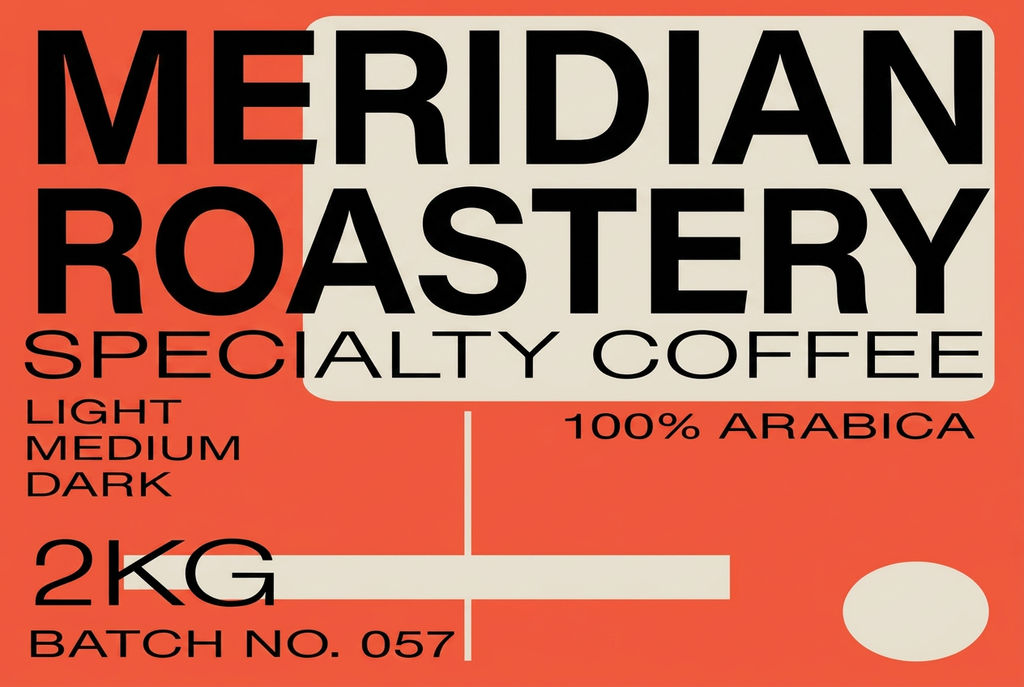
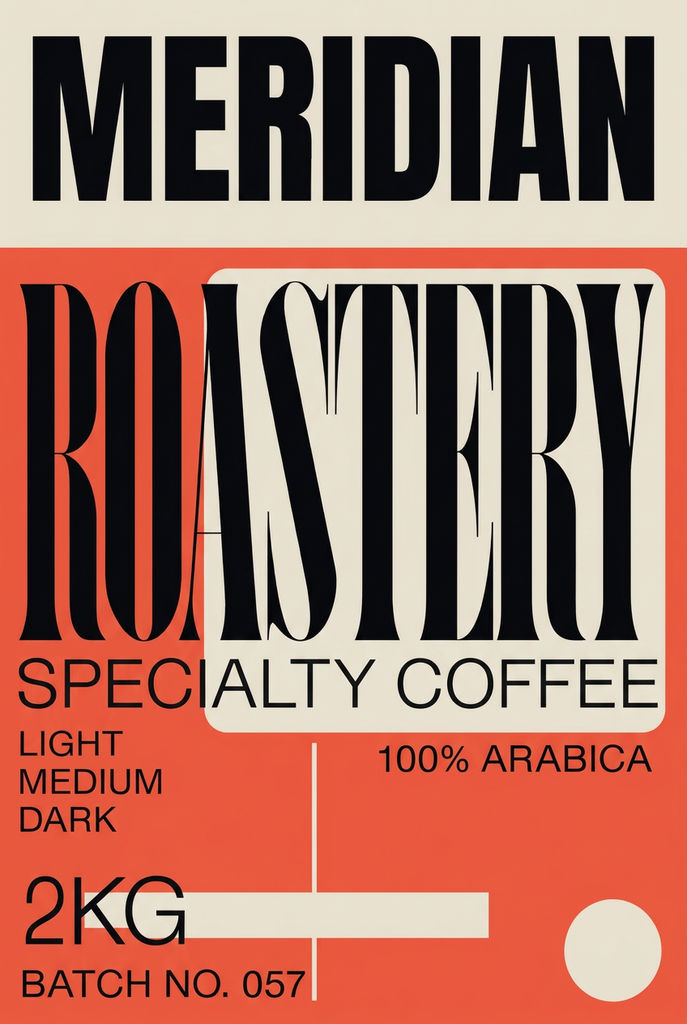
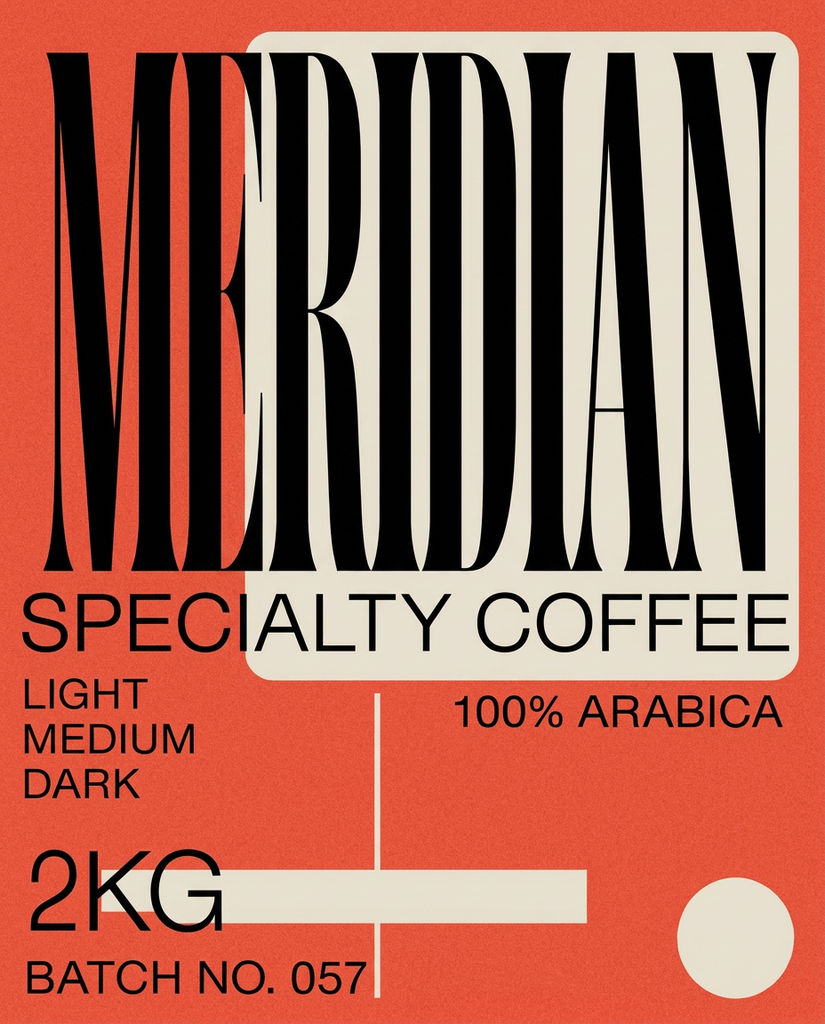
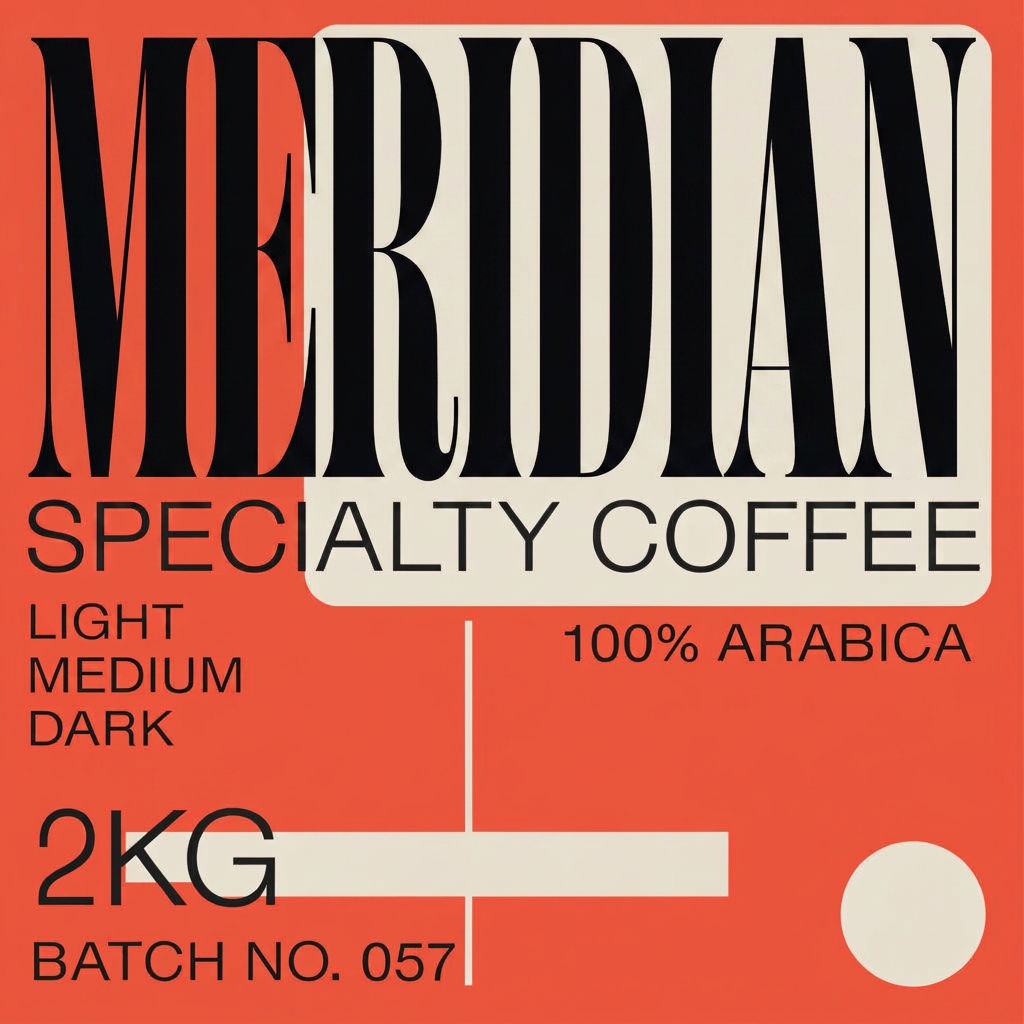
Type a brand name, tagline, and brand brief, then get back a matching logo, business card, packaging, social tile, and motion tease.

Founders and Indie Makers
Founders without a design team use this AI graphic design generator to stand up a first identity, from logo lockup to packaging, before the brand goes public.

Solo Designers and Studios
Solo designers and small studios run this design generator early in a project, putting a full set of on-brand comps in front of a client in one sitting.

Marketing and Social Teams
Marketing teams lean on AI design to keep campaign tiles, packaging shots, and launch assets visually consistent across a rollout.
How to use Techniques?
Discover how to utilize AI Design Generator for different scenarios.

Add inputs
Upload images, videos, or type in the prompts to get started.

Generate outputs
Next, hit the "Generate" button to start generating your outputs.

Edit and export
Refine your outputs on canvas, or download them directly.
Frequently asked questions
All you need to know about AI Design Generator
What an AI design generator has to get right
An AI design generator has to hold one look together across a logo, a poster, a business card, a packaging panel, a social tile, and a motion tease. All six should read as the same studio on the same afternoon. One beautiful asset sitting next to five that are slightly off is worse than six that are merely consistent.
Two things decide whether that coherence holds: how tightly you write the brief, and whether the system survives being resized. Try it on FLORA with a brand name you have been sitting on.
A brand brief is a constraint list, not a mood
Look at how the preset on this page is written: a specialty coffee roaster, warm terracotta with bone-cream and charcoal, tight high-contrast geometric-serif Swiss typography, a soft risograph warmth. That brief is doing four separate jobs at once, and none of them are vibes.
- Palette. Named colors, not moods. Terracotta, bone-cream, and charcoal give the model three specific values to hold across every asset. "Warm and inviting" gives it nothing.
- Type classification. Geometric serif is a category a designer would recognize. Adding "tight" and "high-contrast" specifies the setting and the stroke weight. "A nice modern font" specifies neither.
- Print process. Risograph carries its own texture, registration slip, and ink behavior. Letterpress, offset CMYK, and matte foil each carry a different one.
- School or era. Swiss brings grid discipline and generous whitespace. Memphis, brutalist, and mid-century would each pull the same palette somewhere else entirely.
A brief naming all four produces assets that share a spine. A brief saying "modern, clean, minimal" produces six unrelated pictures, because those words constrain nothing.
One system, wildly different sizes
The assets in a kit are not viewed under the same conditions, and a design that ignores this falls apart in use.
- A mark has to stay legible at favicon size and hold up on a storefront sign. Fine detail that reads beautifully at poster scale turns to mud at sixteen pixels.
- Packaging is read at arm's length, under retail lighting, next to competitors. Contrast matters more than nuance.
- A social tile is read at thumbnail while someone scrolls past. Type that sits comfortably on a business card is illegible there.
- A launch tease is usually watched with the sound off, so whatever it needs to communicate has to land on picture alone.
Reading as one brand means the system flexes for each of those without changing identity. The palette and type classification stay fixed while the hierarchy shifts. Anyone comparing the best AI graphic design generator options is testing for this: range held together by consistent constraints, rather than a single attractive output.
What people actually mean by free
Searches split into two intents. Someone looking for a free AI design generator usually wants to test output quality before committing. Someone typing AI design generator free is more often asking whether they can use the result commercially without paying for it.
Those are different questions, and the second one matters more. Whatever tool you land on, check the resolution you can export at, whether the license covers commercial use, and whether the mark is distinctive enough to build on before you put it on packaging. A phrase like AI graphic design generator narrows the category to layout and mark-making rather than photography, which is the more useful search if identity work is what you are after.
Building the rest of the system
- Set direction before generating anything with the moodboard maker.
- Lock exact values using palette pull, so later assets inherit the same colors rather than approximating them.
- Push the identity onto assets the first run didn't cover with the brand extension generator.
- Build a matching interface set with the icon pack.
- Bring packaging to life using product motion.
- Generate supporting campaign imagery outside the identity kit on the AI image generator page.
One last check before you use any of it. Put the assets side by side at the sizes they will actually appear, not at full resolution, and see whether they still read as one brand. Most incoherence only becomes visible at working scale.
Related techniques
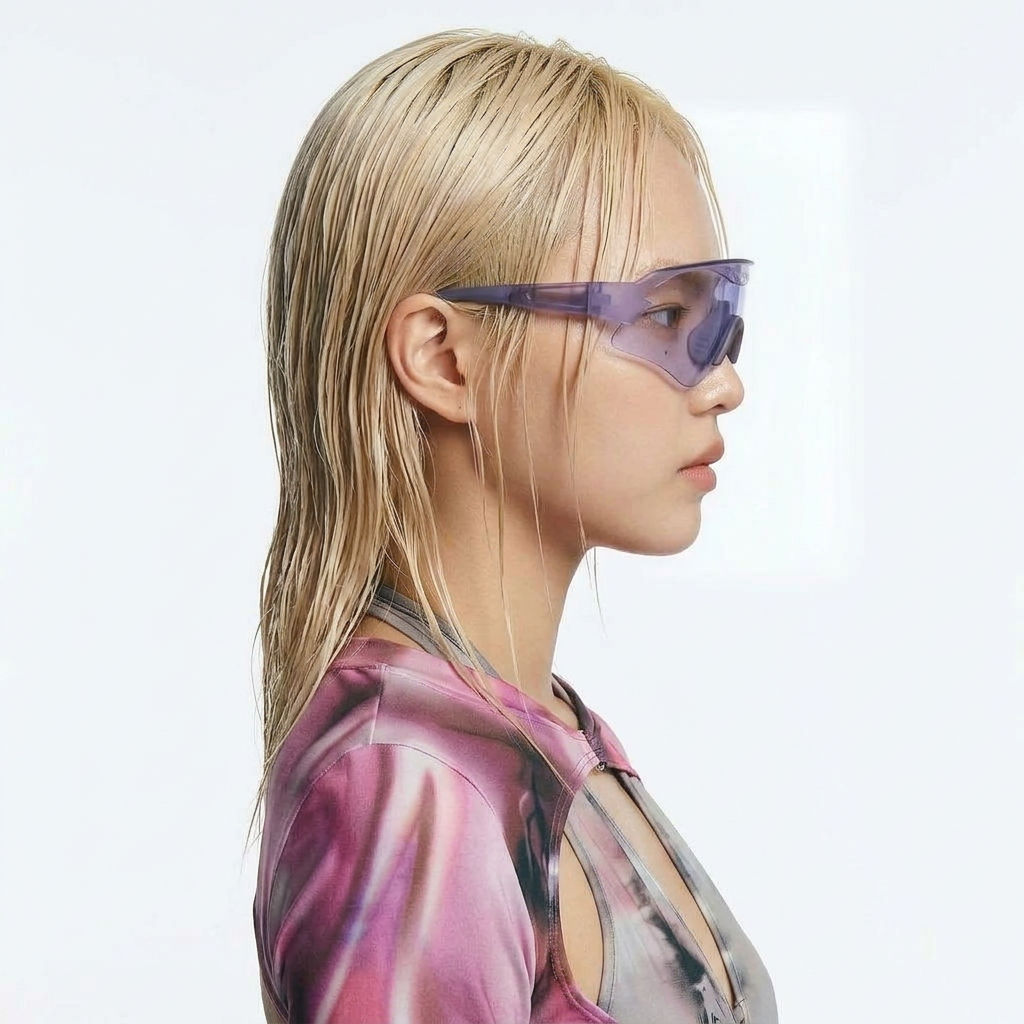 Character LockOne character, 6 different angles
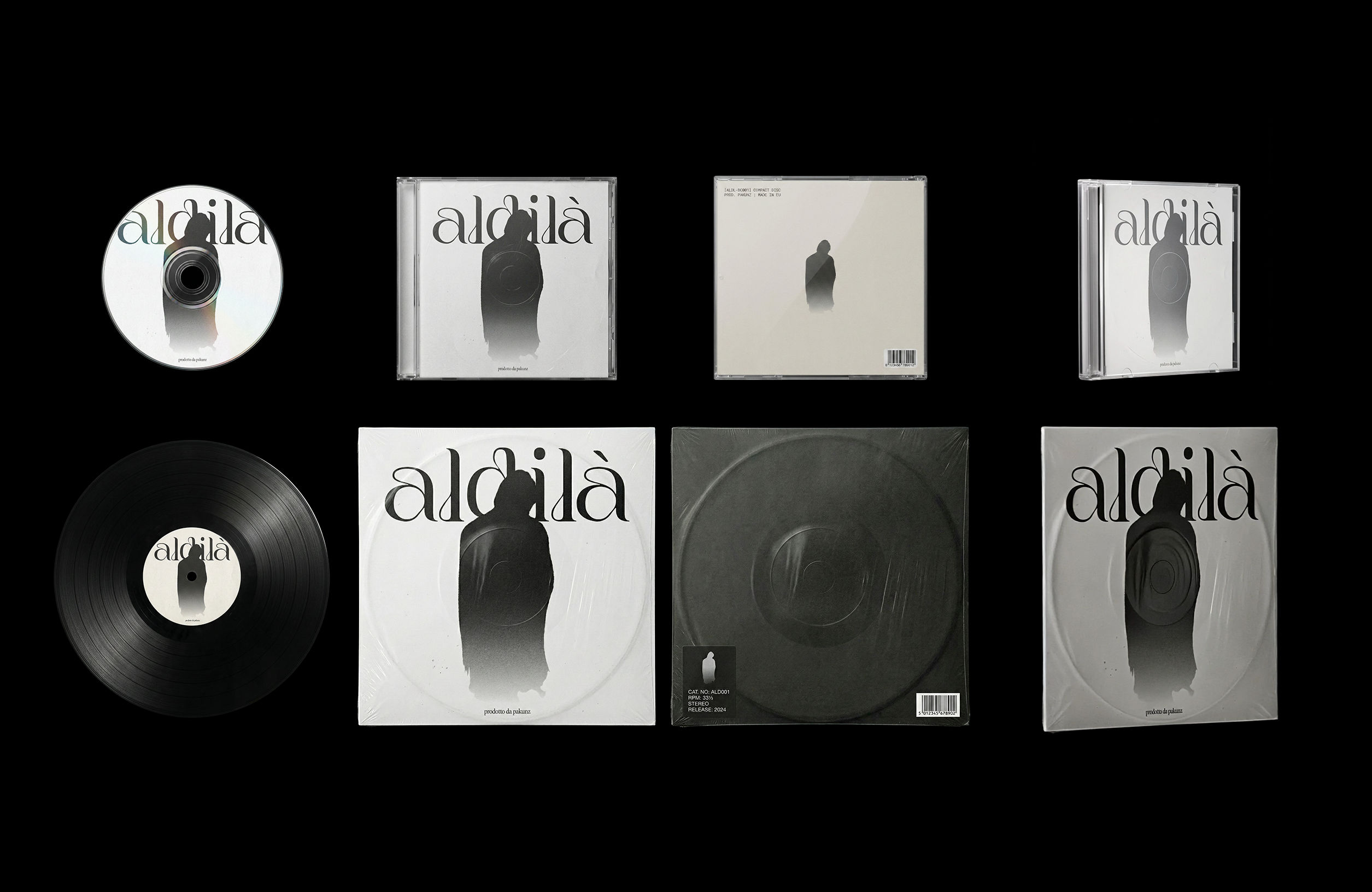 CoverArtTransform a single artwork into a full set of physical music assets.
CD, vinyl, posters: all consistent, clean, and ready to use.
CoverArtTransform a single artwork into a full set of physical music assets.
CD, vinyl, posters: all consistent, clean, and ready to use.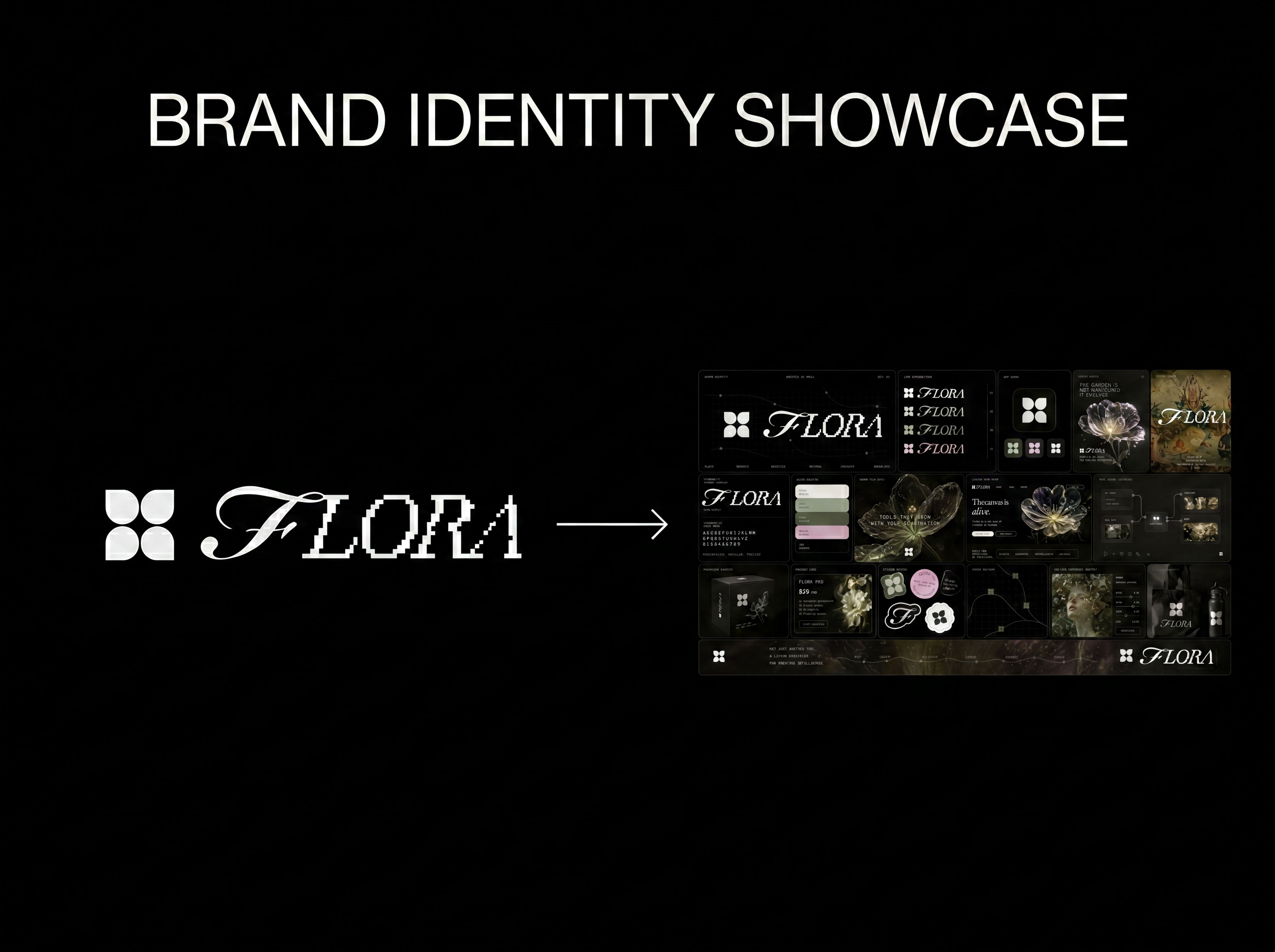 Logo to Brand IdentityUpload any logo. The technique analyzes its letterforms, construction, color, and finish to infer the brand's category, audience, and visual direction.
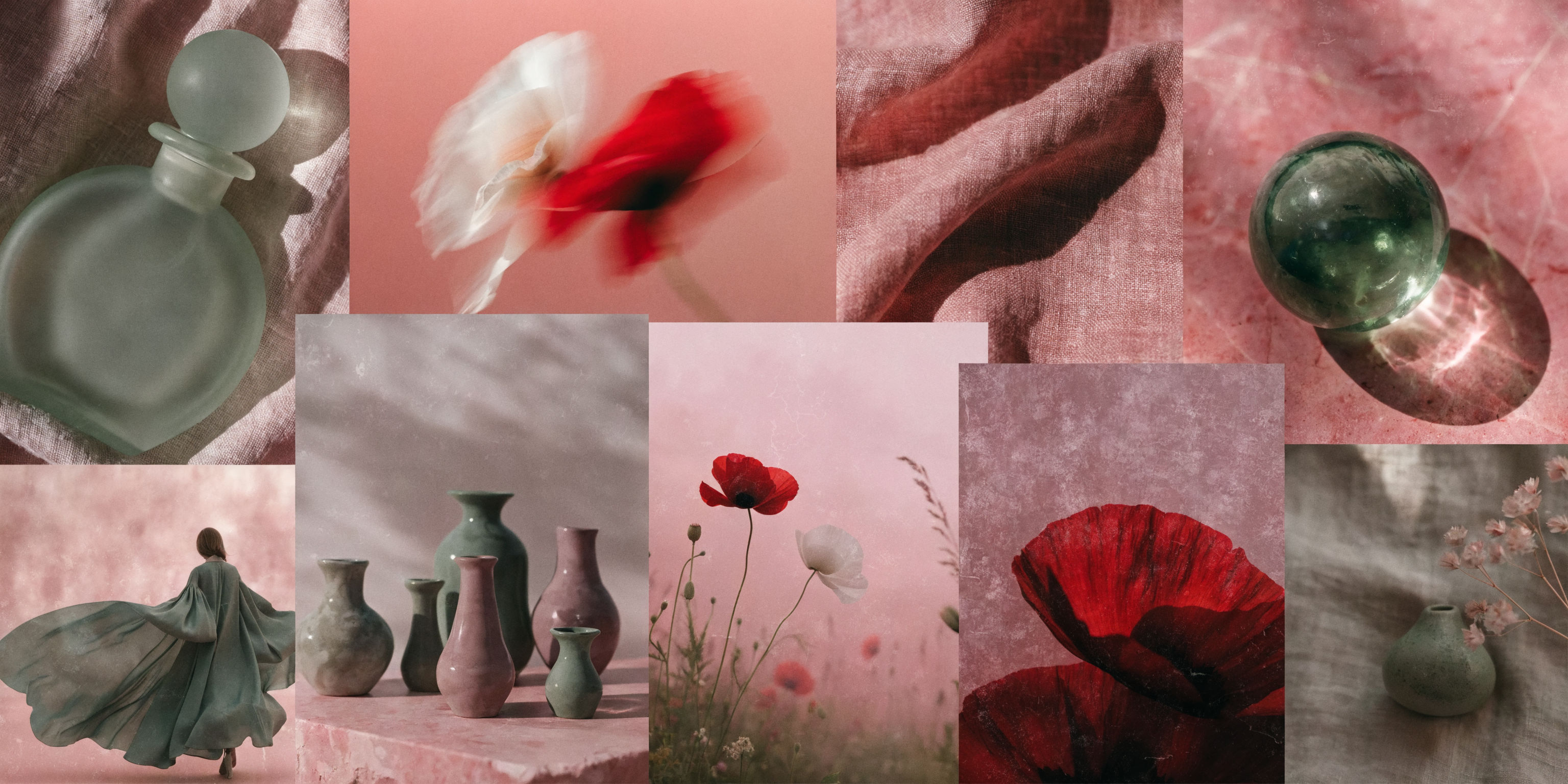 Mood Board MakerEclectic mood board from a photo
 Font BuilderDesign a whole font from a single letterform.
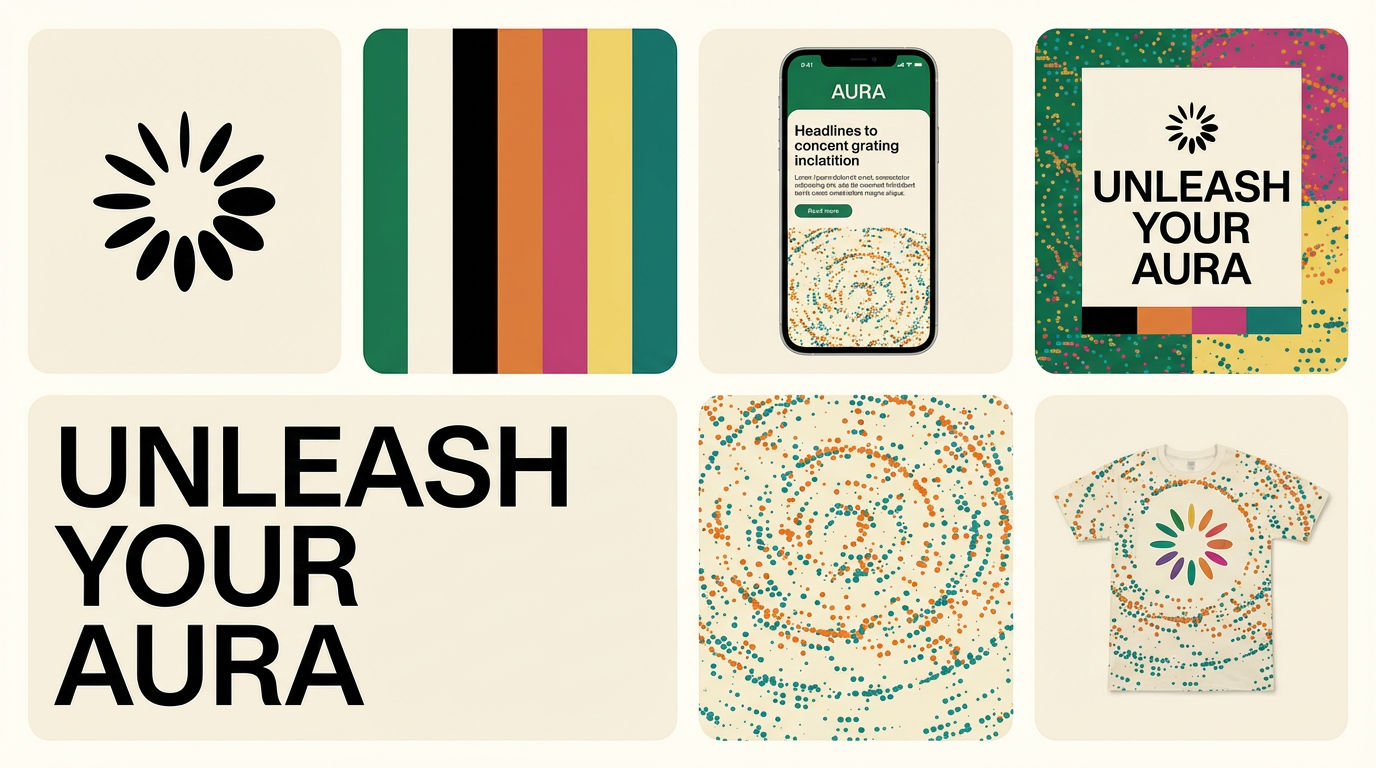 Brand Extension GeneratorDrop brand details, get identity boards
Use the AI Design Generator to Turn One Brand Brief Into a Whole Identity Kit
type one brand brief, get a whole cohesive visual identity kit. Useful for: founders, indie makers & solo designers who need a logo + poster + packaging + social + a motion tease that all read as ONE brand — without hiring a studio or opening Figma.

Louis Anderson