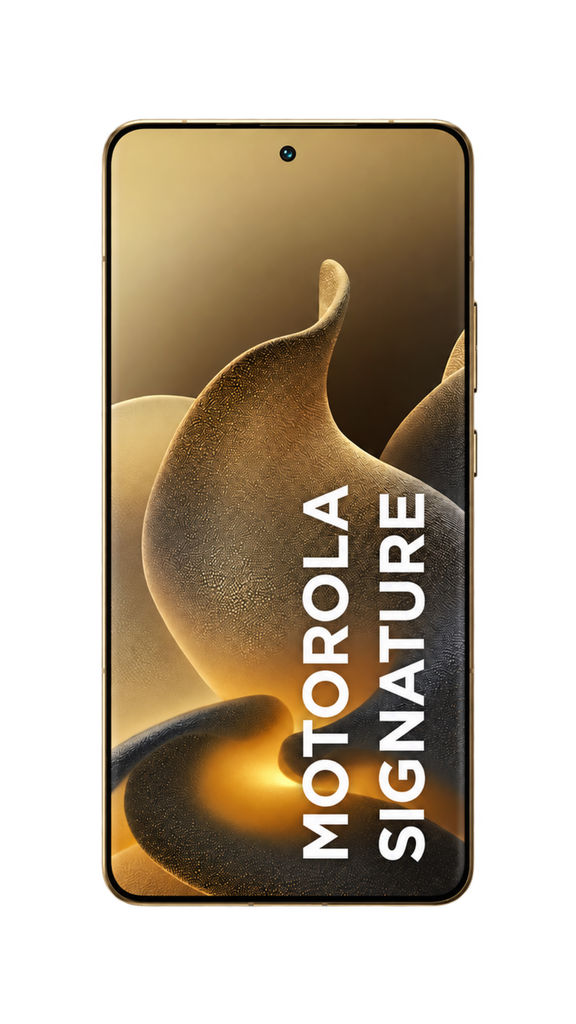


Run this AI-powered technique in your browser. Upload your inputs, hit generate, and get professional results in moments.

Creative Production
Design teams use FLORA techniques to produce professional-quality creative assets in seconds, accelerating production timelines and reducing dependency on manual editing.

Marketing Content
Marketing teams generate on-brand visual content for campaigns, social media, and ads — iterating quickly on concepts without waiting for design resources.

Product Visualization
E-commerce and product teams create high-quality product visuals, mockups, and lifestyle imagery to showcase their offerings across channels.
How to use Techniques?
Discover how to utilize 360 Product Video for different scenarios.

Add inputs
Upload images, videos, or type in the prompts to get started.

Generate outputs
Next, hit the "Generate" button to start generating your outputs.

Edit and export
Refine your outputs on canvas, or download them directly.
Frequently asked questions
All you need to know about 360 Product Video
Related techniques
Product Lookbook GridTurn products into styled grid layouts
Material 3D Logo Render EngineUpload a logo, get it rendered in 3D across a set of materials.
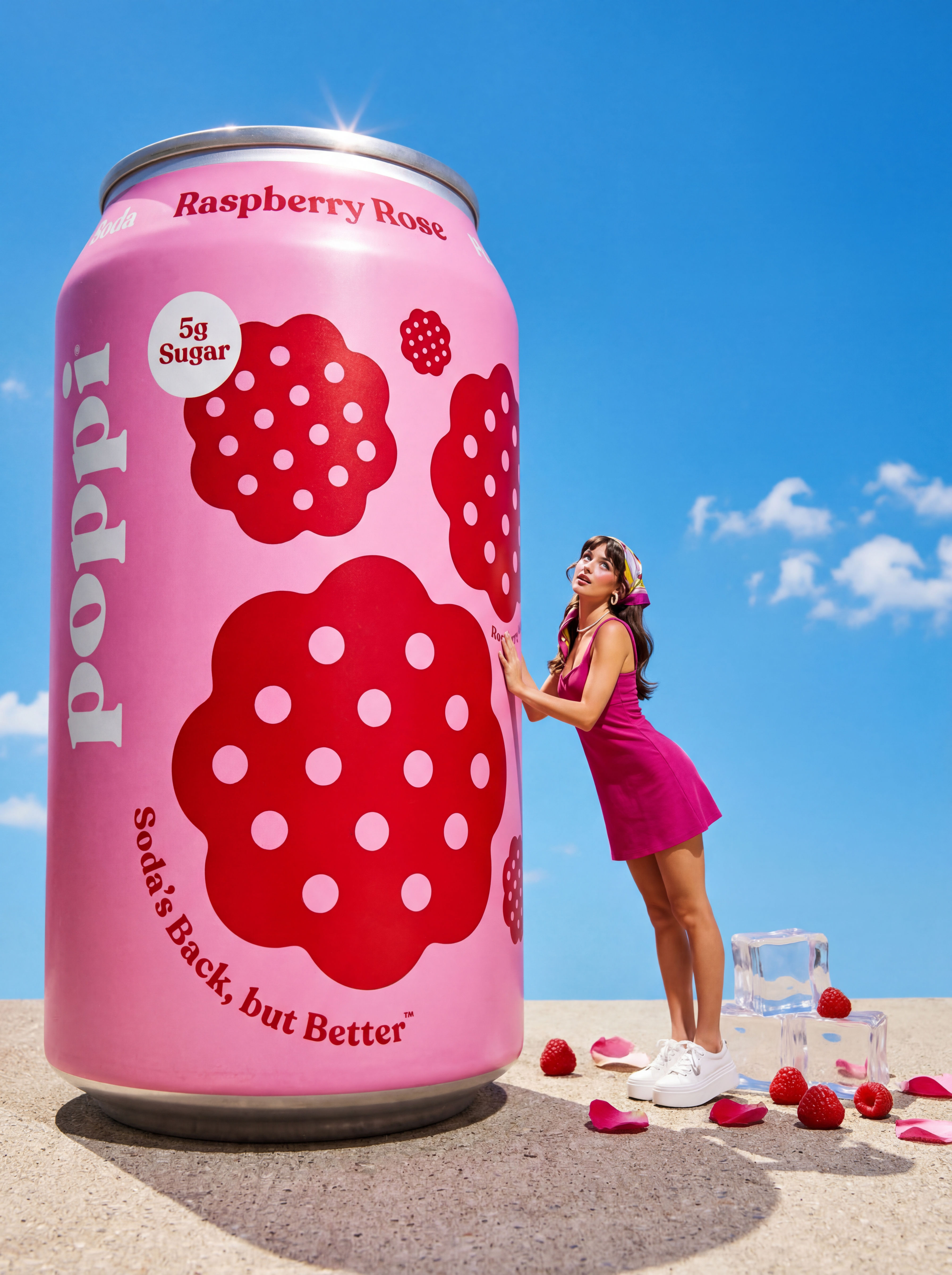
Product to Ad VisualsMake a compelling ad campaign of 4 visuals from 1 product shot
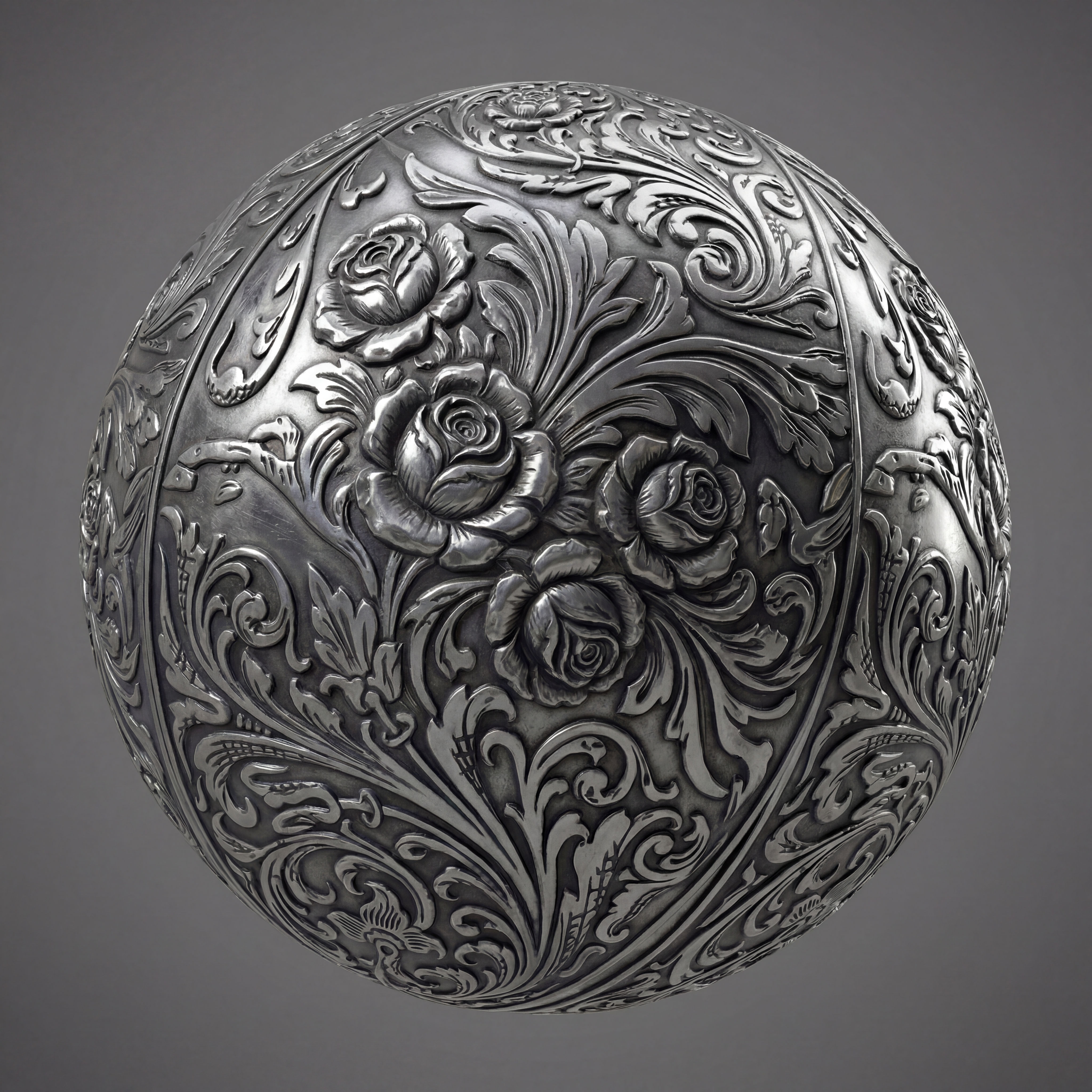
Texture Pack ExtractorExtracts the main material of an object in an image and transforms it into usable textures for 3D projects
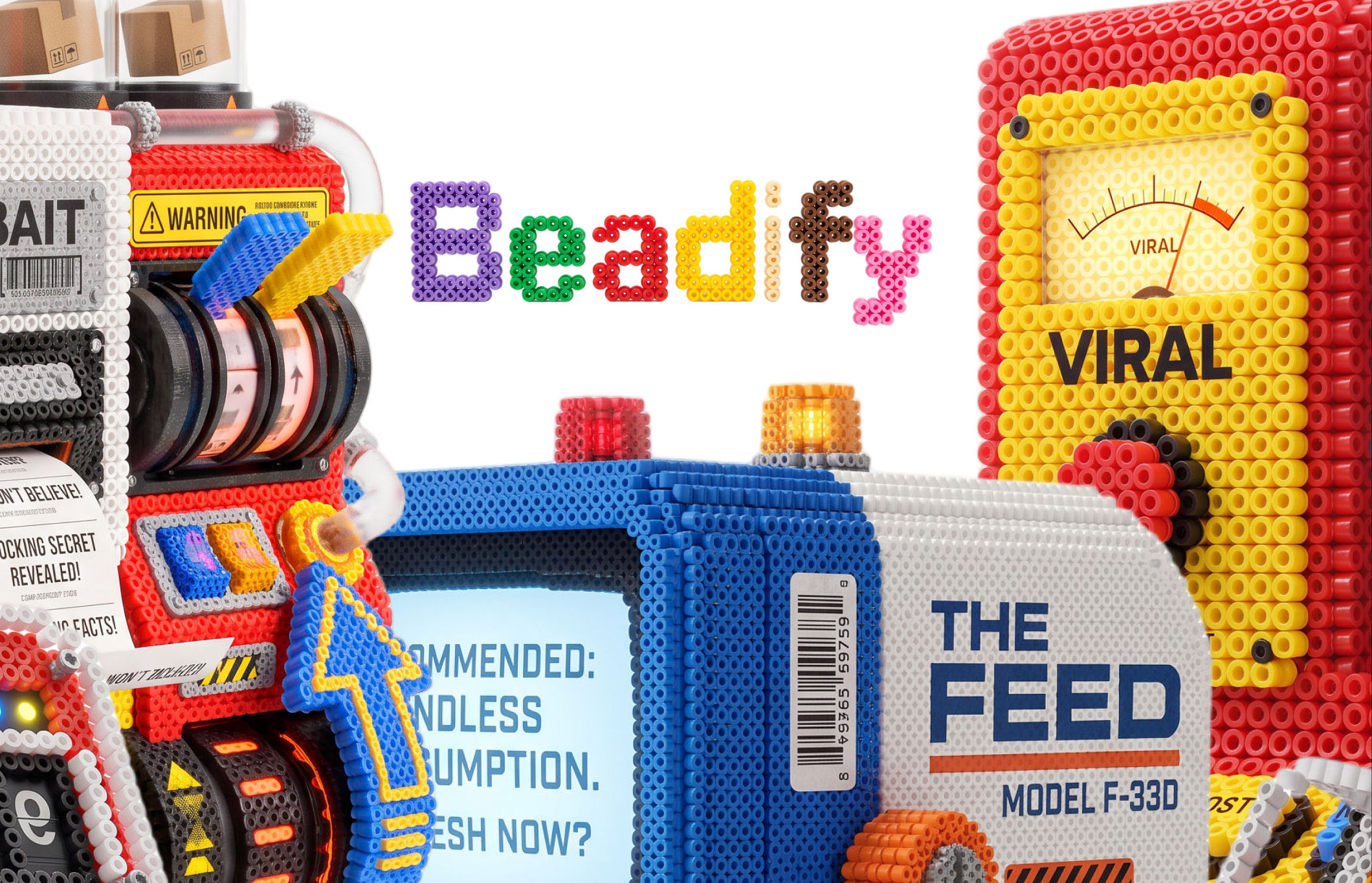
BeadifyTurn any object or 3D render into a physical Perler bead mosaic. Upload a photo — get back a beaded version of it
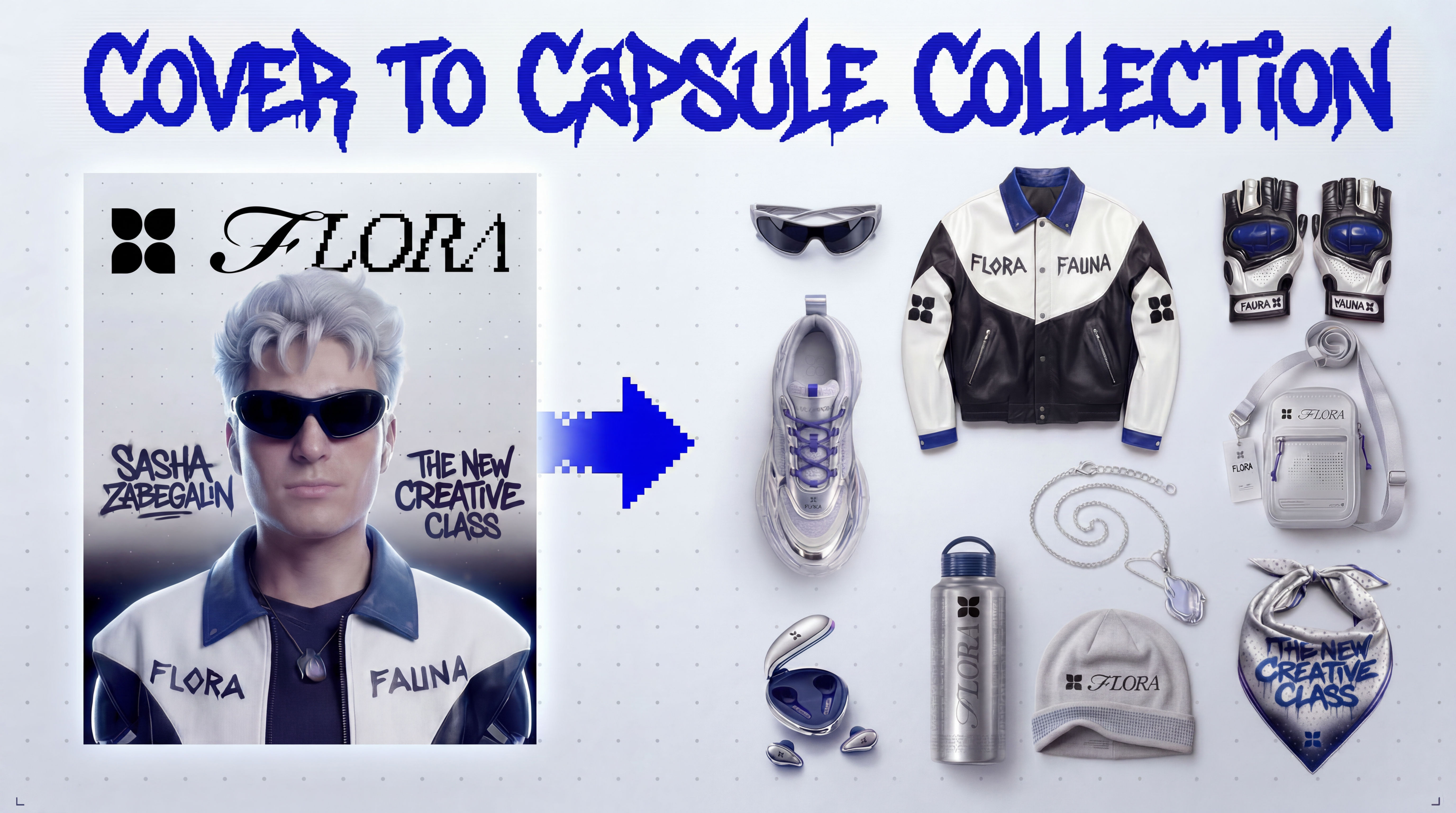
Cover to Capsule CollectionTurn any magazine cover into a 12-piece capsule collection.360 Product Video
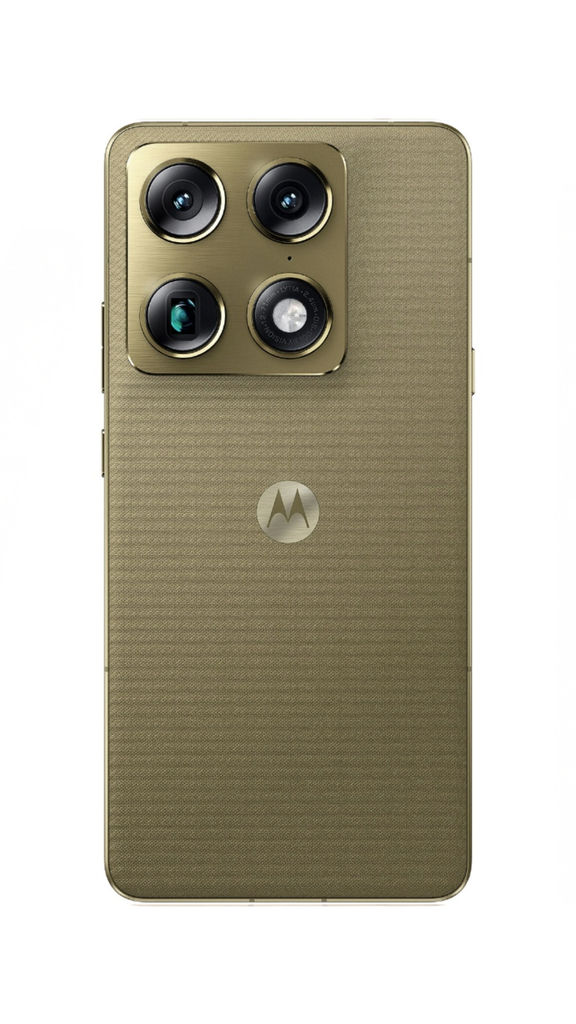
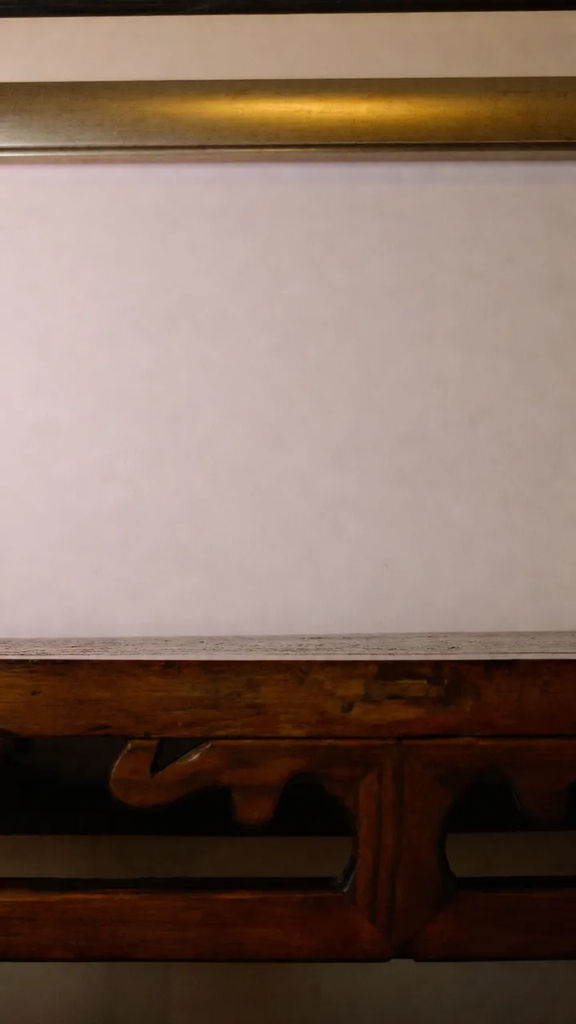
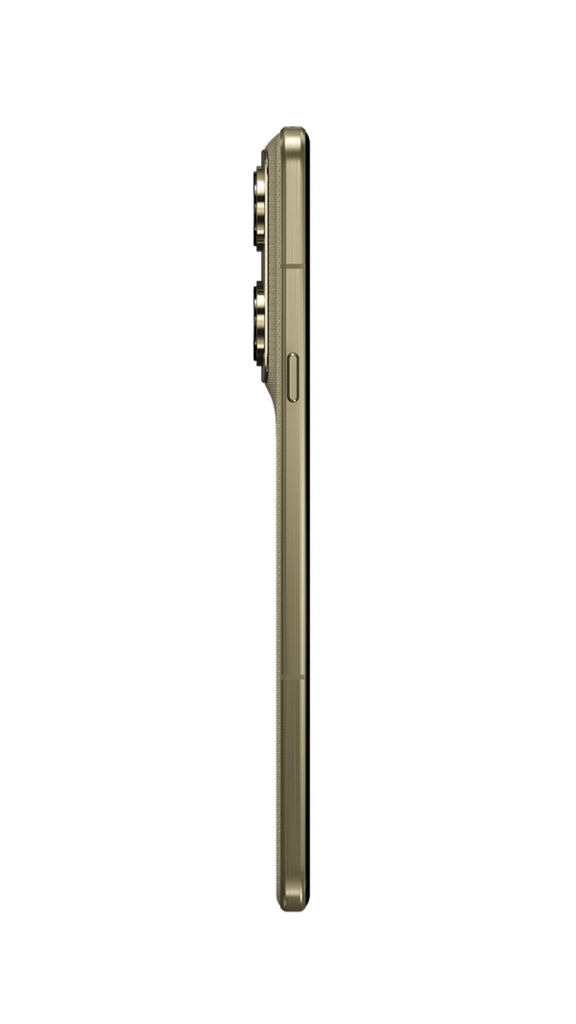
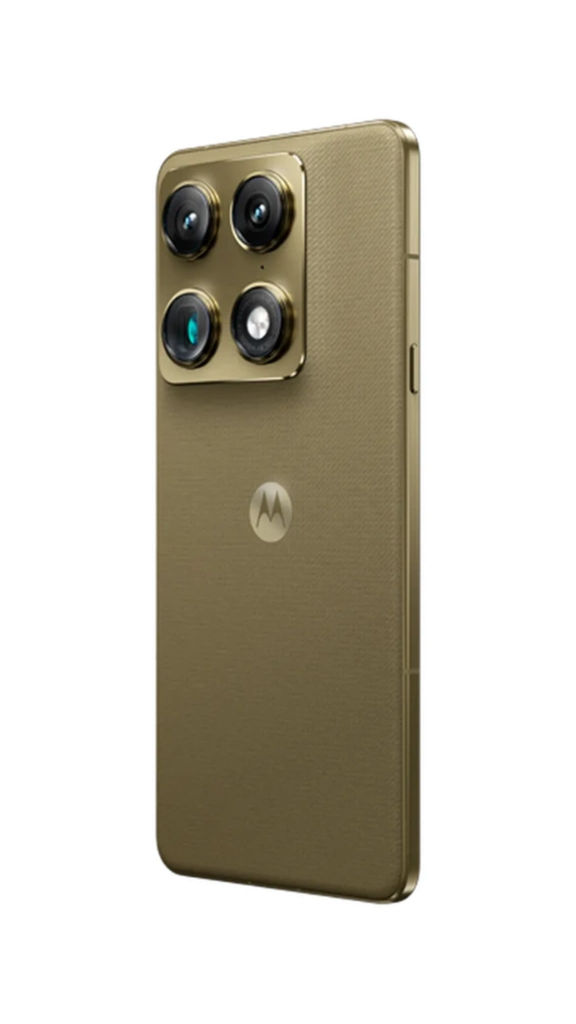
Generate a 360 3D Video for your product using only 2D images and place it in any background. Super easy and time saver. Developed by: Michelle Douglas @mispace
Michelle Douglas